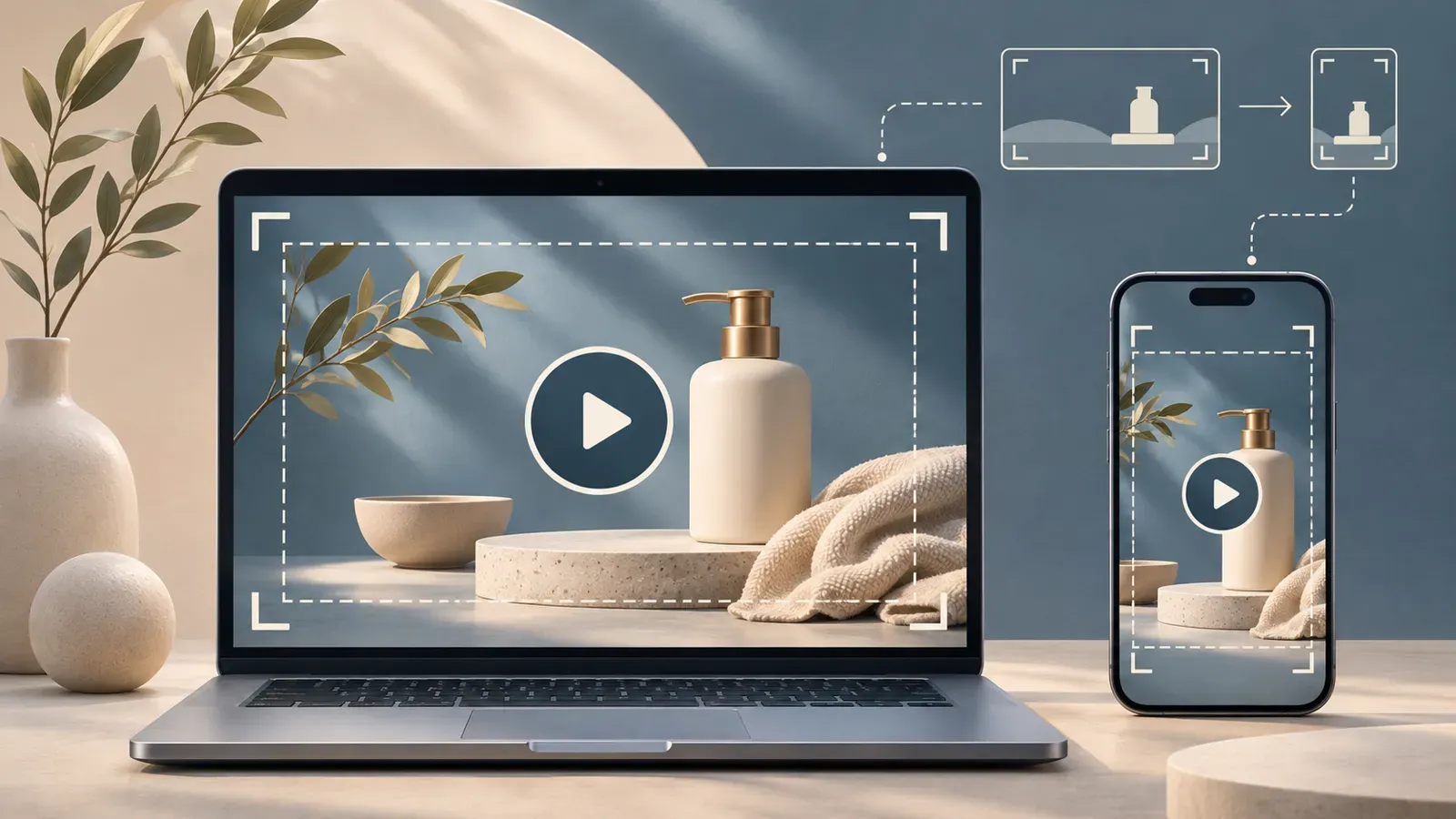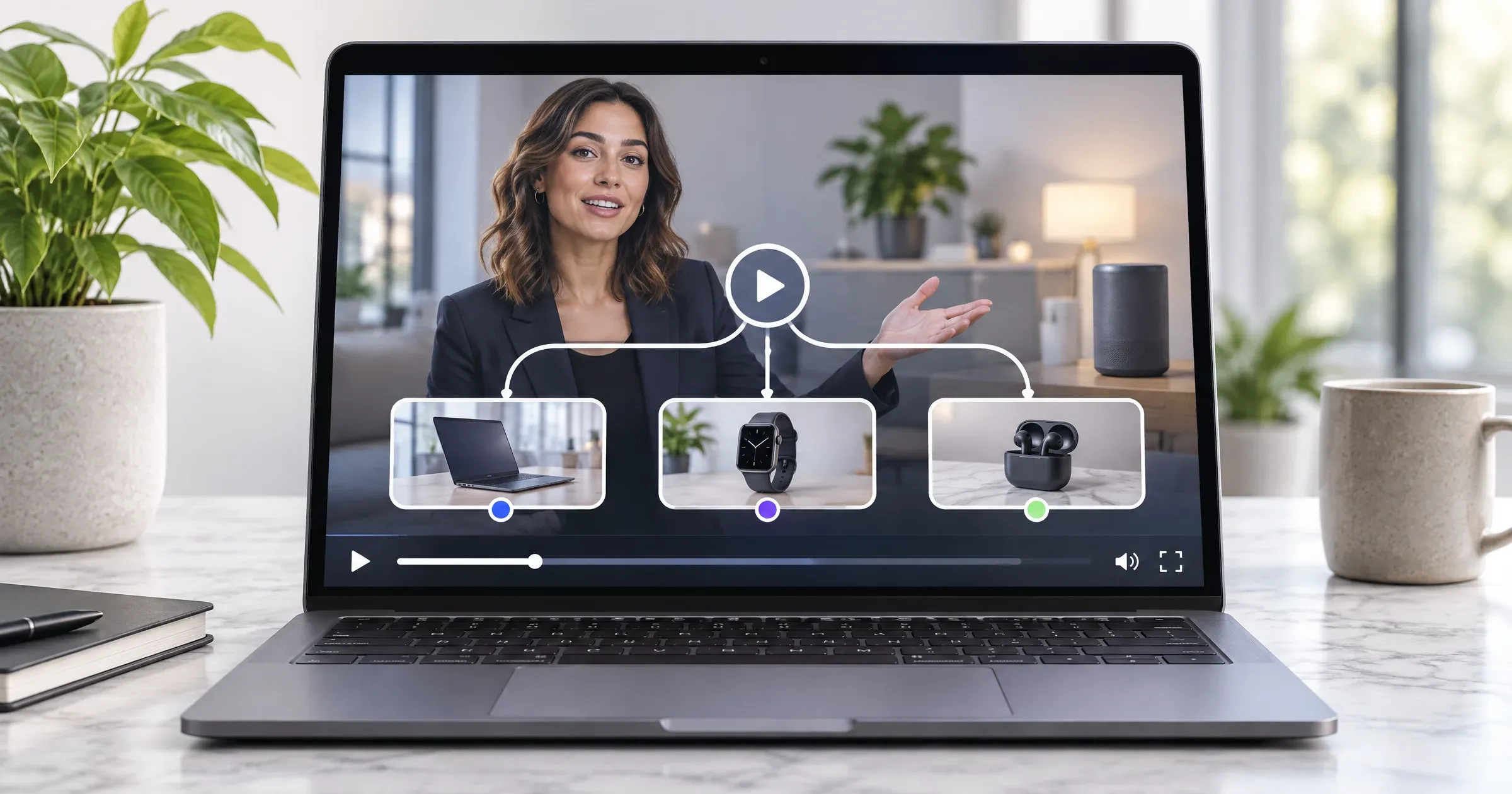
Shoppable video for an ecommerce website is a product video with interactive links or controls that let shoppers explore and sometimes add featured products to a cart while they watch. It is useful when a shopper needs to identify several products, compare options, or select a variant shown in context. If the video demonstrates one product, a normal video followed by a clear buy button may deliver the same explanation with less integration and upkeep.
The key decision is whether shopping controls solve a real discovery problem. Hotspots add a second system to your product page: video timing and controls must stay aligned with product data, inventory, variants, and cart behavior. The video host delivers the media; it does not automatically keep those commerce details correct.
📋 TL;DR • Use hotspots for contextual discovery: They can help when a video features multiple products, accessories, or selectable variants. • Start with the simpler baseline: One product, one clear product page, and one visible buy button may be enough. • Define the commerce contract: Map each interaction to a product or variant, confirm current price and stock, and test the cart and checkout path. • Design for every shopper: Make controls usable by touch, keyboard, and screen reader, and keep a standard purchase path available. • Measure completed shopping outcomes: Compare add-to-cart and checkout results alongside page performance, not video views alone.
What is shoppable video on your own store?
Onsite shoppable video is a product demonstration with controls that identify featured products, open their details, or offer a cart action on a page your business controls.
This differs from creator-led social shopping, livestreams, and feeds of user-generated clips. Here, the challenge is connecting your video to your catalog and purchase journey.
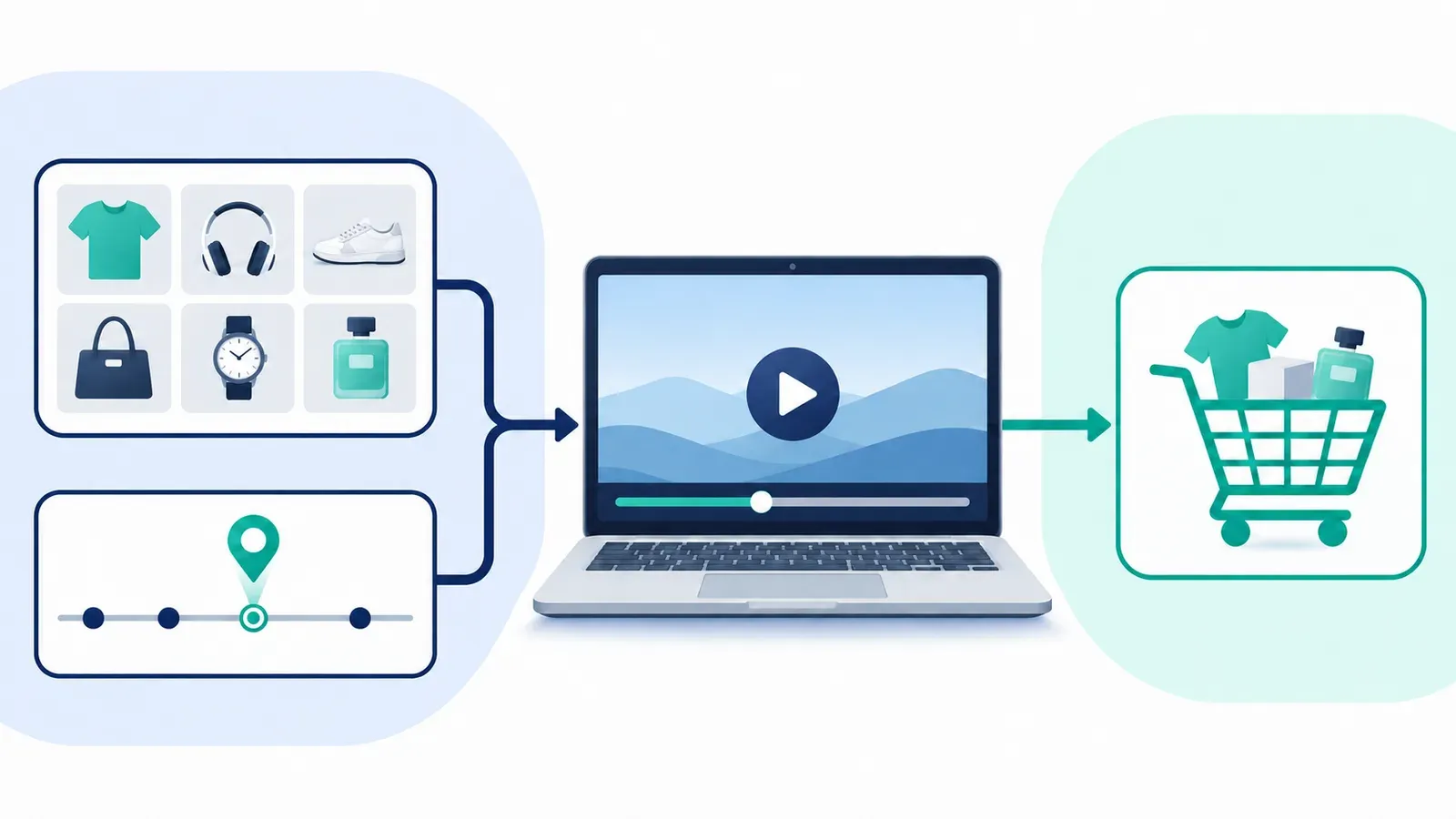 Video delivery and the shopping integration have separate responsibilities.
When should you choose hotspots over a product video with a buy button?
Shoppable video hotspots are worth considering when shoppers need help identifying several products or options in a scene. A room tour featuring a sofa, lamp, rug, and table may benefit from links to each item. A demonstration of one blender may not; the product page already has purchase controls.
| Approach | What the shopper does | Setup and upkeep | Often a better fit when |
|---|---|---|---|
| Product video plus buy button | Watches the demonstration, then uses the page’s product and purchase controls | Video placement, a clear CTA, and the existing product page | The clip focuses on one SKU or a small set already listed nearby |
| Video with hotspots or product cards | Selects a featured item or variant while watching | Video plus timestamp/product mappings, catalog data, interaction design, and cart testing | Several products or options appear in context and are difficult to identify otherwise |
Controls can shorten the path from seeing an item to finding it, but they can also obscure the video, show stale prices, or lose a selected variant. Treat each as part of the buying interface.
See our product video best practices and ecommerce product video guide. Add hotspots when they solve a specific task, such as finding items in a styled room.
Choose a hosted shopping layer or keep the standard page
If hotspots solve a real discovery task, evaluate a hosted shopping app against your actual catalog and cart, not its demo alone. Ask the vendor to demonstrate variant selection, stock changes, product URL changes, mobile controls, and export of hotspot mappings on your storefront configuration. Confirm who handles integration updates and what remains on the page after uninstalling it.
Start with the tool type that fits your store. For Shopify, Whatmore lists monthly shoppable-video plans. For WooCommerce, ProductReels is a free plugin for product-tagged reels. A standalone shoppable-video platform such as Firework offers custom pricing. Check current terms, supported themes, and variant behavior before choosing; we have not tested these products.
| Comparison criterion | What to check |
|---|---|
| Platform | Does it support your store platform and theme? |
| Variants and cart | Can it select the right variant and preserve it in your cart? |
| Accessibility | Can shoppers use controls by keyboard and touch, with visible focus? |
| Analytics | Can you export interaction and purchase data using your existing event definitions? |
| Pricing model | Is the plugin free, billed monthly, or custom priced, and what limits apply? |
Assign ongoing ownership of the integration before choosing custom development.
How do shoppable video catalogs and carts connect?
Shoppable video integration connects each hotspot to a catalog record, then passes the selected item and options to the store’s cart. The catalog should remain the source of truth for product details. Before building, write down what happens when someone selects a product and what data the interface may display.
Map moments to product records
Map each hotspot to a stable product identifier and, when relevant, a variant identifier. Names and URLs can change, so they should not be the only connection to the catalog record. If the video shows a red jacket but the selected item defaults to black, shoppers may believe they are buying what they saw. Link the matching variant or make the next choice explicit before adding it.
Keep price and availability current
Decide how the interface reads title, price, options, and stock. If it copies values into another system, define update frequency and the failure state. If it reads from the store when a card opens, test what happens when the item is unavailable. Do not show an out-of-stock item as purchasable; show its status, link to an alternative, or send shoppers to its product page.
Preserve cart and checkout continuity
Decide whether an interaction opens product details, a cart drawer, or checkout. Confirm it preserves the variant, quantity, and required options, and returns a clear response if the request fails. Test the full storefront path, including whether the shopper can return to the video without losing their place. Shopify, WooCommerce, and custom storefronts differ in their APIs, themes, apps, and cart behavior, so compatibility claims should be confirmed against the specific store configuration. Our Shopify video hosting guide covers the media side of adding product video to Shopify.
According to Shopify’s Ajax Cart API documentation, an add-to-cart request uses a variant ID and quantity. Its examples use the store’s locale-aware route to cart/add.js. A clickable product label alone is not a cart integration: the shopping layer must send the right variant and handle the store’s response.
According to WooCommerce’s Store API documentation, cart-item responses include quantity, variation attributes, prices, and quantity limits. Use those fields in your acceptance checklist: confirm the displayed item matches the cart item, rather than treating a successful button click as proof that the purchase path is correct.
We tested a timed hotspot against a local WooCommerce 10.3.6 store on WordPress 6.9.1, using one shirt with red and blue variations; current WooCommerce requires WordPress 7.0. The Store API returned HTTP 201 for the red add; adding blue produced a separate cart line, while adding red again increased its quantity. This was a local fixture, not a checkout or inventory test, and we did not test Shopify.
How do you make shoppable video accessible on phones and keyboards?
Accessible shoppable video needs touch-friendly product controls, keyboard access, captions, and a visible route to the ordinary product page. A hover-only hotspot is not enough on a phone. Avoid hiding the only route to product details inside a transient overlay, and check that overlays do not obscure playback controls or captions.
According to W3C’s target-size guidance, WCAG 2.2’s Level AA minimum is 24 by 24 CSS pixels, with exceptions including sufficient spacing and equivalent controls. That is a minimum, not a reason to make an important buy button tiny.
According to W3C’s keyboard compatibility guidance, all functionality must be keyboard usable, with logical tab order and a way to close pop-ups. Give each product control a descriptive accessible name, a visible focus indicator, and predictable focus movement when its panel opens or closes.
According to W3C’s captions guidance, captions include speech and important sounds, and help people watching in both silent and noisy environments. Describe important visual details in the surrounding page copy when captions alone cannot explain them. See our guide to video accessibility, captions, transcripts, and WCAG for the media side.
In that same local fixture, Chrome 156 at a 390-by-844 CSS-pixel viewport reached the hotspot by keyboard after the video controls; its visible focus outline appeared while the video played, and Enter and Space each added the red variation. The button exceeded the minimum target size. An axe scan flagged missing landmarks and left captions for manual review, a reminder that automated checks do not cover every accessibility need. We did not test a screen reader, captions, full-screen playback, or a physical phone.
 Keep the product control large enough to use without covering the video controls.
Who maintains shoppable video after launch?
A named store owner or team should maintain the video’s product mappings, integration, and analytics after launch. In our WooCommerce fixture, each variation had its own ID, so retiring one would mean reviewing the hotspot mapped to it.
Before installing an app or commissioning custom work, agree who updates each asset, what you can export, and what stops working if the provider changes or is removed:
- Source video and finished media: Who owns the original footage, edited file, captions, and thumbnail?
- Hotspot metadata: Can you export timestamps, labels, links, and product mappings in a usable format?
- Catalog and cart connection: Does the store remain the source of truth, and which integration must be maintained when the theme or commerce API changes?
- Analytics: Can you access interaction and commerce events without depending on a vendor-only dashboard?
- Page placement: If an app is removed, does the page show a fallback video and CTA, or a broken block?
Assign someone to review hotspots when products, variants, or campaigns change. Remove or redirect discontinued items, and retest after theme, app, player, or cart updates.
🛒 Start with the video, then justify the shopping layer. A useful product demonstration still needs a clear place on your storefront, whether you add hotspots or keep the existing buy button. Explore SmartVideo’s website video solutions for fast product-video delivery.
How do you measure shoppable video’s effect on speed and sales?
Shoppable video should earn its place through completed purchases, not just video starts or hotspot clicks. Compare it with the same product video and a regular buy button. Track page performance alongside cart and checkout outcomes: extra scripts and product requests belong in the cost side of that comparison.
According to Milica Mihajlija’s guide, synchronous third-party scripts delay DOM construction and rendering; deferred loading and lazy loading are options for reducing their impact (Web.dev). Load a below-the-fold player near the viewport where practical, and compare Core Web Vitals and responsiveness before and after launch on desktop and a typical phone connection. Our guides to ecommerce video hosting and slow video and conversion discuss the delivery tradeoff.
Measure your actual integration on representative devices and networks; our localhost fixture cannot predict a store’s performance.
Video starts and hotspot clicks tell you whether people used the feature; they do not prove it helped them buy. Run a measured pilot against the simpler product-video-plus-button experience. Where traffic allows, split comparable visitors between versions. Keep product, offer, placement, and measurement window consistent.
Track product-page visits, video starts, hotspot interactions, add-to-cart by product and variant, checkout completion, page performance, and errors. According to Google’s GA4 ecommerce documentation, add_to_cart, begin_checkout, and purchase are distinct events. Keep the same commerce-event definitions in both pilot versions so video interactions do not get mistaken for completed orders.
Compare results per product-page session. Check whether more shoppers add items but fewer finish checkout, or whether purchases merely shift between products. A vendor lift is not a forecast unless its control group, timeframe, audience, and denominator fit your store.
According to Wyzowl’s 2026 survey, 85% of consumer respondents said video had convinced them to buy a product or service. The 266 respondents include both marketers and consumers. This is self-reported influence, not a controlled test of clickable hotspots against ordinary video (Wyzowl, 2026). For measurement beyond views and clicks, see video analytics metrics that matter.
What should you check before choosing shoppable video?
A shoppable video pilot is worth considering when contextual product discovery solves a real shopper problem and your team can maintain the buying path.
Use this checklist to decide whether hotspots deserve a trial.
- Do multiple products, accessories, or variants appear in the video?
- Does the shopper need help identifying or selecting them in context?
- Can each hotspot map to a stable product and, where needed, variant ID?
- Can the store show current price and availability and preserve cart state?
- Can you support touch, keyboard, captions, and a standard product-page fallback?
- Is there enough relevant traffic to compare the interactive page with a simpler version?
- Does someone own updates to video metadata, catalog mappings, and integration checks?
If most answers are no, revisit the choice when customer questions or analytics reveal a real discovery gap.
FAQ: Shoppable video for ecommerce
What is a shoppable video for an ecommerce website?
It is a product video on a store’s own website with controls that connect featured moments to products, variants, or cart actions. The store’s catalog and checkout remain central to the experience.
How does a shoppable video add a product to a customer’s cart?
A hotspot identifies a product and may let the shopper choose a variant before sending an add-to-cart request to the store. The integration should preserve the selection and show a clear success or error state. The exact flow depends on the platform and implementation.
Is shoppable video better than a product video with a buy button?
Not by default. Hotspots can help shoppers identify multiple items or options in context. For a video focused on one product, a buy button and existing product page often provide the needed path with less setup and maintenance.
Can shoppable video work with Shopify, WooCommerce, or a custom store?
Possibly; compatibility depends on the app or custom integration, theme, cart setup, and product data model. Verify product and variant mapping, stock handling, cart behavior, and compatibility with your storefront configuration.
How do shoppable videos keep prices and inventory current?
The interface should read current data from the store or use a documented synchronization schedule. Decide what happens when an item goes out of stock or syncing fails; do not show a stale price or unavailable item as purchasable.
Do shoppable video hotspots work on mobile devices?
They can, if controls work by touch and do not depend on hover. Check portrait and landscape layouts and keep a visible product link as a fallback.
Are shoppable videos accessible to keyboard and screen-reader users?
They can be, but the video player and shopping controls both need testing. Check the complete interaction with a keyboard and a screen reader.
How do I know whether shoppable video increases sales?
Compare completed purchases per product-page session with a suitable control. Keep the product and offer consistent and collect enough traffic for a useful comparison.
What should happen after a pilot?
If contextual product links improve completed checkout without harming performance or accessibility, expand carefully. Otherwise, use what you learned to improve the purchase path.