To cancel a Vimeo subscription, you need to turn off renewal with the company billing you. For a direct Vimeo purchase, open Membership plan → Billing → Cancel subscription and confirm. For an Apple App Store or Google Play purchase, cancel in that store instead. Save the subscription’s end date, then check your website embeds before paid access expires.
📋 TL;DR • Find the receipt to identify whether Vimeo, Apple, or Google Play bills you. • Cancel through that provider and verify that renewal is off. • Save the confirmation and end date; cancellation does not normally end paid access immediately. • Back up available video files and check storage, privacy, and live embeds before the plan lapses.
Source review: This guide follows Vimeo, Apple, and Google’s public support instructions checked October 22, 2026. We do not have a paid Vimeo account and have not tested the signed-in cancellation flow. The account’s displayed status and end date take precedence over this walkthrough.
Where should you cancel your Vimeo subscription?
Cancel your Vimeo subscription through the company that bills you, not necessarily the app you use to watch videos.
Search your email for a receipt and check the account named on it. If you cannot find a receipt, use your card or bank statement to identify the billing company before changing anything.
| Who bills you | Where to cancel | What to check afterward |
|---|---|---|
| Vimeo directly | Membership plan → Billing → Cancel subscription | Confirmation that renewal is off and the displayed end date |
| Apple | Settings → your name → Subscriptions on iPhone or iPad | Vimeo’s subscription status or expiration date |
| Google Play | Subscriptions in Google Play, using the purchasing Google Account | Canceled status and the date access ends |
| Vimeo Enterprise | Contact your account manager | Contract end or renewal terms in writing |
According to Vimeo’s cancellation instructions, app-store subscriptions do not show a cancel option in Vimeo Billing. Enterprise accounts have separate contract terms, so contact your account manager rather than assuming the self-service steps apply (Vimeo Help Center, 2026).
How do you cancel Vimeo on the web, Apple, or Google Play?
The Vimeo cancellation process depends on your billing provider. Use the matching steps below while signed into the account on the receipt.
Do not delete the app or your Vimeo account as a substitute for turning off renewal; keeping the account lets you inspect its videos and settings afterward.
If Vimeo bills you directly
- Sign in to the Vimeo account that owns the subscription and open its billing settings.
- Select Membership plan.
- Select Billing on the left.
- Select Cancel subscription in the lower-right corner.
- Confirm the cancellation.
Vimeo’s Help Center says billing settings require an active subscription or trial. If the cancel option is missing, check the receipt and account first. Free and Basic accounts have no paid subscription to cancel; mobile-store purchases must be handled in the relevant store, and Enterprise customers should contact their account manager.
If Apple bills you
On an iPhone or iPad, open Settings, tap your name, then Subscriptions. Select Vimeo and tap Cancel Subscription. According to Apple Support, no Cancel button or an expiration message in red text means the subscription is already canceled. If Vimeo is missing, check which Apple Account appears on the receipt (Apple Support, 2026).
On a Mac, open the App Store and click your name at the bottom of the sidebar. On the account page, click your name again, open Subscriptions, select Vimeo, and choose Cancel Subscription. Apple also provides web-based subscription management through the support page linked above; an iPhone is not required.
If Google Play bills you
Open Subscriptions in Google Play using the Google Account that made the purchase. Select Vimeo, tap Cancel subscription, and follow the instructions. Google explicitly warns that uninstalling an app does not cancel its subscription. If Vimeo is missing, check that you are using the purchasing account (Google Play Help, 2026).
How do you confirm Vimeo renewal is off?
Confirm a Vimeo cancellation by returning to the billing provider’s subscription page and checking its status and end date.
Vimeo says paid features remain available until the current billing cycle ends; afterward, the account lapses to Free or Basic. Google Play likewise says access continues for the time already paid.
For a monthly subscription, that means the remainder of the current paid monthly period; for an annual subscription, it means the remainder of the paid annual period—not just the current calendar month. Cancel before renewal rather than waiting until the last moment. Use the provider’s displayed date instead of calculating it from memory.
Save the confirmation and record the end date somewhere your site administrator can find it. If the status still says the subscription will renew, or the date is unclear, contact the billing provider before the next charge. A refund is not automatic; cancellation and a refund request are separate actions.
What changes when Vimeo paid access ends?
Canceling Vimeo stops renewal but does not delete your account. Once paid access ends, storage allowances, privacy settings, and player features can change.
A video can remain in your library while its website embed stops playing, so treat the downgrade as a separate check from confirming that billing has stopped.
Check your account’s plan and lapse terms before relying on a storage figure. Vimeo’s lapse-to-Free FAQ describes a 3 GB limit for managed videos; public videos with embedding turned off do not count toward that limit (Vimeo Help Center, 2026).
Vimeo’s lapse-to-Basic FAQ describes a 5 GB library limit. All videos count toward Basic’s limit regardless of privacy setting. The same FAQ warns that stored source files are deleted after 60 days on Basic and cannot be recovered (Vimeo Help Center, 2026).
On Basic, over-limit videos can become restricted: they cannot be played, edited, or downloaded, and their embeds and shared links stop working. On Free, over-limit videos can be frozen after a grace period; embeds stop working, but owners can play or download them during the six-month download window. After that, they enter cold storage before eventual deletion. Do not assume a video visible in your library is still accessible to a website visitor.
Privacy can break an embed independently of storage. Vimeo’s Free lapse FAQ says Password, Unlisted, and Embed only videos switch to Private, domain-level embed privacy changes to Nowhere, and player customizations revert to Free defaults. Check each affected video before changing privacy: making a formerly restricted video public may not suit a course or client project.
For help diagnosing those settings, see how to embed a Vimeo video and fix playback errors. If your library still needs paid privacy or player controls, compare the required features before canceling; our Vimeo pricing and limits guide can help frame that decision without treating a free downgrade as equivalent to a paid plan.
⚠️ Back up before deleting: Vimeo says deleting a frozen Free-plan video or a restricted Basic-plan video is permanent and bypasses Recently deleted. Basic’s restricted videos cannot be downloaded, so save available copies before the plan lapses.
How can you protect website videos before Vimeo expires?
Protect Vimeo website embeds by saving available files, inventorying affected pages, and checking playback and privacy before the paid-through date.
Cancellation does not require changing hosts. If you do want to move, keep the current embeds in place while you prepare a replacement rather than turning a billing change into an avoidable site outage.
Start with a page-by-page inventory: landing pages, lessons, product pages, help articles, and any shared templates containing a player. Record the video ID, page URL, account owner, privacy setting, captions, poster, and domain restrictions. Include team uploads: Vimeo’s Free lapse FAQ says those videos stay with the owner’s account, not the uploader’s personal account.
Download available versions while paid access remains active. Follow Vimeo’s library download instructions: select the correct Workspace, open the video, expand the downward arrow beside Share, choose Download, and select the version to save. Check the downloaded file before counting it as a usable backup.
An original source file is not guaranteed to be available. Vimeo’s source-file guidance says source storage must be enabled and paid membership maintained; files may be deleted when the subscription ends. Keep independent backups rather than treating Basic’s stated 60-day deletion timing as a universal recovery window for every account (Vimeo Help Center, 2026).
Save captions, poster artwork, titles, and access instructions separately. Resolve missing files or unclear ownership before expiry. When handing files to another administrator, keep a copy of the inventory with them; our guide to sending large video files covers transfer options without making Vimeo your only copy.
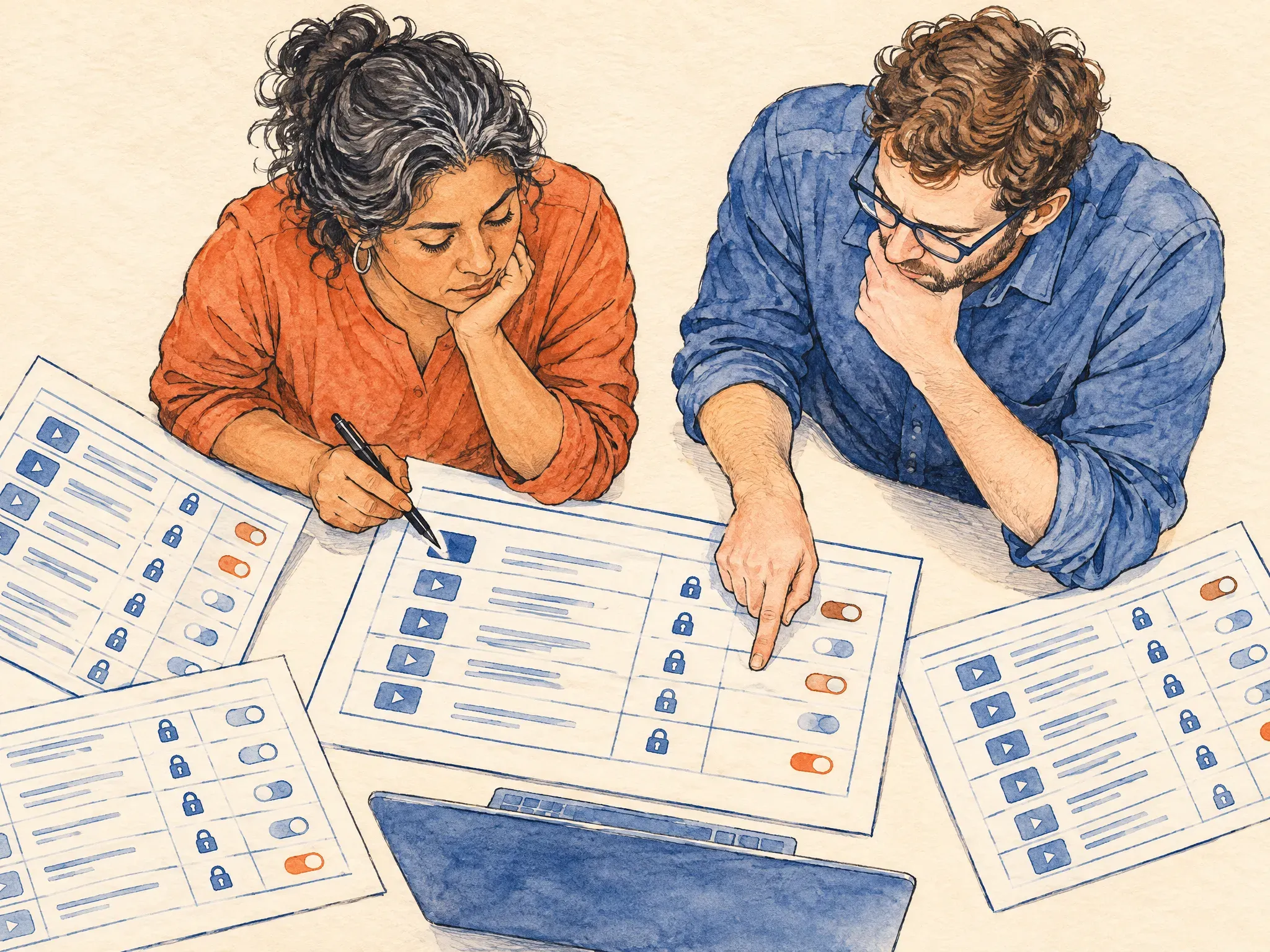 Inventory each video and its privacy requirements before your paid access ends.
Use this checklist for each important page, whether you keep Vimeo or replace it:
- Playback: Open the page logged out. Play the beginning, seek further ahead, and check the ending.
- Access: Check both intended viewers and someone who should not have access. Do not remove a privacy restriction just to make a test pass.
- Presentation: Check mobile sizing, captions, poster display, and the surrounding page layout.
- Handoff: Record the result, responsible administrator, and any change needed before expiry.
If moving hosts, start with staging or a low-risk page. Test on the production domain before replacing every embed, especially where domain restrictions apply. If keeping Vimeo, review the lapse rules beforehand and repeat the checks after expiry: a successful test on the paid plan does not prove that the downgraded settings will work.
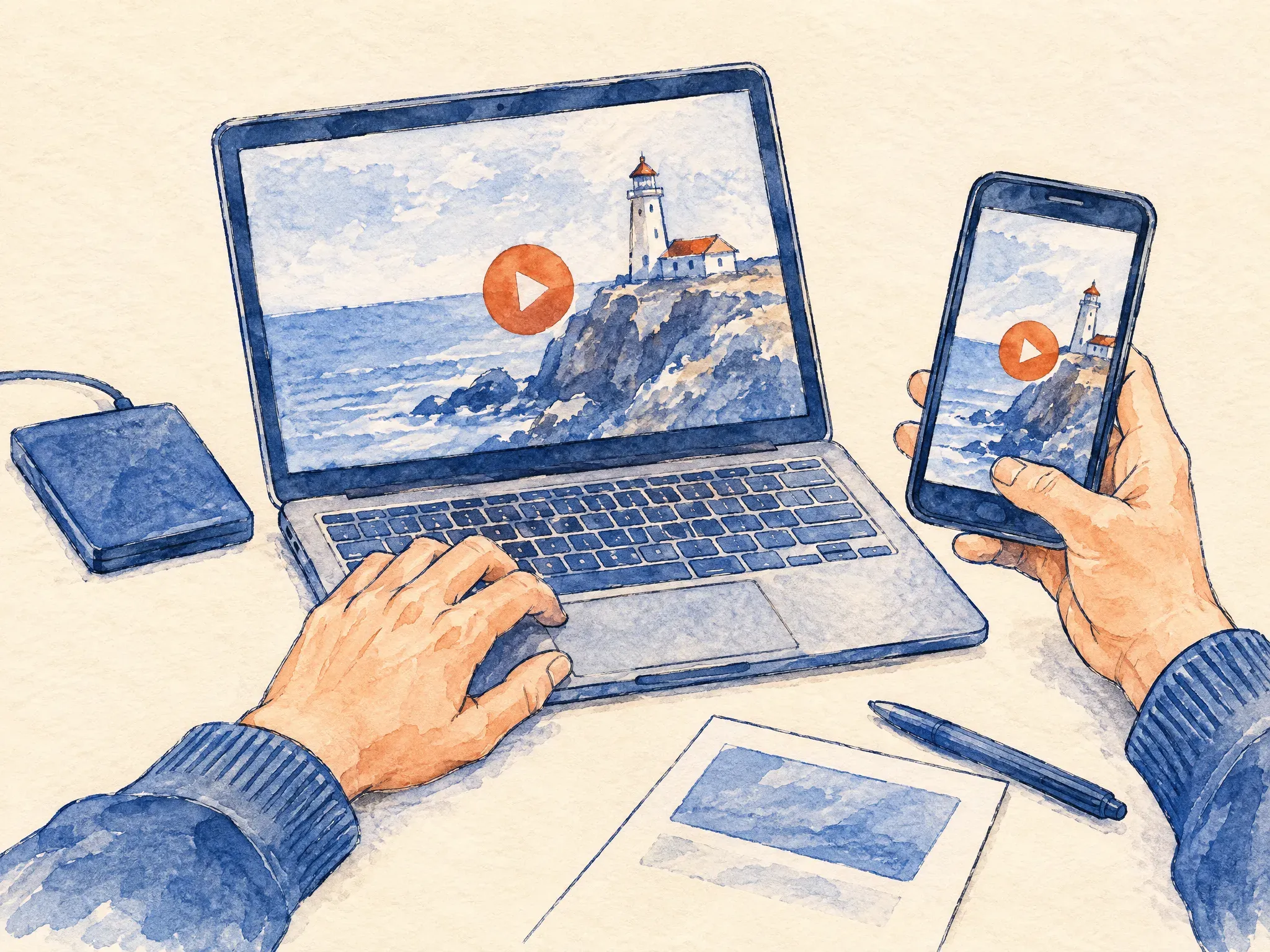 Test website playback on desktop and mobile before and after a change.
If you are considering a different host, compare Vimeo alternatives against your actual library, privacy requirements, and website workflow. Choosing a replacement is optional. The important thing is to decide before changing working embeds and to keep independent copies of the videos you need.
Replacing Vimeo for website embeds? Review SmartVideo as a Vimeo alternative alongside your requirements, then check the current plans. You do not need to buy another service to cancel Vimeo renewal.
What else should you know about canceling Vimeo?
Vimeo cancellation and video retention are separate questions. These answers summarize the billing routes and downgrade risks covered above.
Use the linked provider instructions for the full steps and check your account’s current status before assuming renewal is off.
How do I cancel a Vimeo subscription purchased on the website?
Sign in to the billed Vimeo account, open Membership plan → Billing, choose Cancel subscription, and confirm. Return to billing to check that renewal is off. Save the end date and confirmation so you can finish any video backups or embed changes before paid access ends.
How do I cancel Vimeo through Apple or the App Store?
On iPhone or iPad, open Settings → your name → Subscriptions, select Vimeo, and tap Cancel Subscription. If Vimeo is missing, check the Apple Account on the receipt. Apple also supports cancellation on the web and on other devices; use Apple’s instructions linked above.
How do I cancel a Vimeo subscription through Google Play?
In Google Play, open Subscriptions while signed into the purchasing Google Account. Select Vimeo, tap Cancel subscription, and follow the prompts. Deleting the Vimeo app does not stop billing. If the subscription is missing, check the account used for the original purchase.
Why can’t I see the cancel option in Vimeo Billing?
Check the account and billing company on your receipt. Apple App Store and Google Play subscriptions must be canceled through those stores; Enterprise customers should contact their account manager. Free and Basic accounts have no paid renewal to cancel. An inactive subscription can also make billing settings unavailable.
Will I lose access immediately after canceling Vimeo?
No, not for a standard cancellation of renewal: Vimeo says paid features remain through the current billing cycle. The account then lapses to Free or Basic. Confirm the actual end date with the billing provider rather than assuming it is the day you cancel or the end of the calendar month.
Does canceling Vimeo delete my account or videos?
Cancellation does not delete your account. Videos over the downgraded plan’s storage allowance may become restricted rather than deleted, but source files have separate retention rules. Save independent copies before paid access ends, and do not confuse keeping a library entry with keeping a downloadable original.
Will my Vimeo embeds still work after my subscription ends?
Not necessarily. Over-limit videos may become restricted, and privacy changes can stop embeds even when storage is within the allowance. Check the rules for your exact plan family, review affected privacy settings, and test important pages again after expiry. Keeping the account does not guarantee uninterrupted website playback.
Can I get a refund after canceling Vimeo?
A refund is not automatic. Vimeo says some customers may qualify under its refund policy; canceling renewal does not itself submit a refund request. If Apple or Google Play billed you, check that provider’s process. Keep the receipt and cancellation confirmation available when asking about eligibility.