
📋 TL;DR Product video done right increases conversion. Done wrong it slows your page, distracts buyers, or sends them to a competitor. These 14 practices are the difference.
Product video best practices are straightforward: show the right thing, in the right place, without slowing the page down or sending traffic somewhere else. The problem is most guides treat video as a marketing question when it is actually an engineering and UX question.
Video moves buyers: 83% of video marketers say video has directly increased sales, and 85% of people say they’ve been convinced to buy a product or service after watching a video, according to Wyzowl’s 2026 video marketing report.
Where Should You Put a Product Video on Your Website?
Placement determines impact. Match each video format and length to the page where the buyer is most likely to hesitate.
| Placement | Best video type | Length |
|---|---|---|
| Product page | Demo or features overview | 60–120 seconds |
| Homepage hero | Muted autoplay brand loop | 15–30 seconds |
| Landing page | Testimonial or explainer | 90–180 seconds |
| Blog post | Supplemental walkthrough | 1–5 minutes |
| Thumbnail with play button linking to page | Any |
14 Product Video Best Practices That Actually Increase Conversions
The biggest mistake on business websites is treating product video as decoration. A useful product video answers the question that is blocking the purchase. Every practice below flows from that principle.
1. Start with the buying question, not the brand intro
Your first five seconds should answer the question that stops the sale. For apparel that might be fit and movement. For software it is probably the core workflow. For a supplement it might be the ingredients or the taste. Open with that, not with your logo.
2. Match video depth to the product’s price and complexity
A low-cost impulse purchase does not need the same depth of video as a several-hundred-dollar B2B tool. Short lifestyle clips work for low-cost products. Wistia’s 2026 State of Video benchmarks show videos under a minute average a 52% engagement rate — viewers watch about half the runtime — and 1–5 minute educational and tutorial videos hold just over 50%. Engagement rate falls as length rises, so most viewers drop off around the halfway mark regardless of band.
3. Keep autoplay videos short, muted, and loop-friendly
If a product video autoplays on a website, it should be muted, visually legible without narration, and short enough to loop without feeling repetitive. 8–15 seconds is the standard range. Anything longer starts to feel like a penalty for landing on the page.
4. Build one primary demo before you build a dozen formats
Most brands need one strong core video before they need a library. Start with the clip that shows what the product is, what it does, and why it matters. That clip becomes your product page anchor and the source material for every cut-down, social version, or ad variant you make later.
5. Put video where hesitation happens, not only on the homepage
The product page is still the highest-value placement because that is where buyers compare, hesitate, and decide. HubSpot’s 2026 State of Marketing Report puts video at the top of the ROI table: short-form video (49%), long-form video (29%) and live-streaming video (25%) are the three highest-ROI content formats marketers report. Go further: add video to FAQ sections that answer common objections, to checkout pages for last-mile reassurance, and to post-purchase emails to reduce buyer’s remorse.

6. Design for mobile first, because that is where most viewing happens
Product video has to work on a phone before it works anywhere else. That means clear framing, large on-screen text, visible action in the first frame, and aspect ratios that do not get letterboxed into a thin strip. Test on a real device before publishing.
7. Add captions and make the video understandable without audio
Captions are not a nice extra. Autoplay on product pages is muted by default, so on-screen text carries the message. The practical version: burn-in captions before upload or use a player that renders them server-side. Do not rely on auto-captions from embedded platforms.
💡 Hosting note: If you embed from YouTube, caption control is limited. A dedicated video host gives you full control over caption files and display.
8. Treat hosting as part of conversion optimization, not a commodity
Where you host the video changes how the page behaves. YouTube embeds inject ads, show competitor content at the end, and pull people off your site. A self-hosted player gives you a clean experience, faster load times, and no third-party interference at the point of decision.
If you only compare monthly price, you miss the real cost: every viewer who sees a competitor ad before your product video, and every viewer who leaves via a suggested video at the end.
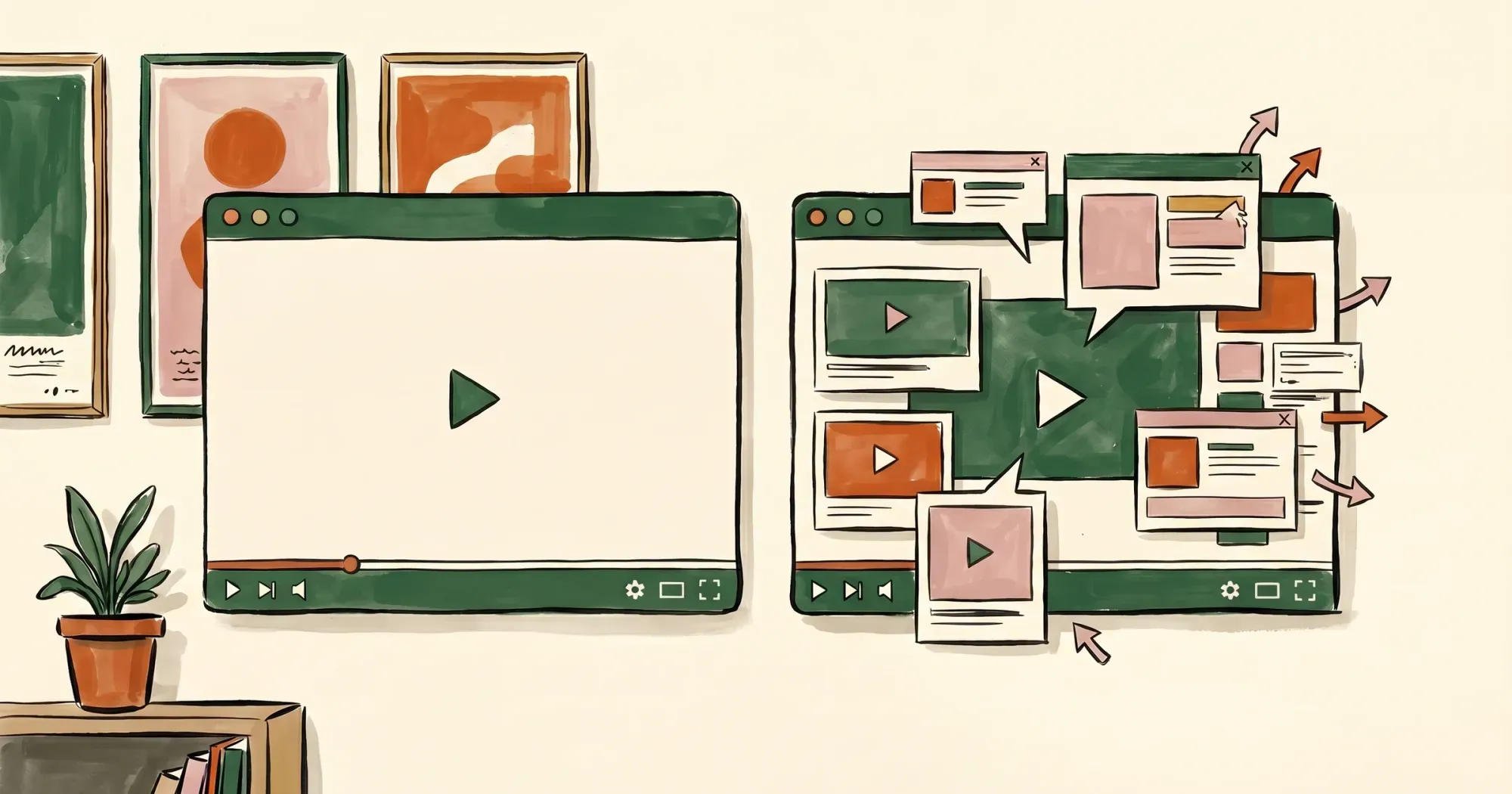 Clean player vs cluttered embed — what your buyer sees on the page is part of the conversion path
| Host | Ads on your page | Suggested videos | Player control |
|---|---|---|---|
| YouTube | Yes | Yes | Limited |
| Vimeo | No | No | Good (paid) |
| SmartVideo | No | No | Full |
For business websites, the hosting choice affects every product video you publish. It is worth solving once rather than tolerating the friction indefinitely.
9. Use different product video formats for different contexts
One video rarely does everything. Product pages often need a short demo (60–120 seconds). Landing pages convert better with testimonials or explainers. Email works best with a thumbnail linking to the full video. Social formats are vertical, short, and captioned. Build the core video first, then cut it for each context.
10. Show the product in use before you list features
Features are more believable after viewers have seen the product work. Open with the outcome — the thing the buyer actually wants — then explain how it gets there. This is the opposite of most feature-led product videos, which lose the viewer before the payoff.
11. Optimize the technical basics before you chase production quality
For most product pages, the technical checklist is: fast load (under 3 seconds to first frame), clean player (no ads, no suggested videos), correct aspect ratio (16:9 for desktop, 9:16 option for mobile), and captions on. Portent’s page-speed research, cited by HubSpot found an ecommerce site loading in one second converts 2.5x more visitors than one loading in five seconds. Separately, a 4K cinematic video that takes 8 seconds to load and shows competitor ads can underperform a 720p video that loads instantly and plays cleanly.
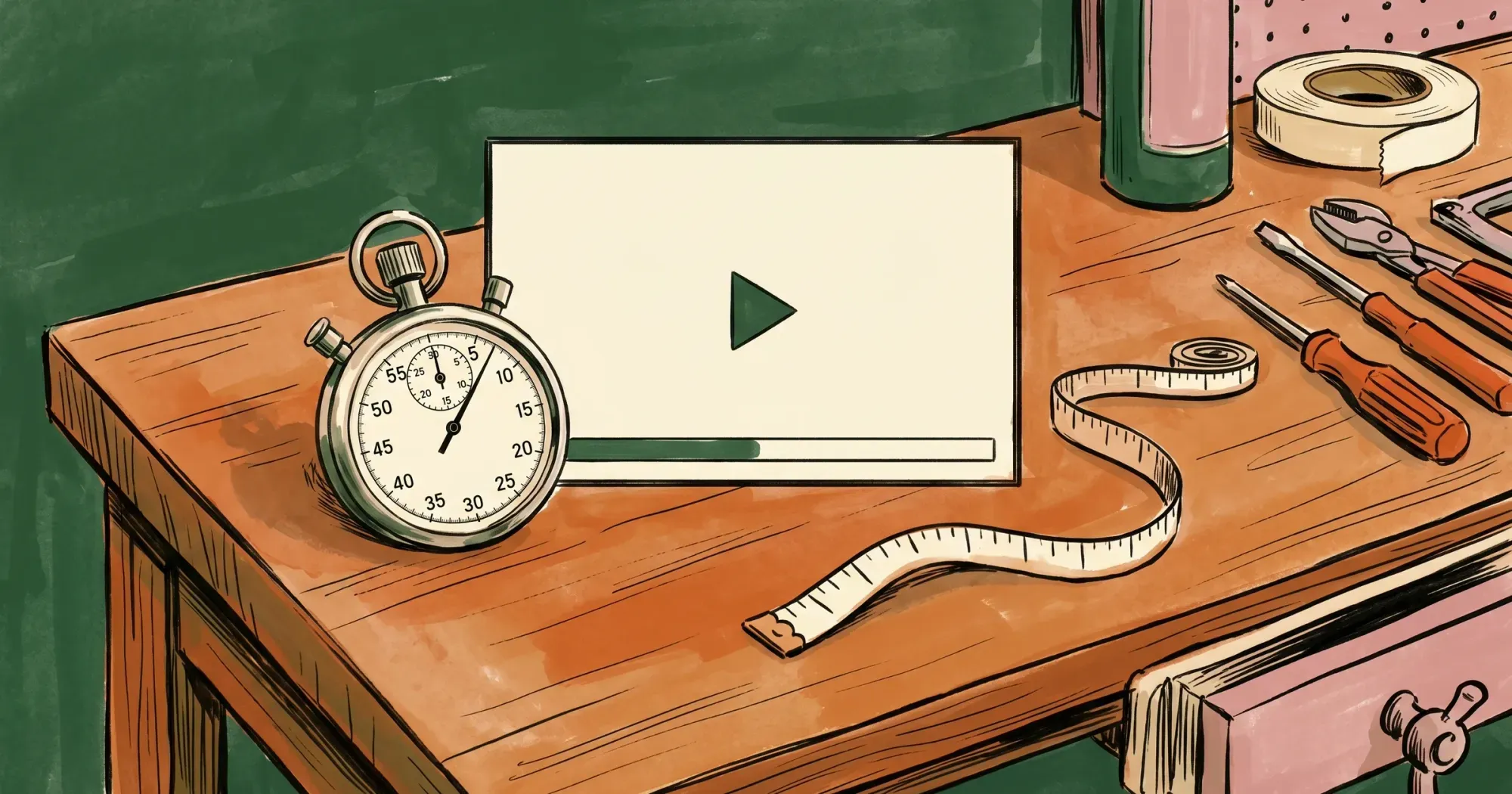 Load speed and aspect ratio do more for conversion than production polish
12. Use UGC and testimonials to answer trust objections
Not every useful clip needs studio production. User-generated video and customer testimonials convert well on product pages because they answer trust objections that polished brand video cannot. A real customer showing the product in their actual environment is more credible than a controlled studio shot for most categories.
13. Measure conversion lift, not just plays and completions
Wistia’s 2026 State of Video found fewer than half of marketers connect their video platform to their CRM or email tool, which means most teams are still judging product video by plays rather than by the conversions it assists (Wistia, 2026). Track play rate, yes, but also compare add-to-cart and checkout rates between visitors who watched and those who did not. That downstream delta is the number that justifies video investment.
14. Audit the mistakes that quietly kill performance
The common failures are consistent: videos that are too long and lose viewers at 20 seconds, thumbnails that look like a loading error, players that add 2–3 seconds to page load, autoplay with sound on mobile, and YouTube embeds on high-intent pages. Run through this checklist for every product video you publish.
💡 SmartVideo gives you a clean, ad-free embed player with no YouTube branding, no autoplay ads, and no competitor recommendations at the end of your video. It works on any website or page builder. See how SmartVideo works for online stores →
What Are the Most Common Product Video Mistakes?
Most product videos underperform for predictable reasons. Avoid these five mistakes and your video will already beat most competitors.
- Using one long video for every page type: homepage, product page, and landing page all need different formats.
- Opening with a logo animation: you lose a third of viewers in the first 10 seconds if the first frame is not relevant.
- Hosting on YouTube for product pages: ads and competitor suggestions at the end undo the conversion work the video does.
- Autoplay with sound on mobile: browsers block it anyway, and users hate it when they do not.
- Slow player load: a player that adds 2–3 seconds to page load will hurt conversion more than the video helps it.
How Do You Measure Whether a Product Video Is Working?
Start with one product category and one clear success metric. Three numbers matter: play rate, completion rate, and conversion lift.
Wistia’s 2026 benchmarks put even thank-you and contact pages at a 10% play rate, with homepages, galleries and product pages higher still — so a product-page video pulling less than that is usually a placement or thumbnail problem, not a content one. If completion is low, the problem is the first 10 seconds. If both look good but conversion does not move, the video is not answering the buying question.
 Three numbers matter: play rate, completion rate, and conversion lift
What Are the Most-Asked Questions About Product Video?
These are the questions buyers and marketers ask most often when planning product video for ecommerce or business websites.
What is the ideal length for a product video?
It depends on where the video sits. A product page demo works best at 60–120 seconds, a homepage hero loop at 15–30 seconds, a landing page testimonial or explainer at 90–180 seconds, and a supplemental walkthrough in a blog post at 1–5 minutes. Engagement falls as length rises — Wistia’s 2026 benchmarks put videos under a minute at a 52% engagement rate and 1–5 minute educational videos just over 50% — so plan for most viewers leaving around the halfway mark.
Should product videos autoplay?
Only muted. Autoplay with sound on mobile is one of the most common product video failures, and autoplay on product pages is muted by default anyway. If a video autoplays, keep it muted, legible without narration, and short enough to loop without feeling repetitive — 8–15 seconds is the standard range.
What is the best format for product video?
There is no single format; match it to the context. Product pages usually need a short demo, landing pages convert better with testimonials or explainers, email works best as a thumbnail that links to the full video, and social cuts are vertical, short, and captioned. Build one strong core video first, then cut it down for each context.
Should I use YouTube for product pages?
Not on high-intent pages. YouTube embeds inject ads, show competitor content at the end, and pull people off your site, which undoes the conversion work the video is there to do. A dedicated player keeps the page clean, loads faster, and gives you full control over caption files and display.
How do I add video to a WordPress product page?
The mechanics depend on your theme or page builder, but the decisions that matter are the same everywhere. Put the video where the buyer hesitates, use a host that adds no ads or suggested videos to your page, keep the player fast enough to reach the first frame in under 3 seconds, and turn captions on.
What makes a good product video thumbnail?
A frame that looks deliberate rather than like a loading error, showing the product and something relevant to the buying question. Opening on a logo animation is the classic mistake: you lose a third of viewers in the first 10 seconds when the first frame is not relevant. If play rate is low but the video itself is good, the thumbnail or the placement is usually what needs fixing.
How do I reduce video file size without losing quality?
Optimize for how quickly the first frame appears rather than for the highest resolution you can export. A 4K cinematic video that takes 8 seconds to load can underperform a 720p video that loads instantly and plays cleanly, and a player that adds 2–3 seconds to page load hurts conversion more than the video helps it. Aim for under 3 seconds to first frame and the correct aspect ratio for the device.
Can I use video on a Shopify product page?
Yes, and the product page is where video pays off most, because that is where buyers compare, hesitate, and decide. The rules do not change with the platform: a 60–120 second demo, muted if it autoplays, captions on, and a host that keeps ads and suggested videos off your page.
What is product video marketing?
It is using video to answer the question that is blocking the purchase, at the point where the buyer hesitates. That means matching format and length to the page, hosting the video so it loads fast and stays free of third-party interference, and judging the result by play rate, completion rate, and conversion lift rather than by plays alone.
How long does it take to produce a product video?
It depends on scope, so scope it to one core video before you build a library. Start with the clip that shows what the product is, what it does, and why it matters; that clip becomes the source for every cut-down later. You do not need a large production budget: the technical basics — fast load, clean player, correct aspect ratio, captions — matter more than polish. Then measure the conversion lift over 30 days before expanding to the next page.
How Do You Start Implementing Product Video Best Practices?
Pick one product page. Add one well-placed video. Measure the conversion lift over 30 days. Expand to the next page once the first one proves out.
The strongest ecommerce video marketing setups do not need a large production budget or a sophisticated tool stack. They need the right video in the right place, loading quickly, playing cleanly, with no third-party interference at the point of decision.


