📋 TL;DR • Best overall library: Pixabay and Pexels offer the largest selection of HD/4K clips without attribution. • Best for commercial use: Mixkit and Coverr provide clear, business-safe licensing. • Best for a consistent cinematic look: Dareful, shot by one videographer — though its downloads now cap at 1080p. • Licensing gotcha: Free doesn’t always mean commercial-safe. Always verify model releases if faces are recognizable.
Short answer: The most reliable source for high-quality free b roll is Pixabay or Pexels when you need massive variety with no registration required. For commercial-safe marketing videos, Mixkit and Coverr offer the cleanest licensing terms. If you want cinematically graded footage without watermarks or a signup, Dareful is the top choice — just note that its downloads now cap at 1080p, so source true 4K from Pixabay or Videezy instead.
⚡ Instant Downloads: No Watermarks, No Signups If you need a clip immediately without wading through registration forms or licensing watermarks, the following sites allow direct downloads with zero signup required: • Pexels: High-quality modern clips, CC0-style license, zero friction. • Mixkit: Curated marketing and lifestyle clips with clear commercial-safe terms. • Coverr: Clean background loops and aerial views that require no account. • Free Nature Stock: Purely nature and landscape clips, completely CC0. • Ignite Motion: Abstract backgrounds and motion graphics, direct MP4/MOV downloads. • Pixabay: Watermark-free, but requires a CAPTCHA check if you download without a free account.
Finding high-quality supplemental footage does not require a Hollywood production budget. After testing all 12 of these platforms across dozens of client projects — sourcing everything from product launch b-roll to course intros — we’ve found the licensing terms matter more than the library size. The platforms below offer cinematic 4K clips, drone shots, and polished background video entirely for free, provided you understand how their licensing works.
Video now accounts for around 75% of all mobile data traffic (Ericsson Mobility Report, November 2025), and that share keeps climbing. As content volume scales, relying purely on original shoots slows down production. For YouTubers, course creators, and marketers, sourcing b-roll from platforms like Pixabay, Mixkit, or Pexels is the most efficient way to maintain a high publishing cadence while keeping viewers engaged.
Pacing is critical: 50-60% of the viewers who abandon a YouTube Short drop off within the first three seconds (OpusClip, 2026), so your visuals have to land immediately. B-roll is the go-to fix: it appears in 6.0% of the 13.5 million short-form clips analyzed in early 2026 — the single most common visual enhancement after captions (OpusClip, 2026).
This guide compares the 12 most reliable free stock video platforms available today, breaking down their licensing terms, 4K availability, and the specific use cases they serve best. If you need a broader overview, check out our guide on the 10 best free stock video sites.
Quick Comparison: 12 Best Free B-Roll Websites
Here’s how the top platforms compare on resolution, attribution requirements, library size, and what they’re best for.
| Platform | Max Res. | Attribution? | Library (est.) | Account? | Best For |
|---|---|---|---|---|---|
| Pixabay | 4K | No | ~240K+ clips | Optional | General variety |
| Pexels | 4K | No | Large video library | No | Trendy / social visuals |
| Freepik | 4K | Yes (free tier) | 500K+ video/audio assets | Yes | Large asset library |
| Mixkit | 4K | No | 46K+ clips | No | Commercial safety |
| Coverr | HD (4K on Plus) | No | Thousands (curated) | No | Website backgrounds |
| Dareful | HD (1080p) | Soft (CC BY 4.0) | 242 clips | No | Cinematic HD |
| Videezy | 4K | Yes (Standard license) | Large community | No | Drone / aerial |
| Canva | HD | No | Millions of assets | Yes | In-browser edits |
| Motion Array | HD | No (free clips) | Limited free tier | Yes | Mostly paid / templates |
| Vidsplay | HD & 4K | Yes | 522+ clips | — | Simple downloads |
| Free Nature Stock | 4K & HD | No (CC0) | Small curated set | No | Nature footage |
| Ignite Motion | HD | No | 15+ loop categories | No | Abstract backgrounds |
What Does “Free” Actually Mean for B-Roll Licensing?
The biggest legal risk creators face isn’t an outright copyright strike — it’s using “free” footage with recognizable faces and no model release. We’ve seen this trip up commercial projects repeatedly in our work with video creators, especially on community-driven platforms where upload vetting is minimal.
ℹ️ What is a Model Release? A signed legal document granting permission to use a person’s likeness for commercial purposes. Many free stock sites do not verify model releases for uploaded footage, so check clips with recognizable faces before commercial use.
Verify the specific license before downloading any clip. Here’s what the three common tiers mean:
- CC0 (Creative Commons Zero): The public domain license. You can use, modify, and distribute the footage for personal or commercial projects without providing attribution. It’s the safest option for video marketing.
- CC BY (Creative Commons Attribution): You can use the footage commercially, but you must clearly credit the creator (e.g., “Footage by John Doe via Freepik”). Skip the attribution in your video description or credits, and you’re violating the license.
- Royalty-Free: This simply means you don’t pay a fee each time the video is viewed (no royalties). It does not mean the clip is free to download or use without restrictions. Always check the specific platform’s terms of service.
YouTube Monetization and Content ID
If you monetize on YouTube, licensing type directly affects your channel. A CC BY clip requires visible attribution in your video description — failing to include it means you’re violating the license terms, which can lead to a DMCA takedown if the original creator discovers the missing credit. CC0 clips carry no such risk for monetized channels. For creators running ads against their content, sticking to CC0 or custom permissive licenses (like Pixabay’s and Pexels’) eliminates this friction.
For product videos intended for paid advertising, avoid crowd-sourced platforms where users can upload copyrighted material. Stick to curated platforms like Mixkit or Coverr that vet their submissions.
Which Free B-Roll Libraries Have the Largest Selection?
When you need a wide variety of footage — bustling cityscapes, corporate office environments, generic lifestyle shots — these platforms have the largest clip libraries. Start here when you need variety. If you’re unsure what resolution you actually need, sort that out first — downloading 4K clips for a 720p embed wastes storage and bandwidth.
1. Pixabay
Pixabay is best for general stock video variety, offering up to 4K resolution clips under a permissive license with no attribution required.
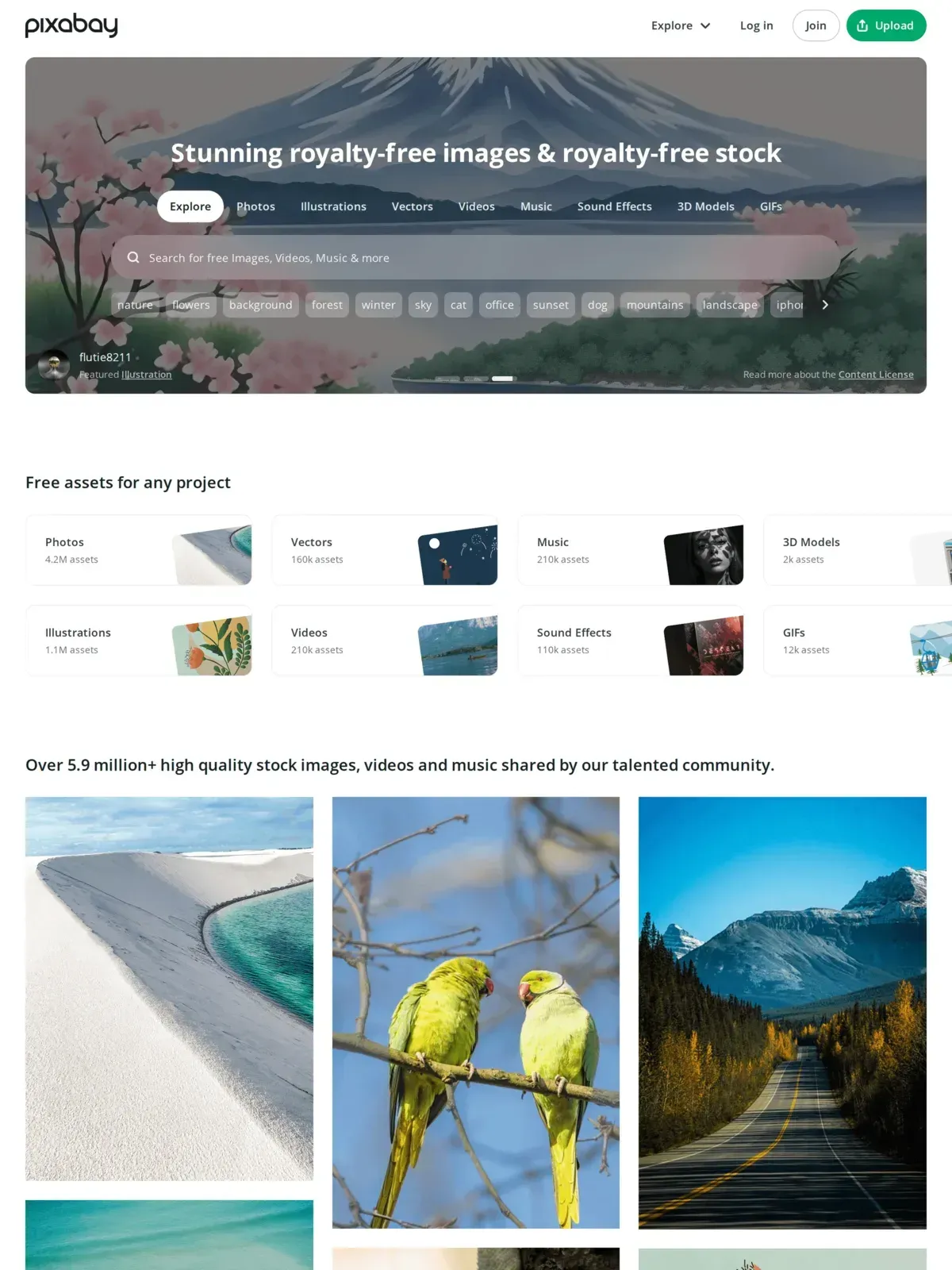 Pixabay offers one of the largest libraries of free stock video and creative assets online.
Pixabay is one of the largest repositories of free media online, with 6.3 million+ assets spanning videos, photos, illustrations, music, and sound effects. Its video library alone lists over 240,000 clips. If you need a highly specific shot (e.g., “golden retriever running in snow”), you’re most likely to find it here before anywhere else. Search and tagging improved in 2025 thanks to AI, and niche queries now return more relevant results than they did a year ago.
At a glance: 240K+ free video clips · Up to 4K · No attribution required · Optional account (CAPTCHA otherwise) · Verified September 2026
Pros: Massive, easily searchable catalog with a strong 4K selection. Operates under the permissive Pixabay License (similar to CC0), so no attribution is required.
Cons: Community uploads mean cinematic quality is inconsistent. You’ll need to filter through amateur footage to find professional-grade clips. Signal-to-noise drops fastest on niche queries — a search for “SaaS dashboard demo” returns dozens of generic office clips before anything usable.
2. Pexels
Pexels is best for trendy lifestyle and vertical social media visuals, offering up to 4K resolution clips under a custom license with no attribution required.
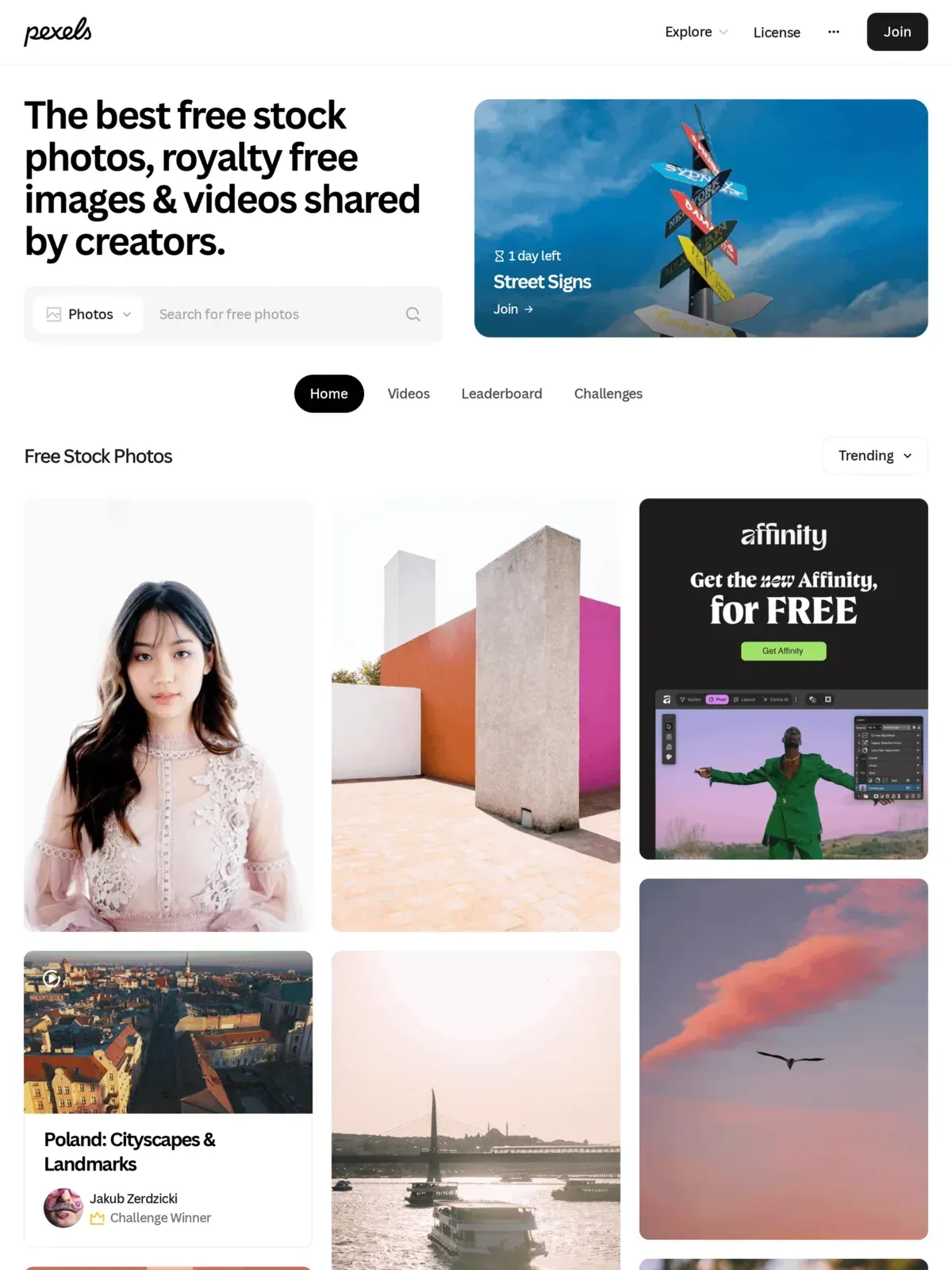 Pexels features modern, aesthetically consistent videos popular with social media creators.
Pexels takes a more curated approach than Pixabay. The platform hosts millions of free photos and videos and heavily favors trendy, modern aesthetics — think shallow depth of field, neon lighting, and diverse, lifestyle-oriented subjects. All content falls under the Pexels license, requiring no attribution, a plus for high-volume content creators. Their vertical video collection expanded sharply through 2025, reflecting the shift toward short-form content on TikTok, Reels, and Shorts.
At a glance: Millions of assets (photos + video) · Up to 4K · No attribution required · No account required · Verified June 2026
While Pexels is a default choice for lifestyle footage, it falls short when you need specialized B2B footage or loops. For commercial websites, alternative platforms like Coverr offer looping backgrounds that are easier to integrate than Pexels’ narrative cuts, and Mixkit provides more structured business categories.
Pros: Color grading and framing are consistently strong. Extensive vertical video options make it the top free source for short-form social content.
Cons: Search results get repetitive for niche industries (like manufacturing or healthcare), limiting its usefulness for specialized B2B marketers.
3. Freepik
Freepik is best for animated graphics and multi-asset design integration, offering up to 4K resolution clips with attribution required on the free tier.
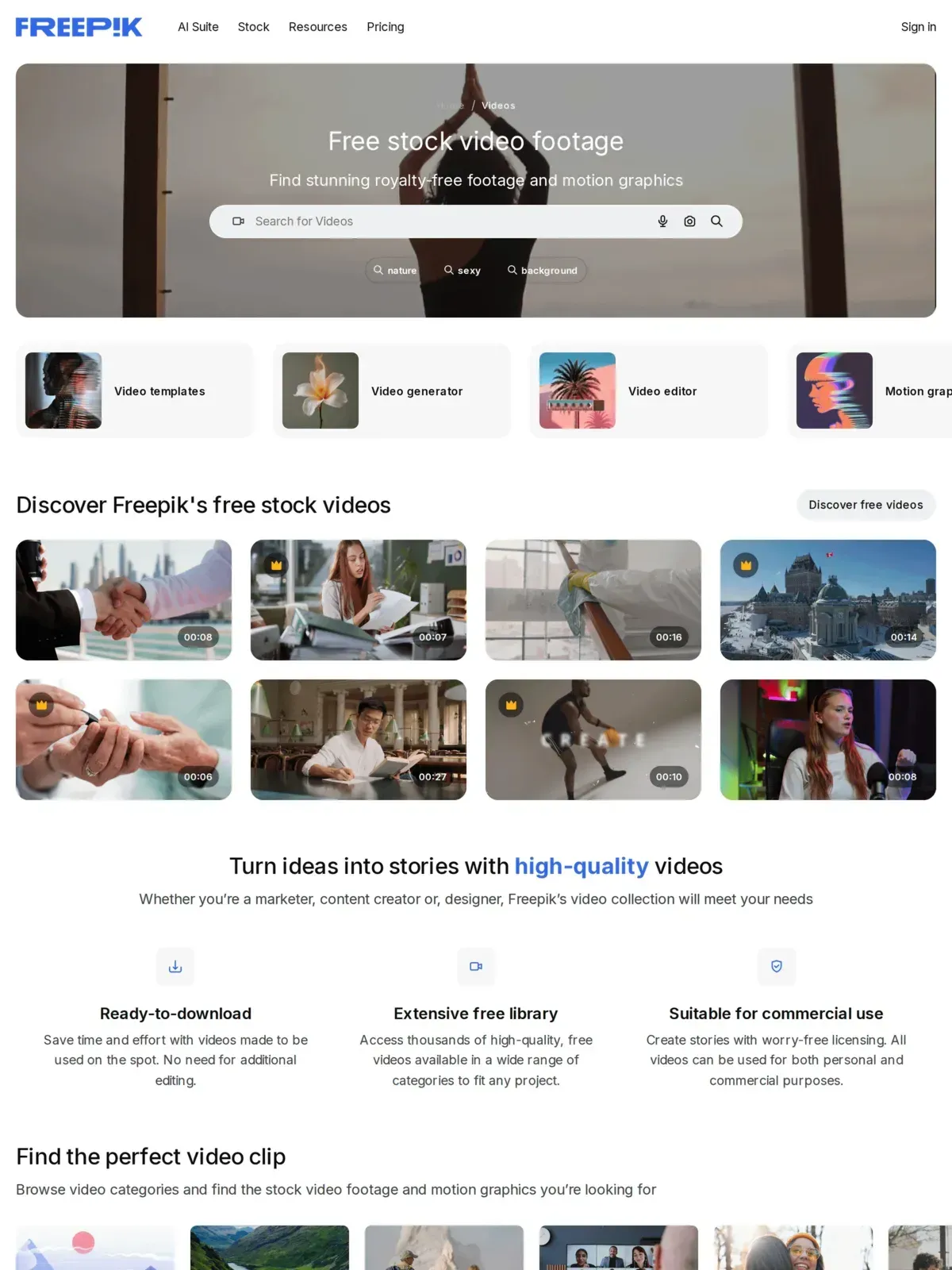 Freepik offers graphic assets alongside its growing free video database.
Historically known for vector graphics, Freepik expanded into footage through its June 2022 Videvo acquisition, which brought in more than 500,000 freemium videos, audio clips, and motion graphics. Through 2024 and 2025, Freepik added thousands of HD and 4K clips, particularly strong in business, technology, and animated graphics. It works well as an all-in-one resource if you need both video and graphic overlays for the same project.
At a glance: 500K+ video & audio assets · Up to 4K · Attribution required (free tier) · Account required · Verified June 2026
Pros: Diverse categories and reliable quality control. Integrates well if you already use their design assets for thumbnails or overlays.
Cons: Free users must provide attribution, and premium clips are heavily mixed into search results, which slows down browsing.
Which Platforms Are Safest for Commercial and Marketing Use?
If you’re building videos for a brand, client, or paid campaign, you need platforms with explicit commercial licensing and verified model releases. These three deliver both.
4. Mixkit
Mixkit is best for commercial video marketing projects, offering up to 4K resolution clips and video templates under a custom license with no attribution required.
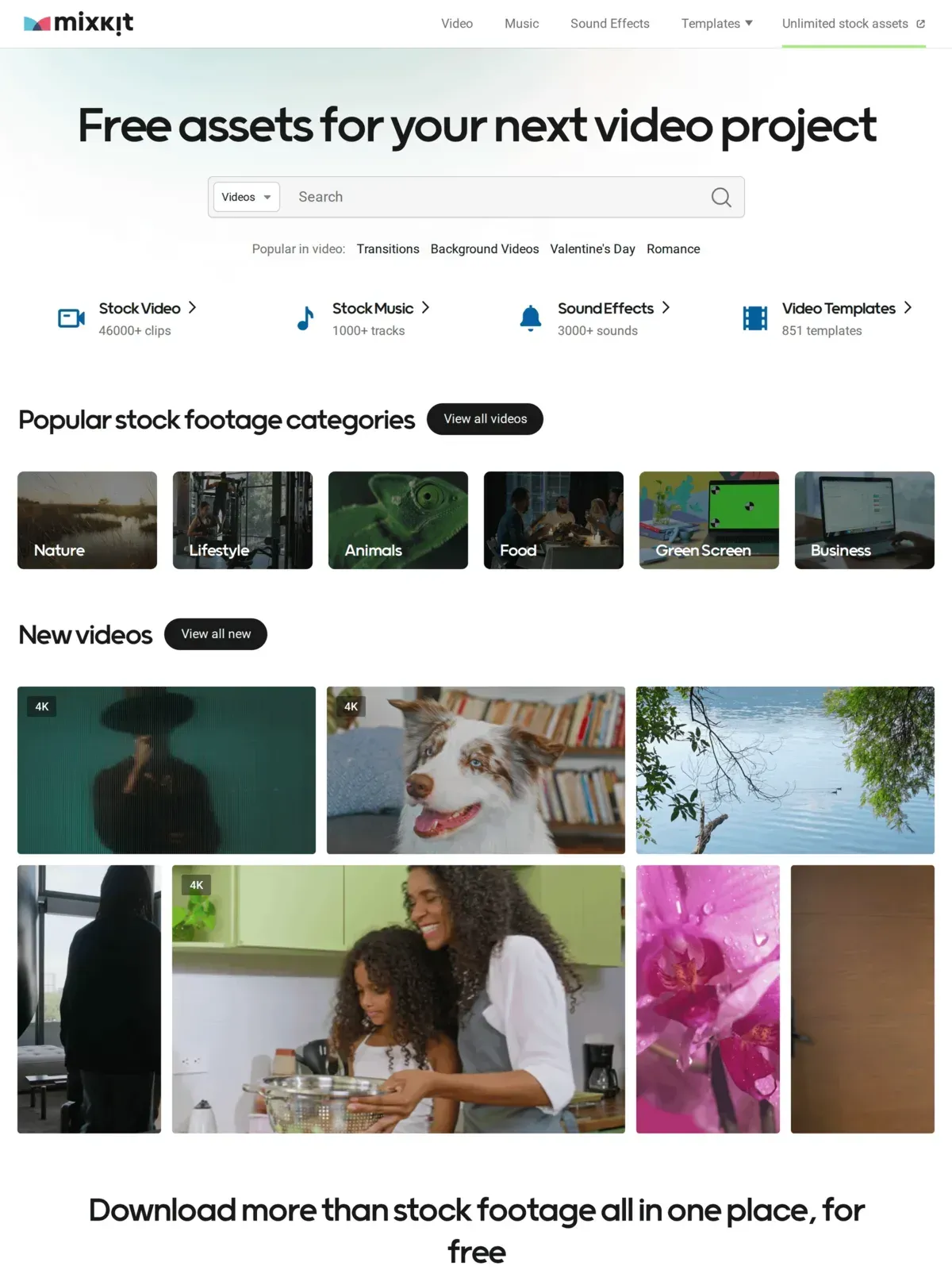 Mixkit provides high-quality, free stock video clips alongside templates and music assets.
Built by the team at Envato, Mixkit is a curated library of approximately 46,000 free clips designed for creators and marketers. Beyond b-roll, it includes free stock music, sound effects, and video templates for Premiere Pro and DaVinci Resolve.
At a glance: 46K+ free clips · 4K & HD · No attribution required · No account required · Verified June 2026
Mixkit’s library is smaller than Pixabay or Pexels, but the curation difference is real — nearly every clip is production-ready without additional filtering. For short-form content, this matters: videos under one minute average a 52% engagement rate (Wistia, 2025). Mixkit’s punchy, high-contrast lifestyle clips are well-suited for that format.
Pros: No sign-up required to download. Curation means you don’t waste time sifting through unusable amateur clips.
Cons: Smaller than the giants, so don’t expect hyper-specific niche footage for rare industries.
5. Coverr
Coverr is best for looping website backgrounds and landing page headers, offering Full HD downloads under a permissive license with no attribution required — 4K sits behind Coverr Plus.
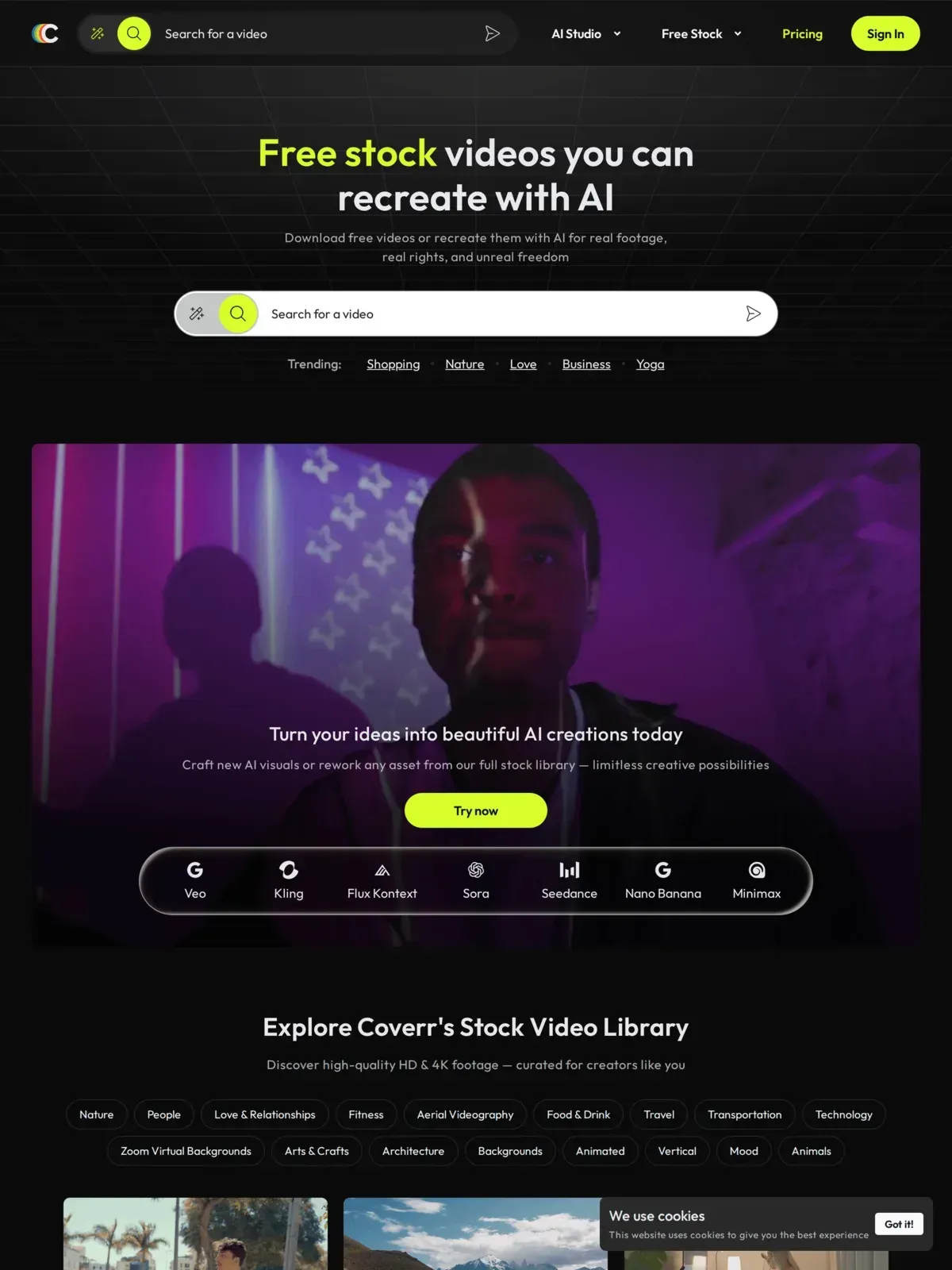 Coverr specializes in looping, ambient videos designed specifically for web design backgrounds.
Coverr was originally built to supply web developers with high-quality background videos for landing pages. Its curated library of thousands of clips leans toward clean, looping shots with ample negative space — built for overlaying text, titles, or UI elements in an editing timeline. This makes it an ideal companion if you’re building a video landing page or need an autoplaying background video.
At a glance: Thousands of curated clips · Full HD free, 4K on Coverr Plus · No attribution required · No account required · Verified August 2026
Pros: The free library is commercial-use with no attribution required. Some newer clips are marked premium and need a Coverr Plus subscription. Clips are designed to loop cleanly — a real advantage over general stock sites where loops often have visible jump cuts.
Cons: Most clips are slow-paced or ambient, so they won’t work for fast-cut YouTube edits or high-energy social posts.
Where Can You Find Free 4K and Cinematic B-Roll?
When resolution and production value matter most, these platforms deliver high-bitrate footage built for large displays and precise color grading.
6. Dareful
Dareful is best for professional cinematic footage, offering consistently graded 1080p clips under a Creative Commons Attribution license.
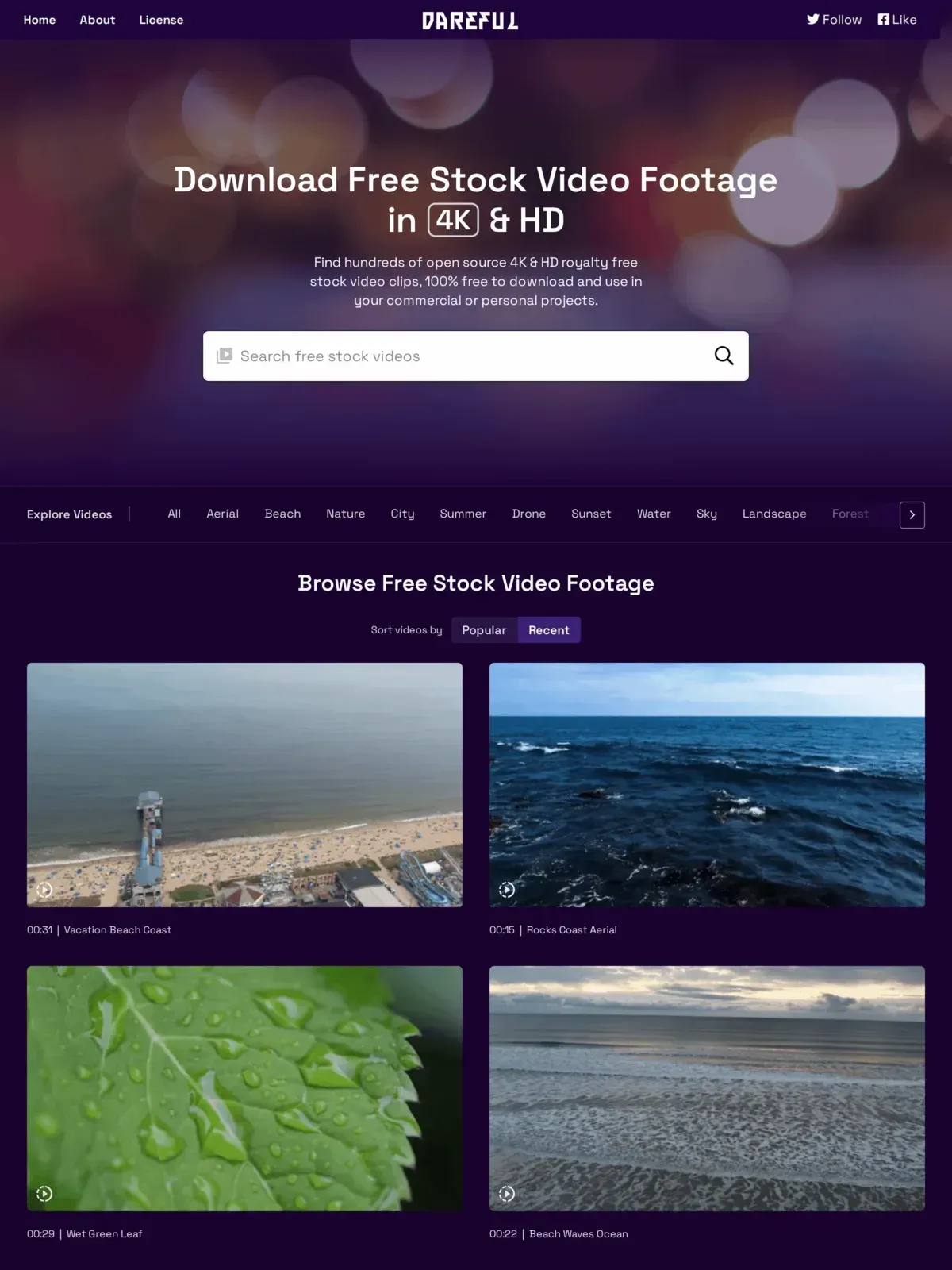 Dareful provides cinematic footage shot entirely by one professional videographer.
Formerly known as Stock Footage for Free, Dareful focuses on cinematic HD footage. Every clip is shot by professional videographer Joel Holland, which gives the entire library a consistent cinematic standard. Color grading, composition, and pacing feel cohesive — something community-upload sites can’t match. When sourcing these establishing shots, you are utilizing what are essentially establishing shots, which help establish geographic context for your viewers.
At a glance: 242 clips · 1080p downloads (the site still markets “4K & HD”) · Soft attribution (CC BY 4.0) · No signup required · Verified August 2026
Pros: Cinematic drone and nature footage with a consistent grade. Licensed CC BY 4.0 — a short credit keeps you compliant. Drop multiple Dareful clips into the same edit without jarring style shifts.
Cons: Only 242 clips as of September 2026. New footage appears gradually since Holland shoots everything himself. For more on this topic, see our guide to How To Add Captions To A Video.
🚀 Keep Your Viewers Engaged After the Click Sourcing high-quality B-roll is only the first step. Most Shorts drop-off happens within the first three seconds (OpusClip, 2026) — a buffering player loses viewers before your footage ever appears. Get instant, buffer-free playback with SmartVideo.
7. Videezy
Videezy is best for high-quality aerial and drone footage, offering HD and 4K resolution clips with license types that vary by asset.
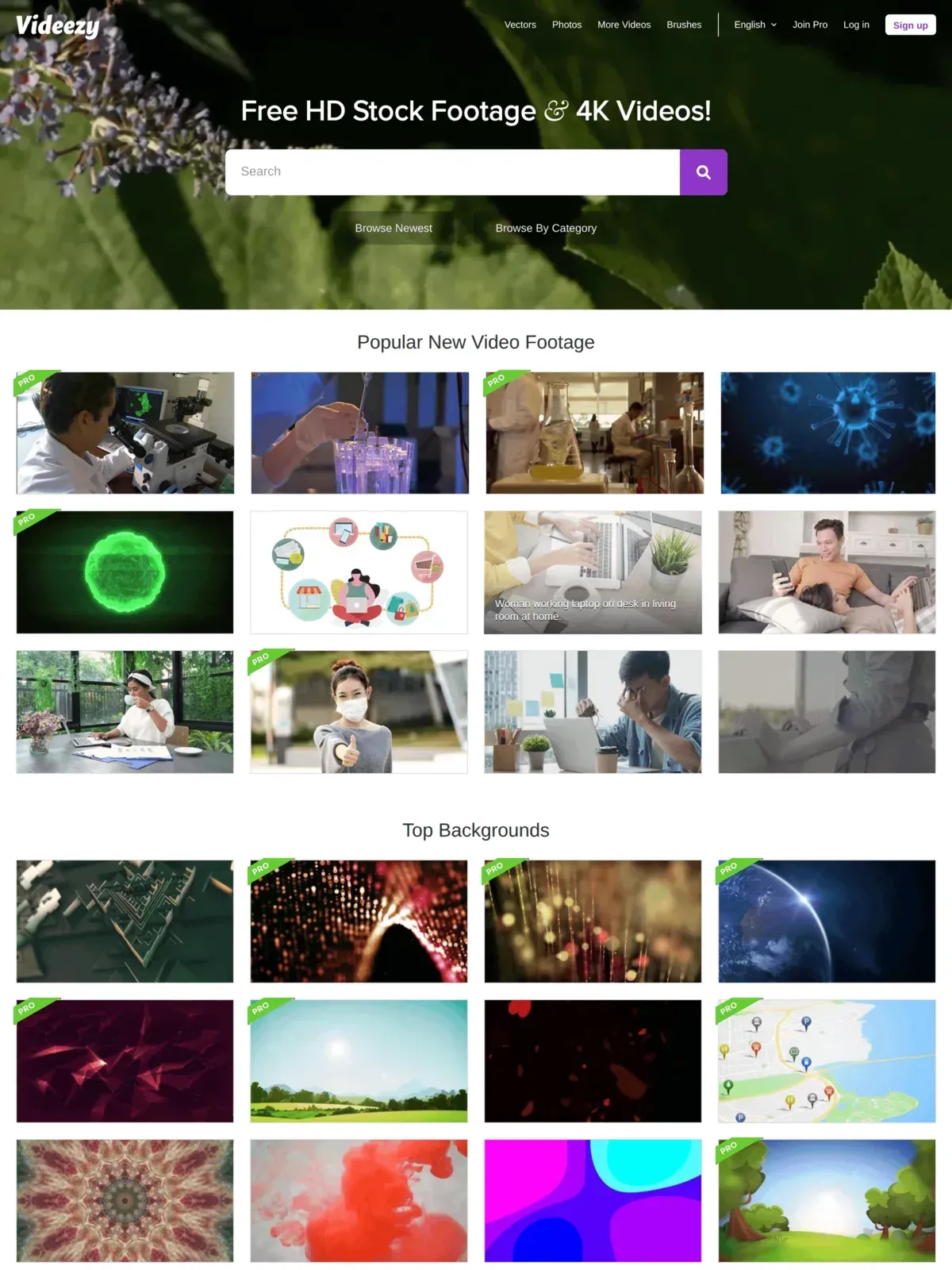 Videezy is popular for its large selection of high-resolution drone and landscape shots.
Videezy is a community-driven platform with a strong emphasis on aerial videography, nature landscapes, and abstract backgrounds. Need a sweeping drone shot of a coastline or a bustling cityscape? Start here.
At a glance: Large community-driven library · Up to 4K · Standard (free, attribution) or Pro (paid credits) per clip · No account needed for Standard clips · Verified August 2026
Pros: Extensive 4K selection, making it a go-to for establishing shots and environmental context.
Cons: Clips split into Standard (free, credit required) and Pro (paid credits) — check the license box before downloading. Navigating the heavily promoted “Pro” clips gets frustrating during a fast-paced editing session. Budget extra time to filter by license type.
What Are Some Overlooked or Niche B-Roll Sources?
Several platforms go beyond standard stock libraries with specialized effects, integrated editing, or unique footage angles.
8. Canva
Canva is best for in-browser video creation and quick social edits, offering up to HD resolution clips under a royalty-free license with no attribution required.
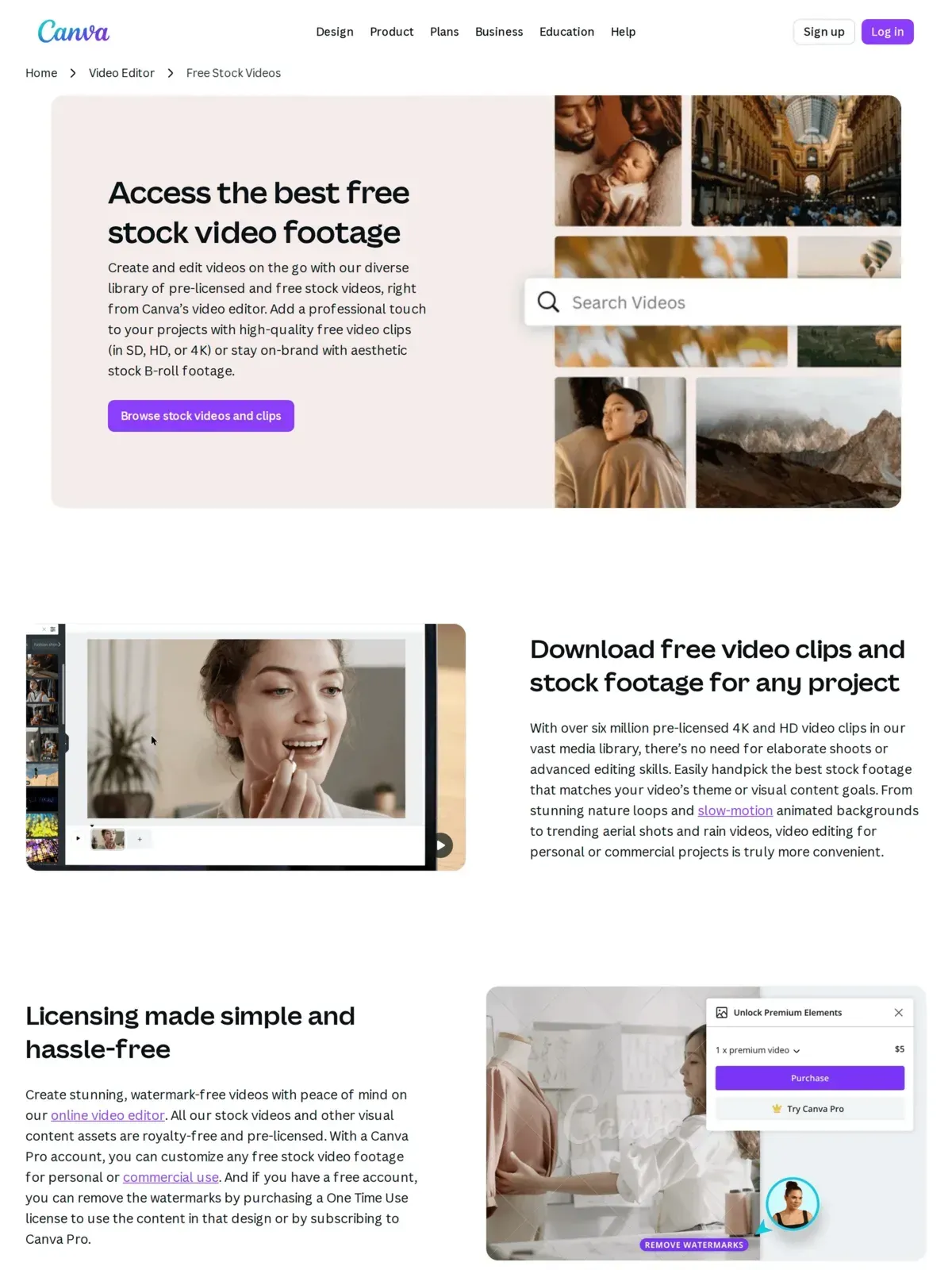 Canva integrates a large database of stock video assets directly inside its browser editor.
Primarily a graphic design platform, Canva includes a built-in library of free stock videos in its editor. You can drop b-roll into a timeline, add text, and export without ever leaving your browser, which speeds up social media production. Canva’s free tier includes access to millions of assets — videos, photos, and illustrations combined — with premium clips marked by a crown icon.
At a glance: Millions of free assets · HD · No attribution required · Account required · Verified July 2026
Pros: Seamless workflow for generating short-form social media clips. No attribution needed for free tier elements.
Cons: Premium clips are locked behind the Pro subscription, and exporting raw video files for use in external editors (like Premiere or Final Cut) requires extra steps.
9. Motion Array
Motion Array is best for professional templates and overlays, offering a limited selection of free HD resolution clips under a custom license.
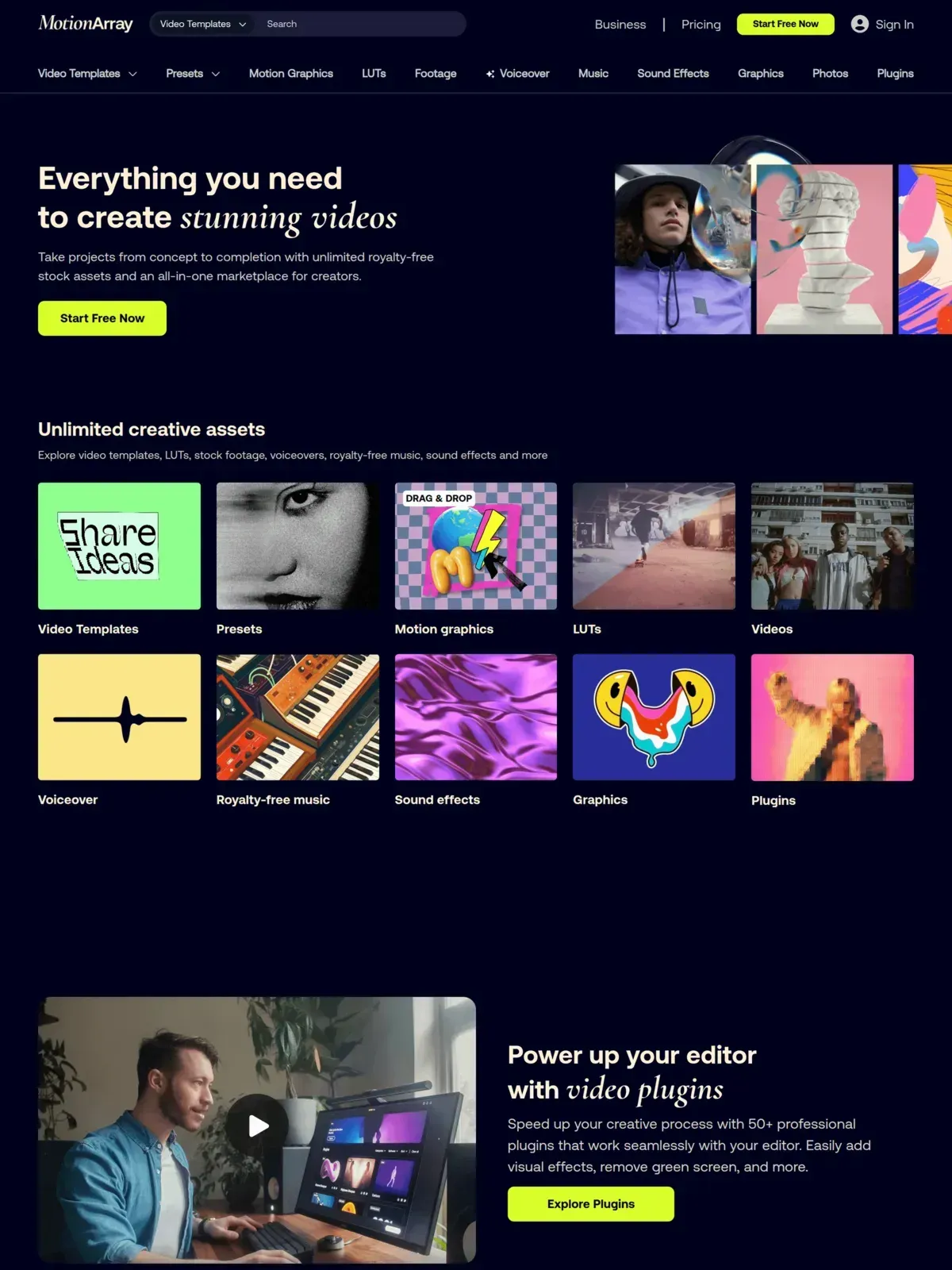 Motion Array houses a small, curated set of free assets alongside its premium subscriber catalog.
Motion Array is now primarily a paid subscription platform (part of Artlist). A free account still unlocks a small set of clips plus monthly free-asset drops, but most professional footage requires a paid plan.
At a glance: Limited free tier (most clips paid) · HD · No attribution on free clips · Account required · Verified June 2026
Pros: Professional footage with no watermarks, plus templates that can elevate your entire edit.
Cons: Only a small share is free to download — most of the library needs a paid Artlist subscription.
10. Vidsplay
Vidsplay is best for quick direct downloads, offering HD and some 4K clips with attribution required.
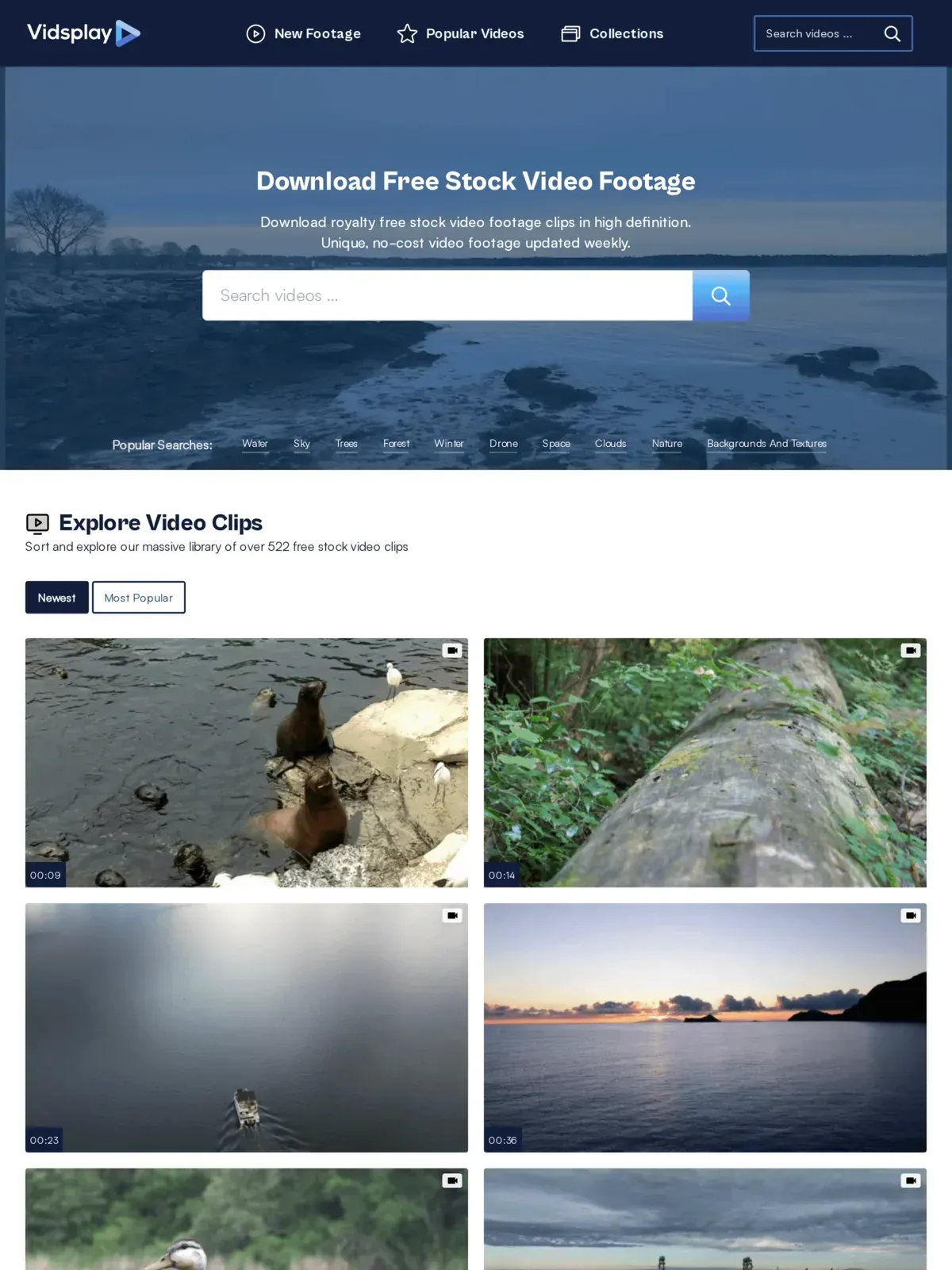 Vidsplay is a straightforward repository of free video clips updated every few weeks.
Vidsplay is a straightforward, no-nonsense repository with 522 free clips, primarily HD with some 4K. Sammy Fontanez created it in 2010, new footage is added every few weeks, and you can download clips directly without navigating pricing walls.
At a glance: 522+ clips · HD & some 4K · Attribution required · Updated every few weeks since 2010 · Verified August 2026
Pros: Simple interface, fast downloads, and content updated on a consistent schedule.
Cons: You must explicitly credit Vidsplay in your project, which can be restrictive for white-label commercial work.
11. Free Nature Stock
Free Nature Stock is best for outdoor and wilderness visuals, offering up to 4K resolution nature clips under a Creative Commons Zero license.
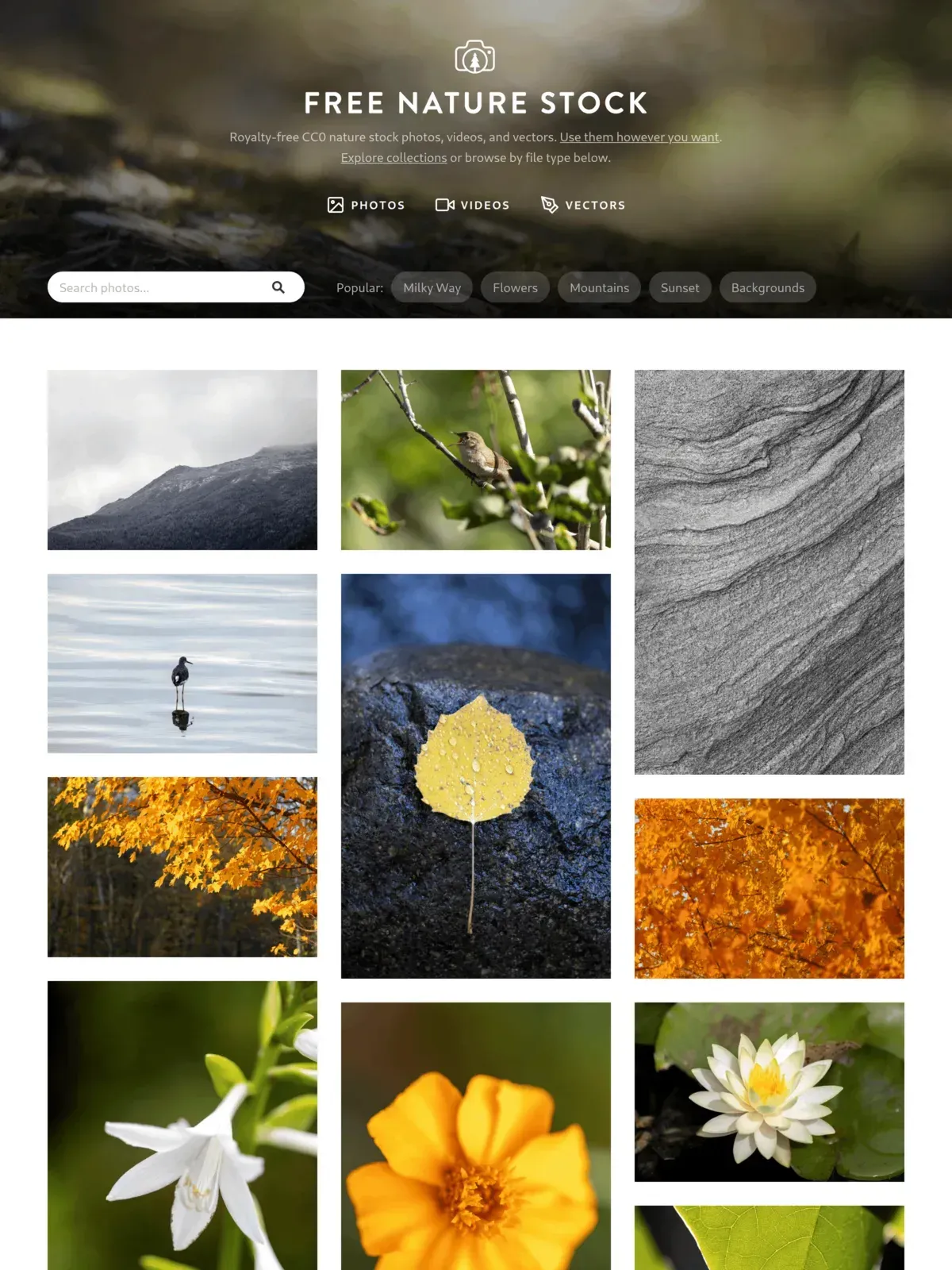 Free Nature Stock is a dedicated resource for wilderness, landscape, and nature stock footage.
As the name suggests, Free Nature Stock specializes entirely in the outdoors. From starry night timelapses to river currents and dense forests, it’s a dedicated single-focus site for environmental b-roll. All footage falls under a CC0 license. The site remains actively maintained as of 2026, with a small but steadily growing collection of curated nature clips.
At a glance: Small curated nature library · 4K & HD · CC0 (no attribution) · No account required · Verified June 2026
Pros: Focused depth for nature-specific footage with no attribution required.
Cons: Zero variety outside of the nature niche — you won’t find tech, office, or lifestyle footage here.
12. Ignite Motion
Ignite Motion is best for abstract looping background animations, offering HD resolution loops under a permissive commercial-use license.
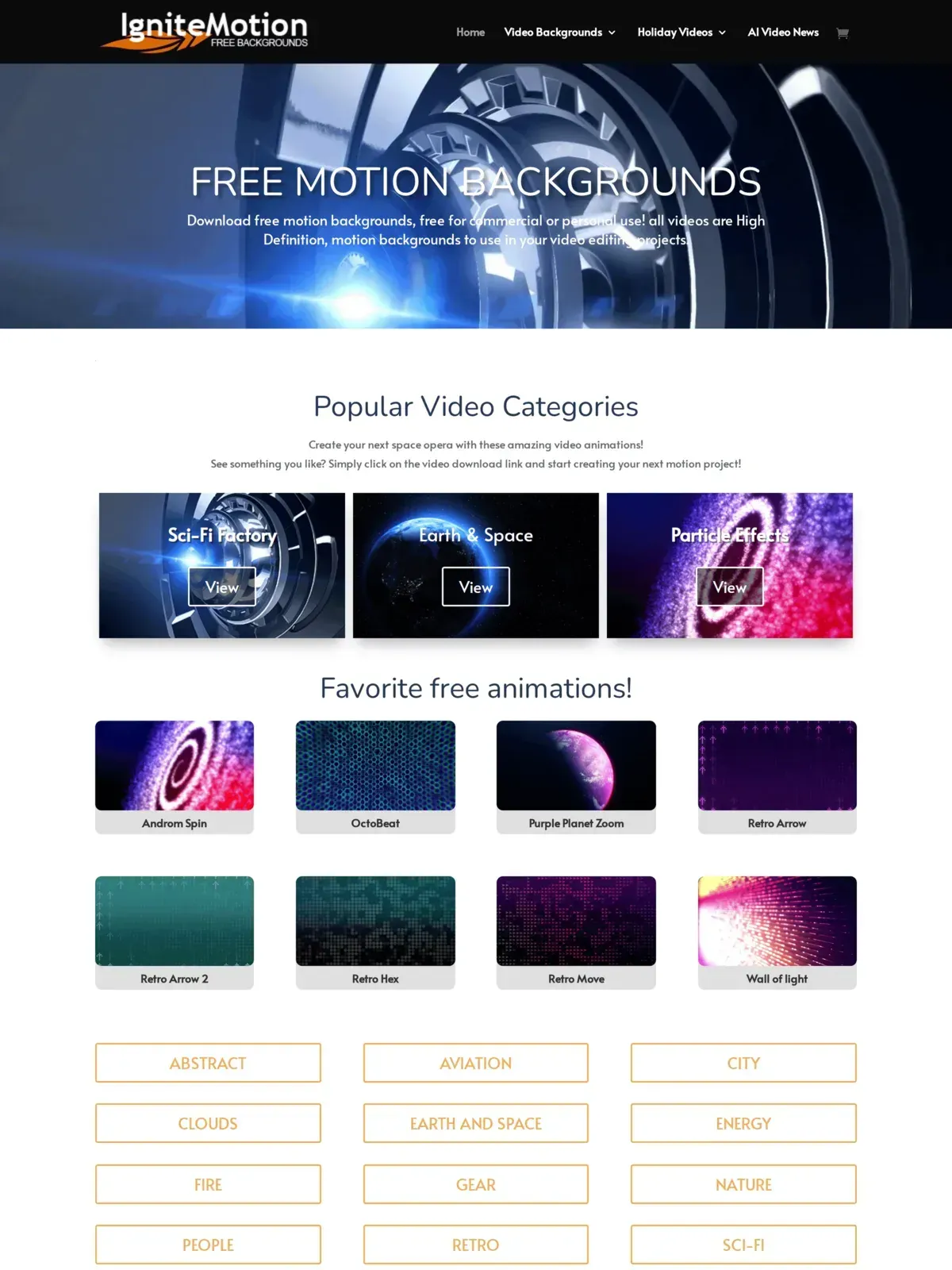 Ignite Motion offers loops, abstract lights, and digital backgrounds for intro sequences.
Ignite Motion focuses strictly on abstract, looping motion backgrounds. If you need particle effects, sci-fi tunnels, or clean geometric loops for an intro sequence or lower thirds, this platform provides them in both MP4 and MOV formats. As of mid-2026 the site is still operational, though new loops are added infrequently.
At a glance: 15+ loop categories · HD · No attribution required · No account required · Verified June 2026
Pros: Well-suited for motion graphics and text overlays. Assets are completely free for commercial use.
Cons: No live-action or traditional camera footage available, limiting its use to background visual effects. A small library, and new loops are added infrequently.
Public Domain & Archival Sources (NASA, Wikimedia, Internet Archive)
Public Domain & Archival Sources are best for educational, historical, and scientific content, offering historical HD and 4K footage under Creative Commons and public domain designations.
 Public-domain archives like NASA’s media library and the Internet Archive host decades of unrestricted footage that commercial stock sites rarely match.
When commercial stock sites feel repetitive, public domain archives close the gap with unique footage that competitors under-serve. These repositories are particularly valuable for technology, science, and documentary channels:
- NASA Image and Video Library: Through the official portal (images.nasa.gov), creators can download space exploration, astronaut interviews, satellite earth imaging, and rocket launches. Because NASA is a federal agency, its media is in the public domain and free to use commercially.
- Wikimedia Commons: A massive database of user-contributed media. Wikimedia Commons holds historical newsreel footage, international city tours, and science animations. Licensing ranges from CC0 to various CC BY licenses, so filter search results by license type.
- Internet Archive (Prelinger Archives): Founded by Rick Prelinger, this archive contains thousands of mid-century industrial films, educational movies, and home video collections. It is the premier source for authentic vintage aesthetics, capturing the history of manufacturing, media, and daily life.
Licensing parameters: While public domain footage is free of copyright restrictions, remain cautious about using clips containing visible trademarks or private logos, as these rights are distinct from copyright.
How Downloads Actually Work Across Free B-Roll Sites
Understanding how files are packaged and delivered across these libraries saves time and protects your editing workstation from security issues.
Resolutions and Bandwidth: Most platforms let you select a resolution (e.g., 4K vs 1080p or 720p) before downloading. While downloading the highest resolution sounds ideal, it dramatically increases your project folder size. Downloading 4K files for a project that will be exported in 1080p wastes local storage. Furthermore, you should compress downloaded 4K b-roll before uploading (Video Size Guide, 2026) to your website to ensure fast loading times.
Account Walls and Download Limits: Platforms monetize their free content in different ways. Freepik enforces an account wall, requiring you to register before acquiring files. Others, like Pexels and Mixkit, allow direct, anonymous downloads. Freemium sites often limit how many free clips you can pull within a 24-hour period. Planning your asset gathering around these daily caps prevents production delays.
Avoiding Fake Download Buttons: Many free stock libraries monetize by running banner advertisements. These ads frequently feature green, flashing “Download” buttons designed to redirect you to paid stock subscription portals or irrelevant utility software. Always look for the platform’s native text link or button, usually positioned directly next to the license terms and file resolution specifications.
AI-Generated B-Roll: An Emerging Option for 2026
Beyond traditional stock libraries, AI video generation tools have become a viable source of b-roll in 2026. These tools create original footage from text prompts, which means you get clips that no other creator has used — eliminating the “stock footage look” entirely.
Three tools stand out for b-roll production right now:
- Runway** (Gen-4.5):** Offers image-to-video generation with camera control, letting you turn a still reference frame into a moving shot. Best for creating specific scenes you can’t find in free libraries. Note that Gen-4.5 requires a paid plan — the free tier gives you 125 one-time credits across a limited selection of models.
- Google Veo: Google’s latest video generation model (Veo 3.1, released October 2025) produces high-quality clips with storyboarding support. Free access is limited, though: generating video through AI Studio requires a paid API key, and the friendlier free route is Google Vids, which caps free generations at 720p.
- Kling** (3.0):** Produces individual clips of up to 15 seconds that can be chained into longer sequences, with native audio and multi-language lip-sync capabilities. Useful for generating b-roll with speaking subjects or synchronized narration.
When Stock Libraries Still Win
AI-generated b-roll has real limitations. In our testing, consistency across multiple clips is hard to maintain — skin tones shift, lighting changes between generations, and hands still occasionally render with extra fingers. For projects requiring multiple matching clips (event montages, brand videos with consistent color palettes), curated stock libraries like Mixkit and Dareful remain more reliable. AI b-roll works best as a supplement: filling specific gaps where no stock clip exists rather than replacing your entire footage pipeline.
Licensing is also simpler with stock. CC0 footage has decades of legal precedent. AI-generated video ownership is still being litigated in multiple jurisdictions, and most commercial clients will want footage with clear, established rights.
Once you’ve sourced your clips, you’ll need to edit them. If you need to capture footage directly from your screen, our guides to screen recorder apps and free stream recorders for Chrome cover the best tools. For workflow tips and export settings, see our guide on how to edit videos. You’ll also want to pair your new visuals with quality audio by exploring the sites for royalty-free music. If you’re producing for a business audience, our breakdown of video types that drive engagement can help you choose the right format before you start sourcing footage. And for the technical side of getting your bitrate settings right, that guide covers YouTube, web, and social export presets.
High-quality b-roll is only effective if your viewers actually see it. A heavy, unoptimized player causes buffering that drives viewers away before your footage even loads. SmartVideo replaces slow embeds with a fast, ad-free player — so your content starts instantly and looks polished. Furthermore, page speed directly affects user actions; slow loading times can destroy your conversion rates (Video Speed Impact, 2026).
Unlike third-party platforms that charge based on bandwidth caps, SmartVideo offers simple, predictable plans based on views and storage. For instance, our Growth plan ($59/mo, or $69/mo billed monthly) includes 50,000 monthly views and 3 TB of video storage with unlimited bandwidth. If you are using WordPress, our native plugin handles all script and player placement, optimizing your pages automatically (Speed Up WordPress Guide, 2026) to make sure your site loads quickly for mobile users (WordPress Mobile Speed, 2026).
Frequently Asked Questions
What are the best websites for free B-roll?
Pixabay and Pexels are the strongest options for most video creators. They provide massive libraries of HD and 4K footage that are safe for commercial use without requiring you to credit the creator. For highly specific commercial projects, Mixkit offers excellent curation and clear licensing terms.
Is “Royalty-Free” the same as “Free”?
No. Royalty-free means you do not have to pay a recurring fee based on how many times the video is viewed. It does not mean the video is free to download or use without restrictions. You must always check if the royalty-free clip requires an upfront purchase or specific attribution.
Do I need to give credit to the creator?
This depends entirely on the license. Platforms using CC0 (Creative Commons Zero) or custom permissive licenses, like Pexels and Pixabay, do not require attribution. Sites offering CC BY (Creative Commons Attribution) licenses, such as Videezy or Freepik, legally require you to credit the videographer in your project or description (Creative Commons FAQ, 2026).
Can I use free B-roll for commercial projects or YouTube?
Yes, provided the platform’s license permits commercial use. CC0 and most custom free licenses allow monetization. However, if the footage includes recognizable people or private property, you should ensure a model or property release was signed, otherwise you risk legal action regardless of the platform’s copyright terms. For YouTube specifically, CC BY footage requires visible attribution in your description — omitting it violates the license and could result in a DMCA takedown from the original creator.
Where can I find 4K B-roll for free?
Videezy offers an extensive library of 4K drone and aerial shots, though their free tier requires attribution. Both Pixabay and Pexels allow you to filter search results specifically for 4K resolution. Note that Dareful, despite its 4K branding, currently caps downloads at 1080p.
How does B-roll improve video engagement?
B-roll breaks up static talking head shots, creating visual pacing that holds viewer attention. Videos under one minute average a 52% engagement rate, meaning viewers typically watch about half of the video, according to Wistia. In short-form formats like TikTok and Reels, frequent visual changes are critical for retention. Using high-contrast, relevant b-roll visually reinforces the audio narrative, reducing the likelihood of a viewer scrolling past.
Can I edit or color grade free stock footage?
Yes. Almost all free stock video licenses permit you to alter, edit, color grade, and remix the footage to fit your project’s aesthetic. The primary restriction across these platforms is that you cannot re-upload or sell the raw, unedited clip as your own standalone product.
How do I download B-roll without account registration?
To download b-roll without creating an account, look for platforms that support direct, anonymous downloads. Sites like Pexels, Mixkit, Coverr, Free Nature Stock, and Ignite Motion do not enforce a registration wall, allowing you to fetch high-quality files with a single click. Pixabay also supports direct downloads, though it displays a CAPTCHA verification prompt for users who are not logged in.
Do free B-roll sites limit how many clips I can download?
It depends on the individual website’s business model. Completely free platforms like Pexels, Mixkit, and Coverr do not set daily download limits. However, freemium resources like Freepik or Videezy restrict free-tier accounts to incentivize premium subscriptions — Freepik allows 10 downloads per day.
Is B-roll safe to use in monetized YouTube videos?
Generally yes, as long as the footage is licensed under Creative Commons Zero (CC0) or a custom permissive license that explicitly permits commercial redistribution. Many creators use b-roll to enhance retention and satisfy monetization policies. However, if a clip contains recognizable faces or private trademarks and lacks a verified model release, YouTube’s automated Content ID or the copyright owner could still flag the video.