TL;DR
- Compare eight free sources, including rendered icon packs, Lottie libraries, and editable icon templates.
- This guide covers symbols inside finished video exports, not native Lottie, SVG, or CSS interface animations.
- Choose a compatible export and a consistent icon family; verify attribution and background before editing.
- Composite the icons in your editor, export the complete video, then choose how to host that video on your website.
You can find free animated icons at LottieFiles, Lordicon, Creattie, Icons8, IconScout, Jitter, Mixkit, and PremiumBeat. These eight sources serve different video workflows: some supply rendered clips, others provide animation files or editable templates. Choose by the exact asset’s license and usable export, not catalog size; a free animation file is not automatically a clip your editor can import.
This is a guide to animated icons inside finished videos. If you need a small icon that responds to a click or hover in your website’s interface, use the source’s native animation integration instead. You do not need to turn a Lottie JSON, SVG, or CSS animation into a hosted video just to put it next to a button.
The source, license, and format review and signed-out download attempts below date to October 22, 2026. The results distinguish actual files from advertised exports, previews, sign-in steps, and blocked requests. Before committing to a set, test the downloaded file in the editor you use.
Where can you download free animated icons for videos?
Eight sources offer free animated icons or icon-based templates with a documented route into a finished video.
Their permissions are not interchangeable: some require credit, some limit production budgets, and one free editor adds a watermark. The table separates a free asset or plan from the broader paid catalog. A $0 download does not include paid editing software or guarantee that every format on the site is available without upgrading.
| Source and free cost | What is actually free? | Route into a video | Commercial use and attribution | Main constraint |
|---|---|---|---|---|
| LottieFiles: $0 community downloads | Public free icon animations, not every marketplace asset | Catalog and selected item list MP4/GIF alongside animation formats | Lottie Simple License allows commercial use; attribution optional but encouraged | Styles vary; retain license terms when redistributing animation files |
| Lordicon: $0 free subset | Icons without the PRO label | Free icons are offered in all formats, including MP4/GIF | Commercial videos allowed; credit required | Standalone-sharing restrictions apply |
| Creattie: $0 free selection | Free-marked animated icons, not entire paid collections | Free page advertises JSON, GIF, MP4 | Commercial projects allowed within license limits; free downloads without a paid plan require credit | Account required; production-budget and seat limits |
| Icons8: $0 popular free selection | Popular animations advertised as free in every offered format | GIF, Lottie JSON, After Effects project | Personal/commercial use with a visible link to Icons8 | Other assets and attribution-free use can require payment |
| IconScout: $0 selected free asset | Free Alarm Clock animation by Go Motion; wider catalog is mixed | Item lists transparent GIF, MP4, JSON and more | Item identifies Digital License; follow free-download credit instructions | Digital License production-budget limits; do not substitute Simple License |
| Jitter: $0 template and Free plan | Like Icon template and basic editor exports | Video, GIF, Lottie exports on Free | Jitter’s own templates allow commercial use without credit | Free exports have a watermark; higher resolution and transparency are paid |
| Mixkit: $0 icon templates | Free icon templates for Premiere Pro | MOGRT rendered in Premiere Pro | Video Templates Free License allows commercial projects without required attribution | Not a standalone icon library; compatible software is separate |
| PremiumBeat: $0 motion-icon pack | A downloadable pack of 20 icons | Pre-rendered MOV footage and an After Effects project | Pack permits use in any project; no credit requirement is stated | Do not redistribute the icon files; test the older footage in your editor |
 Related symbols can help convey a consistent theme in an explainer. Conceptual illustration, not a product interface.
LottieFiles: match the creator, not just the search term
LottieFiles is useful when you need a specific symbol and want to browse community work. The free Warning Status animation lists MP4 and GIF exports and identifies the Lottie Simple License.
According to the Lottie Simple License, public download files may be used commercially and modified without mandatory creator attribution. Attribution is encouraged, and the license requires the same terms for distribution of the files and their modifications; it also excludes compiling them into a competing service (LottieFiles License, 2021). Do not describe these files as public domain or offer them under an incompatible asset license.
Pick your core symbols from the same creator or series where possible. A rounded outline warning and a shaded three-dimensional success symbol can feel like different visual languages, even if their colors match. In practice, a coherent set is more useful than a folder full of unrelated downloads when the icons explain successive steps.
Lordicon: consistent families, with a credit obligation
Lordicon suits a workflow where you want related symbols and repeatable styling. Its free-download documentation distinguishes free icons from PRO-marked assets, and its free-license guide explicitly permits use in commercial videos. The free selection is available in all offered formats; that is different from claiming that the entire library is free (Lordicon Free License, 2026).
The format documentation describes MP4 and GIF exports, along with source formats. It also describes customization of colors, stroke width, and animation. Check Lordicon’s free license before distributing an altered design.
Credit is part of the free workflow, not an optional courtesy. Lordicon’s attribution instructions use “Animated icons by Lordicon.com” and give examples such as a linked website credit or video credits. Plan the credit before exporting, and retain it in every version and publication location that needs it. A credit buried only in your project folder is not viewer-facing attribution.
Creattie: useful style filters, but read the video limits
Creattie’s free animated-icon page advertises JSON, GIF, and MP4 downloads. Its catalog exposes style families and collection links, which can help you find related symbols rather than mixing designs at random. The free page is a subset of a wider paid library; opening a collection does not make all of its members free.
According to the Creattie license, personal and commercial projects are permitted. Free assets downloaded without a paid plan require credit with a link to Creattie; assets downloaded on a paid plan need no credit. The license limits video and film productions to budgets that do not exceed $10,000 and applies a one-seat restriction (Creattie License, 2026).
Its separate permission for unlimited website and social-media views does not remove the production-budget condition. Check both the production and its planned distribution rather than treating a website embed as an exemption. Creattie requires an account to receive a license. Our automated attempt did not establish which exports an account unlocks. The license also prohibits standalone asset distribution and asset-centered resale templates.
Icons8: a free subset with usable animation formats
Icons8 is worth checking when a familiar interface symbol needs to become a video element. Its current animated-icons page separates a popular free selection from the wider catalog and explicitly includes GIF, Lottie, and After Effects formats without a Pro plan. That is narrower, and more useful, than calling the entire site free.
According to Icons8’s license page, free icons can be used for personal or commercial projects when you include a link to Icons8. Its attribution instructions say one visible link is enough and give video descriptions or credits as examples. Save that requirement with the asset rather than assuming a free GIF is unrestricted stock footage.
Icons8’s paid plans remove the attribution requirement and unlock broader access. For editing, check how your editor imports GIFs; the After Effects project is another option if you use that software. Lottie files need rendering for a conventional video timeline.
IconScout: verify the free item’s actual license
IconScout mixes free and premium animations, so an individual item is more useful evidence than the headline size of its catalog. The Free Alarm Clock animation linked above identifies Go Motion as its contributor, lists transparent GIF, MP4, and JSON downloads, and states that it is free to use under the Digital License.
The Digital License comparison sets a video and film production budget below $10,000 and prohibits standalone redistribution and asset-containing resale templates. Its help-center summary says “up to” $10,000 instead, so obtain clarification at that boundary.
According to IconScout’s free-asset attribution instructions, the download pop-up supplies required contributor credit. Copy it when downloading and plan where viewers will see it.
Jitter: customize a template, with free-export limits
Jitter differs from a download library: you open an editable animation template and export the result. Its Like Icon template is marked Free, with a three-second animation and square aspect ratio. It can suit a recorded social-feature demonstration or a short illustrated step, provided that its style fits the rest of your video.
According to Jitter’s template licensing guidance, templates in its own collection are free to remix, transform, and build upon for commercial purposes. No attribution is required, and final animations can be published, sold, or distributed. Templates supplied by outside creators on other platforms may carry different terms.
The Free plan allows video, GIF, and Lottie exports at 720p and 30fps. The same pricing page places watermark removal on paid plans. That makes the free route useful for a draft or a deliberately accepted watermarked output, but not a promise of an unbranded production asset at any resolution. Jitter lists transparent export under Max and higher plans. A solid-background card avoids the need for transparency, but the free export still has a watermark.
Mixkit: icon animations inside editor templates
Mixkit is a template option, not a catalog of isolated semantic symbols. Its Premiere Pro icon category lists free templates such as notification bells and like-button graphics; many are social callouts, so it will not supply every warning, process, or feature icon your explainer needs.
The Premiere Pro results identify MOGRT downloads. The MP4 playing on a template page is a preview, not evidence that the download itself is a pre-rendered clip you can import into any editor. According to the Mixkit Video Templates Free License, these templates can be used in commercial and noncommercial projects without mandatory attribution. Mixkit has separate licenses for footage, music, effects, and other item types.
Use a template when its animated bell or approval graphic belongs in your explanation and you already have compatible software. The software is not included in the free download.
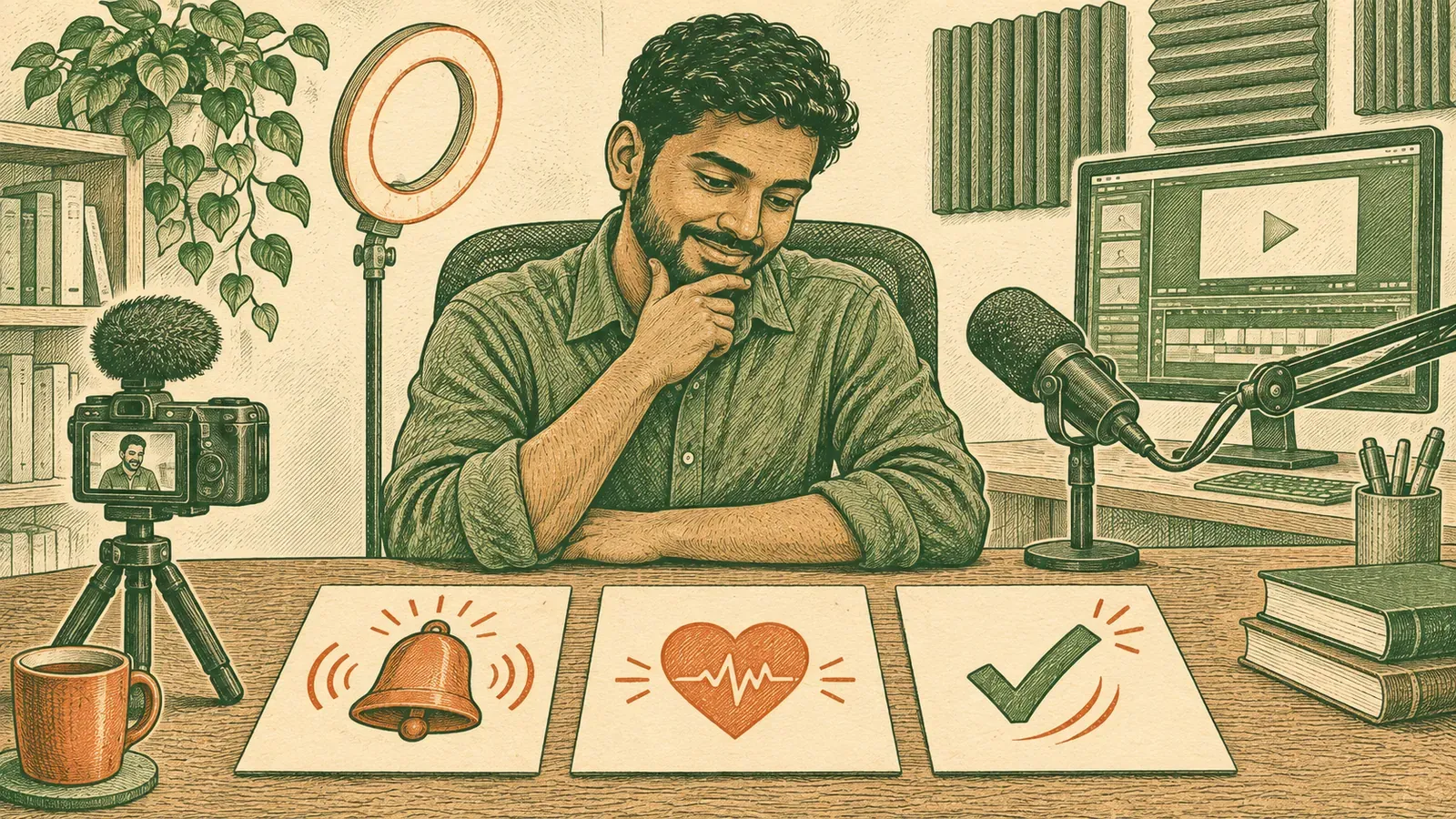 Choose symbols for what they communicate in the scene, not just their animation style. Conceptual illustration, not a product interface.
Treat social marks differently from generic symbols. An asset license does not automatically clear every brand or trademark use shown in a template. For a business-process lesson, a generic clock, checkmark, or message icon may fit better than a platform-branded callout; select the symbol for its meaning, not the preview’s decoration.
If you need a speaker name or role label rather than a semantic icon, see our free lower-thirds templates guide.
 A video editor brings visual elements together in a finished sequence. Conceptual illustration, not software UI.
PremiumBeat: a small pack of pre-rendered motion icons
PremiumBeat’s free animated icon set is a practical alternative to Lottie conversion. The vendor describes 20 handmade motion icons, pre-rendered with alpha channels, plus an After Effects project. The October 2026 download contained 20 MOV clips, the project, and a Read Me PDF. The sampled X.mov was a two-second, 1000×1000, 24fps QuickTime Animation clip with an ARGB pixel format, which includes alpha; that inspection is not an import test in a video editor.
The pack includes a checkmark, clock, shopping cart, download button, and speech bubble. Its article says the clips are white by default and describes recoloring through a fill effect. The download page permits use in any project but prohibits distribution of the icons. The bundled Read Me repeats that restriction and requires written approval for distribution. Neither states an attribution requirement.
This is an older pack. Its Read Me identifies After Effects CS6 or later for the project; test the MOV footage in your editor before committing to the set.
What did the free-download tests actually produce?
The signed-out tests produced usable animation files from LottieFiles, Lordicon, Mixkit, and PremiumBeat, but not a production download from every listed source.
In our testing (October 2026), an advertised format did not always lead straight to a file. The table records the bytes actually received, not the size of a webpage or an export we could not access. Downloads stayed in a temporary workspace; no accounts were created.
| Source | Actual download and size | Account or access finding |
|---|---|---|
| LottieFiles | Warning Status: 2,069-byte dotLottie archive containing a 15,121-byte Lottie JSON | Page-linked asset downloaded without login; this does not establish signed-in MP4/GIF export access |
| Lordicon | Free Check icon, ID 37: 65,244-byte GIF, 400×400 | Official page identified the icon as FREE; its linked GIF downloaded without login |
| Creattie | No animation file obtained | A download request redirected to the item page; the free-filter API did not establish that its returned item was free. Account access was not tested |
| Icons8 | 27,854-byte, 96×96 Like GIF from the landing-page demo | Main page returned HTTP 429; the demo GIF is not a completed icon-library download or proof of its license |
| IconScout | No file obtained | Item page returned HTTP 403 with a Cloudflare challenge; account requirement remains unknown |
| Jitter | No file obtained | “Remix for free” linked through login; exports inside an account were not tested |
| Mixkit | Like, Subscribe Button: 1,296,177-byte ZIP containing a 79,576-byte MOGRT and a preview MP4 | Downloaded without login; the deliverable is an editor template, not just its preview clip |
| PremiumBeat | 20,795,681-byte ZIP containing MOV clips, an After Effects project, and a Read Me | Downloaded without login; the bundled files are not a redistribution license |
Read these results alongside the license comparison above. We excluded a Lordicon JSON example linked from its documentation because the corresponding icon page was marked PRO. The Icons8 demo was only a preview; it did not establish a library download or license.
Which free source fits your finished-video workflow?
Choose a source by the file and permission your finished scene needs, not by the number of search results.
For Premiere Pro or After Effects work, consider Lordicon’s editor formats, Icons8’s free project selection, PremiumBeat’s footage pack, or a suitable Mixkit template. Editable projects offer controls; rendered footage gives you pixels.
For an MP4 workflow, LottieFiles, Lordicon, Creattie, and IconScout advertise MP4 exports, but our signed-out tests did not obtain an MP4 from any of them. Jitter can render video, with free-plan watermark, resolution, and background limits.
If a production’s budget is material to permission, screen licenses before comparing styles. Creattie says the video budget must not exceed $10,000; IconScout’s Digital License table says below that amount. For either source, buying a generic subscription or adding a credit does not by itself establish that a larger-budget production is covered.
For a credit-free client deliverable, Lottie Simple License files, Jitter’s own templates, and Mixkit’s video templates have relevant published permissions. PremiumBeat’s pack does not state a credit obligation. Lordicon, free Icons8 downloads, and Creattie assets downloaded without a paid plan require credit, while IconScout’s free-download instructions direct you to contributor attribution; keep those obligations visible in the project plan.
Shortlist sources that supply a matching symbol family, permit your use, and work with your timeline. Test one animation before collecting the full set.
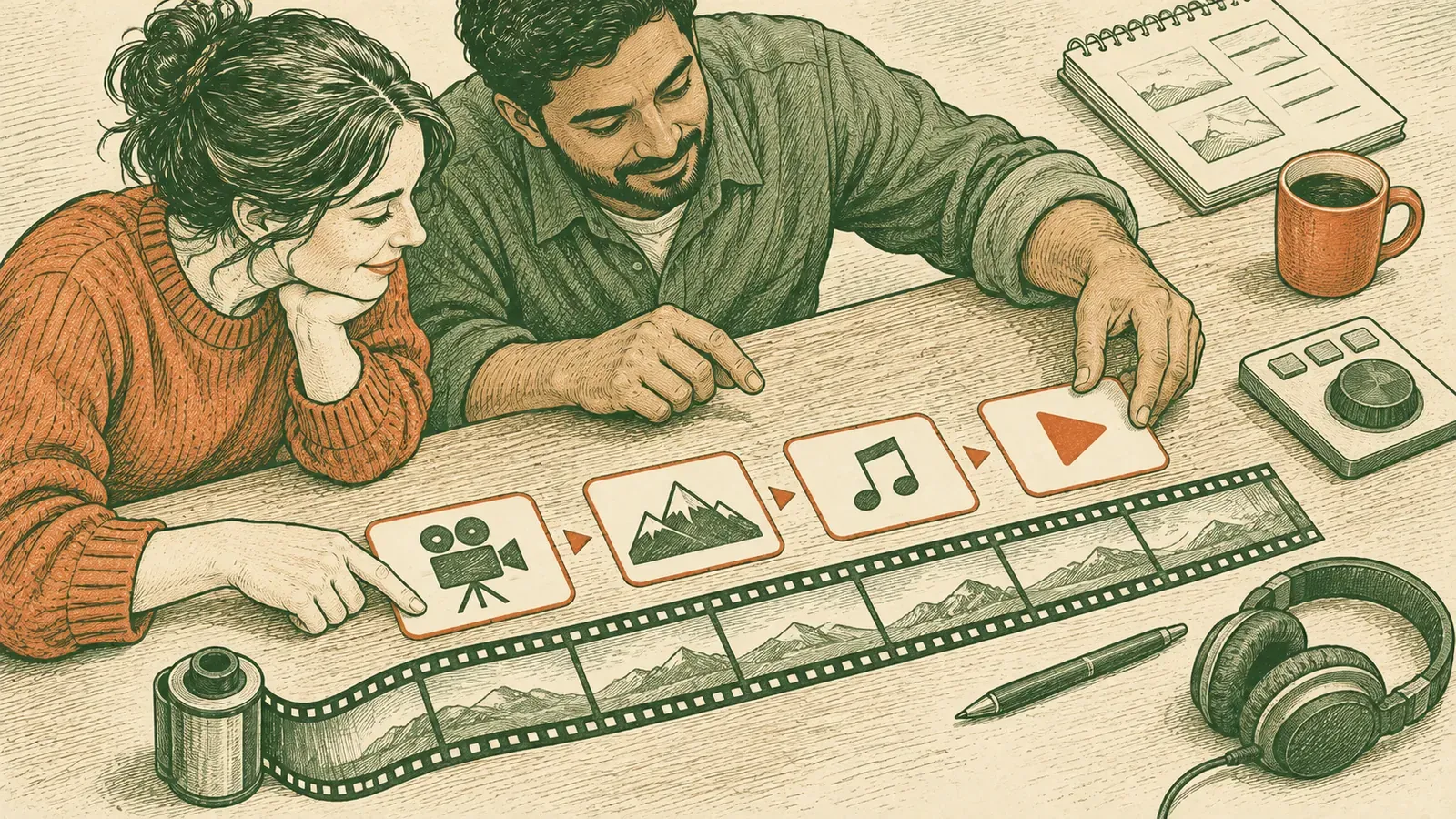 A consistent set of symbols can support a sequence without replacing the video itself. Conceptual illustration, not a product interface.
Which animation format belongs in your video editor?
A rendered MP4 is a video clip; Lottie JSON and dotLottie are animation data that require a renderer or a supported integration.
Choose the format based on the editing task. Native web-animation formats remain useful source assets, but renaming a JSON download to .mp4 does not turn it into video.
For a concrete size comparison, we rendered the downloaded Warning Status JSON locally in Chromium using lottie-web 5.13.0, then captured its 52 frames at 30fps and 256×256 on a white background. The same sequence became a 66,259-byte GIF and a 17,415-byte H.264 MP4, versus 15,121 bytes for the raw JSON and 2,069 bytes for its downloaded dotLottie archive. The source duration was 1.733 seconds; the GIF’s frame timing rounded the output to 1.73 seconds.
This is one icon under specified export settings, not a universal Lottie size advantage. The MP4 used FFmpeg’s medium preset at CRF 23; the GIF used a generated palette. These are alternative encodings of the rendered sequence, not pixel-identical files or the vendor’s own exports. The JSON and dotLottie figures exclude the web renderer’s code, and the raw JSON was not transfer-compressed. Choose by the delivery task as well as file size: a small animation-data download still is not a ready-to-import video.
| Download | Use inside a finished video | What to check first |
|---|---|---|
| MP4 | Import as a clip when your editor supports the encoding | Background color, resolution, frame rate, and whether the file actually imports |
| Animated GIF | Import if your editor supports animated GIF, or convert before editing | Edge quality, colors, frame timing, and whether the editor imports the full animation |
| Lottie JSON or dotLottie | Render to a video format or use a supported editor integration | Rendered appearance, output dimensions, background, and any export restrictions |
| Animated SVG or CSS animation | Use a supported rendering workflow if you truly need it in the video | Do not confuse a static SVG download with an animated export |
| Pre-rendered MOV footage | Import as a video clip when the editor supports its codec | Alpha-channel handling and color treatment; PremiumBeat’s pack uses this route |
| After Effects project or MOGRT | Open in compatible software, customize, then render | Software version, linked resources, and the license for the resulting project handoff |
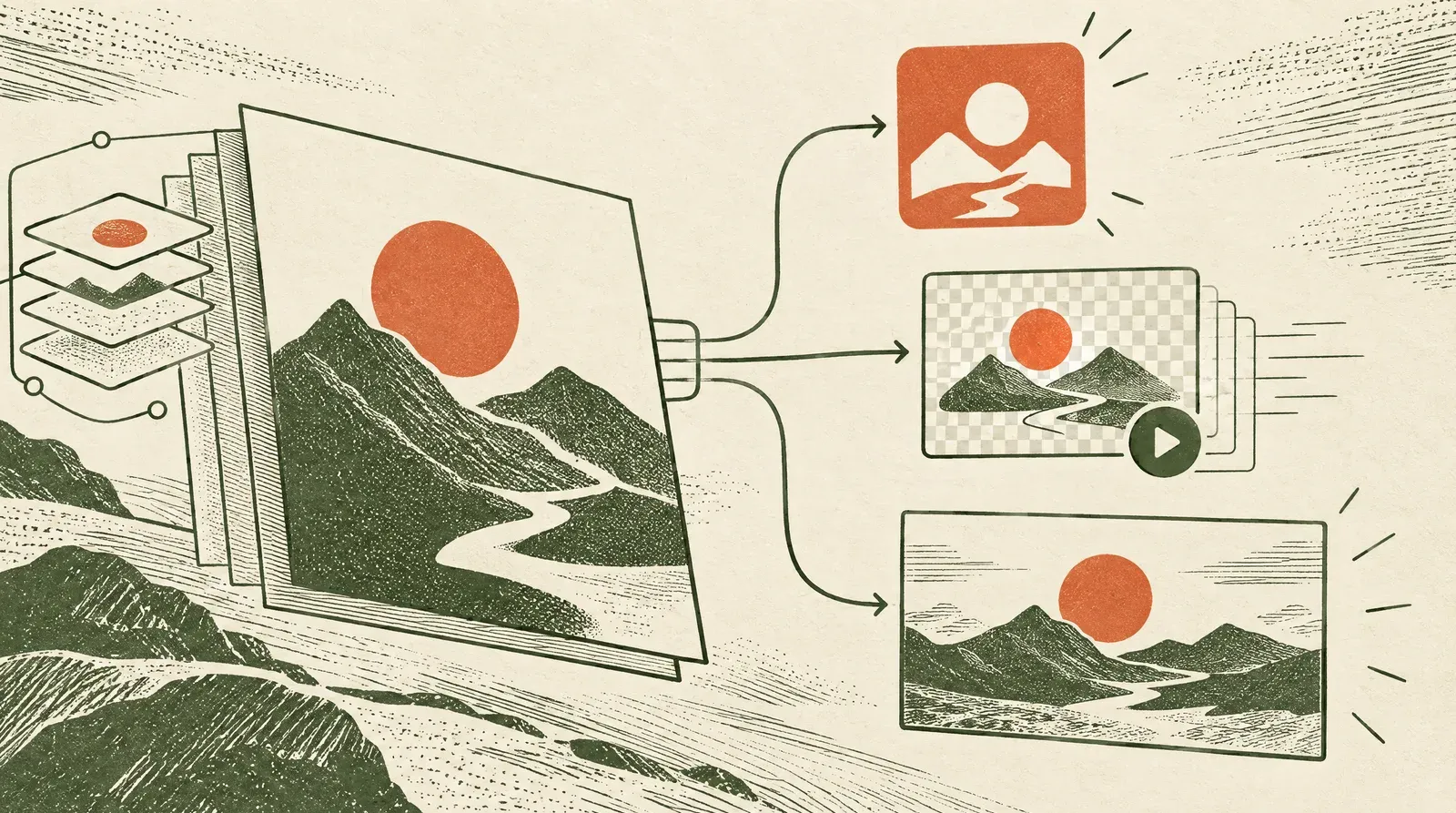 A video format does not guarantee a transparent background; choose an export your editor can composite. Conceptual illustration, not a product screenshot.
MP4 does not promise transparency. Lordicon’s format documentation labels its MP4 export “Transparency not supported” and warns that the export will not work with QuickTime Player or Windows Media Player. The same documentation lists MP4 among the formats for external editing workflows. Test your particular editor instead of assuming that every file with this extension uses the same encoding.
For an icon on a solid title card, export against the intended card color when that option is available. For an icon over a recording, seek a transparency-capable export that your editor supports, or use an intentionally designed panel behind it. Keying out a background can damage the icon if it shares the background color; do not present chroma keying as a universal repair.
In practice, the distinction between an icon and a texture also matters here. Use an icon to communicate a meaning such as “approved” or “download.” Use video overlays for film grain, light leaks, and other surface effects rather than trying to make a semantic icon pack do both jobs.
How do you add animated icons to an explainer?
Build the icon sequence around the explanation, then composite it with your footage and export the whole video.
The icon should reinforce a step the viewer already understands from narration or a label. A decorative loop that competes with the recording is not a substitute for a clear explanation. If you are still assembling your video editing workflow, finish the rough cut before introducing animated icons.
- List the meanings first. For an onboarding lesson, your list might be account setup, verification, and completion. Find the entire set before choosing the visual style.
- Check one real export. Download a candidate, import it, and inspect its background and edges at its intended size. Reject a source that cannot produce the file your workflow needs before collecting more icons.
- Match the visual system. Keep stroke weight, scale, color, and animation behavior consistent. Recolor through permitted controls before rendering when practical; a baked video clip is harder to restyle.
- Time the motion to the explanation. Place the icon beside its related label or screen area, play the animation when that step is introduced, and avoid distracting repeated loops while the viewer reads.
- Export the complete composition. Render the recording, labels, icons, audio, and required credits into the finished video. Watch that file before moving to website delivery.
Once your icons are part of an exported, finished video, choose delivery for that file. Swarmify’s website video hosting solutions cover the hosting stage for demos and lessons on your own site. Keep native Lottie, SVG, and CSS interface animations on their appropriate animation-integration path; this hosting recommendation is only for finished video files.
Use one trial scene as an acceptance test for the set: the opening frame should not reveal an unwanted square background, the animation should complete at the right moment, and the final frame should remain legible. Check both the intended desktop display size and a phone-sized preview. This catches a symbol that looks fine in a source-page preview but becomes difficult to read in your layout.
If you need an entire editable scene rather than an individual symbol, start with free video templates. If you are animating your own brand mark, that is a separate job covered by animated logo templates. Keep those decisions separate from selecting the icons for the explanation.
What permissions should you save with the project?
Save the asset page, applicable license, download date, and required credit text with the editing project.
A free download can still carry attribution, redistribution, seat, or production restrictions. The record should identify the exact icon, not just the source’s homepage, so another editor can check the permission without reconstructing your search.
For a client job, distinguish permission to collaborate from permission to redistribute. Lordicon’s free-license guide prohibits transferring or distributing the icons themselves. A finished explainer and a folder of standalone animation assets are different deliverables.
Creattie’s sharing and transfer terms allow sharing an unmodified asset with employees or contractors bound by the agreement. They also allow transferring the license to a client or employer, but not to multiple entities without separate licenses. Those provisions sit alongside the one-seat rule; do not treat a project handoff as a multi-seat license.
For wider distribution, read more than the short “commercial use” label. The Creattie license specifies up to 500,000 copies for reproduction as part of a project and fewer than 500,000 expected viewers for certain programs, while website and social-media views have no limit. Those clauses do not cancel its separate video-production budget condition.
In practice, a short asset manifest makes this manageable: filename, creator, source URL, license URL, credit, and intended use. Keep a separate record for any footage from free stock video sites. Do not assume the permissions for a background clip also cover an icon layered above it.
How should you check the finished website video?
Check the exported video before publishing it, then check the website player as a separate delivery step.
The player displays the rendered composition; it is not where you recolor the symbols, repair their edges, or add missing credits. Keep the editable project so you can correct those issues and export again.
 Check the finished sequence at phone size as well as in the editor. Conceptual illustration, not a product interface.
Watch the file through once without relying on the timeline preview. Look for cut-off motion, small labels, mismatched backgrounds, and credits that disappeared during a shorter cut. Then check the website video on a phone: the icon must remain understandable alongside the footage, not just attractive when shown alone.
Make the video useful even when an icon is ambiguous. Put important instructions in narration or readable text, and include captions for speech. Avoid making color the only signal of success or failure; plan video accessibility alongside the graphic treatment. These are composition decisions, not capabilities supplied by downloading an animated symbol.
Frequently asked questions about free animated icons
Free animated-icon permissions depend on the specific asset and license; export compatibility depends on the file you actually download. These answers separate those checks from the website-hosting decision.
Can I use free animated icons in commercial videos?
Yes, when the specific license allows your commercial use and you meet its conditions. Check attribution, modification, redistribution, and production limits; “free” alone does not establish permission for an advertisement or client deliverable.
Do free animated icons always need attribution?
No, attribution depends on the license attached to the file. Some free licenses permit use without credit, while others require a viewer-facing acknowledgment, so plan any required credit before the final export.
Is Lottie JSON a video file?
No, Lottie JSON describes an animation for a renderer rather than storing a finished video clip. To include it in a video timeline, use a supported integration or render it to a compatible video format first.
Can I download animated icons as MP4?
Yes, several listed sources advertise an MP4 path, but others supply MOV footage, GIFs, or editable projects instead. Check the individual item’s free formats and test the export, because file availability, conversion requirements, and editor compatibility are separate questions.
Will an animated icon MP4 have a transparent background?
Do not assume that an MP4 export has transparency. Inspect the source’s export settings and a sample file; if it has a solid background, choose a suitable card layout or a different export your editor can composite.
Can I change the colors of a free animated icon?
Only when the license and available editing controls allow the change you want. Prefer making permitted changes before rendering, and do not treat a customization control as permission to redistribute a redesigned standalone asset.
Can I give the downloaded icon files to a client?
That depends on the license’s sharing, transfer, and redistribution rules. Delivering a finished video containing an icon does not automatically authorize delivering the standalone icon or an editable template that includes it.
Do animated website icons need video hosting?
Native interface animations do not need to become hosted videos simply because they appear on a website. Use their appropriate animation integration; video hosting becomes relevant when you have rendered the icons into a finished explainer, demo, or lesson.
Are free animated icons available without a watermark?
Some sources offer free asset downloads without describing an editor watermark, while Jitter’s pricing page reserves watermark removal for paid plans. Check the actual file and its attribution rules separately: required creator credit is not the same thing as a watermark baked into an export.
Does a free icon template include video-editing software?
No, a free template or project file does not include the software needed to open and render it. If you do not already use the required editor, choose compatible rendered footage or another verified export path rather than assuming the entire workflow is free.