📋 TL;DR • For free Premiere Pro transitions, start with Mixkit’s directory and check whether each item is a project file or a MOGRT. • In Resolve, try the built-in Effects Library first. A
.drfxis a Fusion template bundle; a.compis a Fusion composition, not an Effects Library transition preset. • For cross-editor use, a transparent-alpha.MOVoverlay can move between Premiere, Resolve, Final Cut Pro, and other editors. • A free download still has a license. Check commercial-use and redistribution terms before using an asset in client work. • Test one effect in a duplicate sequence before building an edit around it.
If you need free Premiere Pro transitions, start with the Mixkit transitions directory, then choose a native Premiere file or an overlay based on the edit. Its Premiere and Resolve sections list different formats, and a project file, .mogrt, .comp, and transparent .MOV are not drop-in replacements.
In this guide, sources are separated into editor-native items, plug-ins, and rendered overlays. The comparison includes current access and licensing caveats, so you can tell whether a download belongs in your software before unzipping it or adding it to a client project.
Which transition format matches your editor?
A compatible transition needs both the right file type and a supported installation path.
Premiere Pro templates can arrive as a project file, a Motion Graphics template (.mogrt), or an effect preset. Resolve uses its Edit and Fusion workflows, including Fusion template bundles (.drfx) and Fusion composition files (.comp). OpenFX plug-ins have their own host requirements. A rendered overlay is a video clip placed above a cut, not an editable transition control.
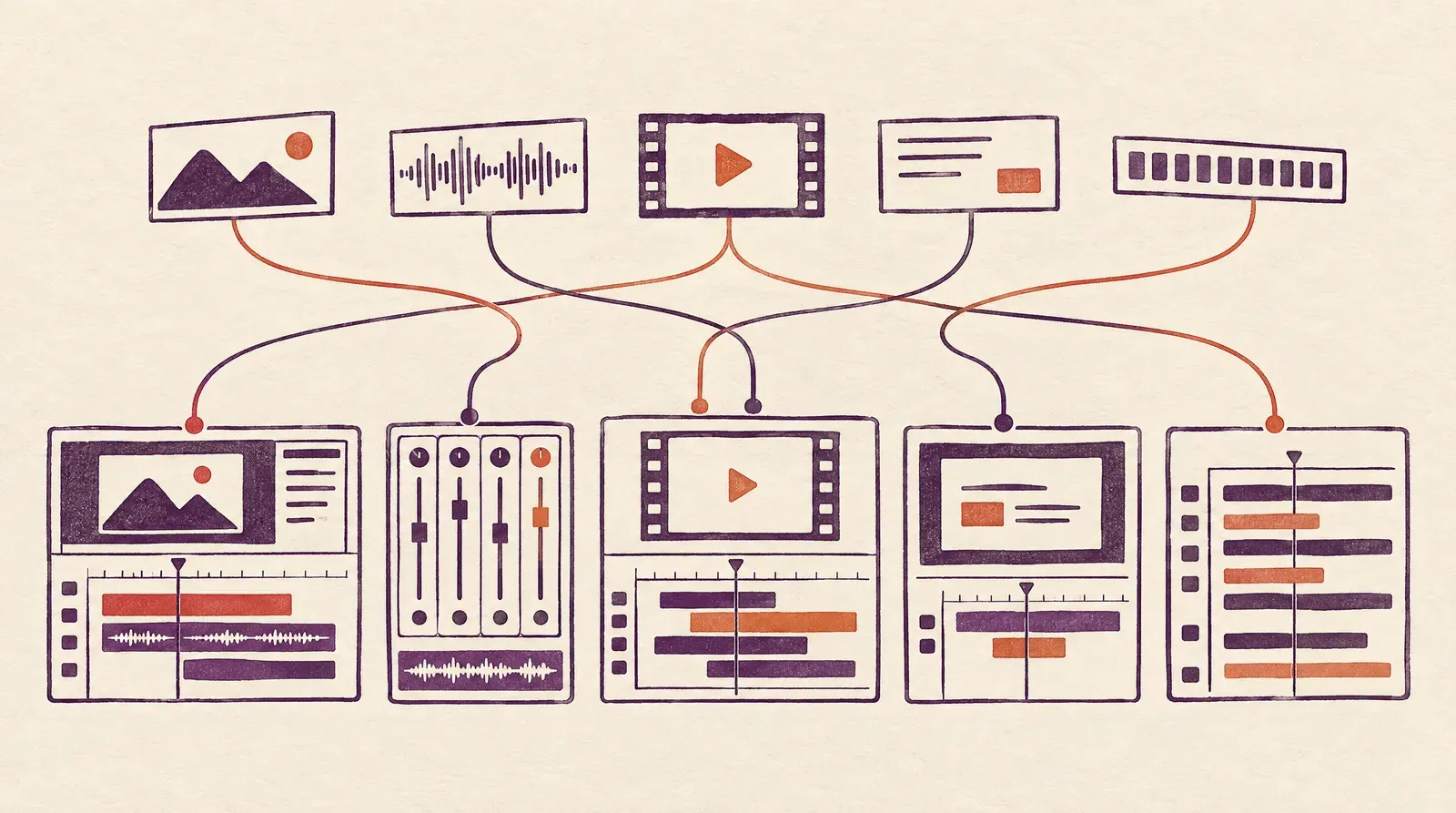 Transition formats fit particular editing systems; check compatibility before downloading. Conceptual illustration, not software UI.
When is a native transition preferable?
A native effect is the better fit when you want to adjust its timing or controls inside the editor. It also keeps the transition attached to the project workflow, which can make handoff easier when collaborators use the same software and have the required plug-in or template installed.
Adobe says an installed .mogrt appears under My Templates in Premiere’s Graphics Templates panel. Resolve’s manual distinguishes Fusion template bundles from compositions, so do not treat every file with a Resolve label as a ready-made Effects Library preset. Follow the creator’s instructions for the exact file you downloaded.
When is a video overlay more useful?
An overlay is a rendered video layer placed above the edit point. It can travel between editors, but it will not expose the original effect’s internal controls. Before using it, check whether the file has transparency or requires a blend mode; a black background does not automatically mean that the clip has an alpha channel.
CinePacks’ free sample identifies its files as transparent-alpha .MOV clips, which makes the format clear for a mixed-editor workflow. If you need more places to source this type of footage, see our guide to free video overlay websites.
 A native transition and a rendered overlay take different paths across a cut. Conceptual illustration, not a product screenshot.
What should you check in a license?
“Free download” does not mean “free for every commercial project.” Check whether attribution is required, whether client work is allowed, and whether the asset can be redistributed inside a template, course, or downloadable project. A creator’s license may also distinguish free and paid assets within the same library.
In practice, save the license or terms page beside the downloaded archive. A landing page can change, while the saved file and the terms shown at download time help explain how the asset was obtained. Do not assume a free tier allows resale or redistribution just because it permits a finished client video.
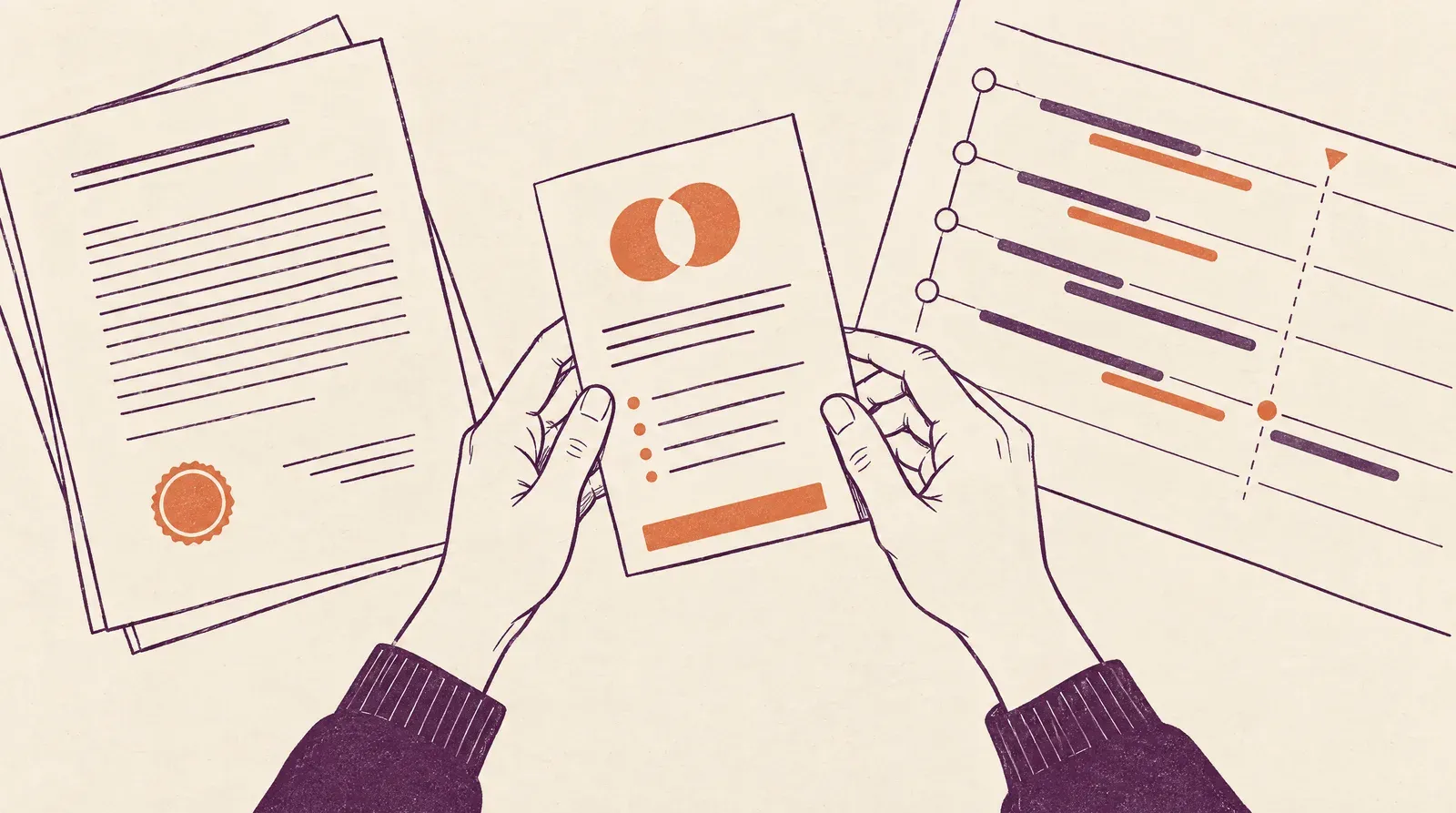 Check the license terms before placing a downloaded transition in client work. Conceptual illustration, not legal advice.
Which free transition sources are worth trying?
These options differ by editor support, file type, and how their free access works.
| Source | Free option | Editor path and caveat |
|---|---|---|
| Mixkit for Premiere | 140 entries in its transitions directory; free download, $0 (Mixkit, 2026) | Item labels identify project files and MOGRTs. Some directory entries are graphics rather than clip-to-clip transitions. The free templates use the Mixkit License. |
| Mixkit for Resolve | 8 entries, all `.comp`; free download, $0 (Mixkit, 2026) | The directory includes titles and graphics as well as transitions. A `.comp` is a Fusion composition, so inspect the file and instructions before treating it as a reusable transition. |
| Spotlight FX | Free plan is $0, with a limited template library and limited plug-in/tools access (Spotlight FX, 2026) | Plug-in for Premiere Pro and After Effects. Registration is required before downloading items. |
| Motion Array | Its Help Center describes a free account with no card and "100s of free video templates" (Motion Array Help Center, 2024) | Filter the marketplace for "Free assets." The Help Center article dates to July 2024, so confirm the current tier before relying on it. |
| CinePacks sample | Free Foreground Transition FX sample, $0 checkout; transparent-alpha `.MOV` files (CinePacks, 2026) | No installation; the download link is sent by email after checkout. The page lists Premiere, After Effects, Final Cut Pro X, Resolve, and other editors. |
| Video Editor Studio | Free Starter Pack: 300+ motion-graphics assets across 20 categories (Video Editor Studio, 2026) | Built for DaVinci Resolve Fusion. The page describes a broad motion-graphics pack, not a transition-only set, and says personal and commercial use are allowed. |
| CapCut transitions | Free editor library; the page lists 13 transition categories (CapCut, 2026) | Choose Transitions in the sidebar. The page describes an in-editor library, not a separate pack to install; web-editor use requires sign-up. The page does not state whether every item shares the same access tier. |
| Resolve built-ins | Transitions are included in the Effects Library; no separate download (Blackmagic Design, 2025) | The manual says a transition can be placed only where clips have overlapping handles. Try the built-ins before adding a third-party dependency. |
How do the free access options differ?
The no-charge option can mean a direct download, a limited plan, a library account, or a sample checkout.
The item counts above come from each vendor’s own directory, not an independent audit of every download. Mixkit’s Premiere page lists 140 entries, but the category can include a graphic as well as a clip transition; check each item’s label and preview before downloading.
Which sources fit a Premiere Pro edit?
Mixkit is a useful first stop when you want a free Premiere download and can choose between a project file and a MOGRT. Spotlight FX is a plug-in workflow rather than a folder of standalone files, while Motion Array is a broad marketplace whose free-account details come from an older Help Center page. Check the item label and the current terms before putting either into a client sequence.
If the creator supplies a MOGRT, Adobe documents installing it in the Graphics Templates panel, where it appears under My Templates. For an effect preset, Adobe documents a Presets bin in the Effects panel, but follow the asset creator’s instructions for importing a separate file rather than assuming every preset uses the same workflow. (Adobe MOGRT instructions, 2026; Adobe effect presets, 2026)
Which sources work with Resolve or multiple editors?
Resolve’s Effects Library already contains built-in transitions. A Fusion template bundle can use the .drfx format; Blackmagic’s manual describes installing a bundle by opening it in Resolve or dragging it into the Fusion page. A .comp file is a Fusion composition, which you import in the Fusion page, not a bundle installed as a transition preset. (Blackmagic Design, 2025)
Video Editor Studio’s free starter is a broader Fusion motion-graphics library, while CinePacks’ sample is a rendered transparent overlay. The first can suit an editor looking for Resolve-native graphics; the second is useful when the same effect must move between Premiere, Resolve, and Final Cut. Neither choice removes the need to inspect the individual file and license.
CapCut is different again: its transitions are selected from the editor’s own Transitions sidebar. The official page lists 13 categories and shows the web editor applying a transition to clips in the timeline; it does not describe a standalone pack download. (CapCut, 2026)
🚀 Your finished edit still needs a clean place to play The transition helps finish the video; the player determines what viewers see after the cut. For a business website, see SmartVideo’s ad-free playback and branding options.
How do you install a free transition in Premiere or Resolve?
The install step depends on whether the download is a template, preset, Fusion composition, plug-in, or rendered clip.
How do you install a MOGRT in Premiere?
Open Window, then Graphics Templates, and use the panel’s install control to choose the .mogrt file. Adobe says the installed template appears under My Templates; it can also be added by dragging the file into that tab. Some templates stored in Creative Cloud Libraries are available without a separate install.
How do you add an effect preset in Premiere?
Check the creator’s readme before importing a preset, because the current Adobe guide documents the Effects panel’s Presets bin but does not specify a universal import step for third-party transition files. After the preset appears, test it on sample footage in a duplicate sequence and confirm that any required fonts, plug-ins, or linked media are present.
How do you install a Fusion template in Resolve?
For a .drfx template bundle, follow the package instructions; Blackmagic documents opening the bundle in Resolve or dragging it into the Fusion page. A .comp is a composition file, not the same bundle type. Open or import it through Fusion and inspect its nodes before using it as a transition in an Edit-page timeline.
What if the download is a video overlay?
Import the clip, place it on a track above the cut, and check its transparency. A clip with an alpha channel can composite over the footage; a black-background clip may need the blend mode specified by its creator. Keep the original file so the editor can relink it if the project moves to another machine.
How should you test a transition before using it?
A short test catches format, alpha-channel, version, or licensing problems before an effect reaches client work.
In practice, import one item into a duplicate sequence, make sure required fonts or linked assets are present, and watch it at normal playback speed. A thumbnail shows the idea, not whether the transition works with your footage, frame rate, audio, or export settings.
In practice, check both sides of the edit. A rendered overlay may have an alpha channel or a black background, and those require different compositing steps; then listen to the actual mix and shorten or remove the effect if it interrupts dialogue or music.
Keep the original archive and license with the project. A vendor can update its product page later, but the downloaded file and its terms help explain how the asset can be reused when a collaborator or client asks.
How do you choose a transition source for the edit?
A reliable pick depends on the edit’s motion, the project handoff, and how much control you need after import.
A solo Premiere editor can start with a native template and test it beside a plain cut. If the sequence also needs title graphics, our guide to free lower thirds for Premiere Pro covers a related template format, while the transition itself should still match the action and timing.
For a music-video montage, a rendered overlay can move between editing apps, but it does not replace a good soundtrack or an editor-native effect. Pair the transition with suitable free music for your video and check the overlay’s alpha channel before sharing the project.
If the finished video is headed to a website, the edit is only one part of the workflow. Our video editing guide and free B-roll guide cover the surrounding work; compare free video hosting before publishing. For a WordPress site, see the WordPress video-hosting guide; for product demos or a smaller company site, see the e-commerce video guide and small-business video guide.
What should you know before downloading transition packs?
These answers cover compatibility, file formats, licensing, and transition timing across common editors.
Which free transition source should I try first for Premiere Pro?
Mixkit is a clear starting point because its directory labels items as Premiere project files or MOGRTs and links its template license. Compare the item itself with the sequence you are editing; the directory count includes some graphics as well as clip-to-clip effects.
Can I use a Premiere Pro transition in DaVinci Resolve?
Not if the download is a Premiere project, MOGRT, or effect preset. In Resolve, look for a compatible plug-in, a Fusion template bundle, a Fusion composition, or a rendered overlay, then follow the instructions for that specific format.
What is a .comp file in Resolve?
A .comp file is a Fusion composition that can be imported or exported through the Fusion page. It is not the same as a .drfx bundle that packages Fusion templates for installation, so do not assume it will appear as a transition in the Effects Library.
What does a .drfx file contain?
A .drfx file is a Fusion template bundle that can package multiple templates together. Blackmagic’s Resolve manual describes opening the bundle in Resolve or dragging it into the Fusion page; check the bundle’s notes for any assets or version requirements.
Are free transitions okay for commercial projects?
Sometimes, but the license decides. Mixkit links a license for its free templates, Spotlight FX separates limited free and premium assets, and Video Editor Studio says its free starter pack allows personal and commercial use; save the terms and confirm the specific asset is covered.
Why does a video overlay look black?
The clip may not contain an alpha channel, or it may require a blend mode. Check the creator’s format notes and preview the clip over footage before using it; CinePacks identifies its free sample as transparent-alpha .MOV files.
Do MOGRT files work in Resolve?
No. Adobe’s MOGRT instructions describe installing the format in Premiere’s Graphics Templates panel, while Resolve uses its own Fusion and Effects Library workflows. For a shared effect, use a rendered overlay or a compatible Resolve template instead.
Why does a downloaded transition not appear in Premiere?
The file may be a project or template rather than an installed effect preset, or it may depend on a font, plug-in, or linked media. Read the creator’s instructions and test the item in a blank sequence before copying it into a client edit.
Should every cut in a video use a transition?
No. A straight cut is often clearer when the action, camera angle, or speaker already provides the change. Reserve effects for a change in time, place, topic, or visual rhythm so the transition adds meaning instead of distracting from the edit.
Which source should you try first?
Match the source to your editor, then test one transition before building a sequence around it.
For a Premiere project, inspect Mixkit’s project and MOGRT labels. For Resolve, try the built-in Effects Library first and distinguish .drfx template bundles from .comp compositions. Choose a transparent overlay when editor portability matters more than editable controls.
For client work, confirm the exact license and keep it with the archive. Once the edit is ready, compare SmartVideo plans for an ad-free player with your branding.