📋 TL;DR • Best Premiere Pro starting point: Mixkit’s 71 free lower-thirds MOGRTs, with PremiumBeat’s pack as a focused alternative. • Best After Effects starting point: Mixkit’s 22 free After Effects lower-thirds projects, exportable to Premiere as a MOGRT. • Best Resolve starting point: Use Resolve’s built-in Lower 3rd and Fusion title templates before importing third-party files. • Best browser workflow: Kapwing, FlexClip, and Wave.video build a finished lower third with no install, but every free tier stamps a watermark on the export. • Most important check: Confirm the file type, alpha-channel support, font requirements, and license before you build a branded series around a download.
The right free lower-thirds template depends on where you will edit and where the finished video will play. Choose a .mogrt for editable graphics in Premiere Pro, an After Effects project when you want to redesign the animation, a Resolve title or Fusion template for DaVinci Resolve, or a browser editor when you only need a finished video with a nameplate already composited. If you want to start downloading now, Mixkit’s lower-thirds library is the largest free MOGRT set in this roundup at 71 templates. The ten options below cover those paths and identify the trade-off before you download.
A lower third is a text-and-graphics overlay that identifies a person, place, product, or idea without covering the whole frame. It is useful in interviews, testimonials, webinars, courses, product demos, and company videos—but it should clarify the scene, not compete with it.
What to check before downloading a free lower third
Pick the file type that matches your workflow
A MOGRT is an editable Motion Graphics template used in Premiere Pro; Adobe describes the format as a way to create titles, lower thirds, and other animated elements (Adobe’s MOGRT overview, 2026). A Premiere or After Effects project file gives you more layers but may require more relinking and setup. A Resolve title or Fusion template belongs inside Resolve’s Effects Library. A rendered MOV, WebM, or MP4 is different again: it is a finished overlay or video, not a template with editable text.
Decide whether the graphic must be reused before choosing a download. If the same nameplate will appear in ten videos, an editable template repays its setup time; if it appears once, compositing it into the finished cut is simpler.
Install the MOGRT before you judge the template
Most free MOGRT downloads fail for install reasons, not design reasons. Adobe’s current instructions, updated January 21, 2026, tell you to open Window > Graphics Templates, choose the install icon, and add the .mogrt file to My Templates (Adobe’s MOGRT installation guide, 2026). Use that path whenever a template page says “MOGRT” but does not explain installation.
If a control is missing after installation, the template may depend on a different Premiere version, a missing font, or an effect the author did not package. Install and open a template before you commit a series to it—an install test takes a minute and rules out most of the reasons a free pack disappoints.
Confirm that transparency is real
For an editable template, transparency is part of the composition and the video underneath stays visible. For a downloadable overlay, look for an alpha channel or a format that explicitly supports transparency. A black or solid-color background is not transparent, even if the preview makes it look like one.
Browser editors often produce a finished video with the lower third baked into the image. That is perfectly useful for a social post or a short website video, but it will not let you move the nameplate later. If you need to reuse the graphic across multiple videos, choose an editable project or export a transparent overlay from a desktop editor.
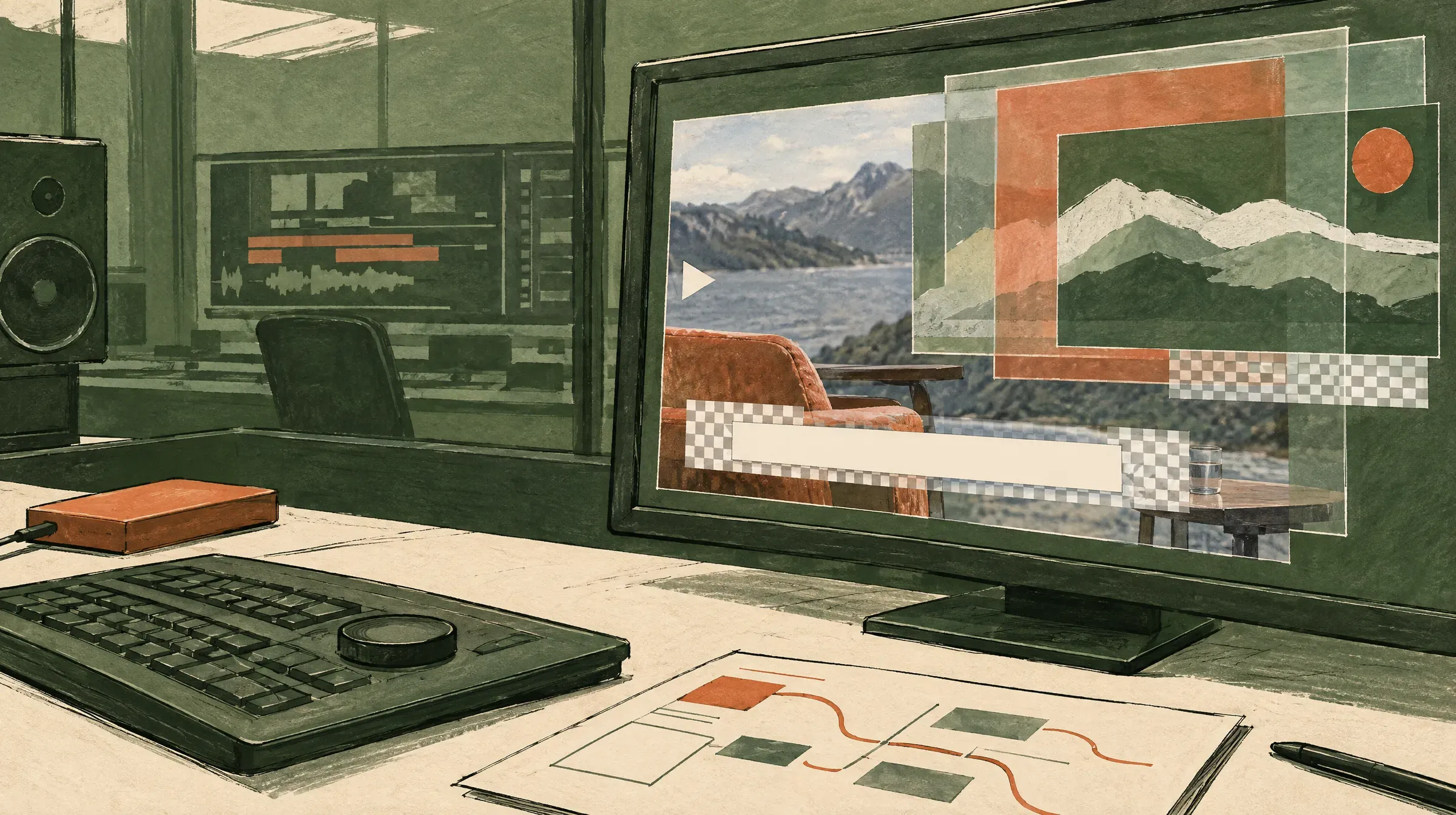 The checkerboard indicates transparent pixels, allowing footage to remain visible beneath the overlay.
Read the license on the item you actually download
“Free” describes the price, not every permitted use. Check whether commercial projects, client work, paid ads, redistribution, and font usage are covered. Save the license page and the download date with your project files; a template page can change while an old project remains in production.
Mixkit separates its item licenses and labels video templates under a Free License. Its Video Templates Free License says the items can be used in commercial and non-commercial projects and that attribution is not required (Mixkit License, 2026). Treat that as a useful example, not a universal rule for every library below.
Ten free lower-thirds templates and workflows compared
This list is organized by the job the resource does. The first group is for desktop editors, the second for browser-first production, and the last for livestreaming. Every entry below is a place you can actually download or generate a lower third—counts were checked in August 2026.
1. Mixkit lower thirds for Premiere Pro
Best for: a free MOGRT you can install and edit directly in Premiere Pro. Mixkit’s lower-thirds page currently lists 71 Premiere Pro templates, including MOGRTs with headings, subtitles, lines, banners, and transparent backgrounds (Mixkit’s lower-thirds library, 2026).
Three worth opening first: Simple bottom third for interview name-and-role text with no decorative animation, Accented Banner Lower-third when the nameplate needs to carry a brand color, and Animated Lower-third Border, whose description explicitly states a transparent background with a solid border and subheading banner—the one to test if you plan to composite the graphic elsewhere. Most entries are marked Premiere Pro / mogrt; a few, like VHS Lower Third with overlay, are project files instead, so check the format label before downloading.
2. PremiumBeat’s free Premiere Pro lower-thirds pack
Best for: a focused pack rather than a large catalog. PremiumBeat’s free lower-thirds article includes a downloadable set for Premiere Pro and explains the workflow of installing a MOGRT through the Graphics Templates or Essential Graphics panel (PremiumBeat’s free lower-thirds pack, 2018).
The page is older, so verify that the download still works with your current Premiere build and read the license attached to the pack. Its value is the guided setup and coherent set of styles: useful when you need a name, role, or short callout to look consistent across an interview series.
3. Mixkit’s free After Effects lower thirds
Best for: editors who want to change the animation itself, not just the text. Mixkit lists 22 free After Effects lower-thirds projects, including Box Reveal Lower Third, Logo Dual Line for a name-plus-logo lockup, Rounded Edge Lower Third, and Cinematic Fading Text (Mixkit’s free After Effects lower thirds, 2026). These download as After Effects projects, so you get the layers, keyframes, and expressions rather than a fixed set of exposed controls.
After Effects is the largest free lower-thirds ecosystem, and it feeds Premiere directly: open the composition, use the Essential Graphics panel to expose the text and color properties you want editable, and export the result as a .mogrt that installs in Premiere Pro like any other Motion Graphics template (Adobe’s MOGRT overview, 2026). That is the path to take when a downloaded pack is close to right but the color, timing, or line count does not match your brand. The cost is an After Effects license and a slower first setup.
4. Velosofy’s lower-thirds collection
Best for: browsing across several editing applications. Velosofy’s current catalog shows 76 lower-third entries and filters for Premiere Pro, DaVinci Resolve, After Effects, and other software (Velosofy’s free templates, 2026).
Use the software filter before downloading. A lower third made for After Effects is not automatically a Premiere Pro MOGRT, and a Resolve project may require Fusion or a particular folder structure. Velosofy is a discovery layer rather than a curated set—individual items are creator-uploaded, so open the item page, check the creator’s instructions, and keep the license file with the asset. Treat it as the second stop after Mixkit, not the first.
5. DaVinci Resolve’s built-in Lower 3rd titles
Best for: a no-download solution inside Resolve. Blackmagic’s reference manual documents built-in L, M, and R Lower 3rd title generators that automatically position two lines of text at the bottom of title safe, each with rich text and Position/Zoom/Rotation controls, plus a Fusion Titles category of pre-built title templates you drag from the Titles browser into the timeline like any other clip (DaVinci Resolve 20 reference manual, July 2025).
Start here if you are using Resolve Free or Studio and only need a clean nameplate. Blackmagic’s official Resolve training materials also cover titles and editing workflows for users who want to build beyond the included presets (Blackmagic Design, 2026). The result is less distinctive than a custom motion pack, but it avoids broken downloads, incompatible versions, and missing media. For a recurring show, duplicate the title clip, replace the text, and keep the animation restrained enough that the speaker remains the focus.
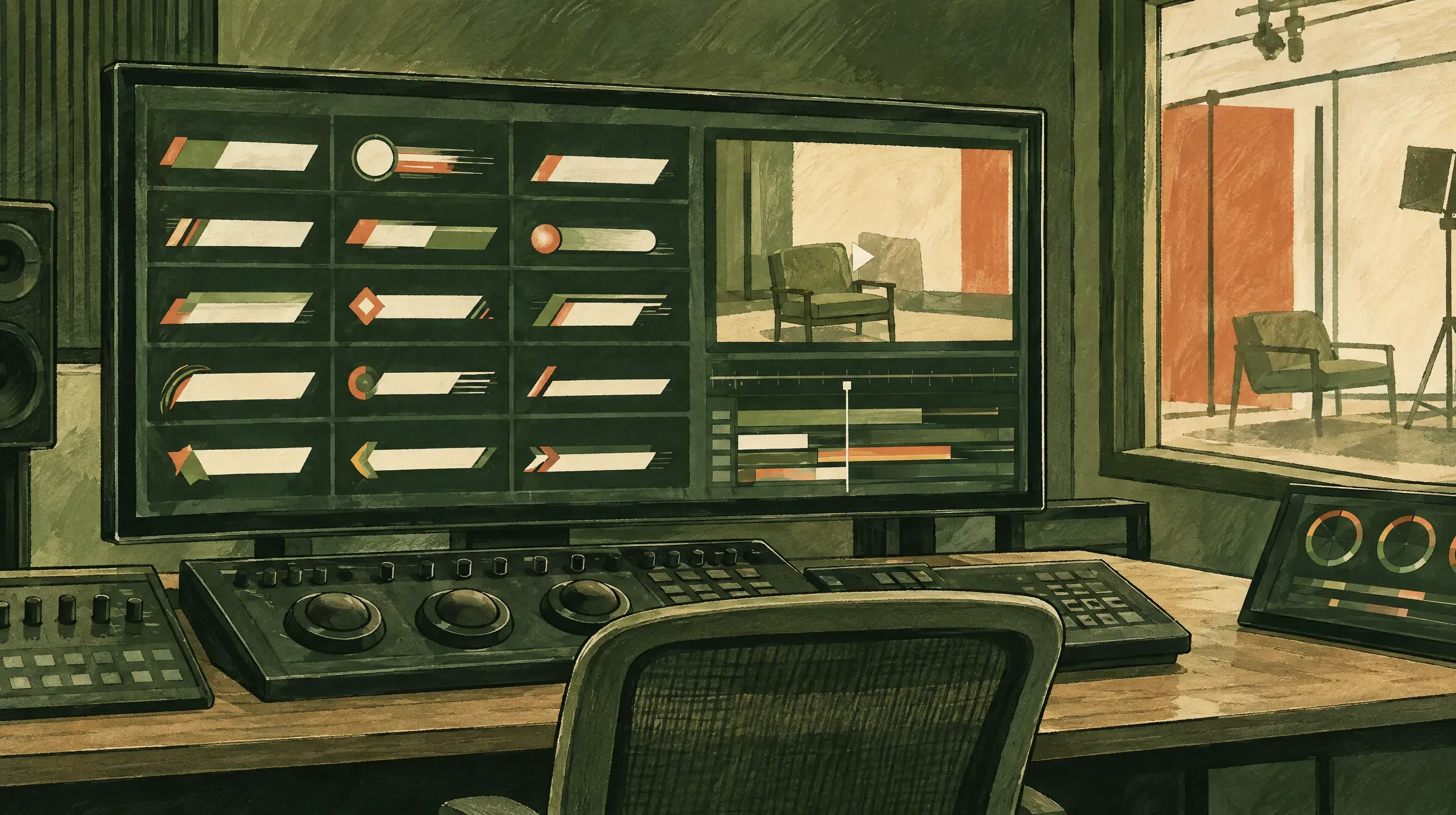 Comparing bar shapes side by side makes it easier to choose a style before checking its Resolve compatibility.
6. Mixkit templates filtered for DaVinci Resolve
Best for: Resolve users who want third-party styles but still prefer a free catalog. Mixkit’s general template library includes DaVinci Resolve as a software filter and lists templates alongside its Premiere Pro, After Effects, and Final Cut Pro collections (Mixkit’s video-template library, 2026).
Do not assume that every lower-third preview on the site is available in every application. Filter for Resolve, open the item, and check whether the download is a Fusion title, a project, or another file type. A template that imports successfully may still expose different controls from a MOGRT, so test text length and font substitution before committing to it.
7. Wave.video lower-third templates
Best for: a browser workflow that turns a template into a finished video. Wave.video’s template catalog includes lower thirds, overlays, and transparent-lower-third categories; the site advertises more than 1,000 free video templates overall, which is a vendor claim rather than a counted figure (Wave.video’s free video templates, 2026).
This route is convenient for short promos, social clips, and videos that need a nameplate baked into the export. It is not the same as downloading an editable MOGRT or Resolve title. The free plan caps a project at 15 minutes and stamps a Wave.video watermark on the export, and free hosting is limited to 5 embeds and 10 GB of monthly traffic (Wave.video pricing, checked August 2026).
8. Kapwing lower-third templates
Best for: adding a lower third without opening Premiere Pro or Resolve. Kapwing’s lower-third page presents a hand-curated collection of customizable video templates, including Simple Lower Third, Peach Lower Third, and Abstract Green Lower Third (Kapwing’s lower-third templates, 2026). Use the editor to composite the lower third rather than assuming the template page provides a reusable transparent overlay.
Kapwing makes sense when speed and collaboration matter more than handing an editable graphics package to another editor. The free plan exports at 720p with a Kapwing watermark, caps a single video at 4 minutes, and allows 30 minutes of total export per month (Kapwing pricing, checked August 2026).
9. FlexClip’s browser lower-third maker
Best for: quickly producing a nameplate, title card, or branded social-video segment in a browser. FlexClip presents a page of customizable lower-third templates and a three-step workflow: add media, customize text and music, then export (FlexClip’s lower-third maker, 2026).
Use this option when the lower third belongs to one finished video rather than a reusable post-production system. FlexClip’s own pricing guide puts the free plan at 720p export, a 10-minute length cap, and a watermark on every download (FlexClip’s pricing guide, checked August 2026). Check the frame on a phone before publishing—the browser preview flatters small text.
Free-tier limits at a glance (checked August 2026)
| Browser editor | Export resolution | Watermark | Length cap | Transparent export |
|---|---|---|---|---|
| Kapwing | 720p | Yes | 4 min per video, 30 min per month | Not offered on the template page |
| FlexClip | 720p | Yes | 10 min per video | Not on the free plan |
| Wave.video | Not stated on the pricing page | Yes (logo enforced on free) | 15 min per video | Transparent lower-third category exists; verify per item |
All three watermark the free export, so none of them is a finished-client-video path without a paid plan. Use them to prototype a nameplate style, then rebuild the winner as a MOGRT or Resolve title if the video is going on a company site.
10. Free lower thirds for OBS and livestreaming
Best for: naming a guest live, where a video editor never enters the workflow. The OBS community resource Animated Lower Thirds with Dockable Control Panel runs as a browser source with a docked panel inside OBS, supports up to four lower thirds with ten slots each and three predefined styles, and ships under the MIT license (OBS Project resource listing, version 1.6, 2021). You trigger a nameplate mid-stream instead of placing it on a timeline.
The trade-off is platform support and age: browser panels are a Windows and Linux feature in OBS, and the resource has not been updated since 2021, so test it against your OBS build before a live event. For a stream you also plan to publish as an on-demand video, the lower third is burned into the recording—treat the live overlay and the edited-video template as two separate assets rather than trying to make one file serve both.
🚀 Your lower third is only one part of the viewer experience A clean nameplate helps the video look finished, but the page still needs a player that starts quickly and keeps attention on your content. SmartVideo delivers an ad-free, branded player with CDN-accelerated delivery, so your website video does not send viewers to a template library or a platform’s related-video feed. See how SmartVideo handles your next web video →
 An OBS browser-source nameplate can be triggered during a live show, then remains baked into any recording.
How to use a free lower third in a website video
Keep the text short and inside the safe area
Use the first line for the person’s name or the main idea and the second line for a role, company, location, or supporting detail. Two short lines are easier to scan than a sentence. Keep the graphic away from the extreme bottom edge because controls, captions, and mobile cropping can cover it.
For a practical production checklist, compare the lower third against the same principles you use for adding captions to a video: readable contrast, enough time on screen, and a layout that survives small screens. A lower third can be visually separate from captions, but both must remain legible at the same time.
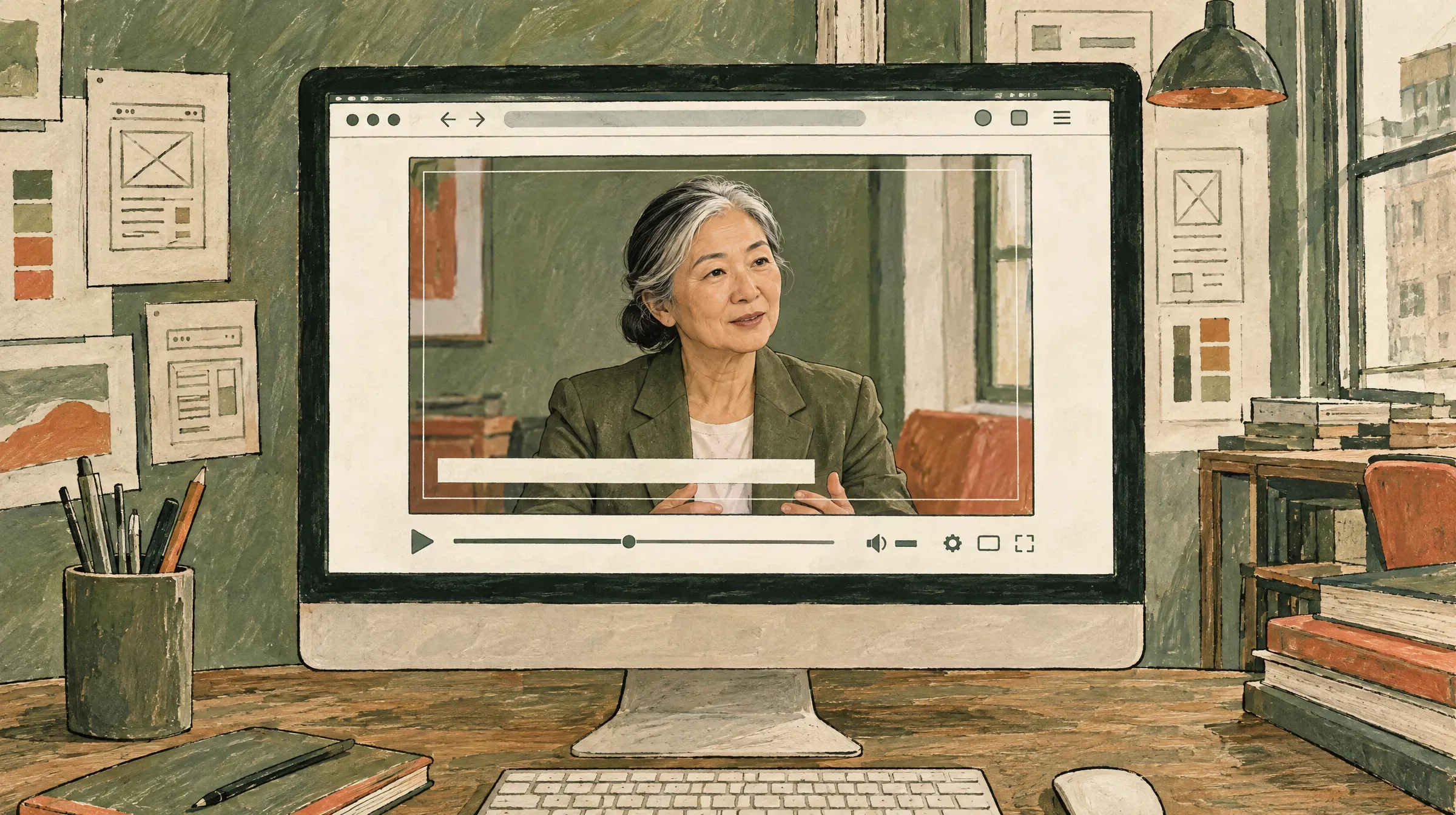 Keeping the bar inside the guides leaves room for captions, controls, and mobile cropping.
Build your own when one style has to serve many videos
For a small team running a recurring series, building the graphic beats downloading one. In Premiere Pro, create a rectangle, a two-line text group, and a short entrance and exit animation, then save the result as a MOGRT. In Resolve, build the same elements as a title or Fusion composition and save it to your template library. This takes longer than downloading a pack, but it removes license uncertainty and gives you control over safe margins, contrast, font licensing, and text length.
Whichever route you take, run the same three-shot readability test before the graphic spreads across a library of videos: place it over a bright talking-head shot, a dark product shot, and a small mobile preview. Those three checks expose most contrast and text-length problems, and they are faster than discovering the failure after twenty videos already use the template.
Export the graphic with the final delivery in mind
If you are publishing a finished video, export using the dimensions and codec required by the destination. A transparent overlay may need a format that preserves alpha, while a normal web video needs a broadly supported delivery format. Our guide to the best video formats for a website covers that final conversion decision.
Do not export a huge 4K lower-third layer simply because the source project is 4K. The lower third will be composited into the master video; exporting the complete finished video at the correct display size is more useful than carrying unnecessary pixels through every step. If you are editing from free footage too, the free B-roll guide can help you find source clips that leave enough clean space for text.
Host the finished video without distracting overlays
Once the lower third is baked into the final video, the hosting layer should stay out of the way. A player that inserts ads, related-video grids, or another brand’s controls undoes the work the nameplate just did. That matters most for testimonials, courses, and product videos, where the lower third identifies the speaker and the page should keep the viewer on your site.
For the embedding choices themselves, see how to embed a video on a website. For a WordPress page, the practical goal is simple: upload or connect the finished video, place the player where the story needs it, and make sure the page loads the video only when it is ready to be watched.
Quick comparison table
| Option | Editor | Output | # free lower thirds (Aug 2026) | Commercial use | Best use |
|---|---|---|---|---|---|
| Mixkit lower thirds | Premiere Pro | MOGRT | 71 | Yes, no attribution (Mixkit Free License) | Editable nameplates |
| PremiumBeat pack | Premiere Pro | MOGRT pack | 15 (2018 pack) | Check the pack license | One coherent series style |
| Mixkit After Effects | After Effects | AE project → .mogrt | 22 | Yes, no attribution (Mixkit Free License) | Redesigning the animation |
| Velosofy | Several | Varies | 76 | Check per item (creator-uploaded) | Cross-app browsing |
| Resolve built-ins | DaVinci Resolve | Title/Fusion clip | Included with the app | Check current Resolve terms | No-download workflow |
| Mixkit Resolve filter | DaVinci Resolve | Varies | Filter the catalog | Yes, no attribution (Mixkit Free License) | Third-party Resolve styles |
| Wave.video | Browser | Finished video | Vendor claims 1,000+ templates overall | Free tier watermarks the export | Quick marketing clips |
| Kapwing | Browser | Finished video | Not stated on the template page | Free tier watermarks the export | Fast collaborative edits |
| FlexClip | Browser | Finished video | Not stated on the template page | Free tier watermarks the export | Template-led production |
| OBS lower thirds | OBS Studio | Live browser-source overlay | 3 styles, 4 slots × 10 entries | Yes (MIT license) | Naming guests live |
Frequently asked questions
What is the difference between a lower third and a title?
A lower third is a title graphic positioned in the lower portion of the frame, often to identify a speaker or place. A title can appear anywhere and may introduce the entire video, while a lower third is usually tied to a specific moment. Broadcast graphics are also called chyrons, although that term originally referred to a graphics company. (Blackmagic Design, 2026)
Are MOGRT files compatible with DaVinci Resolve?
No. MOGRT is Adobe’s Motion Graphics template format for Premiere Pro and After Effects workflows. DaVinci Resolve uses title generators, Fusion title templates, and Resolve project or template files, so download a Resolve-specific version when a library offers one. (Adobe, 2026; Blackmagic Design, 2026)
How do I install a free lower-third MOGRT in Premiere Pro?
Open Window, then Graphics Templates, choose the install icon, and select the .mogrt file. It should appear under My Templates, where you can drag it onto the timeline and edit the controls exposed by its creator. (Adobe, 2026)
How do I know if a lower-third video has transparency?
Look for an explicit alpha-channel or transparent-background specification, then place the file over a contrasting clip to test it. A black background in the preview or export means the transparency was not preserved. A browser editor’s MP4 export is often a finished composite rather than a transparent overlay.
Can I use a free lower-third template in a client video?
You can when the item’s license permits commercial or client work, but you must check the individual asset rather than relying on the word free. Also verify font permissions. Keep a copy of the license with the project records. (Mixkit License, 2026)
What font size should a lower third use?
There is no universal font size because the answer changes with the video dimensions, typeface, viewing distance, and amount of text. Build at the final delivery size, preview the graphic on a phone, and keep the name and role to short lines. WCAG’s contrast guidance is a useful accessibility check, but it does not replace testing the actual video. (W3C Web Content Accessibility Guidelines, 2024)
Should a lower third include a logo?
Add a logo only when it helps identify the speaker, company, or series without crowding the name and role. A small logo lockup can work for a testimonial, while an interview lower third may be clearer with text alone. Test the logo at the smallest mobile preview size before making it part of every template.
Can I use a lower third on a website video?
Yes. You can bake the lower third into the exported video, or place a transparent overlay into a workflow that supports alpha channels. For a website, test the finished file in the actual player and check captions, responsive sizing, playback controls, and page load behavior before publishing.
Why does my lower third show a black box?
The file probably does not contain an alpha channel, or the editor did not preserve it during export. Recheck the template’s format, enable the application’s transparency or alpha setting when available, and test a supported codec. If you only need one finished video, placing the graphic over the footage before exporting avoids the transparency problem.
How long should a lower third stay on screen?
Leave it visible long enough to read the longest line once without pausing the video. A short name may need only a few seconds, while a name-and-role combination needs more time; use the reading speed of the intended audience as the test. Keep the entrance and exit animation shorter than the reading window so the text is not moving while viewers are decoding it.
Choose the template that fits the finished video
For Premiere Pro, start with Mixkit’s 71 MOGRTs and keep Adobe’s installation guide nearby. For a design you want to change rather than fill in, take an After Effects project and export your own .mogrt. For Resolve, try the built-in Lower 3rd and Fusion titles before importing a third-party template. For a quick web or social video, a browser editor is the shortest path—as long as you accept a watermark on the free tier and an export that is a finished video rather than a reusable transparent graphic.
The lower third should make the speaker or message easier to follow. Once the visual is ready, pair it with a fast, branded player that keeps the viewer on your site. See SmartVideo plans and start a free trial when the finished video is ready to publish.