
📋 TL;DR YouTube embeds can add third-party work to a page and leave player behavior under YouTube’s control. • Performance: Iframes can compete with first-party resources; measure the actual page. • Player controls:
rel=0limits related videos to the same channel; it does not hide them. • Privacy: Privacy-Enhanced Mode limits personalization based on embedded views; it is not a blanket compliance guarantee. • Ads: YouTube says ads may appear on videos from channels outside the Partner Program. • Fix: Lazy-load or use a click-to-load facade; choose another host if you need different player controls.
A YouTube embed is a third-party player inside your page, not a neutral placeholder. It brings its own interface, recommendations, and playback rules; performance and privacy impact depend on the page, browser, visitor, and embed configuration.
A prospect landing on your product page may watch the video or follow a YouTube player link; either way, the player is part of the page experience. See the true cost of YouTube’s video player beyond the iframe’s sticker price.
This guide explains how to measure a page with YouTube, which player settings still work, and how lazy loading, facades, and dedicated hosting differ.
How Do YouTube Embeds Affect Your Core Web Vitals?
A YouTube iframe can compete with page resources; its actual impact depends on where and how it loads.
A YouTube embed usually loads as an iframe served by YouTube. Third-party embeds may compete for network bandwidth and main-thread work, delay first-party content, or cause layout shifts; web.dev’s embed guidance recommends auditing this impact because embed code can change.
If the player sits below the fold, a browser-supported loading="lazy" attribute can defer loading until the iframe nears the viewport; a facade can wait for a click. Neither technique makes an eager, above-the-fold player free, so test the page that matters.
Google Search Central defines Core Web Vitals as real-world experience metrics for loading, interactivity, and visual stability. Its good-experience targets are LCP within 2.5 seconds (2,500 milliseconds), INP below 200 milliseconds, and CLS below 0.1; these are page-wide targets, not a promised per-embed penalty (Google Search Central, 2025).
In practice, compare the same URL with and without the player under the same test setup, then inspect third-party code in Chrome DevTools or Lighthouse rather than inferring ranking effects from an iframe. Google says Core Web Vitals and other page-experience aspects align with what its ranking systems seek to reward.
 Third-party video resources can compete with page resources; measure your own site.
How Can Mobile Visitors Be Affected?
A mobile page’s network and processing budget is shared by its first-party resources and third-party player code.
Different devices, network conditions, and player placement produce different results, so one benchmark cannot predict how an embed behaves on your site. Audit the player periodically because third-party embed code can change; use DevTools to inspect third-party size and main-thread time.
If an embed sits below the fold, defer it with loading="lazy" or a facade and reserve its display area with width and height to reduce layout shifts. For ecommerce video hosting, test the actual shopping flow instead of assuming a ranking or conversion effect.
Why Can YouTube Embeds Send Visitors Away?
YouTube embeds let YouTube control the player interface and recommendations; a visitor who follows a YouTube suggestion or link leaves your page.
After playback, YouTube may show related videos in the player. Its current player-parameter documentation says rel=0 limits suggestions to the same channel rather than disabling them.
Avoid promising that a competitor’s video will always appear or that rel=0 removes the end screen. The player still presents related videos; if you need a different playback experience, use a different player.
What Do rel=0 and modestbranding Still Do?
The YouTube player docs say omitting rel allows related videos, while rel=0 restricts suggestions to the same channel. The parameter does not hide the grid.
YouTube marks modestbranding as deprecated and says it has no effect; the revision history records the deprecation on August 15, 2023 (YouTube player parameters). Neither setting turns the YouTube player into a fully branded, recommendation-free player.
🚀 Keep your visitors on your site. If YouTube’s branding and recommendations do not fit your page, compare a separate host such as SmartVideo.
Are YouTube Embeds GDPR Compliant?
There is no universal yes-or-no answer: consent obligations depend on the page’s setup, the visitor, and applicable law.
The player can request content from YouTube as a third party. YouTube’s IFrame Player API documentation says that when autoplay is enabled, playback data collection and sharing occur upon page load; review the embed’s settings and your site’s consent flow rather than assuming every configuration behaves the same.
What Does Privacy-Enhanced Mode Change?
YouTube’s Privacy-Enhanced Mode changes the embed domain to youtube-nocookie.com. YouTube says views in this mode are not used to personalize the viewer’s YouTube experience and that ads shown in the mode are non-personalized (YouTube Help).
That describes limits on personalization, not a blanket promise that no data is processed or that the site is legally compliant. If your consent policy requires opt-in before third-party content loads, gate the iframe through your consent manager even when using the privacy-enhanced domain.
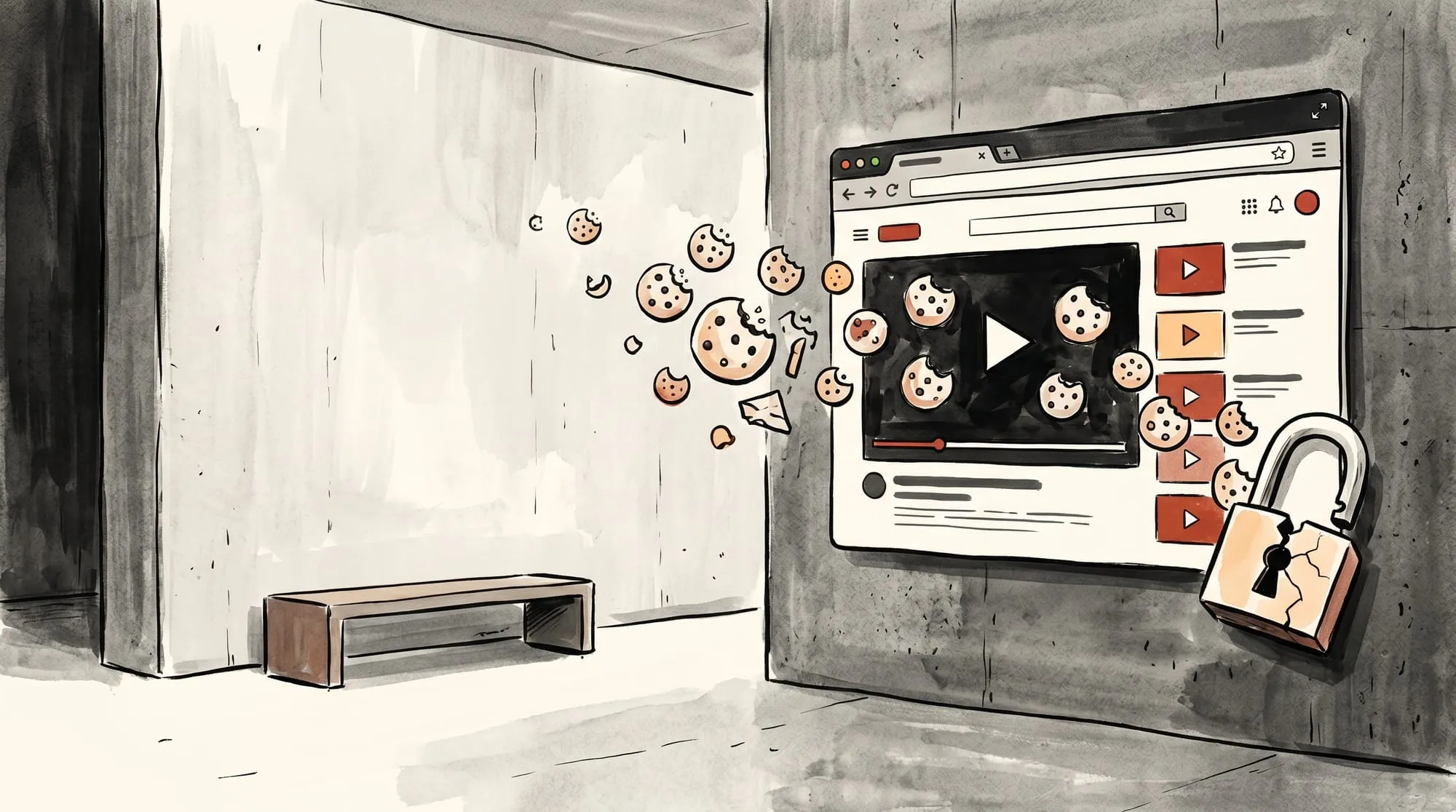 Use your consent manager to control when a third-party video player loads.
Why Does YouTube Show Ads on Your Embedded Videos?
YouTube says ads may appear on videos from channels outside the YouTube Partner Program; rights holders may also choose to place ads on videos containing content they own (YouTube Help).
So a creator’s own monetization setting does not guarantee that an embedded video will be ad-free. If ad-free playback is a requirement, check the hosting provider’s current ad policy; SmartVideo advertises ad-free playback.
Comparing Solutions: Facades vs. Professional Hosting
A click-to-load facade delays the YouTube iframe until a visitor chooses to play; a separate host replaces the YouTube player and requires moving the video file.
Our comparison below separates delaying the third-party player from replacing it: a facade waits for a click, while a separate host gives you another player and a different set of controls.
The Facade Workaround (Lite YouTube Embed)
A facade shows a lightweight preview instead of a live YouTube player; clicking it loads the actual iframe. Lite YouTube Embed is one implementation of that pattern.
| Approach | What loads before play | What remains after play |
|---|---|---|
| Standard YouTube iframe | The YouTube player loads as a third-party iframe. | YouTube controls the player interface and recommendations; ads may appear on some videos. |
| Native lazy loading | A browser may defer an offscreen iframe until it nears the viewport; distance from the viewport affects when it loads. | It is still the same YouTube player; lazy loading changes when the iframe loads, not what the player does. |
| Click-to-load facade | A preview appears first, and the actual YouTube iframe loads after the visitor clicks. | After the click, YouTube still controls its player and recommendations. |
| Dedicated video host | The page loads another provider’s player. SmartVideo’s migration guide says to upload a video file and replace the embed. | Controls and privacy practices depend on the provider; review its current policies. |
A facade delays the third-party iframe until a visitor chooses to play. It can reduce work on initial load, but it does not change the YouTube player after it appears; measure the effect on your own page. Reserve space for the player and configure consent controls where your site requires them.
Professional Video Hosting (The Complete Solution)
Replacing a YouTube embed with SmartVideo removes YouTube’s player from playback on your site. SmartVideo’s current migration guide instructs customers to upload a video file to the library and replace the embed; it does not describe converting a pasted YouTube link.
SmartVideo’s current features page reports that, in its testing, a page with one YouTube embed weighed 1,513 KB and made 25 requests across 7 third-party domains; the same page with SmartVideo measured 707 KB, 17 requests, and 2 domains. These are the vendor’s reported results for that test page, not a universal per-embed cost; measure your own pages under comparable conditions.
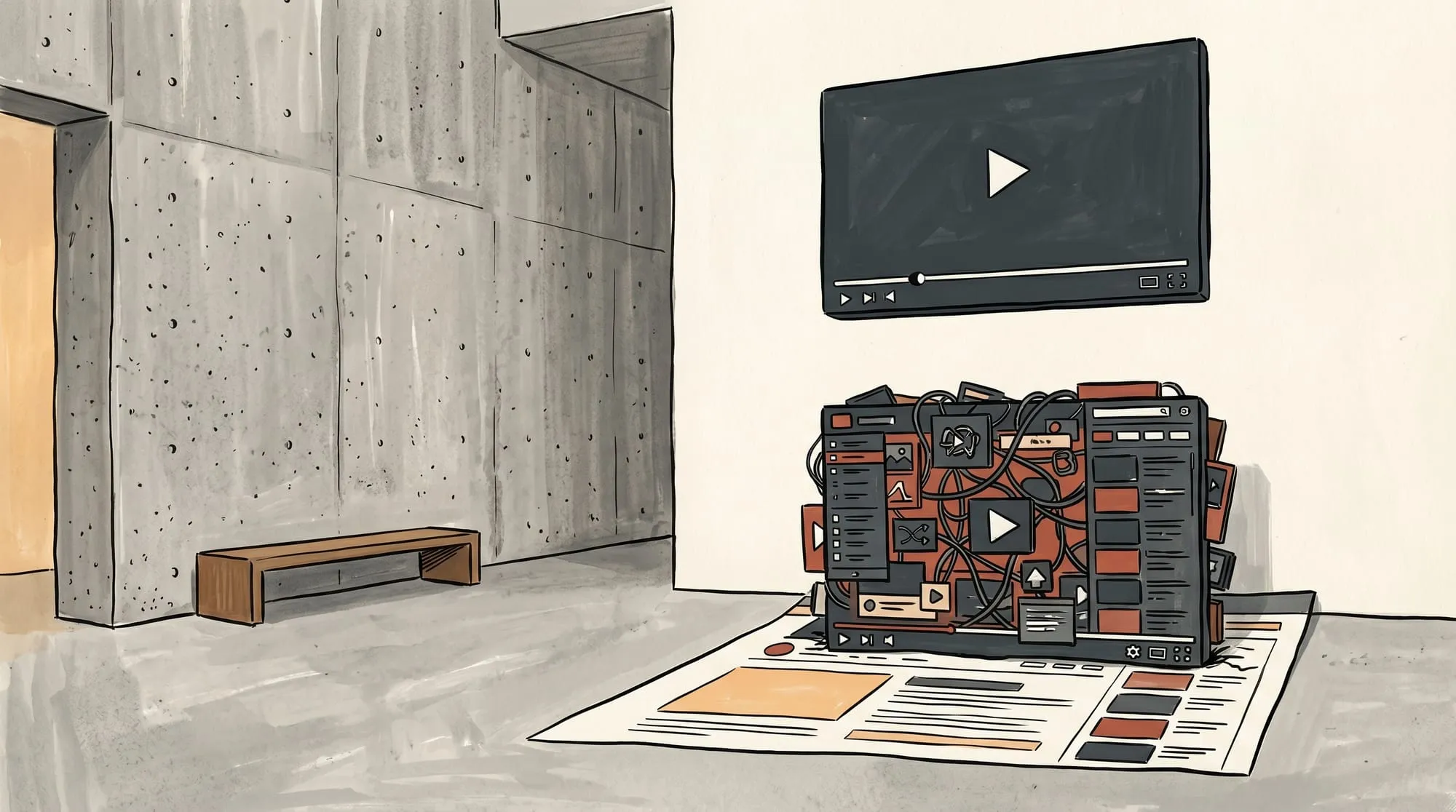 The right player depends on the page’s performance, brand, and privacy requirements.
If you decide a dedicated host fits the page better than a facade, SmartVideo’s pricing page shows the plans you can start a trial on.
What Does YouTube’s “Free” Hosting Actually Cost You?
A YouTube embed’s free price is only one part of the trade-off; weigh discovery benefits against page performance and control over the player.
YouTube can still help people discover a channel. Embedding its player on your site also gives YouTube control over the player interface and recommendations, so measure the experience on the pages where the video matters.
Wyzowl’s 2026 report says 91% of businesses use video as a marketing tool (Wyzowl, 2026).
The same report says 93% of video marketers consider video an important part of their overall strategy (Wyzowl, 2026).
Wyzowl’s 2026 report also found that 82% of marketers said video marketing gave them good ROI (Wyzowl, 2026). That is a self-reported video-marketing result, not an estimate of what any individual embed returns.
In Wyzowl’s 2026 report, 67% of marketers who did not use video said they planned to start in 2026; the survey included 266 unique respondents and was conducted in late 2025 (Wyzowl, 2026). These figures describe video adoption and plans, not the performance cost of an embedded player.
To replace a YouTube embed with SmartVideo, use the original video file or download your own video through YouTube Studio, upload it to the SmartVideo library, then replace the embed using the current migration guide. Your YouTube channel remains available for discovery. For a comparison of the top YouTube competitors and alternatives, we break down options by use case. If you have decided to leave YouTube entirely, here’s how to delete your YouTube channel safely.
Try SmartVideo Free on Your Website →
Frequently Asked Questions
Does embedding YouTube videos help SEO?
Google describes Core Web Vitals as real-world user-experience measures and says they align with ranking systems alongside other page-experience aspects. An embed can affect those metrics if it competes with resources or shifts the layout, but video alone does not guarantee a ranking change.
Why is the YouTube rel=0 parameter not working anymore?
YouTube’s player-parameter documentation says rel=0 limits suggestions to the same channel rather than hiding related videos. Use a different player if you need to remove YouTube’s recommendations.
How do I fix YouTube embed modestbranding not working?
YouTube says modestbranding is deprecated and has no effect; it cannot be relied on to remove YouTube branding. Use a player you control if unbranded playback is a requirement.
How long does a YouTube embed take to load?
There is no fixed load time: it depends on the page, device, network, and whether the iframe is lazy-loaded or behind a facade. Use Chrome DevTools to inspect third-party resources on your page and compare the same URL before and after changing the embed.
What is the fastest YouTube embed method for desktop and mobile?
There is no universal fastest method. Native lazy loading can defer an offscreen iframe, and a click-to-load facade can defer it until a visitor presses play; after that, the YouTube player is still in control. Use a separate host if you need different branding or player behavior.
Are YouTube embeds GDPR compliant?
There is no universal yes-or-no answer from the iframe alone. YouTube says Privacy-Enhanced Mode prevents embedded-video views from personalizing the viewer’s YouTube experience and makes any ads shown there non-personalized. If your site’s consent policy requires opt-in before third-party content loads, gate the player and assess your obligations for the visitor’s jurisdiction.
Can YouTube show ads on my embedded video if my channel is not monetized?
Yes. YouTube says ads may appear on videos from channels outside the Partner Program, and rights holders may choose ads for content they own.
How do I stop YouTube from suggesting competitor videos on my site?
You cannot fully hide related videos with embed parameters; rel=0 limits suggestions to the same channel. If you need no YouTube recommendations, choose a different player.


