TL;DR: yes
SmartVideo supports multiple playback speeds so your users can accelerate or slow down the speed at which they consume your content. By default the speeds available are:
- 0.5x
- 0.75x
- 1x
- 1.25x
- 1.5x
- 2x
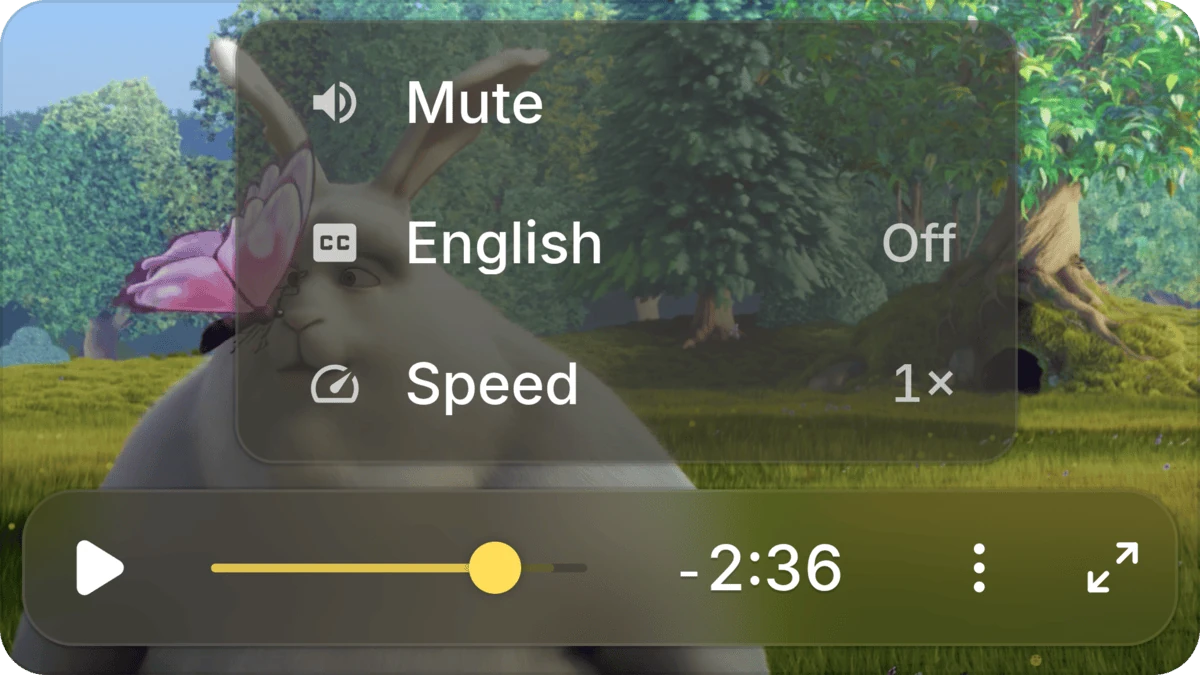
On desktop and roomy mobile players, the playback-rate control is a single button on the control bar that cycles through the speeds when clicked — the label updates to match the current rate (1×, 1.5×, 2×, and so on). On narrower players, the same button collapses into the three-dot overflow menu alongside the other controls.
You can change the list. Set playbackRates under swarmoptions.player to give every player on the page your own speeds, or put playbackRates in a data-swarm-setup attribute for one video. The button steps through the speeds in the order you list them. See Configure SmartVideo with swarmoptions and Configure a single video with data-swarm-setup.

Here’s the overflow menu on a narrow player, with Speed alongside mute and captions:
Keywords: multiple speeds, playback speed, controls, speed selection