TL;DR: You’ll see the SmartVideo player in place of your original embed, and your view count climbing in your dashboard.
A video usually converts to SmartVideo in about as long as it runs, so a 10-minute video takes about 10 minutes. While a video is still converting, it keeps playing from its original source — that’s expected, not a failure.
Here’s how to confirm a video has converted:
1. Look at the player. The current SmartVideo player is visually distinctive, with a frosted-glass floating control bar. When the SmartVideo player appears in place of your original YouTube/Vimeo/native embed, SmartVideo is running on your page. A Vimeo embed switches to it once its conversion is ready. A YouTube embed switches right away and streams from YouTube inside the SmartVideo player until our copy is ready, and on WordPress the plugin’s Legacy player (the default in plugin 2.4) switches Vimeo embeds right away too. For those, step 3 confirms the video has converted.
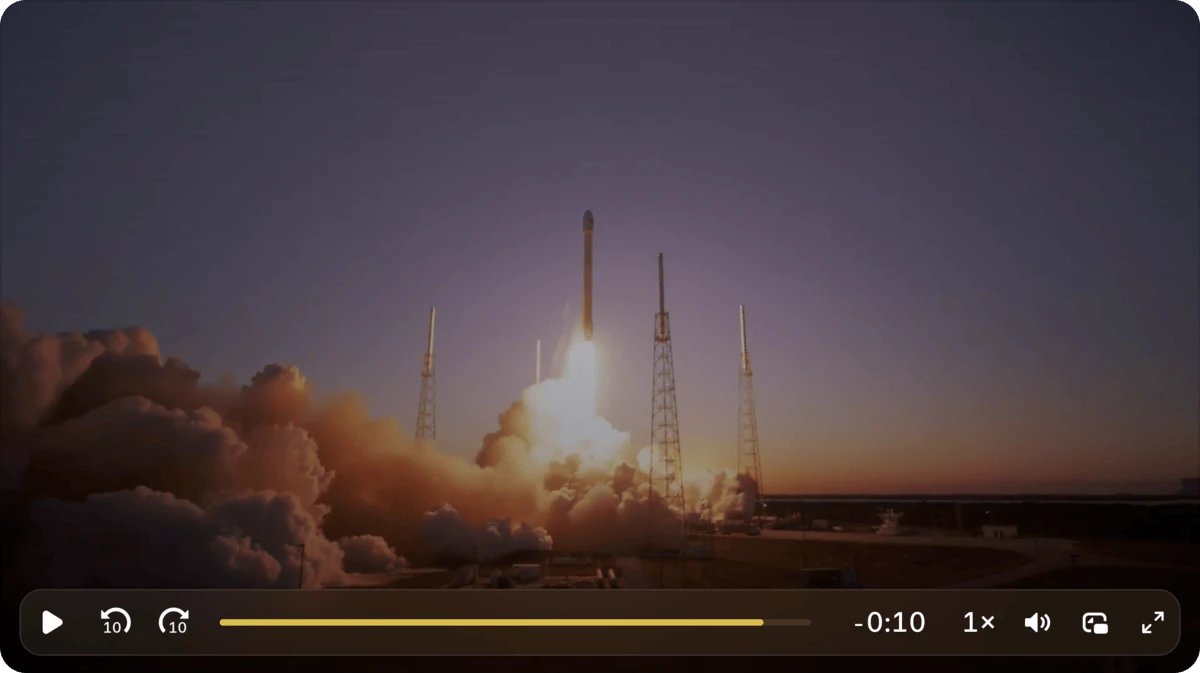
2. Check your dashboard. Your view count in your SmartVideo dashboard climbs as visitors load your videos in the SmartVideo player, confirming SmartVideo is running on your site. If you uploaded the video through the SmartVideo Library, its processing status is also visible there.
3. Check devtools (technical). In your browser’s devtools, the player’s container element carries the smartvideo-player class, and once the video has converted, its media requests (Network tab) go to Swarmify’s CDN rather than the original source.
Kept a native HTML5 player? SmartVideo’s Background & HTML5 videos setting (Growth and Pro) optimizes the existing video element without replacing it with the SmartVideo player. Use step 3’s Network-tab check to confirm it has converted. See Using a standard HTML video tag with SmartVideo or, for LearnDash Video Progression, How to configure SmartVideo to work with LearnDash Video Progression.
If you remember a “Video Acceleration” hover tooltip, the current player retired it with its glass-skin design and hasn’t replaced it with anything else; the checks above are the way to confirm SmartVideo is working.
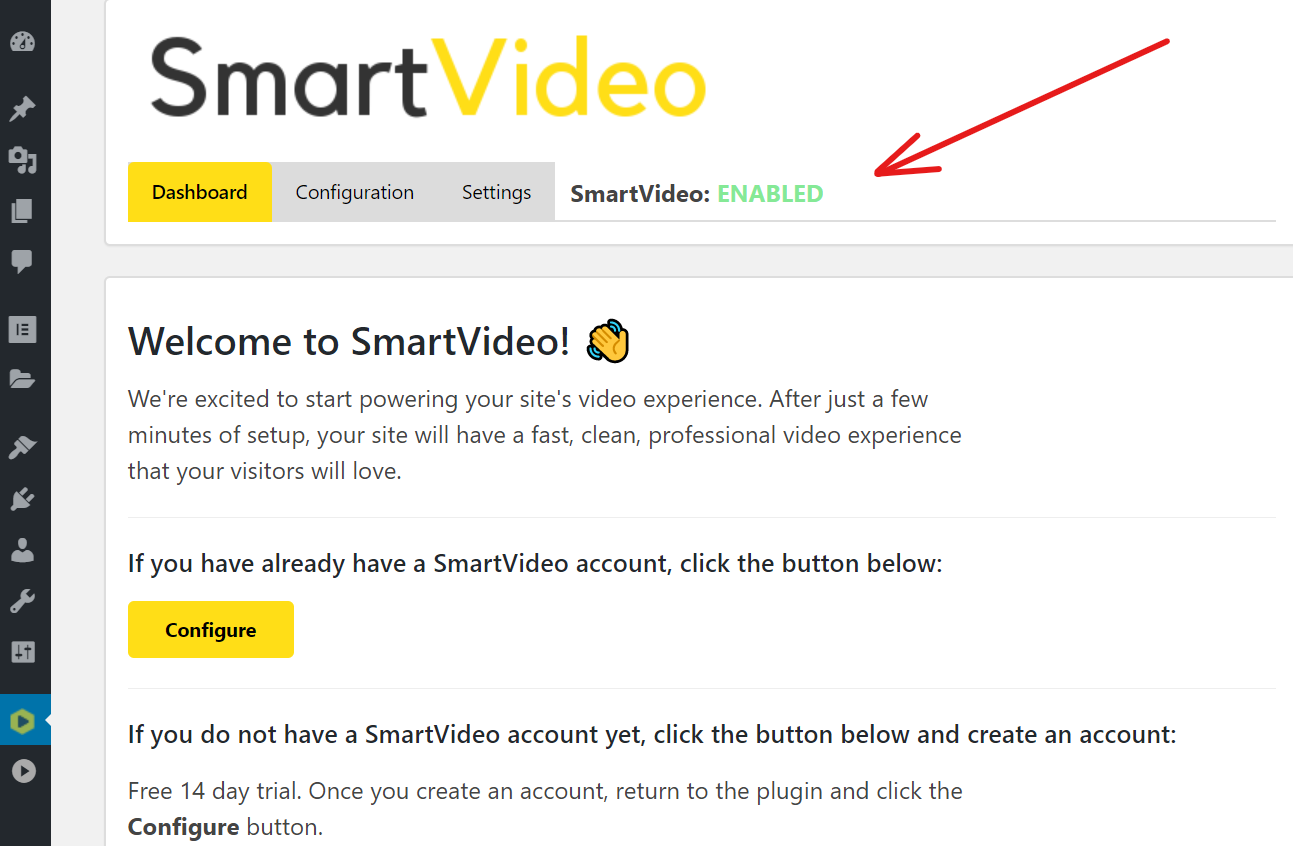
P.S. If you are using the SmartVideo plugin for WordPress, check to make sure that SmartVideo is enabled in the plugin. When enabled, it will look like this: