You’ve just recorded a sensitive internal training video or an exclusive paid course module. Your first instinct might be to upload it to YouTube and mark it “Unlisted.” But is that content actually secure? The short answer is no. Anyone with the link can share it, embed it elsewhere, or download it.
📋 TL;DR • True security: Private video hosting goes beyond hiding a video; it uses strict technical barriers to prevent unauthorized access and sharing. • The unlisted myth: Unlisted public videos are not private. Anyone with the link can share it, and the platform can still run ads or suggest competitor videos. • Key mechanisms: Effective private hosting relies on domain restriction, signed URLs, and SSO gating to protect your content. • Growing necessity: With the enterprise video platform market valued at $25.11 billion in 2025 and projected to reach $76.08 billion by 2032 (Fortune Business Insights, 2025), secure hosting is becoming essential for businesses protecting IP and revenue.
ℹ️ What is Private Video Hosting? Private video hosting is a service that allows businesses to upload, manage, and deliver video content with strict access controls. Unlike public platforms that monetize attention, private hosts prioritize security, brand ownership, and preventing unauthorized viewing or downloading.
Public vs. Private Video Hosting: The “Unlisted” Myth
The biggest misconception in video management is that setting a YouTube video to “Unlisted” makes it private. It doesn’t. An unlisted video simply removes the content from public search results and channel listings. YouTube’s own privacy-settings documentation is blunt about the rest: unlisted videos “can be seen and shared by anyone with the link.”
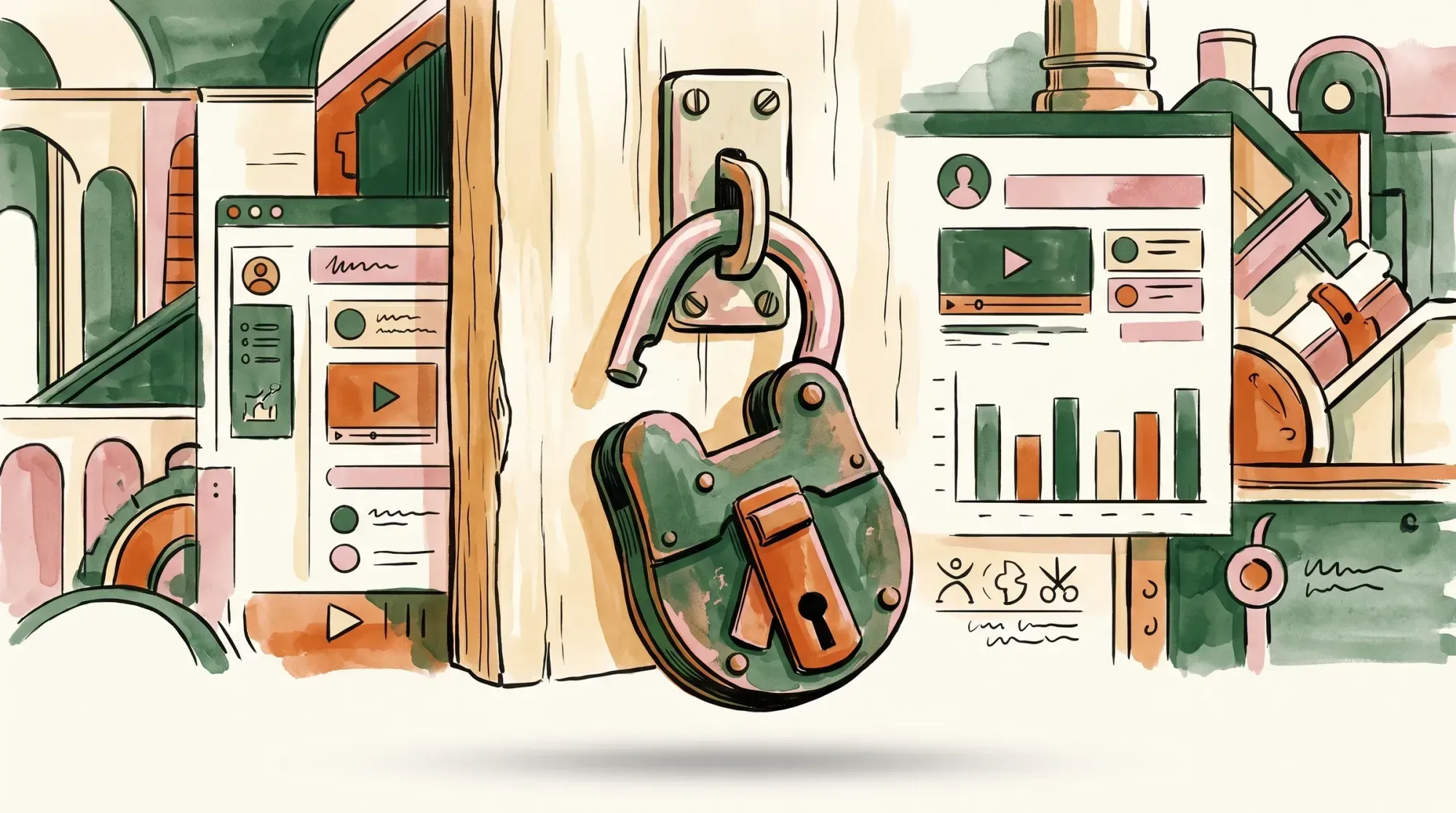
Here is the problem: the link itself is the only security measure. If someone posts your unlisted training video to Reddit or forwards the email to a friend, the video is now public to anyone who clicks. You have zero control over where that video is embedded or who is watching it. This is why free public hosting hurts your business when security is required. From migrating WordPress customers off unlisted YouTube links, we’ve repeatedly seen the same wake-up call: a course owner discovers their “hidden” video resurfacing on a file-sharing site months after a single student forwarded the link. In contrast, a private video host secures the delivery pipeline itself. Even if someone finds the raw video link and shares it, the server will refuse to load the video for the unauthorized viewer. It protects your intellectual property and ensures that your content only plays exactly where you want it to play. As businesses realize this, demand for secure distribution keeps climbing — the broader enterprise video platform market is forecast to grow at a 17.2% CAGR through 2032 (Fortune Business Insights, 2025). The difference is easier to see side by side:
| Capability | Unlisted YouTube | Private Video Hosting |
|---|---|---|
| Hidden from search and channel listings | Yes | Yes |
| Anyone with the link can watch | Yes | No |
| Can be re-embedded on any other site | Yes | No — domain restriction |
| Direct video file URL can be downloaded | Yes | No — signed, expiring URLs |
| Third-party ads can play before your content | Possible | No |
| Competitor videos suggested at the end | Yes | No |
| Player matches your branding | No | Yes |
| Access ends when a membership is cancelled | No | Yes — login/SSO gating |
4 Access Control Mechanisms Explained
How does a private host actually stop someone from stealing your video? They use a combination of technical barriers. Here are the four primary mechanisms you will encounter.
1. Domain Restriction
Domain restriction (often called domain-level privacy) is the foundation of secure video hosting. It tells the video player that it is only allowed to load if it is embedded on specific, approved websites. If you restrict a video to yourwebsite.com, the host’s server checks the request origin every time someone tries to play the video. If someone copies your embed code and pastes it onto competitor.com or a pirated content site, the video will simply display an error or a blank screen. The server actively blocks the stream because the request came from an unauthorized domain. This leans on the HTTP Referer header, and it is a well-established use of it — RFC 9110 notes that “some servers use the Referer header field as a means of denying links from other sites.” The same sentence carries the caveat worth knowing: “not all requests contain it.” That is precisely why domain restriction is a first layer rather than the whole wall.
2. Signed and Expiring URLs
When you embed a video, the player has to fetch the actual video file (often a .mp4 or an HLS stream) from a server. In public hosting, that file URL is static. Anyone who inspects the page code can find the .mp4 link, download it, and bypass your website entirely. Signed URLs solve this. A signed URL includes a cryptographic token that proves the request is authorized. More importantly, these URLs are designed to expire. When a user loads your page, the server generates a unique link for that specific viewing session that expires in, for example, 10 minutes. This is the same mechanism content delivery networks use to gate private files; AWS CloudFront’s documentation on signed URLs describes how a signed URL carries “an expiration date and time, that gives you more control over access to your content.” By the time someone tries to copy the link and share it on a forum, the link is already dead. Pair domain restriction with signed URLs and casual piracy effectively stops — the shared link is dead before anyone else can use it.
3. Password Protection
This is the simplest, most recognizable form of access control. Viewers must enter a specific password into the video player before the content will load. While straightforward, password protection is best used for simple, low-stakes scenarios—like sharing an early draft of a promotional video with a client. It is not ideal for large-scale security because passwords can be easily shared among users.
4. Login Gating and SSO
For enterprise internal communications or premium membership sites, Login Gating and Single Sign-On (SSO) offer the highest level of security. Instead of a shared password, the video player integrates directly with your user database (like Active Directory, Okta, or your WordPress membership plugin). The video will only play if the viewer is actively logged into an authorized account. That is the whole point of the underlying protocols: as Okta’s developer documentation describes OAuth 2.0 and OpenID Connect, they “define how a server authenticates a user, and then grants the user access to resources.” When gating your content for subscribers, this ensures that only paying members can access the stream, and if they cancel their subscription, their access is revoked immediately.
🚀 Tired of YouTube branding on your videos? Stop relying on unlisted links that drop your viewers into ads and competitor recommendations. Deliver your content on a fast, branded player with encrypted HLS delivery and hotlink protection built in — no third-party ads, no tracking pixels. Compare SmartVideo Plans →
When Do You Actually Need Private Video Hosting?
Not every video needs strict security. A promotional video designed for your homepage should be as accessible as possible. However, why businesses are moving away from public platforms becomes obvious when you look at these specific use cases:
Internal Corporate Communications
When the CEO records a quarterly update discussing financial projections, internal restructuring, or unreleased product features, that video cannot leak. Relying on an unlisted YouTube link for confidential corporate data is a massive security risk. Private hosting ensures the video only plays on your internal company intranet.
Paid Courses and Memberships
If you sell online courses, your videos are your product. If a student can right-click, download your entire curriculum, and upload it to a free sharing site, your business model collapses. Domain restriction and signed URLs ensure your videos only play behind your paywall.

Client Deliverables and Agency Work
Video production agencies and freelancers often need to share drafts with clients for review before the final invoice is paid. Password-protected or expiring links prevent the client from downloading and using the draft without finalizing the project.
The Hidden Benefits: Clean Branding & No Distractions
Security isn’t the only reason businesses choose private hosting. The viewing experience is entirely different. Public platforms are built to keep users on their platform. When you embed a YouTube video on your site, you are embedding their ecosystem. The player is branded with their logo, and the ads are not hypothetical — YouTube’s help page on ads in embedded videos states plainly that “embedded videos may show skippable or non-skippable in-stream ads.” When the video ends, it shows a grid of “related videos” — which, unless you set the player to restrict them to your own channel, often include your direct competitors. Private hosting gives you complete control over the player. Removing third-party distractions means your audience stays focused on your message. The player colors match your brand, there are no advertisements, and the video simply stops or loops when finished, rather than sending your prospect down a rabbit hole of unrelated content. When we help customers swap a YouTube embed for a branded player, the most common reaction isn’t about security at all — it’s relief that the “related videos” grid full of competitors is finally gone from their sales pages.
Choosing the Right Solution
If you’ve determined that public platforms are no longer sufficient for your needs, the next step is selecting a provider. The online video platforms sector — the hosting and delivery tools themselves — is estimated to grow from $1.23 billion in 2025 to $1.39 billion in 2026 (Mordor Intelligence, 2026). This means there are dozens of options ranging from complex enterprise systems to simple plugins.
Comparing the top platforms means weighing them against your specific requirements: do you need SSO integration for a large corporation, or just domain restriction to protect your online course? For WordPress users, a solution like SmartVideo offers a streamlined approach. It provides built-in CDN delivery and an ad-free, tracking-free player without requiring a complex, developer-heavy setup, and it works natively with page builders. On page weight, its player loads about 707 KB up front against roughly 1,513 KB for a standard YouTube embed — a little under half. (SmartVideo supports domain restriction, so your videos play only on the domains you authorize. It does not offer credential-based access control; if you need to gate content behind logins, dedicated DRM hosts like VdoCipher or SproutVideo are a better fit. Those platforms reach for stronger tools: the HLS specification allows media segments to be “completely encrypted using the Advanced Encryption Standard,” and DRM systems like Google’s Widevine — “Google’s content protection system for premium media” — go further still.)
Frequently Asked Questions
What is private video hosting?
Private video hosting is a service that allows you to store and stream videos with strict access controls, preventing unauthorized viewing, sharing, or downloading. Unlike public platforms, private hosts do not run ads or suggest outside content to viewers.
How is private video hosting different from unlisted YouTube videos?
An unlisted YouTube video is just hidden from public search; anyone with the link can still watch, share, and embed it anywhere. True private hosting uses technical barriers like domain restriction and signed URLs to ensure the video only plays where you explicitly authorize it, regardless of who has the link.
What is the most secure way to host training or sensitive videos?
The most secure method combines domain restriction, which forces the video to only play on your specific intranet or website, with Single Sign-On (SSO) gating. This ensures that even if an employee shares the page link, the viewer must be actively authenticated in your company directory to access the video stream.
Does private video hosting improve website performance?
Usually, yes. A standard YouTube embed loads about 1,513 KB (roughly 1.5 MB) of scripts and assets across 25 requests before the viewer even clicks play. Dedicated private players generally pull less on initial load and defer heavy assets until playback begins, though the exact difference depends on which platform and player you choose.
Can viewers download private videos?
Standard private hosting makes downloading much harder by hiding the direct file URL and expiring the links it does hand out. Stronger setups add DRM or encrypted HLS delivery, which encrypts the media segments themselves rather than merely hiding where they live. It is worth being realistic about the ceiling: these controls reliably stop the copy-the-file-and-repost route, but no server-side measure prevents someone from recording their own screen during playback.
Do private video hosts run advertisements?
No, paid private video hosts do not monetize your audience with advertisements or pre-roll commercials. You maintain complete control over the viewing experience, ensuring your audience is only exposed to your brand and your message.
Is password protection enough for video security?
Password protection works for basic privacy, like sharing a client draft, but it is insufficient for protecting paid content or sensitive data because passwords are easily shared. For strong security, domain restriction and individual user authentication are required.
When you prioritize security, performance, and branding, your videos become a true asset rather than a liability. Protecting your content doesn’t have to be complicated, but it does require moving beyond public platforms built for sharing rather than securing.