
The True Cost of YouTube's "Free" Video Player on Your Website (2026)
YouTube embeds seem free, but they cost you traffic through ads and related videos, hurt your site speed, create privacy compliance risks, and get blocked by enterprise firewalls.

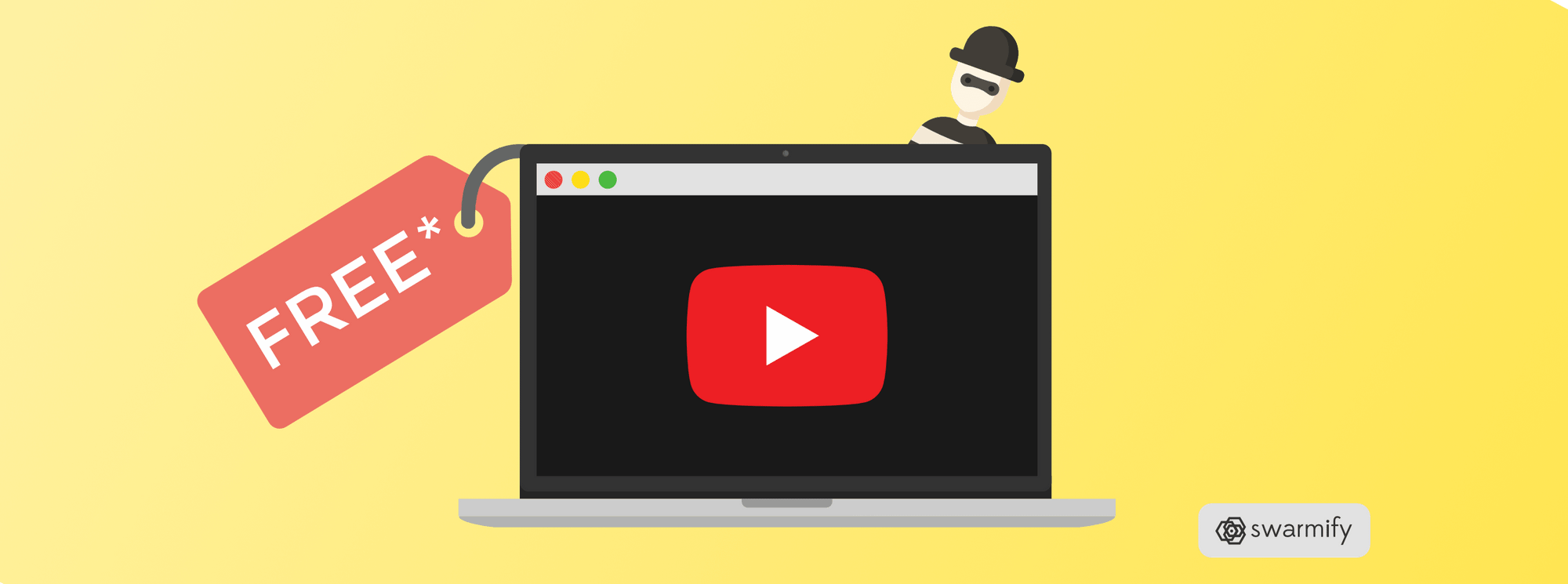
• The "Free" Trap: YouTube embeds cost you traffic by displaying ads and competitor videos.
• Performance Hit: Heavy YouTube players slow down your site and hurt Core Web Vitals (Swarmify Blog, 2026).
• Privacy Risks: Tracking cookies can violate GDPR/CCPA if you don't manage consent properly.
• The Solution: Professional hosting like Swarmify removes distractions and boosts speed.
We all love free stuff. Who doesn't? But in the world of business, "free" often comes with a price tag you don't see until it's too late. When it comes to video hosting, the default choice for many businesses is YouTube.
It seems like a no-brainer: upload your video to the world's biggest platform, grab the embed code, and paste it on your site. Zero dollars spent. Job done.
But is it really free? Or are you paying with your brand's reputation, your site's speed, and your customers' attention? Let's break down the actual cost of using a free YouTube video player on your business website.
1. The "Ad Tax": Losing Your Audience
The biggest cost of YouTube is the one you can't see on a balance sheet: lost opportunities. YouTube's business model is simple—keep people watching YouTube. They don't care if those people are on your website or theirs, as long as they're watching ads.
When you embed a standard YouTube player, you invite their entire ecosystem onto your landing page. This includes:
- Pre-roll ads: Making your potential customers watch a 15-second commercial before they can see your product demo.
- Related videos: At the end of your video (or sometimes during), YouTube suggests other content. Often, these are your direct competitors.
- Watermarks: The YouTube logo sits in the corner, a constant clickable exit door leading users away from your sales funnel.
As we've discussed in our article on why YouTube ads are bad for small business, you work hard to drive traffic to your site. Why give YouTube a free pass to siphon it away?

2. Diluted Branding and Professionalism
Imagine walking into a high-end law firm or a medical clinic, and the walls are plastered with billboards for unrelated products. That's the vibe a YouTube embed gives off.
It signals "hobbyist." It tells your visitors that you weren't willing to invest in a professional presentation. While acceptable for a personal blog, it hurts credibility on a corporate site or e-commerce store.
Professional video hosting allows you to:
- Customize the player colors to match your brand.
- Remove third-party logos.
- Control exactly what happens when the video ends (like looping or showing a custom CTA).
For a look at better options, check out our guide to the 10 best YouTube competitors.
3. Performance: The Speed Penalty
Here's a technical cost that hurts your SEO. The YouTube player is heavy. It loads a significant amount of JavaScript, tracking scripts, and CSS just to render that play button.
According to PageSpeed Insights data, embedding a standard YouTube iframe can add over 500KB to your page weight. This negatively impacts your Core Web Vitals, specifically:
- Largest Contentful Paint (LCP): The player takes time to load, delaying the moment your page feels "ready."
- Interaction to Next Paint (INP): Heavy scripts can bog down the browser, making the page feel sluggish.
Slow sites convert poorly. If your video player is killing your load time, you're paying for "free" hosting with lost sales. Learn more in our deep dive on how YouTube embeds affect page load time.
SmartVideo gives you YouTube-quality playback without the ads, branding, or "related videos" stealing your traffic. See how SmartVideo compares to YouTube
4. Data Privacy and Compliance Risks
In 2026, data privacy isn't optional. Regulations like GDPR in Europe and CCPA in California have strict rules about tracking users.
By default, YouTube places tracking cookies on your visitors' devices as soon as the player loads—even if they don't click play. This means you legally need to:
- Block the player until the user consents to marketing cookies.
- Update your privacy policy to disclose YouTube's data collection.
Failing to do this can lead to fines. While YouTube offers a "Privacy-Enhanced Mode," it's not a silver bullet. Dedicated business platforms handle this compliance for you, keeping your data—and your customers' data—safe. (For more on how pricing works across platforms, see our Vimeo pricing breakdown.)

5. The Enterprise Firewall Block
If you sell B2B, this one matters. Many corporate networks, schools, and government agencies block YouTube entirely to prevent employees from wasting time.
If your product demo or training video is hosted on YouTube, those potential clients will see a broken gray box. You literally cannot sell to them. Professional video hosts like Swarmify are rarely blocked, ensuring your content is always visible. We've written a full guide on how to bypass enterprise firewalls.
Comparison: Free vs. Paid Hosting
Here is a quick look at what you get—and what you give up—with free hosting compared to a professional solution.
| Feature | YouTube (Free) | Paid Hosting (Swarmify) |
|---|---|---|
| Ad-Free | No (Ads often shown) | Yes (Always) |
| Branding | YouTube Logo | Your Logo (Custom) |
| Traffic | Leaks to YouTube | Keeps on Site |
| Enterprise Access | Often Blocked | Accessible |
| Performance | Heavy Scripts | Optimized/Fast |
Frequently Asked Questions
Is embedding YouTube videos free for business?
Can I remove ads from my embedded YouTube videos?
Does embedding YouTube videos hurt SEO?
Is YouTube GDPR compliant for business websites?
Why is my YouTube video blocked at schools or offices?
What is the best YouTube alternative for business?
Does YouTube own the content I upload?
Can I customize the YouTube player colors?
Conclusion
The saying "you get what you pay for" holds true for video hosting. While YouTube is a great search engine and social network, it is a poor infrastructure choice for a business website that values branding, speed, and conversion. The "free" price tag masks a high cost in lost traffic and professional credibility.
If you need a YouTube alternative that just works, SmartVideo gives you full control without ads or distractions. Your customers focus on your message, not the next viral cat video.