

Why YouTube Embeds Hurt Your Website
YouTube embeds add massive page weight, hurt your Core Web Vitals, and leak traffic to competitors. Learn the hidden costs and how to fix them in 2026.


• Page Weight: 1.3-2.6 MB and 20+ HTTP requests before anyone clicks play.
• SEO: Heavy iframes hurt your LCP and INP scores.
• Traffic Leaks: Related videos pull visitors away.
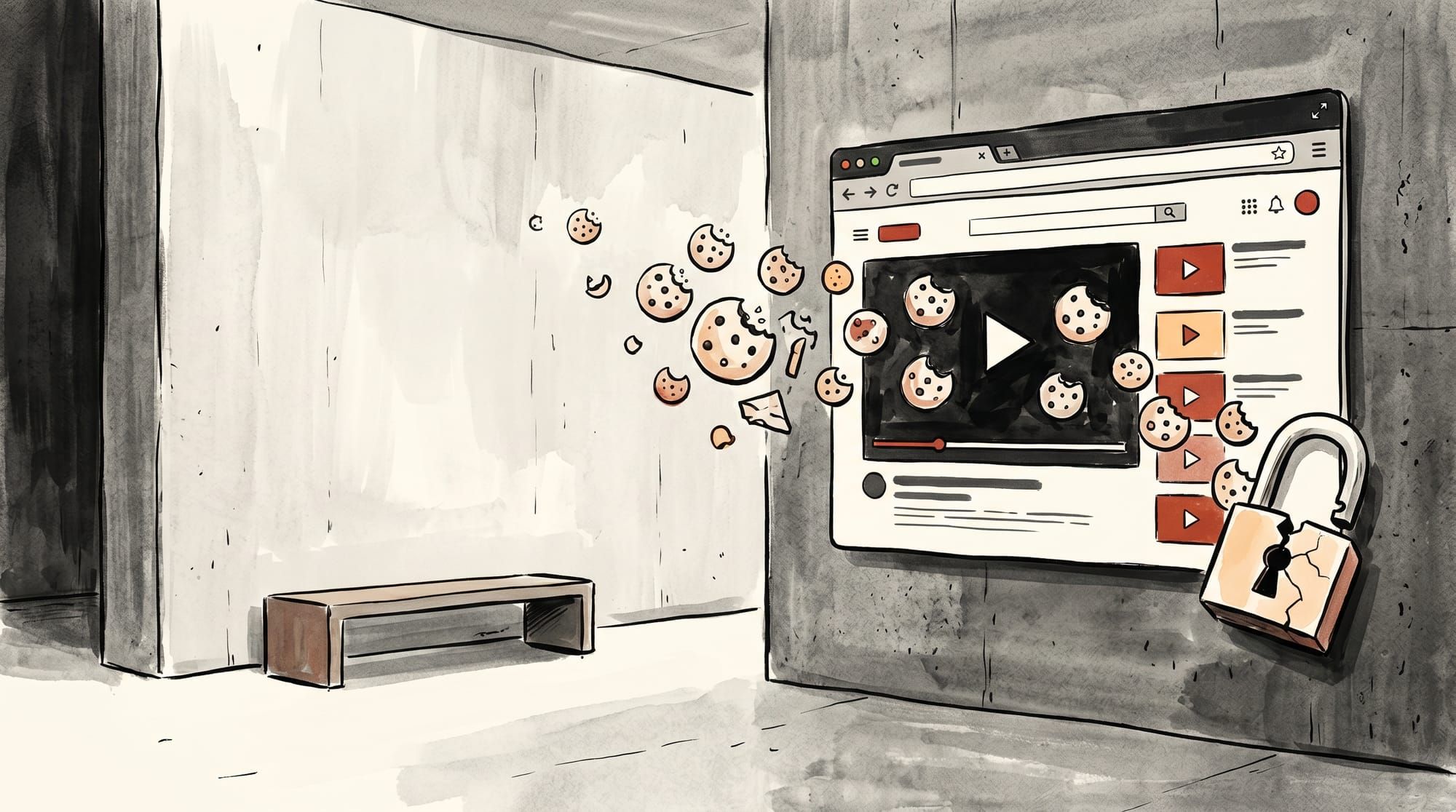
• GDPR: Tracking cookies fire immediately, violating consent rules.
• Fix: Professional hosting like SmartVideo eliminates these penalties.
YouTube embeds hurt your website by adding 1.3-2.6 MB of page weight, degrading Core Web Vitals, leaking traffic to competitors through related videos, and setting tracking cookies that violate GDPR. These hidden costs make the "free" YouTube player one of the most expensive decisions a business website can make.
You have spent hours producing a product video. A prospect clicks through from your email, lands on your carefully optimized landing page, and waits. The page stalls. A grey box sits where your video should be. Eventually, it loads -- bringing along competitor advertisements, a grid of related videos, and tracking cookies. The true cost of YouTube's video player on modern sites goes well beyond a slow page load.
Here's what actually happens when you paste a YouTube embed code onto your site, why workarounds like rel=0 no longer work, and what to do about it.
How Do YouTube Embeds Affect Your Core Web Vitals?
A single YouTube iframe adds 1.3-2.6 MB and over 20 HTTP requests to your page before anyone clicks play.
When you add a YouTube embed to a page, you are not merely placing a placeholder image with a play button. You are inserting an entirely separate webpage into your site. This iframe loads a vast ecosystem of scripts, fonts, stylesheets, and tracking mechanisms necessary for YouTube's infrastructure to operate.
In our testing across hundreds of customer sites, a standard YouTube iframe adds approximately 1.3 to 2.6 MB of page weight. It initiates over 20 independent HTTP requests. This happens immediately upon page load, whether the user ever clicks play or not. As of May 2026, testing with Chrome 126 DevTools on a clean WordPress 6.7 page, a single YouTube iframe added 1.3 MB (compressed) across 22 requests. Main-thread JavaScript execution took roughly 480 ms on a simulated mid-range mobile device using Lighthouse's default throttling profile.
That payload hits your Core Web Vitals hard, degrading two critical metrics:
- Largest Contentful Paint (LCP): The heavy JavaScript and network requests compete with your site's primary assets. If a video is placed near the top of the page, the browser struggles to render the main content within Google's target of 2.5 seconds.
- Interaction to Next Paint (INP): YouTube's scripts block the browser's main thread. If a user tries to scroll, click a menu, or interact with a form while the iframe is initializing, the page feels unresponsive and laggy.
91% of businesses use video as a marketing tool (Wyzowl, 2026). But if that video delays your page load, it actively hurts your bottom line. A Google-commissioned study of over 30 million user sessions found that even a 0.1-second improvement in mobile load time increased retail conversions by 8.4% and consumer spending by 9.2% (Google/Deloitte, Milliseconds Make Millions). Earlier research backs this up: sites that load in one second convert at up to three times the rate of sites that take five seconds (Portent, 2022).
The connection between video speed and conversions is direct -- slow-loading embeds tank your Core Web Vitals, costing you search rankings and driving visitors away before they ever click play.

Mobile Performance Is Hit Hardest
While desktop computers with fast broadband can often brute-force their way through YouTube's heavy iframes, mobile devices cannot. According to the HTTP Archive's page weight report, the median mobile page already weighs over 2 MB -- adding a 1.3 MB YouTube iframe nearly doubles that load. A mid-range smartphone on a 4G connection will choke on the 500+ KB of JavaScript execution required by the player. Mobile optimization is critical because slow videos remain a big problem across the industry, particularly on limited networks.
We've seen this gap create a severe mobile penalty across dozens of customer audits. Since Google uses mobile-first indexing, a slow experience for your mobile users drags down the search rankings for your entire site. For ecommerce video hosting, YouTube embeds distract shoppers and make the checkout flow feel sluggish -- a direct path to cart abandonment.
Why Do YouTube Embeds Leak Traffic to Competitors?
YouTube's related videos, branding, and exit links funnel your hard-won visitors off your site and into YouTube's ecosystem.
YouTube's embedded player is designed to pull visitors away from your site and back into the YouTube ecosystem. YouTube's primary objective is to keep users on YouTube.com, maximizing ad revenue and platform engagement. The embedded player includes multiple exit points that work against your marketing goals. You can review a more extensive breakdown in our guide covering the pros and cons of YouTube.
The most prominent of these are related videos. When your embedded video finishes playing, YouTube immediately populates the frame with a grid of suggested content. These suggestions are algorithmically generated based on the user's viewing history and YouTube's engagement metrics. You have zero control over what appears here.
Your direct competitor's video showing up the moment yours ends? It happens constantly. By YouTube's own account, recommendations drive more of the platform's overall viewership than channel subscriptions or search (YouTube Official Blog). Even if the suggestions are harmless entertainment, the result is the same: the user clicks the suggestion, leaves your website, and enters the YouTube ecosystem. You paid to acquire that traffic, and the embed funneled it away.
The Death of rel=0 and modestbranding
The rel=0 and modestbranding parameters were once reliable ways to clean up the YouTube player interface. The most common approach was appending ?rel=0 to the embed URL, which used to turn off related videos completely.
That parameter no longer works as intended. YouTube changed the behavior of rel=0. As of May 2026, it merely limits the suggested videos to other videos from your own channel (last verified: May 2026). While this prevents competitors from showing up, it still presents a grid of distractions that pull users away from your core call-to-action.
Similarly, the modestbranding parameter, which was used to remove the prominent YouTube logo from the player control bar, has been systematically degraded. YouTube officially deprecated the modestbranding parameter in August 2023. The "Watch on YouTube" button remains a persistent, unremovable exit point. YouTube wants its brand front and center, and it wants your audience.
Every click away is a lost conversion. Professional hosting solutions completely remove related videos and external links. See how SmartVideo eliminates traffic leaks →
Are YouTube Embeds GDPR Compliant?
Standard YouTube embeds set tracking cookies on page load, violating GDPR and CCPA consent requirements.
Standard YouTube embeds violate GDPR and CCPA by setting tracking cookies before visitors give consent. Both the General Data Protection Regulation (GDPR) and the California Consumer Privacy Act (CCPA) require explicit user consent before setting non-essential tracking cookies, and YouTube embeds fail this requirement immediately.
The moment a page containing a standard YouTube iframe loads, YouTube sets several tracking cookies: VISITOR_INFO1_LIVE (session tracking, 180-day expiry), YSC (session ID for view counting), GPS (geolocation on mobile devices), and the DoubleClick IDE cookie used for targeted advertising across the web. GDPR fines can reach 4% of annual global turnover or 20 million euros, whichever is greater (GDPR Article 83). This happens before the user interacts with the video, and crucially, before they have a chance to interact with your site's cookie consent banner.
This creates a significant legal liability for businesses. As the web.dev embed best practices guide notes, site owners are responsible for the third-party trackers executing on their domain.
The Privacy-Enhanced Mode Illusion
YouTube offers a "Privacy-Enhanced Mode" which changes the embed domain to youtube-nocookie.com. Many website owners mistakenly believe this makes the embed fully GDPR compliant. It does not.
While the nocookie domain prevents cookies from being set on the initial page load, it still stores data in the browser's Local Storage. More importantly, the moment the user clicks play, YouTube immediately sets the full array of tracking cookies without any secondary consent prompt. Consent-management vendors treat an unblocked YouTube embed as a consent problem for exactly this reason, and recommend blocking the iframe until the visitor opts in. Unless you are gating the video entirely behind a dedicated consent wall, you are still exposing your users to unauthorized tracking.
Why Does YouTube Show Ads on Your Embedded Videos?
YouTube can inject pre-roll and mid-roll ads into any embedded video, even if your channel is not monetized.
YouTube's aggressive monetization policy now allows the platform to run advertisements on any video, regardless of whether the creator has joined the YouTube Partner Program or explicitly chosen to monetize their channel. This change is one of the most frustrating developments for business owners using YouTube embeds.
This means you can embed your own corporate explainer video on your own homepage, and YouTube can inject pre-roll or mid-roll ads into it. You receive none of the revenue, and you have no control over which brands appear. Having a competitor's ad play over your product demonstration is a worst-case scenario for conversion rates.
YouTube captures a large share of global digital video ad spend using the embedded players on millions of external websites. Your website is acting as free billboard space for their ad network.
Comparing Solutions: Facades vs. Professional Hosting
Facade scripts fix the initial page speed problem, but only professional hosting eliminates all four YouTube liabilities.
If you cannot rely on a standard YouTube embed, how do you serve video content efficiently? There are two primary paths: applying technical workarounds to the YouTube player, or transitioning to professional video hosting so you can host videos without YouTube.
The Facade Workaround (Lite YouTube Embed)
A popular technical workaround is the "facade" pattern, often implemented via scripts like lite-youtube-embed. This technique loads a static placeholder image styled to look exactly like the YouTube player. The actual 1.3 MB iframe is not loaded until the user explicitly clicks the play button.
| Feature | Standard Embed | Facade Pattern | Professional Hosting (SmartVideo) |
|---|---|---|---|
| Initial Page Weight | 1.3 MB+ | ~50 KB | 707 KB |
| GDPR Compliant | No | Only before play | Yes |
| Removes Related Videos | No | No | Yes |
| Blocks External Ads | No | No | Yes |
| Sets Tracking Cookies on Load | Yes | No (until click) | No |
| Time to First Frame | ~3 s | ~3 s after click | <1 s |
Facades effectively solve the initial Core Web Vitals hit. Your LCP and INP scores will improve because the heavy lifting is deferred. However, a facade is only a delay tactic. Once the user clicks play, the full iframe drops in, the tracking cookies fire, the "Watch on YouTube" button appears, and the related video grid waits at the end. It fixes the speed metric, but it fails to resolve the marketing and legal liabilities.
Professional Video Hosting (The Complete Solution)
Removing YouTube from the delivery chain entirely is the only way to solve all four problems at once. The best video player for your website is one built for businesses, not social engagement -- and that's what professional hosting provides.
A professional solution like SmartVideo takes a fundamentally different approach. Instead of trying to restrict YouTube, it replaces the player entirely. When you paste a YouTube link using SmartVideo's tools, the system fetches the raw video file, processes it, and serves it through a global CDN. The result is a clean, HTML5 player that matches your branding.
Because SmartVideo owns the player environment, there are no related videos pulling traffic away, no injected advertisements, and no third-party tracking scripts violating GDPR. In our experience working with customer sites, the player loads about half the weight of a YouTube embed — 707 KB vs 1,513 KB, 17 vs 25 requests, 2 vs 7 third-party domains — ensuring your page speed stays fast and your Core Web Vitals stay green.

What Does YouTube's "Free" Hosting Actually Cost You?
YouTube's "free" player costs you in lost conversions, weakened search rankings, and traffic leaked to competitors.
Relying on YouTube's player to serve critical content on your own domain is a mistake that costs you in lost conversions, diminished search rankings, and leaked traffic. YouTube works well for content discovery, and maintaining a channel for organic search traffic and audience building makes sense. But between lengthy video processing waits and the embed penalties described above, the "free" YouTube embed on your own site is anything but free.
As 67% of non-video marketers plan to start using video in 2026 (Wyzowl, 2026), competition for fast, distraction-free user experiences is accelerating. Your visitors expect pages that load instantly and videos that play without buffering or distractions. Relying on an embed code designed to serve a different company's business model will hold your site back.
If you're ready to switch, the transition is straightforward. Auto-conversion from YouTube has been retired — YouTube's download restrictions made the import method unreliable. Its replacement is the library import: you choose which videos to bring into your SmartVideo library, then drop them in place of the old embeds. Vimeo embeds are still converted automatically, the first time a visitor loads the page they sit on. For a comparison of the top YouTube competitors and alternatives, we break down the leading options by use case. And if you've decided to leave YouTube entirely, here's how to delete your YouTube channel safely.