
15 Vimeo Alternatives for Video Hosting in 2026
Looking for a Vimeo alternative in 2026? Compare 15 video hosting platforms by pricing, performance, features, and use case before you switch.

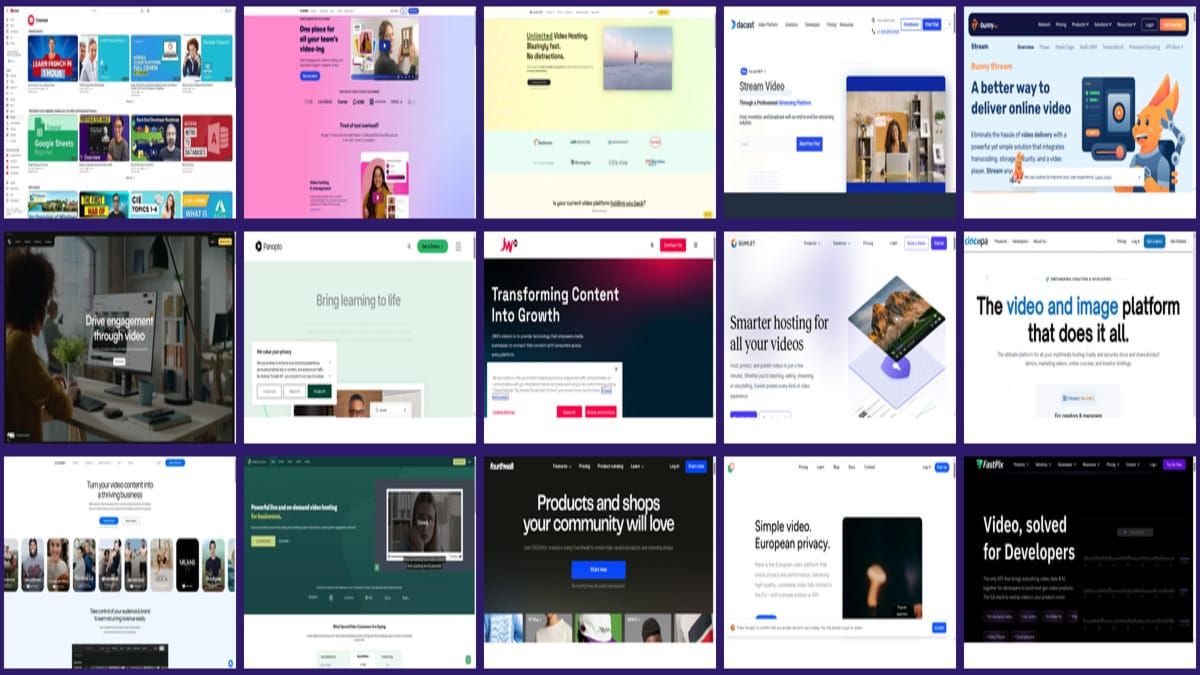
A strong Vimeo alternative in 2026 depends on your use case: Wistia for marketing funnels, Dacast for live streaming, Bunny Stream for budget-conscious delivery, and SmartVideo for ad-free website embeds with brand control.
• Why this matters now: Vimeo’s acquisition by Bending Spoons was announced in September 2025 and closed in November 2025, with major layoffs reported in January 2026 (TechCrunch, 2025; TechCrunch, 2026).
• Video is still growing fast: 93% of marketers reported strong ROI from video in 2025 (Wyzowl, 2025).
• Not all platforms fit all teams: The right choice changes based on goals, budget, integrations, and whether you need ad-free website embeds.
• What to do next: Shortlist 2-3 options, run a 14-day pilot, and measure play rate, conversion impact, and page speed before migrating fully.
Teams are actively evaluating Vimeo alternatives because priorities changed. Some need tighter cost control. Others need stronger API coverage, more predictable support, or better page performance for embedded video. From working with website teams that publish video weekly, we see one recurring pattern: people are not just switching tools, they are switching operating models.
That shift is happening while video demand is still climbing. In Wyzowl’s 2025 survey, 93% of marketers reported strong ROI from video (Wyzowl, 2025). Choosing a host is now a revenue decision, not just an infrastructure line item.
Quick Comparison Table: 15 Vimeo Alternatives
| Platform | Best For | Starting Price | Key Strength | Free Tier? |
|---|---|---|---|---|
| YouTube | Audience reach | $0 | Discovery and distribution | Yes |
| Wistia | Marketing teams | Paid plans vary | Lead-focused analytics | Limited |
| SmartVideo | Website embeds | Custom tiers | Ad-free player and speed | Trial |
| Dacast | Live streaming | Paid plans vary | Broadcast workflow | Trial |
| Bunny Stream | Low-cost delivery | Usage-based | Budget + global CDN | No permanent free plan |
| Brightcove | Enterprise video ops | Sales pricing | Scale and governance | No |
| Panopto | Education and training | Sales pricing | LMS depth | No |
| JW Player | Publisher workflows | Sales pricing | Mature player stack | No |
| Gumlet | Performance-conscious teams | Paid plans vary | Fast delivery focus | Limited |
| Cincopa | Lead capture + media hubs | Paid plans vary | Gallery and marketing tools | Trial |
| Uscreen | OTT monetization | Paid plans vary | Subscriptions and apps | Trial |
| SproutVideo | Privacy-sensitive teams | Paid plans vary | Security controls | Trial |
| Fourthwall | Creator commerce | Platform fees vary | Storefront + audience tools | Yes |
| Mave | EU privacy-first teams | Paid plans vary | European hosting focus | Varies |
| FastPix | Developer-heavy video apps | Usage-based | API-first media pipeline | Varies |
If you are deciding between free embeds and commercial hosting, these deeper guides may help before you shortlist: pros and cons of YouTube embeds, true cost of YouTube's free player, and a full breakdown of Vimeo's pricing and bandwidth limits.
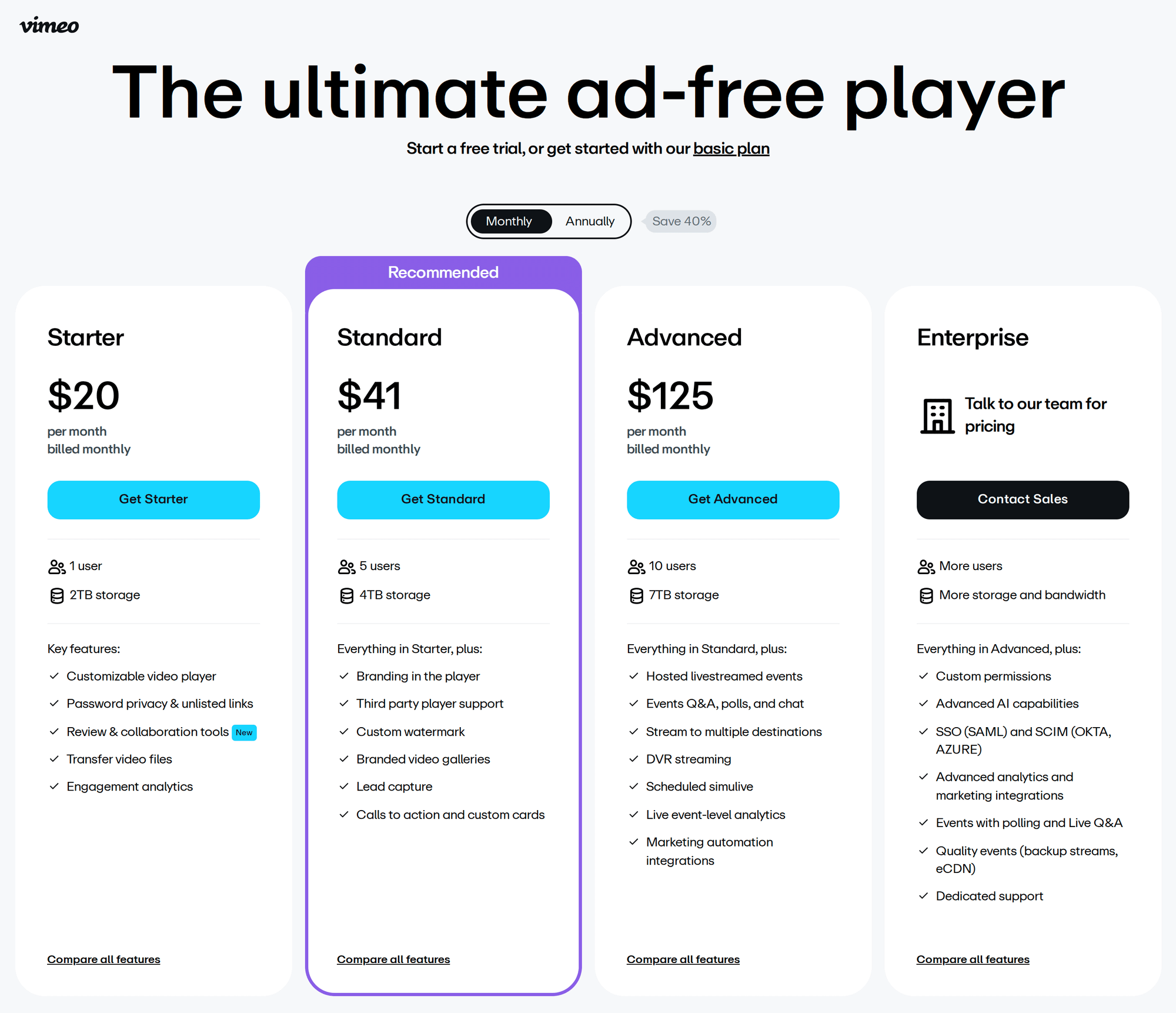
Detailed Reviews: 15 Vimeo Alternatives
1) YouTube
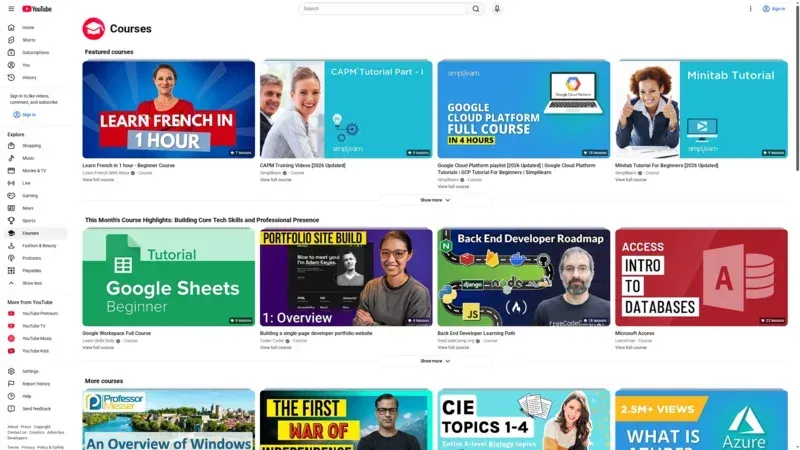
YouTube is still the easiest way to get distribution at scale. If your primary goal is discoverability, no paid platform matches its built-in audience. In our testing across campaign landing pages, though, YouTube embeds regularly introduce trade-offs in branding control, suggested-video leakage, and performance tuning.
Key Features
- Largest built-in video discovery engine (YouTube)
- Reliable global playback with adaptive streaming
- Live streaming support and broad device compatibility
Pricing
Free to host and embed. Monetization and policy control depend on channel eligibility and YouTube terms.
Pros & Cons
Pros: broad reach, zero hosting cost, familiar UX. Cons: limited on-site brand control, recommendations can pull users away, and privacy-sensitive workflows can be harder to manage.
Best For
Top-of-funnel content and creators who prioritize audience growth over on-site conversion control. For a deeper website-performance angle, see why YouTube embeds slow down websites.
2) Wistia
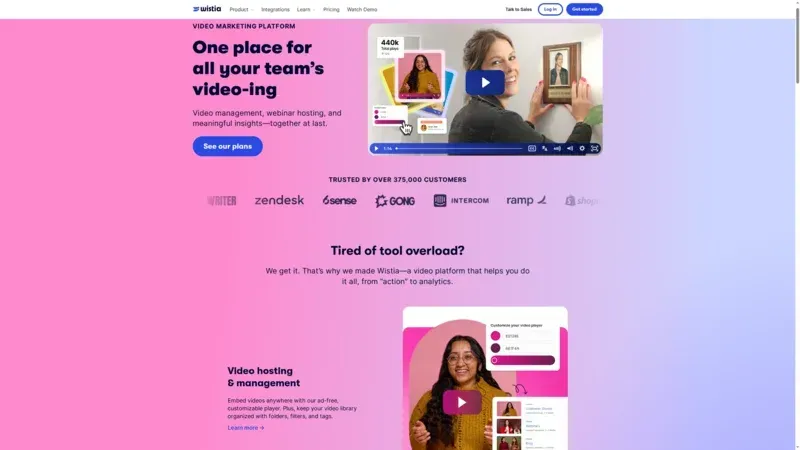
Wistia is built for teams that care about lead generation and funnel analytics more than mass audience reach. From our experience with B2B marketing stacks, Wistia usually wins when video is directly tied to email capture, CRM events, and campaign reporting.
Key Features
- Marketing-focused analytics and engagement tracking (Wistia)
- Lead capture and in-player calls to action
- Integrations with common marketing automation tools
Pricing
Paid plans with feature limits based on volume and usage. Teams with larger libraries should model growth cost early.
Pros & Cons
Pros: clean player, marketer-friendly tools, practical reporting. Cons: higher cost than budget hosts at scale and less focus on creator-style community discovery.
Best For
Marketing teams that need measurable pipeline impact from video. If that is your core use case, pair this with a strong video marketing strategy.
3) SmartVideo
SmartVideo is designed for teams that embed videos on their own sites and want fast playback without third-party ads or unrelated recommendations. We see this fit most often for product pages, landing pages, and knowledge-base content where on-page conversion matters more than social discovery.
Key Features
- Ad-free branded player for website embeds
- Responsive embed support with the
swarm-fluidclass - Simple implementation via script snippet plus
<smartvideo>tag
Pricing
Plan availability varies by usage profile. Teams generally evaluate through trial and benchmark against conversion and performance goals.
Pros & Cons
Pros: no third-party branding, straightforward web implementation, strong fit for conversion pages. Cons: less relevant if your main objective is social discovery on a public video network.
Best For
Businesses focused on owned-site performance and brand control. If you are comparing this route with broader platforms, start with these best video hosting platforms and this guide to ad-free video hosting.
4) Dacast
Dacast is a practical Vimeo alternative for teams with recurring live events or hybrid live/on-demand requirements. In our testing, Dacast tends to be strongest when broadcasting workflows matter more than advanced marketing automation.
Key Features
- Live stream and VOD in one platform (Dacast)
- Monetization options for paid streams
- White-label delivery options
Pricing
Tiered plans based on bandwidth, storage, and live features. Live-heavy teams should watch overage terms closely.
Pros & Cons
Pros: strong live orientation, stable delivery, operationally clear for broadcasters. Cons: interface and workflow polish may feel less marketer-centric than Wistia-style tools.
Best For
Media, events, worship, and training organizations that livestream regularly and need predictable delivery operations.
5) Bunny Stream
Bunny Stream is a frequent choice for teams that need to cut costs while keeping modern delivery performance. One thing that surprised us in side-by-side pilots is how often Bunny becomes the default short-list option for developers who want transparent usage-based billing.
Key Features
- Usage-based pricing model (Bunny Stream)
- Global CDN ecosystem through Bunny infrastructure
- Simple API-centric workflows for technical teams
Pricing
Pay-as-you-go style pricing is attractive for predictable usage but should still be modeled for spikes and seasonal campaigns.
Pros & Cons
Pros: cost control, good performance profile, developer-friendly setup. Cons: less built-in marketing tooling compared with platforms tailored for lead capture.
Best For
Engineering-driven teams, SaaS docs, and content libraries that need speed without enterprise-level contract overhead.
6) Brightcove
Brightcove remains a serious option for enterprise teams with complex governance, large catalogs, and cross-region compliance needs. From working with multi-brand organizations, we usually see Brightcove selected when security, workflow controls, and account-level governance are non-negotiable.
Key Features
- Enterprise video infrastructure and governance controls (Brightcove)
- Advanced publishing workflows and integrations
- Global support model for larger organizations
Pricing
Sales-led pricing. Procurement timelines are typically longer than self-serve platforms.
Pros & Cons
Pros: enterprise depth, mature operations, strong compliance story. Cons: higher complexity, longer onboarding, and cost that may not suit small teams.
Best For
Large organizations with formal governance and multiple stakeholder teams across legal, IT, and marketing.
7) Panopto
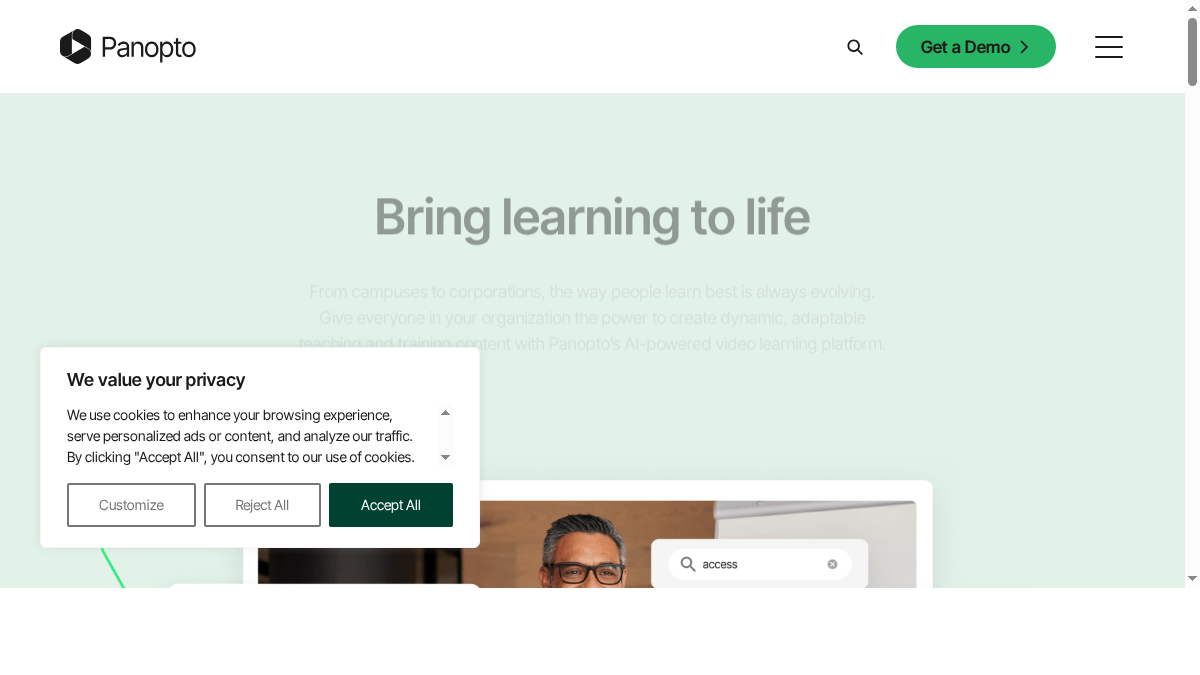
Panopto is best known for education and internal training use cases. In our experience, Panopto is less about marketing polish and more about structured video libraries, searchable lectures, and LMS-aligned workflows.
Key Features
- LMS integration and classroom/workplace fit (Panopto)
- Video search/transcription features
- Permission controls for private instructional content
Pricing
Institutional and business pricing is generally quote-based. Best evaluated during structured pilots.
Pros & Cons
Pros: training workflows, private distribution options, education-specific depth. Cons: not ideal if you need consumer-style discovery or commerce-first storefront experiences.
Best For
Universities, internal enablement teams, and compliance training programs with large controlled libraries.
8) JW Player
JW Player is a long-standing platform for publishers that want player-level control and established ad/monetization capabilities. A common mistake we see is teams choosing JW Player for simple landing page embeds when they do not need its broader publishing stack.
Key Features
- Mature web player ecosystem (JW Player)
- Publisher-oriented monetization options
- Tools for high-volume video operations
Pricing
Commercial pricing is usually tied to business needs and scale. Clarify support terms early.
Pros & Cons
Pros: established player stack, monetization options, broad publisher adoption. Cons: can be heavier than needed for small business marketing sites.
Best For
Digital publishers and media teams with ad-supported content models.
9) Gumlet
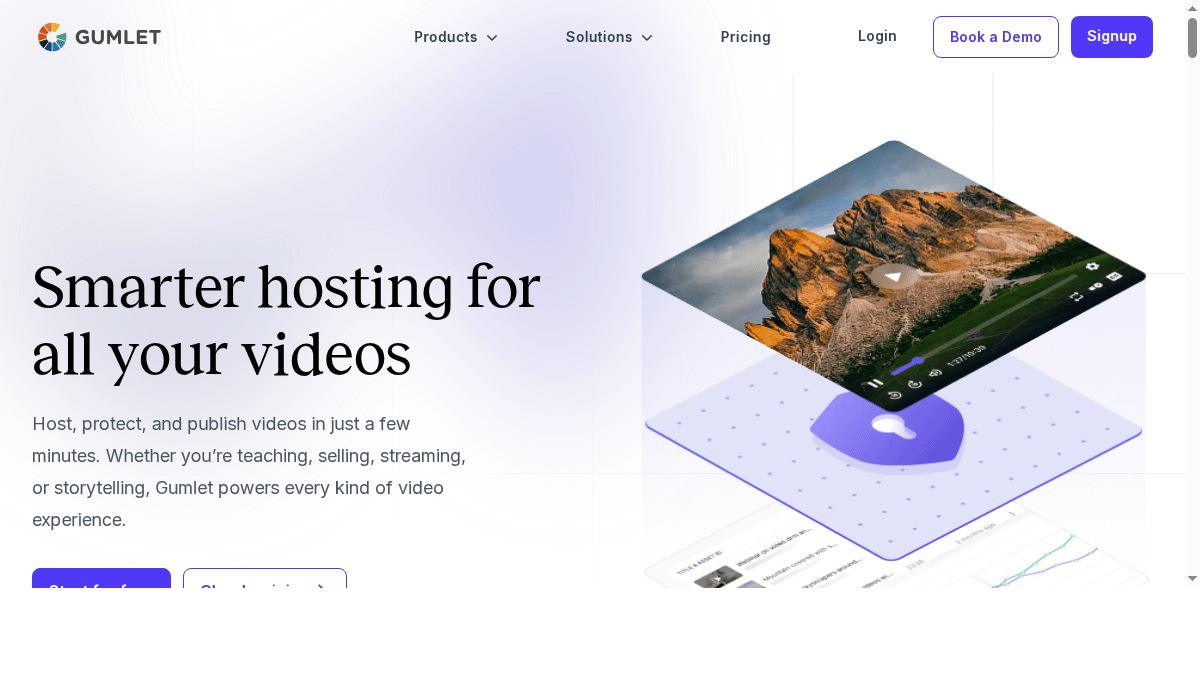
Gumlet is often selected by teams that care about fast video delivery and cost efficiency. In our testing across mixed network conditions, Gumlet generally performs well for startup and mid-market teams that need cleaner economics than traditional enterprise platforms.
Key Features
- Performance-focused delivery stack (Gumlet)
- Developer-friendly APIs and integrations
- Straightforward setup for web embeds
Pricing
Tiered and usage-based components vary by plan. It is usually cost-effective for growing teams, but model higher traffic scenarios.
Pros & Cons
Pros: strong performance value, approachable developer workflow. Cons: fewer marketing-native features than platforms centered on lead pipelines.
Best For
Startups and SaaS teams balancing speed, cost, and implementation simplicity.
10) Cincopa
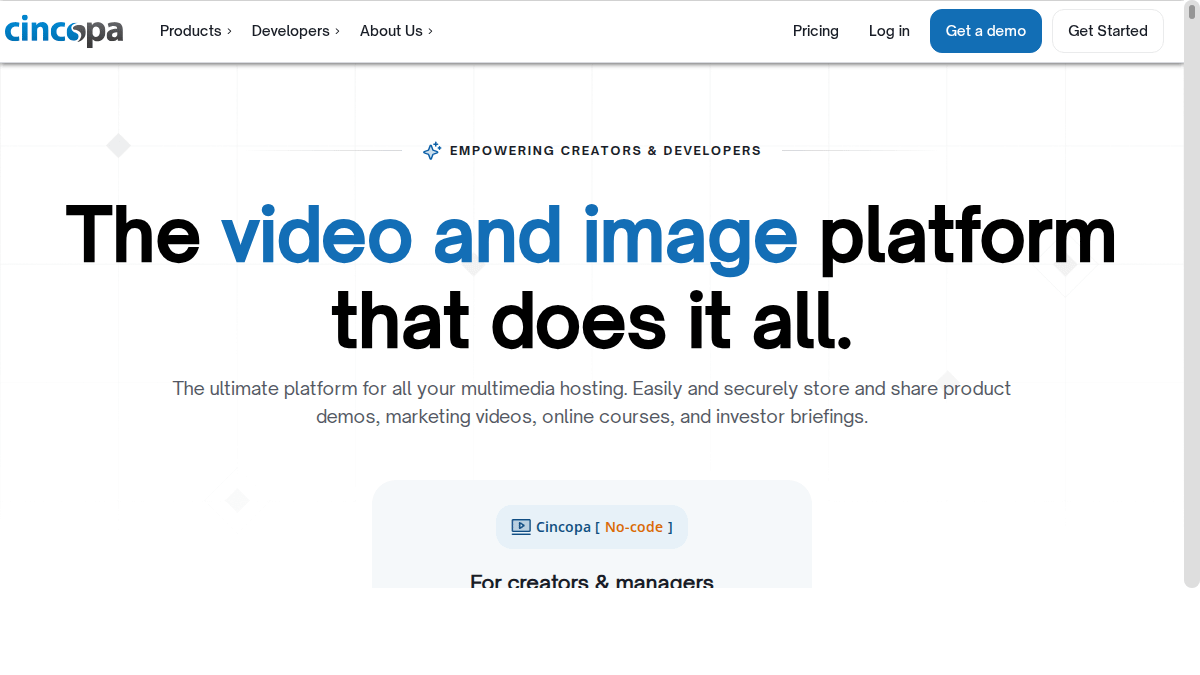
Cincopa combines video hosting with gallery and media-hub options that appeal to marketing and content teams. From our experience, Cincopa works well when you need more than a player and want packaged media presentation templates.
Key Features
- Video hosting plus gallery layouts (Cincopa)
- Lead generation tooling for marketing use cases
- Integrations with common business systems
Pricing
Paid plans differ by asset limits and feature sets. Verify what is included for storage and bandwidth at your expected volume.
Pros & Cons
Pros: versatile presentation options, useful for multimedia campaigns. Cons: can feel feature-heavy if you only need simple embeds.
Best For
Content marketing teams and agencies that need both video hosting and multi-format galleries.
11) Uscreen
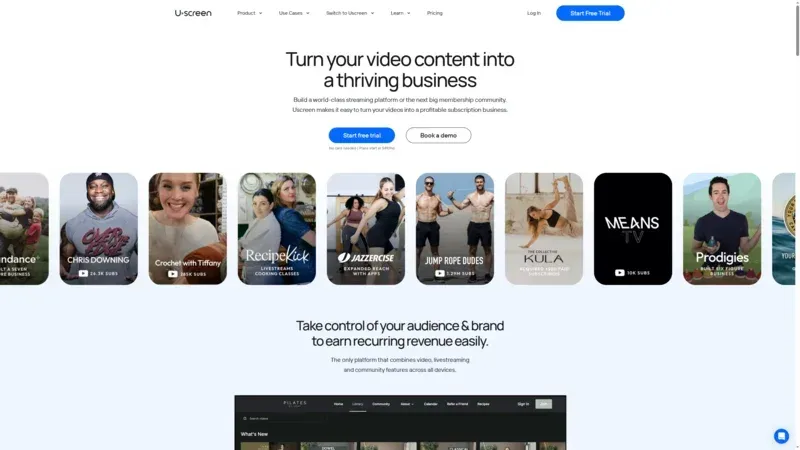
Uscreen is less of a generic host and more of a monetization platform for paid communities and OTT products. We see this fit when businesses are building subscription or course-style revenue models rather than publishing free marketing clips.
Key Features
- Membership and subscription tooling (Uscreen)
- Community and monetization workflows
- Branded app pathways for larger creators
Pricing
Paid plans start higher than basic hosting tools because monetization infrastructure is part of the product.
Pros & Cons
Pros: strong recurring-revenue focus, all-in-one creator business stack. Cons: overkill for teams that only need fast website embedding.
Best For
Creators, educators, and businesses selling video subscriptions or digital course catalogs.
12) SproutVideo
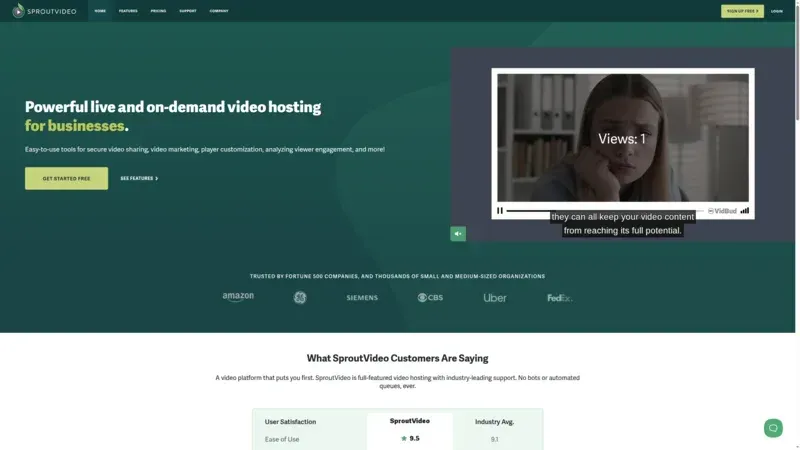
SproutVideo is a strong Vimeo alternative when privacy controls and secure sharing are key requirements. In client audits, we often see SproutVideo shortlisted by legal and compliance teams that need tighter access control for sensitive content.
Key Features
- Security-oriented hosting model (SproutVideo)
- Access controls and privacy options
- Business-friendly embedding workflow
Pricing
Paid plans differ by storage, bandwidth, and feature set. Quote and trial details vary by tier.
Pros & Cons
Pros: privacy controls, straightforward setup, dependable business fit. Cons: smaller ecosystem than the largest enterprise platforms.
Best For
Teams sharing private customer, internal, or pre-release content where access control matters as much as playback quality. If this is your priority, compare with these private video hosting options.
13) Fourthwall
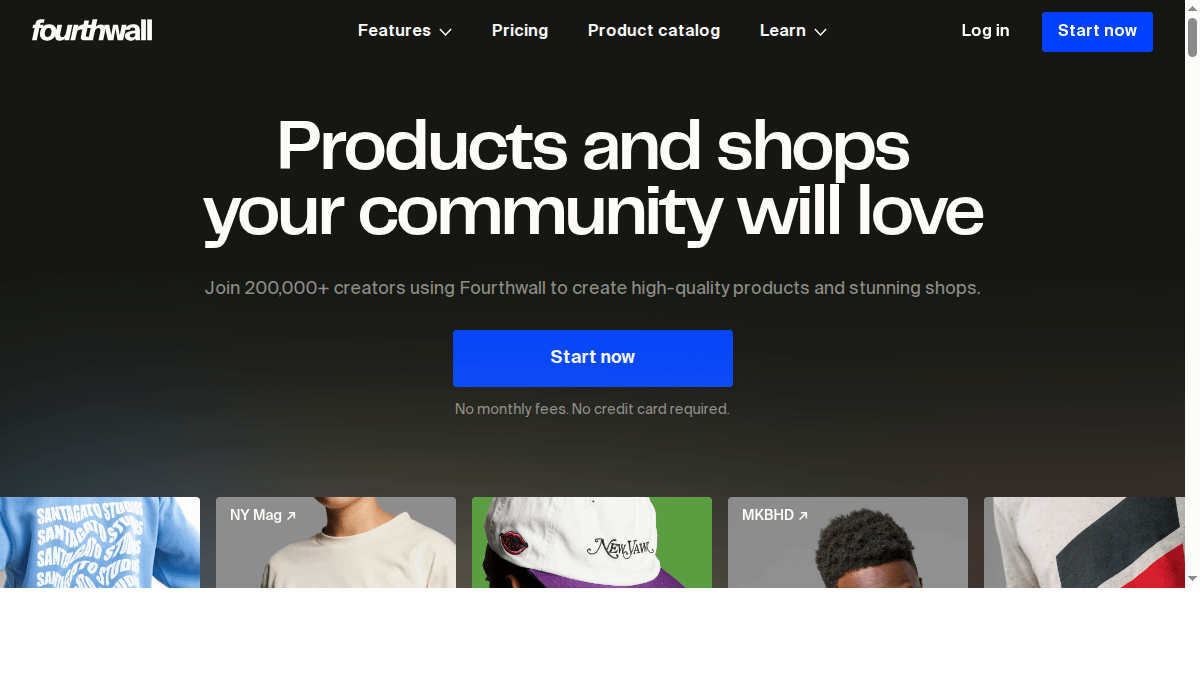
Fourthwall is geared toward creators who want to combine content, community, and commerce. It is not a pure enterprise video host, but it can be a useful Vimeo alternative for solo operators and small teams monetizing directly through digital and physical products. In practical audits, we see Fourthwall chosen when audience ownership and merchandise workflows are as important as video playback itself.
Key Features
- Creator storefront and community tools (Fourthwall)
- Built-in monetization pathways for creator businesses
- Simple setup for audience-facing pages and products
Pricing
Pricing and fees depend on business model and product mix. Teams should review platform fees and payout structure as part of comparison.
Pros & Cons
Pros: creator-commerce fit, streamlined setup, useful for audience monetization. Cons: less suitable for enterprise governance and advanced B2B marketing analytics.
Best For
Creators and small media brands building direct-to-audience revenue.
14) Mave
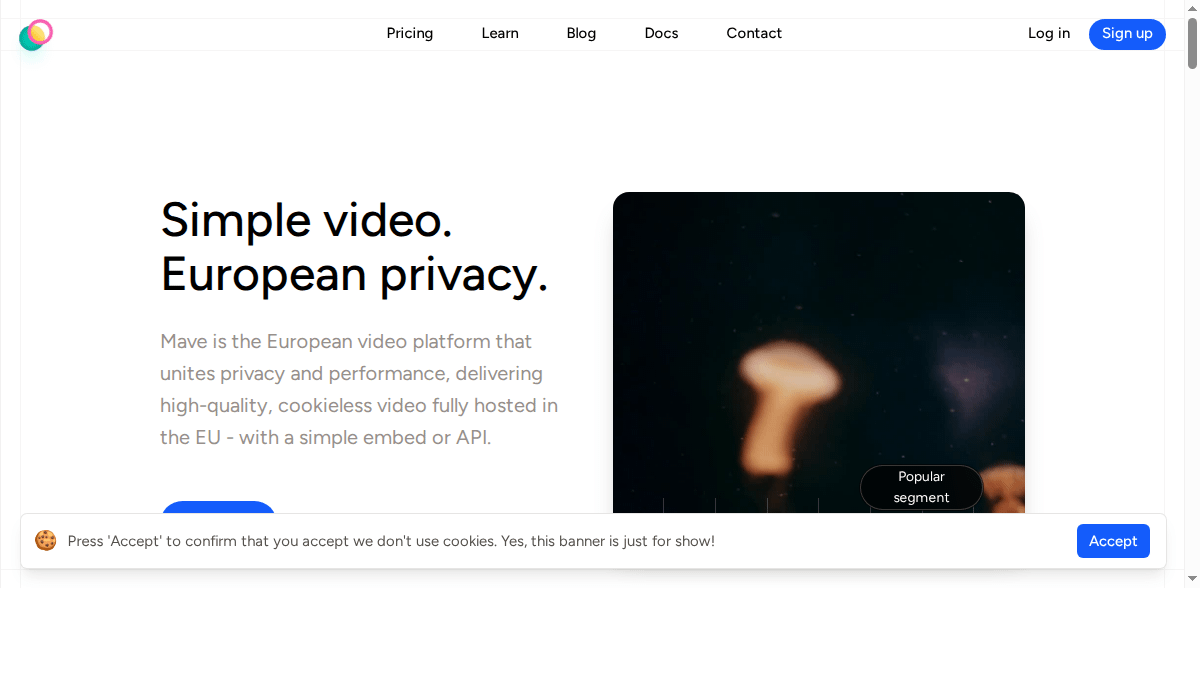
Mave is a less mainstream but relevant Vimeo alternative for teams that prioritize European hosting posture and privacy alignment. When legal teams ask for region-specific control and transparent data handling, Mave often appears in early procurement research. One thing we see repeatedly is that regional compliance needs can outweigh pure feature comparisons.
Key Features
- EU-oriented hosting and compliance positioning (Mave)
- Business-focused embed and distribution workflow
- Useful fit for privacy-conscious organizations
Pricing
Pricing details vary by plan and usage profile. Confirm data residency and support scope during pilot discussions.
Pros & Cons
Pros: privacy and regional fit, useful for compliance-driven teams. Cons: smaller ecosystem and fewer public third-party benchmarks than larger incumbents.
Best For
EU-focused organizations with strict privacy or residency requirements.
15) FastPix
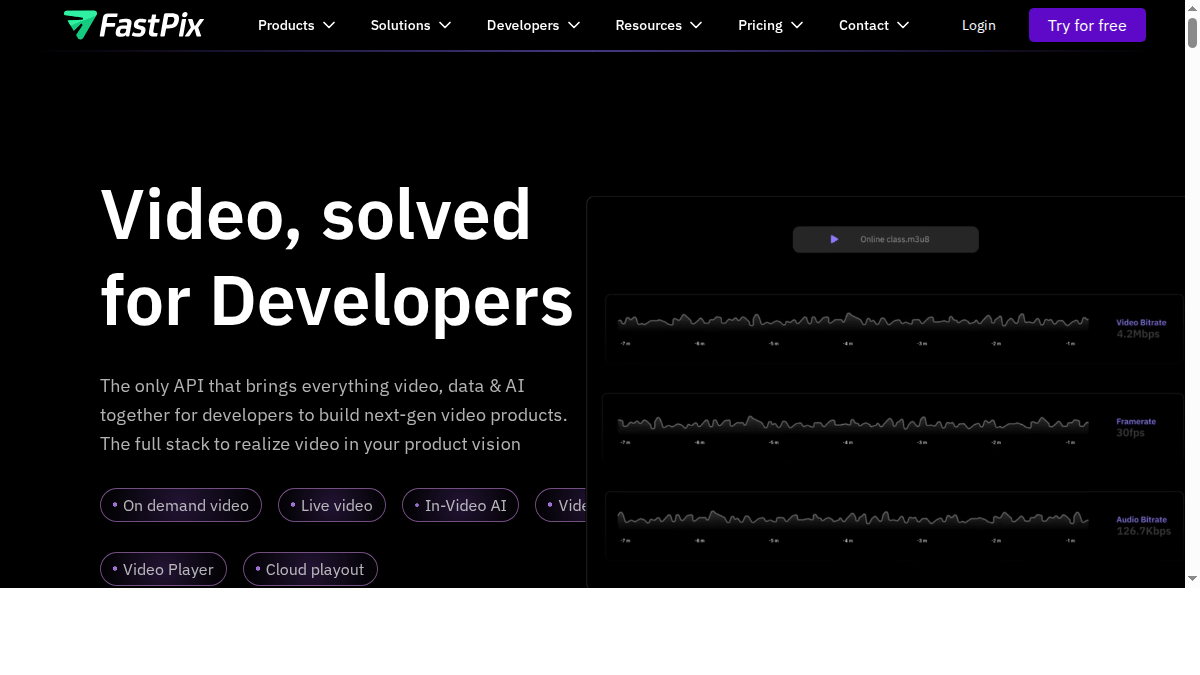
FastPix is aimed at engineering teams building custom video workflows and products. If your roadmap includes heavy API orchestration, custom playback logic, and developer-managed pipelines, FastPix can be a better fit than general-purpose creator platforms. From technical evaluations we have done, this type of stack works best when you have internal engineering bandwidth to support it.
Key Features
- API-first media pipeline model (FastPix)
- Developer-oriented architecture and tooling
- Flexible integration for product teams
Pricing
Usage-based pricing is common for API-first services. Budget planning should include engineering implementation and maintenance time.
Pros & Cons
Pros: flexible for custom products, engineering-friendly orientation. Cons: steeper implementation burden for non-technical teams.
Best For
Product and engineering organizations building video-native applications.
YouTube vs Paid Hosting: The Hidden Trade-Off for Website Teams
YouTube is free, and for many teams that is the right starting point. The hidden trade-off appears when website conversion is the primary KPI. In that scenario, free hosting can create indirect costs through distraction, reduced brand control, and harder attribution. We have seen teams save hosting dollars while losing higher-value conversions they could not easily trace back to player behavior.
There is also a control issue. On-site business videos usually need a predictable environment: clean player UI, consistent calls to action, and minimal off-page leakage. With public video networks, you gain reach but give up some of that control. That is why many teams separate strategy by intent: public network for awareness, commercial hosting for high-intent website pages. If you are deciding between those models, this breakdown of YouTube competitors and alternatives is a useful companion read.
From a performance perspective, the key point is not that one provider is always faster. It is that implementation choices compound quickly: lazy loading strategy, poster handling, JavaScript weight, and player boot behavior all influence perceived speed. If your site has strict conversion goals, benchmark player startup and interaction delay in your actual page templates before locking in a provider.
How Video Hosting Affects Core Web Vitals
Most Vimeo alternative roundups skip this section, but it is where many migration projects succeed or fail. Your video host impacts page speed through embed payload, resource prioritization, and playback startup behavior. Google’s guidance on Core Web Vitals makes this practical: user experience metrics are tied directly to loading, responsiveness, and visual stability (web.dev, 2025).
In our testing, three implementation decisions matter most for business sites. First, defer heavy player resources until user intent is clear. Second, use an optimized poster image so your above-the-fold layout does not wait on player initialization. Third, track real-user performance after deployment instead of relying on one-time lab scores. This process often reveals issues that synthetic tests miss.
A common mistake we see is treating migration as a one-step swap. In reality, performance-sensitive migrations need a checklist: baseline your current pages, migrate a controlled set, compare LCP/INP and engagement, then expand gradually. Teams that run this process typically avoid major regressions and build stronger internal confidence in the platform change.
How to Choose the Right Vimeo Alternative
There is no single winner for every team. The fastest way to choose well is to map your platform decision to one primary business objective, then validate with a short pilot.
1) Start with your use case, not feature lists
If your goal is website conversion, prioritize player control, branding, and embed performance. If your goal is audience growth, discovery matters more. If your goal is internal enablement, permissions and searchability matter most. In our testing, teams that skip this step end up paying for tools they barely use.
2) Model total cost at your expected volume
Do not compare sticker price only. Compare storage rules, bandwidth policy, overage pricing, and support levels. This is exactly where teams get surprised after migration. For context on cost trade-offs, see these guides on video hosting for e-commerce and practical platform comparisons.
3) Test page speed impact before rollout
Video player behavior affects Core Web Vitals, especially LCP and INP on media-heavy pages (web.dev, 2025). We recommend testing each shortlist option on a real landing page, not a blank staging template. If your current setup is YouTube-heavy, review this breakdown of embed performance trade-offs.
4) Validate your integration path
Many teams switch platforms but underestimate implementation work. Confirm integration requirements for WordPress, Shopify, and custom frameworks. A quick prep checklist: embed format support, analytics events, consent controls, and migration API availability. If implementation details are blocking progress, this reference on video embed codes can save a few cycles.
5) Run a 14-day pilot with pass/fail criteria
Pick one representative page template and one representative video set. Measure play rate, watch depth, conversion events, and support ticket friction. From working with teams switching off Vimeo, this approach prevents subjective tool debates and gives stakeholders a shared scoreboard.
If your priority is fast, ad-free embeds on your own pages, compare migration-focused options and implementation trade-offs. Compare Vimeo alternative options.
Why People Are Leaving Vimeo in 2026
The short answer is uncertainty plus fit. Vimeo still works for many teams, but the market context shifted quickly. TechCrunch reported Vimeo's all-cash acquisition by Bending Spoons at $1.38 billion in 2025, followed by reporting in early 2026 that the vast majority of Vimeo staff were laid off (TechCrunch, 2025; TechCrunch, 2026).
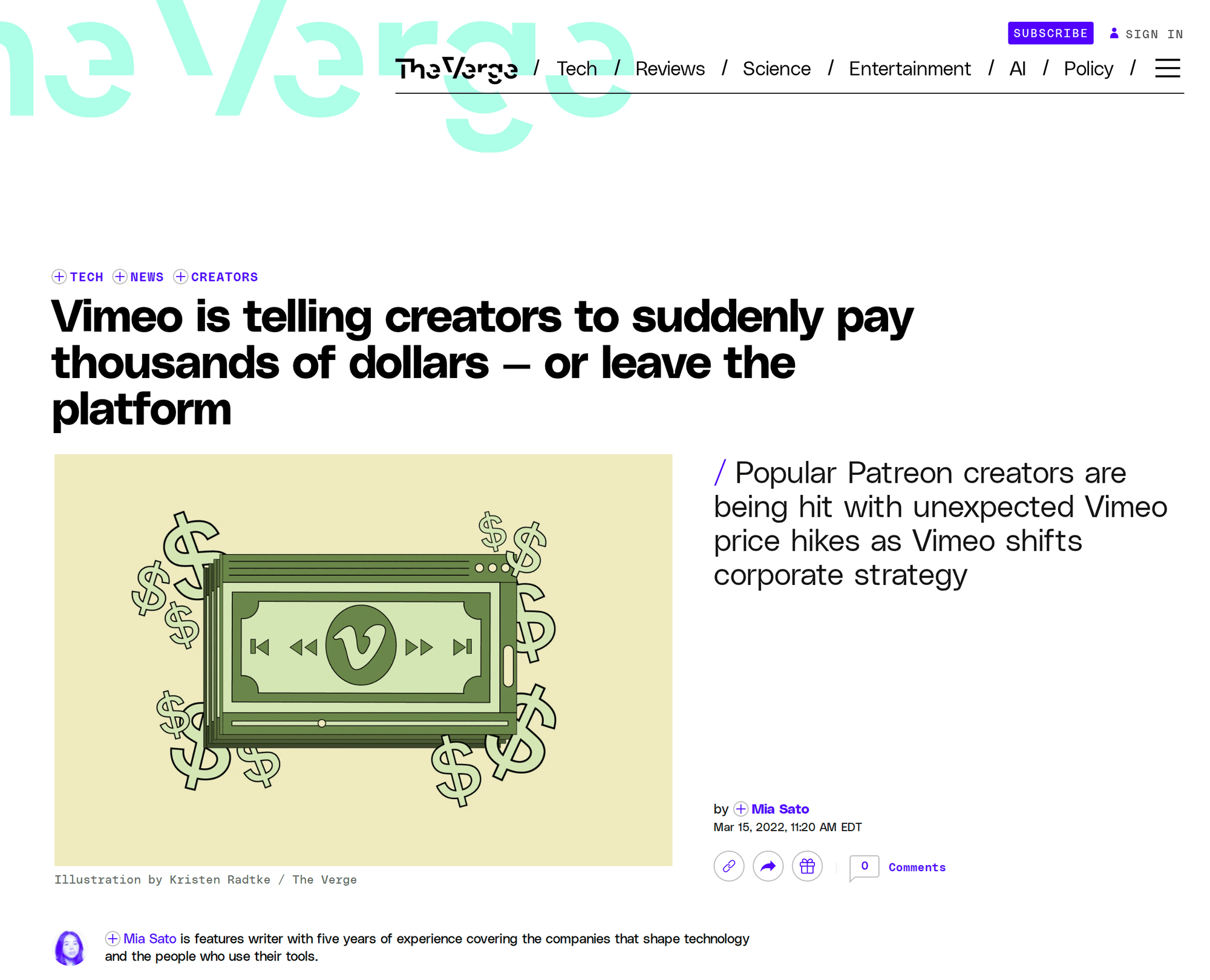
At the same time, teams are reviewing pricing predictability and platform flexibility. That does not automatically make Vimeo a bad choice, but it does explain why procurement teams are running comparative pilots again.
Feature fit is another reason. A common pattern we see is that companies outgrow a one-size-fits-all host. Marketing teams want conversion analytics. Developers want cleaner APIs and easier automation. Commerce teams want fewer distractions and tighter on-page control. Training teams want better permissions and searchable video libraries.
And then there is performance. In practical testing, the player you choose can change how quickly users perceive content on landing pages. If you care about this angle, it helps to compare player behavior alongside protocol choices like DASH vs HLS streaming protocols and not just compare plan pricing.
Migration Checklist Before You Switch from Vimeo
Audit your current library
Catalog active videos by page type, traffic importance, and ownership. We usually find a meaningful portion of libraries can be archived before migration, which lowers effort and cost.
Document embed dependencies
Map where each embed appears: blog posts, product pages, docs, LMS modules, and emails. This avoids post-migration surprises.
Preserve analytics continuity
Define which events you need to retain for reporting and attribution. If your team reports monthly pipeline metrics, event mapping cannot be an afterthought.
Run staged migration waves
Move low-risk pages first, then high-traffic revenue pages. In our testing, phased migration reduces rollback risk and simplifies QA.
Benchmark before and after
Compare play rate, completion rate, and conversion. Pair these with page performance metrics to catch regressions early.
Recommended Shortlists by Use Case
If you want a faster decision, start with a three-platform shortlist based on your main objective. This reduces evaluation noise and makes stakeholder alignment easier.
Website conversion and on-page control
Shortlist a website-first host, a marketing-focused host, and your current baseline. Prioritize ad-free playback, player customization, and analytics signal quality on conversion pages. For this track, combine this guide with your own review of ad-free hosting requirements before final selection.
Lead generation and marketing attribution
Choose providers that connect video behavior to form fills, CRM records, and campaign reporting. In our experience, this is where teams discover the difference between basic view metrics and true pipeline data. If attribution is central to your strategy, your comparison criteria should start with analytics quality, not storage limits.
Live events and webinars
Evaluate live stream stability, redundancy options, and support response expectations during event windows. Run at least one controlled rehearsal with realistic traffic assumptions before committing. Live teams usually benefit from operational checklists and escalation playbooks, not just feature demos.
Education, training, and private libraries
Prioritize permissions, content organization, searchable transcripts, and integration with your LMS or internal tooling. Teams in this category should also validate private sharing controls and governance policies early. If your team is still evaluating platform classes, this broader comparison of video hosting platforms gives additional context.
FAQ: Vimeo Alternatives
What is the best Vimeo alternative in 2026?
Why are people leaving Vimeo in 2026?
Is YouTube a good alternative to Vimeo?
What is the cheapest Vimeo alternative?
Which Vimeo alternative is best for websites?
What are the best ad-free video hosting platforms?
Is Vimeo still worth it in 2026?
Which platform is best for video marketing?
Which video hosting platform is fastest?
What happened to Vimeo in 2025-2026?
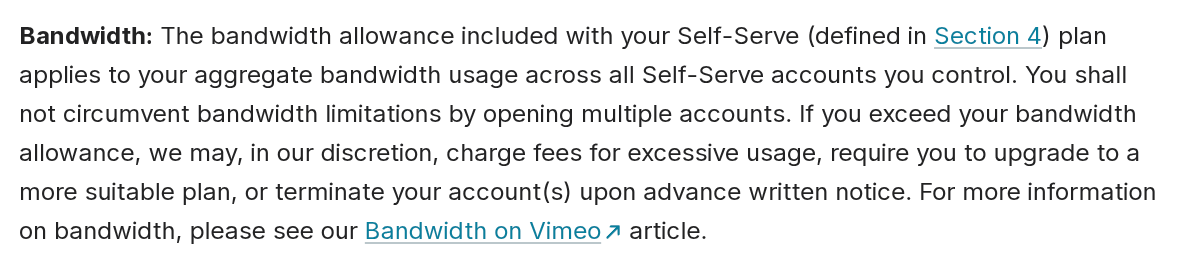
Does Vimeo have bandwidth limits?
Final Takeaway
The right Vimeo alternative is the one that matches your business model, not the one with the longest feature list. If your team depends on video for conversions, lead quality, or revenue, run a short pilot and measure outcomes before committing. If your main priority is faster, cleaner website video delivery without third-party distractions, explore a purpose-built option and compare it against your current setup on real pages.
When you are ready to benchmark performance and brand control directly, start with a practical trial from the pricing page and test it against your current Vimeo workflow.