
Video Testimonials: How to Collect, Record, and Host Them (2026)
Most video testimonial guides stop at "collect and display." This one covers the part nobody talks about: where to actually host them without hurting your conversions.

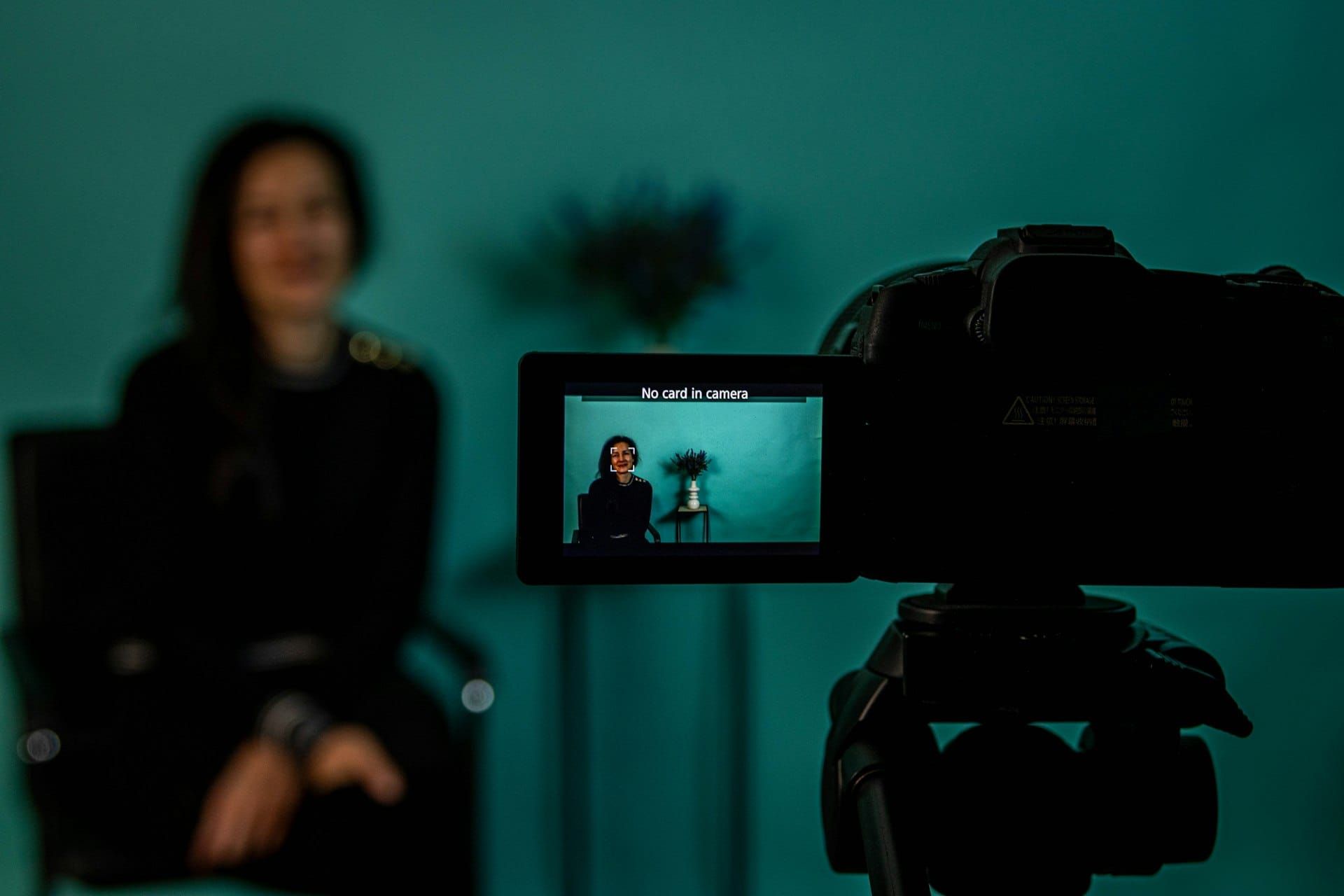
• Video testimonials convert better than text because viewers process emotion, body language, and authenticity in ways text can't replicate — landing pages with video testimonials see up to 39% higher conversions than text-only pages.
• The collection process matters more than the camera: ask at the right moment, give customers a simple recording link, and provide 3-5 specific prompt questions so they don't freeze.
• Where you host the finished testimonial matters just as much as how you collect it — YouTube embeds show competitor ads at the exact moment a prospect is building trust with your brand.
• For website testimonials, use a dedicated video host that delivers fast, ad-free playback without slowing your page or distracting from the conversion.
A video testimonial is a short clip where a real customer describes their experience with your product or service on camera. It works because it is hard to fake — viewers can read facial expressions, hear vocal tone, and judge for themselves whether the person is credible. Text reviews can be manufactured at scale. Video testimonials cannot.
That matters commercially. Landing pages with video testimonials see a 39% conversion boost compared to 22% for pages with only written reviews (GenesysGrowth, 2026). And 89% of consumers say they trust video testimonials from verified customers, versus 61% for written reviews (TestimonialStar, 2025). The gap is large enough to change revenue.
But most guides on this topic stop at "collect and display." They skip the part that actually determines whether your testimonial helps or hurts conversions: where you host the video and how it plays back on your site. If the player buffers, shows ads, or recommends competitor content at the end, you have just undermined the trust your customer spent 60 seconds building.
This guide covers the full workflow in four steps:
- Ask — at the right moment, with a simple recording link
- Record — guide customers through a short, unscripted response
- Host — choose a platform that does not undermine the trust the video builds
- Display — place testimonials where buying friction is highest
Why video testimonials convert better than text
The short answer is authenticity. A written review could come from anyone. A video testimonial shows a real person, in their own environment, speaking in their own words. Viewers unconsciously assess confidence, specificity, and whether the person seems genuine — judgments that happen in seconds and that text cannot trigger the same way.
The data backs this up. According to Wyzowl's 2026 survey, 88% of marketing teams report a 10%+ lift in campaigns that include testimonial video, with nearly half seeing a 25%+ lift. And 91% of businesses now use video as a marketing tool — the highest that number has ever been.
The reason is not magic — it is information density. In 60 seconds of video, a customer delivers facial expressions, tone, pacing, and specific details that would take 500 words of text to approximate. And prospects process that information passively. They do not have to read carefully or fill in the gaps. The emotional proof is just there.
Video testimonials also work across the funnel. On a homepage, they establish credibility. On a pricing page, they reduce hesitation. In a lead generation funnel, they push uncertain prospects toward the form. The same testimonial clip can serve all three roles in your video marketing strategy — you just need to place it where the buying friction is highest.
How to ask customers for a video testimonial
Timing is everything. The best moment to ask is right after a customer has experienced a clear win — a successful launch, a measurable result, or a support interaction that genuinely helped. If you wait three months, the specifics fade and the testimonial becomes generic.
The second-best moment is during an existing conversation. If a customer emails praise, mentions results on a call, or leaves a strong written review, reply within 24 hours with a video request. The positive feeling is still fresh.
Make the ask simple and specific. Do not send a vague "would you do a testimonial?" email. Instead, frame it around the result they mentioned and give them a low-friction recording option:
"Hi [Name] — that's a great result. Would you be open to sharing it in a quick 60-second video? No script needed — just answer 3 questions in your own words. Here's a recording link: [link]."
Most refusals happen because of perceived effort, not unwillingness. Remove the effort and more people say yes. A one-click recording link from tools like Vocal Video, VideoAsk, or Testimonial.to eliminates scheduling, studio setups, and technical confusion.
Offer both self-service and guided options. Some customers are comfortable recording alone. Others want a conversation format — a Zoom call where you ask questions and record. Offer both and let them choose. B2B customers especially may prefer the guided approach because it feels less like homework.
A note on incentives and FTC disclosure
If you offer anything in exchange for a testimonial — a discount, free month, gift card, or early access — the customer must disclose that relationship in the video. The FTC's updated Endorsement Guides (2023) require clear disclosure when there is a material connection between the endorser and the brand. "I received a free month in exchange for this review" at the start of the video is sufficient.
This is not optional. The FTC has increased enforcement on undisclosed endorsements, and the rules apply to video just as they do to written reviews and social media posts. Even if the testimonial is genuine, omitting the disclosure creates legal risk.
The safest approach is to ask customers who are already happy — without offering anything. Organic testimonials are more credible, legally simpler, and do not require disclosure language that can reduce the testimonial's perceived authenticity.
What questions to ask
Good video testimonials follow a natural arc: situation → problem → solution → result. Give your customer 3-5 prompt questions — similar to how how-to videos guide viewers step by step — so they have structure without sounding scripted.
| Question | What it captures | Why it matters |
|---|---|---|
| What were you trying to solve before you found us? | Context and pain | Lets prospects see themselves in the story |
| What made you decide to try our product? | Decision trigger | Addresses the "why should I buy?" hesitation |
| What specific results have you seen? | Measurable outcomes | Numbers and specifics beat vague praise |
| What would you tell someone who's considering it? | Peer recommendation | Feels like advice from a friend, not marketing |
| Is there anything that surprised you? | Unexpected value | Reveals benefits you might not market yourself |
Send these questions in advance so the customer can think about their answers. But tell them not to write a script — bullet points are fine. Over-rehearsed testimonials sound like ads, and viewers can tell.
Recording tips that make a real difference
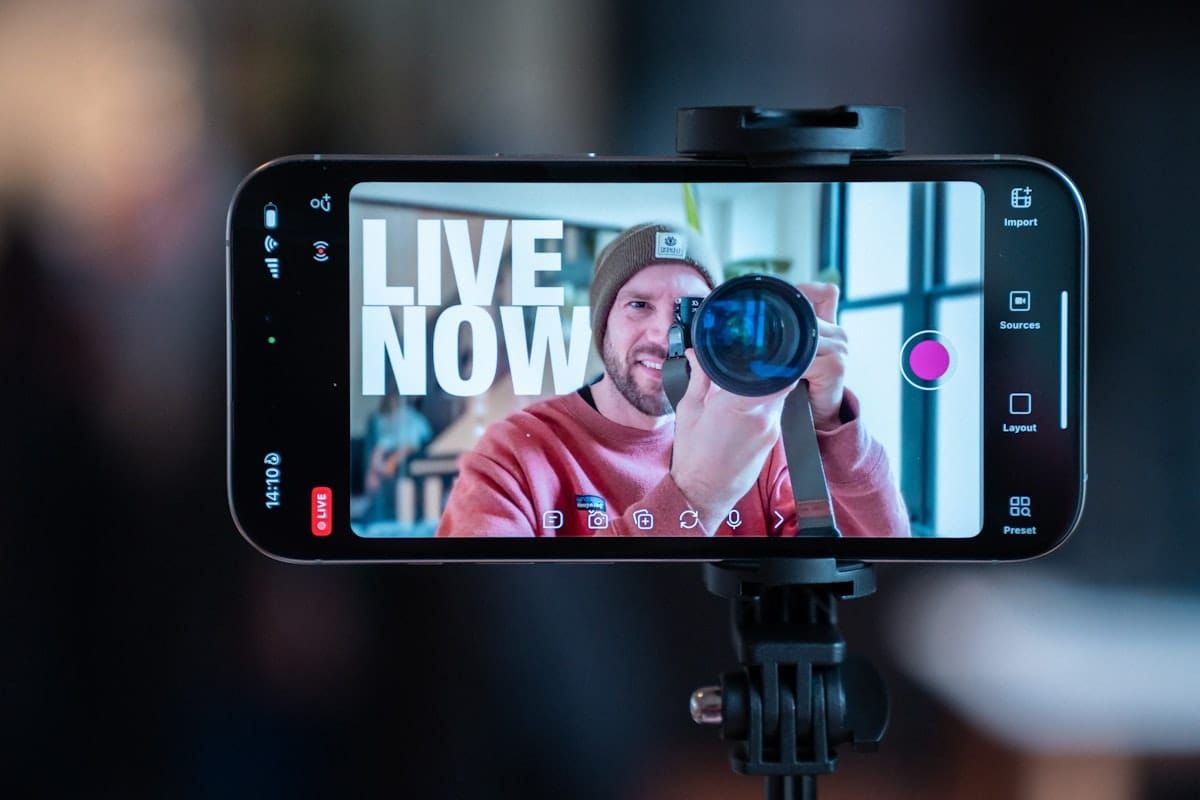
Customers do not need professional equipment. A modern smartphone in a quiet room with decent lighting produces a perfectly usable testimonial. The authenticity of a slightly imperfect home recording often outperforms a studio-polished clip, because it looks real.
That said, a few basics matter:
Audio is more important than video quality. A testimonial with clear voice and mediocre video is fine. A testimonial with great video and echoey, muffled audio is unusable. Tell customers to record in a quiet room, away from windows with traffic noise, and to hold the phone at chest height rather than arm's length. For more on why audio quality matters, see our guide to choosing microphones for video.
Keep it short. Aim for 60-90 seconds. Testimonials over two minutes lose viewers. If the customer runs long, edit down to the strongest moments. The best testimonials feel tight and specific — one clear story, one clear result.
Landscape orientation. For website use, landscape (horizontal) video fits standard players better than portrait. If the testimonial will also go on social media, record in landscape and crop for vertical — not the other way around.
Natural lighting, face toward a window. The single biggest visual improvement costs nothing. Facing a window puts soft, even light on the speaker's face. Overhead fluorescents create shadows and unflattering color.
One take is fine. Tell your customers they do not need to be perfect. A single honest take with a few natural pauses is more convincing than a rehearsed third attempt. If they stumble badly, they can simply start over — but do not push for polish. The Content Marketing Institute notes that authenticity consistently outranks production value in content that builds trust.
Where to host your video testimonials
This is the part most guides skip entirely — and it matters more than you think. Where you host the finished video determines whether it helps your conversion or actively works against it.
You have three realistic options:
Option 1: YouTube (free, but risky for conversions)
YouTube is free and familiar, so many businesses default to it. But embedding a YouTube testimonial on your pricing page or landing page introduces several problems:
YouTube's player shows ads before, during, or after your video — including ads from competitors. A prospect watching your happy customer talk about your product may see a competitor's pre-roll ad first. That is not hypothetical. It happens routinely.
YouTube's player also displays recommended videos at the end, pulling attention away from your page. A viewer who just watched a great testimonial is now one click away from a cat video or a competitor's demo. That exit costs you the conversion.
And YouTube embeds carry significant page weight. A single YouTube iframe loads 1-3 MB of scripts, styles, and tracking before the video even plays — adding measurable load time to your page. On mobile, that delay is worse.
Option 2: Collection tool hosting (convenient, limited)
Tools like Vocal Video, Testimonial.to, and VideoAsk offer their own embeds. This works for testimonial walls and social proof sections. But these players are optimized for their own platform workflow, not for landing page performance. You get limited control over the player appearance, delivery speed, and how the video interacts with your page layout.
If testimonials are supplementary content on an about page, this is often fine. If they are load-bearing trust elements on your highest-converting pages, you need more control.
Option 3: Dedicated video hosting (fast, ad-free, brand-controlled)
A dedicated video host delivers the file through a CDN optimized for playback speed, with no ads, no competitor recommendations, and no third-party tracking. The player matches your brand. The video starts instantly. The page stays fast.
This matters most on high-intent pages — pricing, product, checkout, and landing pages where slow video directly kills conversions. Your testimonial is supposed to reduce buying friction. If it introduces friction instead (buffering, ads, distractions), it is working against you. For a broader comparison of hosting options, see our guide to the best video hosting platforms for business.
You can also learn more about how to embed video without ads on your site — a practical concern that applies to testimonials, product videos, and any brand content where a competitor's pre-roll would be counterproductive.
If you are using video testimonials on landing pages, pricing pages, or sales funnels, the player matters. SmartVideo hosts your testimonials through a global CDN — no ads, no competitor recommendations, no heavy scripts slowing your page.
How to display testimonials on your website
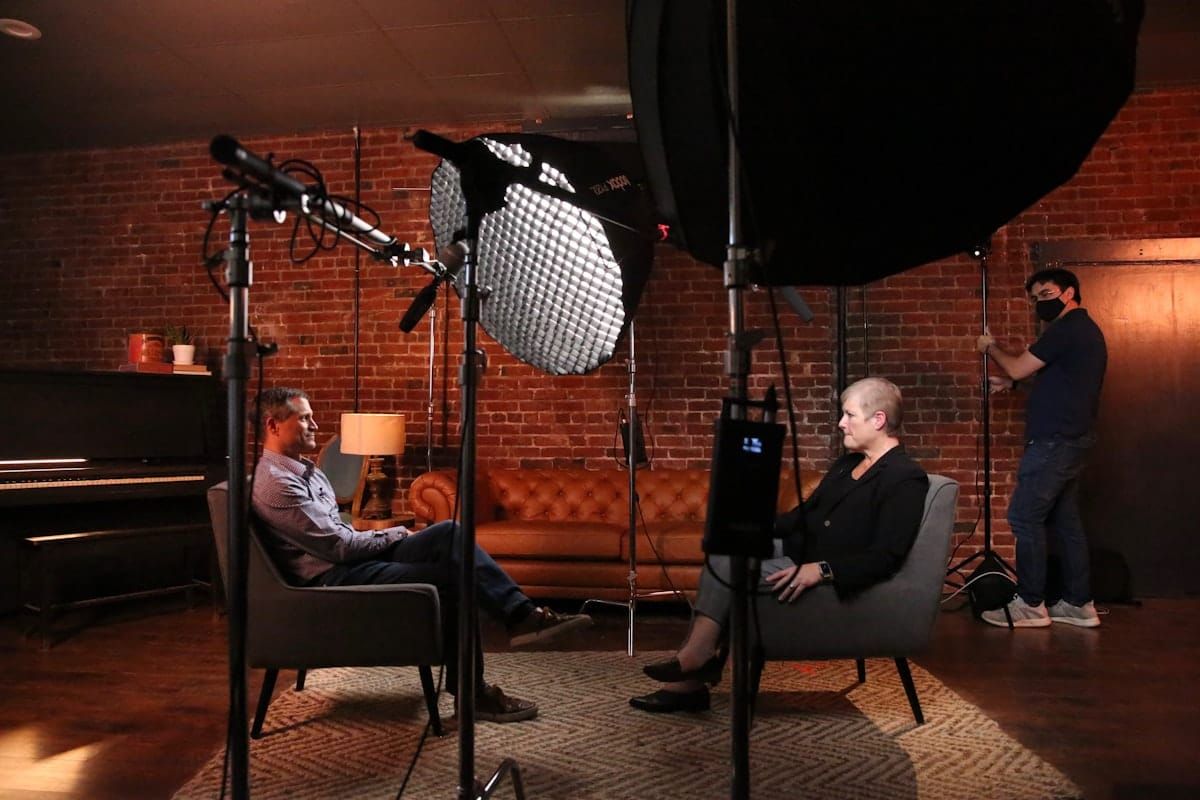
Put them where the buying friction is. The most effective placement is not a dedicated "Testimonials" page that nobody visits. It is inline — embedded directly into the pages where prospects hesitate most.
The highest-impact placements:
Pricing page: A testimonial here addresses the "is it worth the money?" question at exactly the right moment. Place it below the pricing table, before the final CTA.
Landing pages: If you run paid campaigns, a testimonial on the landing page adds social proof that a headline and bullet list cannot. Keep it above the fold or immediately below the hero section.
Product pages: For e-commerce, a product video testimonial from a real buyer is stronger than any description you can write. It answers "does this actually work?" from someone who has no financial incentive to lie.
Homepage: A single strong testimonial in the hero or just below it establishes credibility within the first 5 seconds of a visit.
Avoid a testimonials-only page. Dedicated testimonial pages have low organic traffic and low visit rates. Prospects rarely seek them out. Instead, distribute testimonials across the pages they are already visiting. One well-placed testimonial on a pricing page outperforms ten on a page nobody finds.
Repurposing video testimonials beyond your website
A good video testimonial has value far beyond a single page embed. Once recorded, the same clip can work across multiple channels:
Social proof in email: Add a testimonial thumbnail with a play button to emails — especially sales follow-ups and onboarding sequences. Clicking plays the video on a landing page, driving traffic back to your site.
Social media clips: Crop the best 15-30 seconds for Instagram, LinkedIn, or X. Vertical crop for Stories and Reels, square for feed posts. Add video accessibility and captions — most social video is watched on mute initially.
Sales team enablement: Give your sales team a library of testimonials organized by use case, industry, or objection. When a prospect says "I'm not sure if this works for [specific use case]," the salesperson sends a testimonial from someone in that exact situation.
Case study enhancement: A written case study with an embedded video testimonial from the featured customer is significantly more credible than text alone. It bridges the gap between marketing copy and firsthand experience — a natural companion to your brand video guide.
FAQ
What is a video testimonial?
How do I ask a customer for a video testimonial?
How long should a video testimonial be?
What questions should I ask in a video testimonial?
Should I use YouTube to host video testimonials on my website?
Can customers record video testimonials on their phone?
Where should I display video testimonials on my website?
How do I get more customers to agree to record a testimonial?
Do video testimonials help SEO?
How do I add video testimonials to a WordPress site?
What makes a video testimonial convincing?
Final recommendation
If you already have written reviews from happy customers, you have your starting list. Reply to your three most recent positive reviews and offer them a recording link with 3-5 prompt questions. Of those three, you will typically get at least one yes — and that single 60-second clip, placed on your pricing page, will do more conversion work than the entire review page it came from.
The collection process is simpler than most businesses expect. The part that most guides skip — hosting and playback — is what determines whether the testimonial actually converts or quietly works against you. If you want video testimonials that load fast, play without ads, and keep attention on your brand, See SmartVideo pricing to whatever you are using today.