12 Best Sites for Free Royalty-Free Music in 2026 (No Copyright Strikes)
Safe, high-quality audio is essential for video marketing. We compared 12 royalty-free music sites to help you avoid copyright strikes in 2026.

The safest free royalty-free music sites for 2026 are YouTube Audio Library, Uppbeat, and Pixabay Music - each clears tracks for commercial use without triggering automated copyright strikes. Picking the wrong one can demonetize a video instantly or get it removed. But "royalty-free" does not mean "free to use," and attribution rules, library size, and cross-platform whitelisting vary widely. We compared the top 12 platforms on licensing terms, catalog depth, and paid-upgrade pricing so you can pick the right one for your use case.
• YouTube Audio Library provides the safest clearing for YouTube channels but risks getting flagged on other platforms.
• Uppbeat and Pixabay offer high-quality selections for social media with clear whitelisting options.
• "Royalty-Free" does not mean "free to use" - you must verify the specific Creative Commons license before publishing.
• Attribution requirements vary across platforms; we break down the rules for 12 popular sites.
Top 12 Free Royalty-Free Music Sites
These twelve platforms cover every major source of free royalty-free music for creators in 2026, from YouTube Audio Library to Purple Planet.
Over the past two months, we tested each platform end-to-end: signed up, downloaded sample tracks, ran them through cross-platform upload tests, and checked how each license holds up on YouTube, Instagram, and TikTok. Our review evaluated audio quality, library size, and the clarity of their licensing terms. The track you pick does real work: it sets tone, holds attention through slow cuts (a principle we cover in our video editing workflow guide), and decides whether your video gets monetized or muted. If you are also sourcing footage, pair these picks with our list of best free B-roll websites.
| Platform | Best For | Library (approx.) | Commercial Use | Whitelisting | Attribution |
|---|---|---|---|---|---|
| YouTube Audio Library | YouTube creators | ~5,000 tracks | Yes (on YouTube) | YouTube-only auto-clear | Sometimes |
| Uppbeat | Influencers & social | ~15,000 tracks | Yes | Yes (YT, IG, TikTok, FB) | Free: yes / Premium: no |
| Pixabay Music | Vlogs & B-roll | ~30,000 tracks | Yes | No | No |
| Free Music Archive | Indie projects | ~180,000 tracks | Per-track (CC varies) | No | Usually yes |
| Bensound | Corporate & commercial | ~600 tracks | Yes (with credit) | No | Free: yes / Paid: no |
| Mixkit | Commercial video | ~1,000 tracks | Yes | No | No |
| Musopen | Classical & educational | ~15,000 recordings | Yes (public domain) | No | No |
| Freesound | SFX & foley | ~500,000 clips | Per-clip (CC varies) | No | Usually yes |
| ccMixter | Remixes & electronic | ~40,000 stems | Per-track (CC varies) | No | Yes |
| Incompetech | Classic YouTube feel | ~2,000 tracks | Yes (with credit) | No | Yes (CC BY) |
| Silverman Sound | Polished backgrounds | ~450 tracks | Yes | No | Yes (CC BY 4.0) |
| Purple Planet | Mood-based scoring | ~500 tracks | Yes (with credit) | No | Free: yes / Paid: no |
No Attribution Required: Quick Picks
If you want to skip the license fine print and ship a video today, these five sources grant commercial use with zero attribution:
- Pixabay Music: ~30,000 tracks, CC0-style Pixabay License — no credit required for commercial use.
- Mixkit: ~1,000 curated tracks under the Mixkit License — commercial use without attribution.
- Musopen: ~15,000 classical recordings. Public domain compositions require no attribution; modern performances may.
- YouTube Audio Library (select tracks): Filter by "Attribution not required" in the license dropdown — a large subset clears with zero credit.
- Uppbeat Premium ($6.99/mo): Paid tier removes attribution entirely on all 15,000+ tracks and adds cross-platform whitelisting.
If attribution is acceptable in your credits or description, the other seven platforms in the table above open up a much wider catalog — especially CC BY sources like Incompetech and Silverman Sound.
1. YouTube Audio Library
Integrated directly into YouTube Studio, the YouTube Audio Library provides around 5,000 pre-cleared tracks and sound effects, filterable by genre, mood, instrument, and duration. If you upload content exclusively to YouTube, this is the safest option available. Price: free, no account tier upgrades.
Pros: Zero risk of copyright strikes on YouTube. Extensive filters by genre, mood, and duration.
Cons: Highly recognizable tracks. Music downloaded here can trigger copyright claims if you use it on other platforms like Instagram or Facebook.
2. Uppbeat
Uppbeat uses a freemium model targeted specifically at creators, with roughly 15,000 tracks across genre, mood, and tempo filters. The free tier caps downloads at 10 per month and requires attribution; Uppbeat Premium ($6.99/month) removes both limits and unlocks the full catalog. Uppbeat's standout feature is cross-platform whitelisting for YouTube, Instagram, TikTok, and Facebook - covered in the walkthrough below.
Pros: Premium-level quality that competes directly with paid services. Clear whitelisting process.
Cons: The free tier limits the number of monthly downloads and requires attribution.
3. Pixabay Music
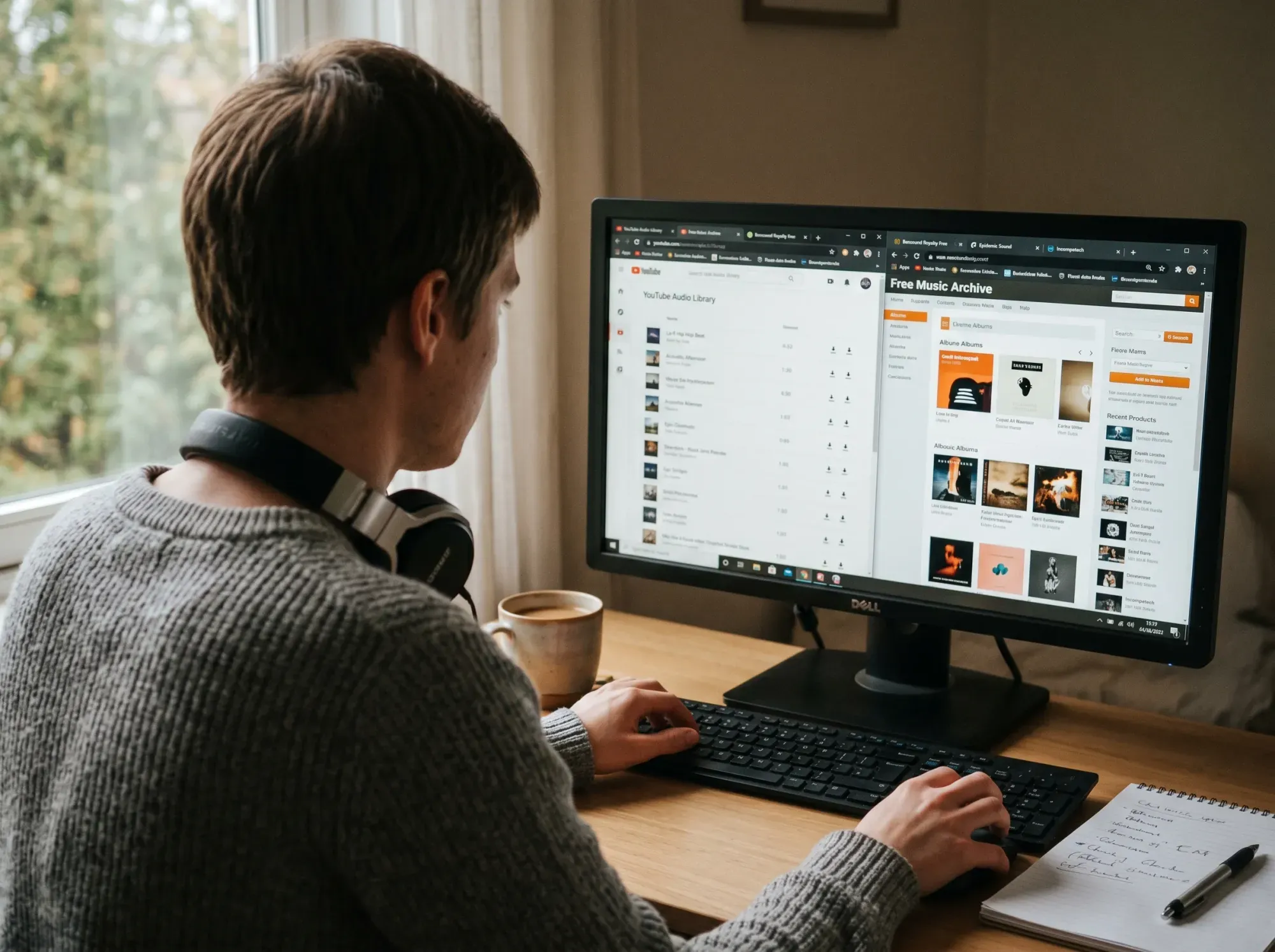
While known for stock photography, Pixabay Music offers a catalog of roughly 30,000 community-uploaded audio tracks. The interface is modern, and tracks do not require attribution - making it a streamlined option for quick edits. Price: free, no paid tier.
Pros: No attribution required for commercial use. Clean interface.
Cons: Quality varies widely between contributors, so curation takes longer than with a vetted library.
4. Free Music Archive
Free Music Archive (FMA) hosts around 180,000 tracks from independent artists and experimental projects rather than corporate background loops. Each track carries its own specific Creative Commons license, so licensing terms must be checked per download. Price: free, with optional Pro ($4.99/month) for unlimited downloads and offline access.
Pros: Excellent source for authentic, unique music outside the standard stock sound.
Cons: Licensing terms vary heavily between individual songs. The interface is functional but dated.
5. Bensound
Bensound provides a curated collection of about 600 tracks that fit corporate presentations and explainer videos. The free tier requires attribution; Creator ($7/month) and Pro ($17/month) tiers remove attribution and unlock higher-quality WAV files.
Pros: Polished tracks ready for commercial use.
Cons: The free tier has strict rules prohibiting use in audiobooks or podcasts, and attribution is mandatory unless you upgrade.
6. Mixkit
Owned by Envato, Mixkit offers around 1,000 free stock music tracks alongside video clips and sound effects. Its license permits commercial use without attribution, which is rare at this price point. Price: free - paid upgrades happen on Envato's sister platform AudioJungle.
Pros: Simple licensing. Integrates well if you also need stock footage.
Cons: Smaller audio library compared to Envato's paid AudioJungle tier.
YouTube Audio Library is an effective option for YouTube content, but relying on YouTube to host your business videos introduces ads and viewer leakage. True professionals pair safe royalty-free music with ad-free hosting. See how SmartVideo delivers a distraction-free experience.
7. Musopen
Musopen operates as a non-profit dedicated to providing copyright-free classical music for education, with around 15,000 recordings of composers like Mozart, Beethoven, and Bach. Free members get limited daily downloads; Musopen Premium ($55/year) unlocks unlimited downloads and lossless files.
Pros: The preferred destination for public domain classical tracks.
Cons: Strictly limited to classical music.
8. Freesound
Freesound hosts roughly 500,000 user-contributed clips - foley, ambient noise, field recordings, and stems. Its primary value is environmental detail that adds depth to a scene rather than full musical scores. Price: free with a required account.
Pros: Massive database of specific audio effects and textures.
Cons: Requires an account to download. Not suitable for full musical scores.
9. ccMixter
ccMixter is a collaborative community with around 40,000 stems where musicians upload loops specifically for remixing. It is a strong resource for instrumental hip-hop and electronic tracks. Price: free, licensed under Creative Commons (attribution required).
Pros: Unique, community-driven remixes you won't find on stock sites.
Cons: Navigation is somewhat dated, and attribution is required for nearly all downloads.
10. Incompetech
Kevin MacLeod's Incompetech defined the sound of early YouTube. The catalog holds around 2,000 tracks, well-categorized by "feel" (calming, frantic, triumphant), and is fully available for free under CC BY 4.0 if you provide attribution. A one-time license fee (~$40/track) removes the attribution requirement.
Pros: Highly searchable by granular "feel" categories.
Cons: These tracks are ubiquitous; viewers will immediately recognize them from thousands of other videos.
11. Silverman Sound
Silverman Sound features the exclusive work of composer Shane Ivers, with around 450 tracks under a simple CC BY 4.0 license. The library is smaller but offers a cohesive, polished sound that works well across commercial applications. Price: free with credit; one-time no-attribution licenses run ~$35/track.
Pros: Distinct production style with a simple CC BY 4.0 license.
Cons: A single composer means a narrower range of musical variety.
12. Purple Planet
Purple Planet organizes around 500 tracks strictly by mood. Written by Chris Martyn and Geoff Harvey, the collection makes it straightforward for editors to find exactly what a specific scene requires. Free downloads are MP3-only and require attribution; Creator ($10/month) removes both.
Pros: Intuitive mood-based categorization (e.g., horror, upbeat, dramatic).
Cons: Free downloads are restricted to MP3 format; higher-quality WAV files require a fee.
How Do You Navigate Licenses and Avoid Copyright Strikes?
Match three things: your intended use (commercial or personal), the license type (CC0, CC-BY, or CC-BY-NC), and each platform's automated detection system.
Get any one of those wrong and you can trigger a copyright strike even on a technically "free" track. In our review of customer support cases, we have seen businesses pull down entire campaigns because they used a track labeled "free" that strictly prohibited commercial use. Voiceover tracks follow similar rules - our voiceover software guide covers the licensing side of recorded dialogue.
Here is a breakdown of the Creative Commons licenses you will encounter:
- CC0 (Public Domain): Free to use for any purpose, including commercial projects, without attribution.
- CC-BY (Attribution): Free to use for commercial projects, but you must clearly credit the artist in your description or credits.
- CC-BY-NC (Non-Commercial): Free for personal use, but strictly prohibited for monetized videos, corporate channels, or advertisements.
Cross-Platform Whitelisting: A Walkthrough
Social media algorithms are aggressive. A track that clears perfectly on YouTube might trigger a takedown on Instagram because each platform runs its own Content ID system. Cross-platform whitelisting tells those algorithms, in advance, that your channel has permission to use a specific track - so the automated flag never fires.
Here is how whitelisting works on Uppbeat (the process is similar on Epidemic Sound, Artlist, and Soundstripe):
- Connect your channels. In your Uppbeat dashboard, link your YouTube, Instagram, TikTok, and Facebook accounts via OAuth. This associates your license with the channel ID, not the upload.
- Choose a track. Download any track from the library - the license is issued against your account, not the individual video.
- Generate a license certificate. Uppbeat emails you a PDF confirming usage rights and channel coverage. Keep this for dispute evidence.
- Publish as normal. When you upload the video, the platform's Content ID checks against Uppbeat's rights database and clears the track automatically.
- File a dispute if flagged. If a claim slips through (rare, but it happens on Reels), paste the license certificate into the platform's dispute form - Uppbeat pre-drafts the response.
Not every platform in the top 12 offers this. Here is the whitelisting coverage:
- Full cross-platform whitelisting: Uppbeat (free and paid tiers).
- YouTube-only auto-clearing: YouTube Audio Library.
- No whitelisting - dispute manually: Pixabay, FMA, Bensound, Mixkit, Musopen, Freesound, ccMixter, Incompetech, Silverman Sound, Purple Planet.
In practice, if you publish to more than one platform, this feature alone justifies using a whitelisting-capable library rather than piecing together free tracks from multiple sources. Trending audio is a key component of viral video creation, and from our experience working with creators, using uncleared trending audio risks immediate demonetization within hours.
Does Music Quality Actually Affect Video Performance?
Yes - audio quality measurably affects watch time, perceived production value, and ad performance across every major platform.
Audio is the shortcut to perceived production value. Viewers will sit through grainy footage, but they click away from distorted or poorly mixed audio within seconds. This is why product video best practices place audio quality alongside footage quality in every conversion checklist.
Music is not decoration - it measurably affects ad performance. Nielsen's analysis of thousands of TV ads found that ads featuring music outperform those without music across brand memorability, emotional engagement, and purchase intent (Nielsen, "I Second That Emotion"). And short-form video has overtaken radio as the primary way younger audiences discover new music - more than two-thirds of Gen Z listeners find new songs through short-form video rather than streaming algorithms or radio (IFPI Engaging with Music 2024). Translation: the track you pick is doing discovery work for both your brand and the artist.
Clean audio only helps if the player delivers it intact. Pair a well-licensed track with reliable video hosting for online courses or landing pages so the mix survives the round trip from editor to viewer.
When Should You Upgrade to a Paid Music Library?
Upgrade to paid when you publish weekly to multiple platforms, hit free-tier download caps, or need genres the free catalogs do not cover.
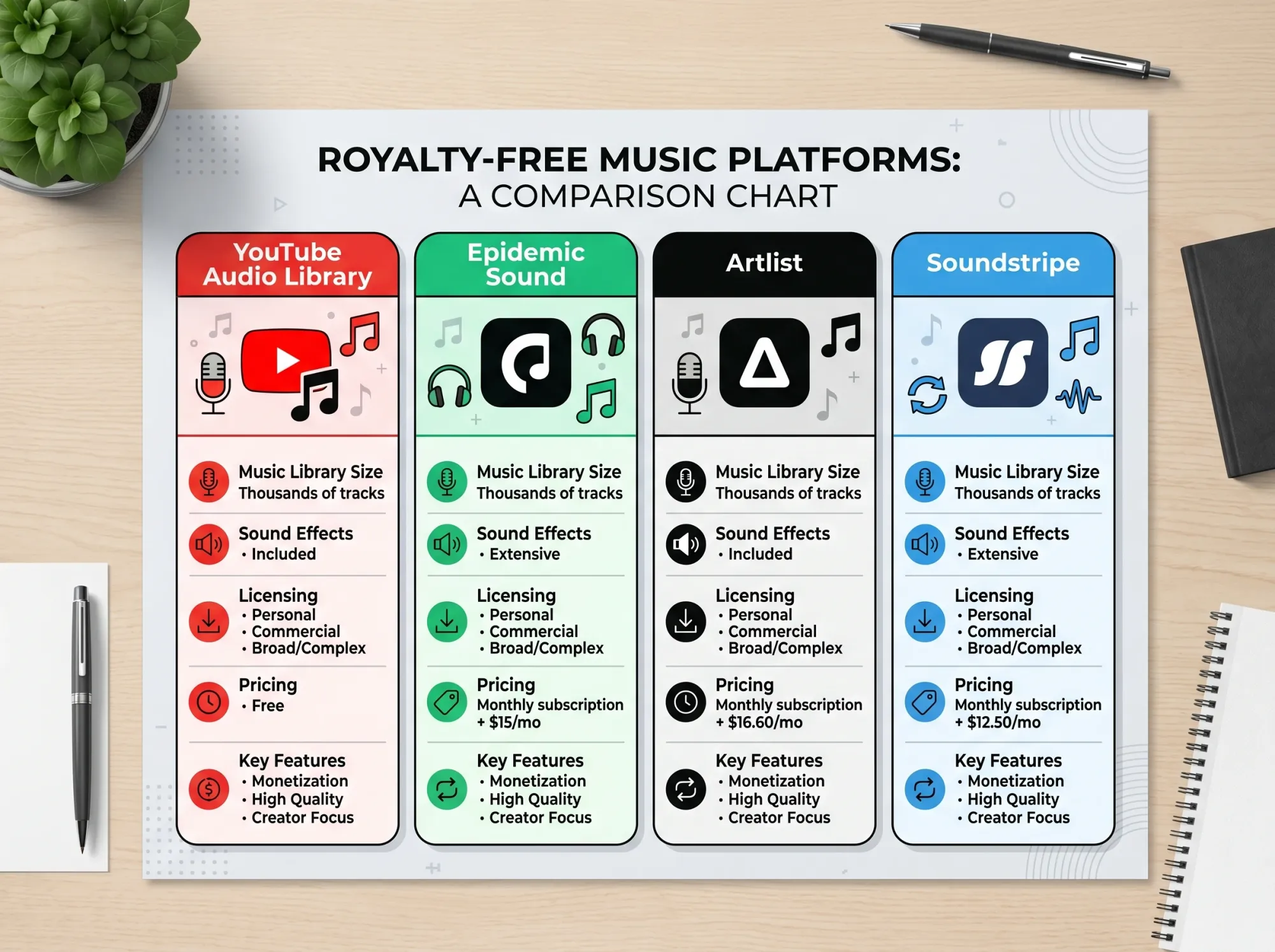
In our testing, four subscription services stand out - Epidemic Sound, Artlist, Soundstripe, and Storyblocks - and all four include cross-platform whitelisting by default, which alone can save hours of dispute management. For a full production comparison, see our corporate video production guide.
- Epidemic Sound (~$15/month Personal, $19/month Commercial): ~45,000 tracks plus 90,000 SFX, deeply tagged with stems and instrumental versions. The default choice for YouTubers who earn from their channel.
- Artlist (~$16.60/month Creator, $24.99/month Teams): ~30,000 tracks with a simple unlimited-download model. Strong cinematic and indie catalog, and the license covers unlimited projects.
- Soundstripe (~$11.99/month Creator, $19.99/month Pro): ~12,000 tracks, generous custom-mix and stem tools. Good for creators who need to edit arrangements to match cut durations.
- Storyblocks (~$15/month Unlimited All Access): ~200,000 audio assets bundled with stock video and motion graphics. Pair with our list of free stock video sites if you need visuals too.
Rule of thumb: if you publish more than one video per week to multiple platforms, a paid subscription usually pays for itself in the first copyright dispute you avoid.
Can AI Music Generators Replace Traditional Libraries?
AI music generators create royalty-free compositions from text prompts in seconds, making them a viable alternative for background ambiance and quick B-roll in 2026.
They still fall short of composed scores for emotional depth, but the gap is closing fast. Tools like Mubert and MusicGPT let you generate custom background loops based on text prompts and specific BPM requirements. Both offer commercial-use licenses on paid tiers (Mubert Creator: $14/month; MusicGPT Pro: $9.99/month).
Suno and Udio dominated the AI music conversation through 2025-2026 with full vocal tracks and genre-accurate generation. Suno Pro ($10/month) and Udio Standard ($10/month) both grant commercial use on user-generated output - but with a caveat. Both companies are currently being sued by major labels over training data (RIAA lawsuit announcement, 2024), so commercial licensing of Suno/Udio outputs is murkier than Mubert's clean-licensed training set. For brand-safe commercial work, Mubert is the lower-risk pick; Suno and Udio are better for personal projects or exploratory demos while the legal dust settles.
These tools generate unique, royalty-free compositions on demand. They won't match a composed score for emotional weight, but for background ambiance or quick B-roll, they're the fastest path to a clean license.
Free Music for Schools and Education
Classroom video projects need tracks that clear school-network filters and stay safe to recommend to students under thirteen without paid subscriptions.
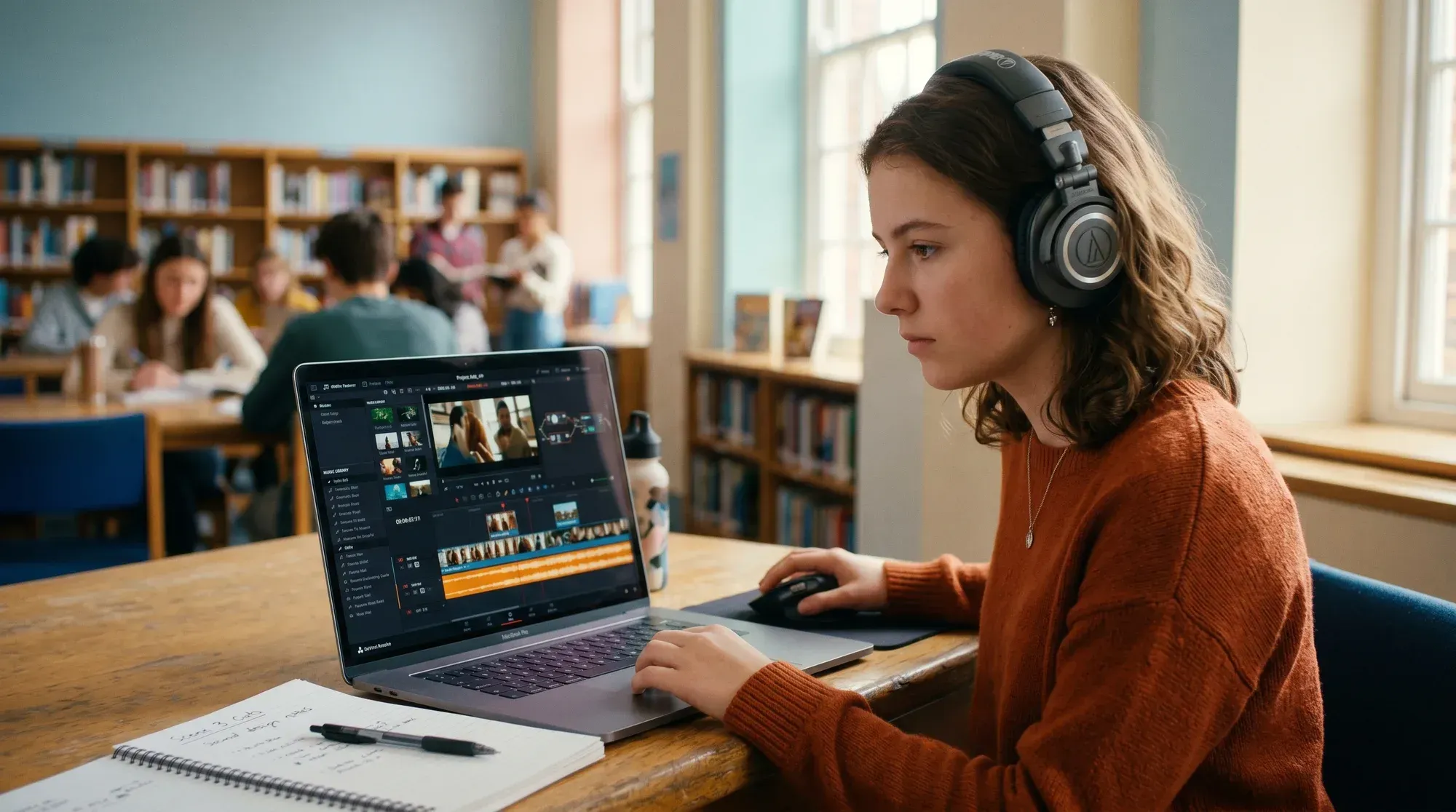
School projects face two extra constraints most creators skip: tracks must clear school-network content filters (often unblocked via public domain or verified educational licenses), and teachers need sources that are safe to recommend to students without account gating.
For classroom video projects, student film festivals, and educator channels, these four picks check both boxes:
- YouTube Audio Library: Accessible inside YouTube Studio without additional signup; tracks are pre-cleared for student channels on educational accounts.
- Musopen: Public-domain classical is ideal for history or humanities projects, and the non-profit mission aligns with educational use. No attribution required for public-domain compositions.
- Pixabay Music: No login required to browse, and the Pixabay License covers school and commercial use alike — useful for teachers building lesson assets.
- Free Music Archive (educational filter): FMA's CC0 and CC-BY tracks are often explicitly cleared for classroom use; verify the per-track license before downloading.
For teachers: a quick safety check is to search the track title plus "Content ID" to see if the track has been claimed by a rights-holder. Tracks with pending claims can still trigger a flag on uploaded classroom videos even when the license technically permits use.
Should You Host Business Videos on YouTube?
Hosting business videos on YouTube routes your audience into a competitor's attention economy, where third-party ads and suggested thumbnails pull viewers off your page.
It saves money upfront - but it costs every viewer who clicks a "recommended for you" thumbnail instead of your CTA. YouTube branding overlays your player, suggested videos appear the moment someone pauses, and third-party ads play before your content. We walk through the full tradeoff in our pros and cons of YouTube breakdown.
Using YouTube to host your business videos subjects your audience to third-party ads, platform branding, and suggested videos that pull prospects away from your website to watch unrelated content. If you are investing time to source the perfect royalty-free track, you should deliver that video through a clean, branded player that keeps visitors on your page.
This is where a fast, distraction-free player makes a measurable difference - no buffering wheel after the click-through, and no competitor ads interrupting your message. Compare SmartVideo plans to see how an ad-free player secures your conversions.