
How to Optimize Font Awesome for Speed (2026 Guide)
Loading the full Font Awesome library can hurt LCP and CLS. Here is the practical 2026 playbook to keep icons fast without losing flexibility.


Font Awesome is fast only when you load less of it. If you load the entire library for a handful of icons, you add avoidable weight and slow rendering on real devices.
In our testing, icon bloat usually shows up as a delayed first paint, layout movement while icons swap in, and a weaker Core Web Vitals profile. Google still recommends keeping LCP under 2.5 seconds and CLS under 0.1 for a good page experience (web.dev, 2025; web.dev, 2025). If your icons load late, both metrics can take a hit.
• Biggest win: Subset Font Awesome so you only ship icons you actually use; teams commonly cut icon payload dramatically with this step.
• Format choice: Prefer WOFF2, which is generally smaller than WOFF in production delivery.
• Vitals impact: Keep LCP below 2.5s and CLS below 0.1 by reducing render-blocking font work early.
• Platform path: WordPress users should audit plugin-enqueued icon files first, then standardize on one local subset.
Why Font Awesome Gets Heavy
The default implementation is convenient, but convenience hides waste. A common mistake we see is loading full style packs (solid, regular, brands, plus extras) even when a page uses fewer than 10 icons.
Pros: quick setup, broad icon coverage, easy replacement. Cons: larger CSS/font payload, slower parse time, and higher risk of flashes or shifts during render. From working with performance-sensitive sites, this trade-off is acceptable only when you truly need the full library.
The 2026 Performance Hierarchy
If you want the shortest path to speed gains, prioritize in this order. In our audits, teams that changed this sequence usually spent extra effort for smaller gains.
| Method | Expected Impact | Complexity | When to Use |
|---|---|---|---|
| Subsetting | Highest | Medium | Most sites |
| Self-hosting + WOFF2 | High | Low | All production sites |
| Preload critical icons | Medium | Low | Above-the-fold icons |
| Micro-tuning CSS | Low | Medium | After major fixes |

Step 1: Subset First
Subsetting is the main lever. You can use Font Awesome Kits for easier management, or tools like IcoMoon/Fontello for manual control. We have seen this one change produce the biggest improvement because it removes bytes before the browser does any work.
Practical workflow: list icons used across templates, generate a subset, deploy to staging, then check for missing glyphs in edge pages (checkout, account, search results, and error states). A common failure pattern is optimizing only homepage templates and forgetting lower-traffic but business-critical pages.
Step 2: Self-Host and Serve WOFF2
For most teams, self-hosting improves control and consistency. You decide cache headers, file naming, and deployment timing instead of depending on third-party update cycles.
Always prioritize WOFF2 as the primary source because it is smaller than WOFF in real-world delivery (Can I Use, 2025). In our audits, this is often an easy win because many older themes still reference larger fallback formats by default.
If you rely on a CDN-hosted full bundle, verify whether that convenience is worth the extra bytes. Several teams we worked with improved repeat-view consistency by shipping one local subset and long cache lifetimes. In our audits, icon savings helped, but conversion rates still lagged until total media payload was reduced on video-heavy pages.
When pages include video, media delivery often drives LCP higher and hurts conversions when playback stalls. See how SmartVideo keeps playback fast without bloating page load.
Step 3: Fix Loading Strategy
After payload reduction, loading behavior is next. Set font-display behavior deliberately and preload only truly critical assets. Over-preloading can backfire by competing with CSS and hero content.
One thing that surprised us: teams sometimes preload every font variant "just in case." That usually makes first render worse. Keep preload focused on the small subset needed for above-the-fold UI, then lazy-load the rest as needed.
WordPress-Specific Playbook
WordPress sites often load duplicate Font Awesome files from themes and plugins. Start by auditing what is enqueued, then remove duplicates and keep one version. This same discipline helps with images and other static assets, not just icons (best WordPress plugins for image optimization).
Next, connect icon cleanup to broader speed work: caching strategy, asset minification, and template hygiene. If you are improving your Lighthouse PageSpeed score, icon payload is a meaningful contributor, especially on mobile throttling.
From working with WordPress-heavy stacks, we usually see fewer regressions when teams standardize one icon source across the site and bake checks into release QA. This avoids regressions when plugins update and silently re-enqueue old bundles.
How to Measure Results
In our testing, teams that snapshot waterfall and Core Web Vitals data before each release catch regressions faster. Measure before and after, then lock the improvement in CI or release checklists. Track:
- Total transferred bytes for icon assets.
- LCP and CLS changes in field and lab tests (web.dev, 2025; web.dev, 2025).
- Render-blocking requests and request waterfalls.
- Template coverage so no page type is missed.
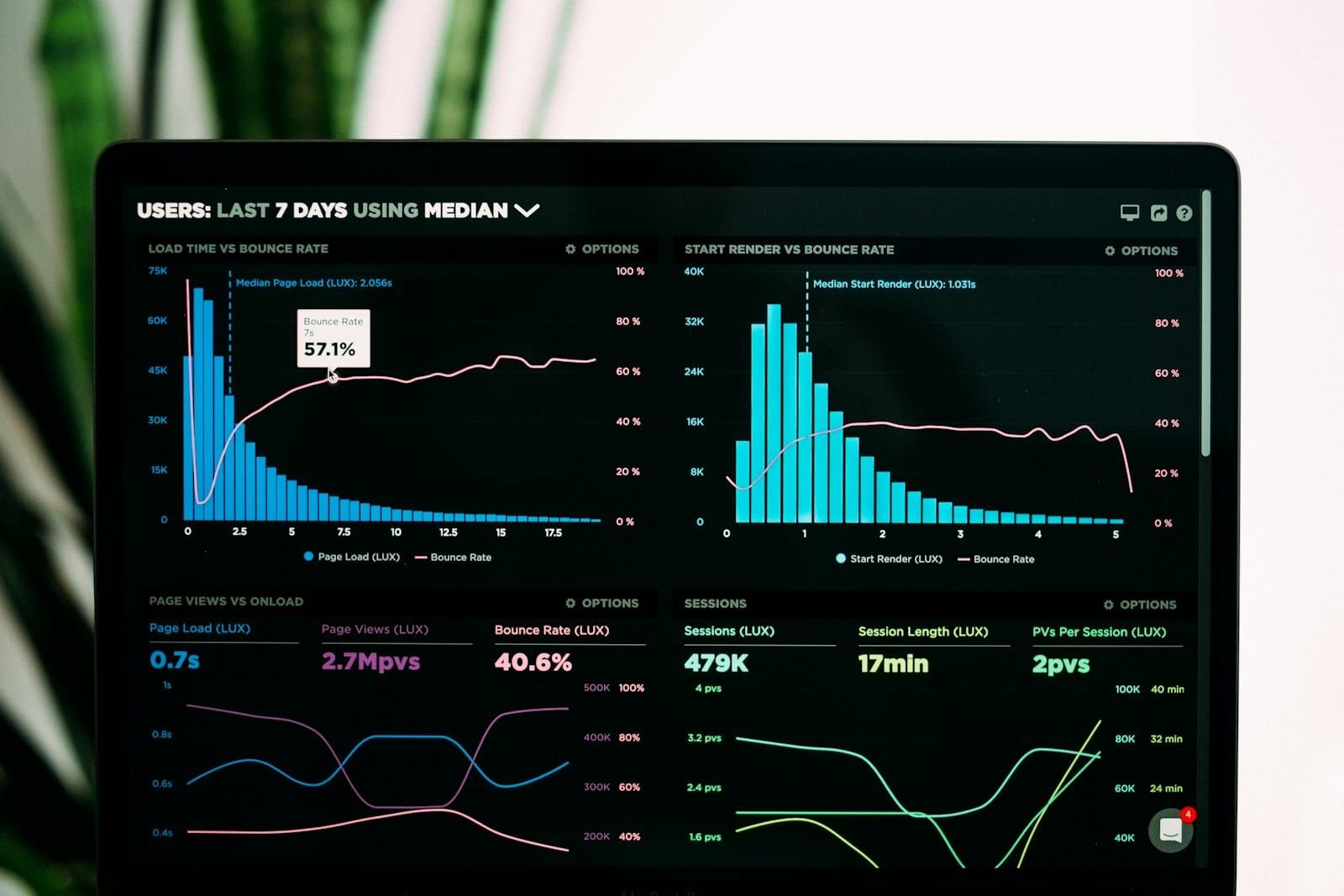
If you also work on full-site performance, pair this effort with broader guidance on making WordPress pages load faster and trimming assets to save site bandwidth.
Frequently Asked Questions
Implementation Questions
How do I reduce the size of Font Awesome quickly?
Is SVG better than web fonts for icons?
Does Font Awesome hurt Core Web Vitals?
How do I load Font Awesome locally?
What is the fastest way to load icons on WordPress?
Should I keep using a Font Awesome CDN link?
How do I prevent icon-related layout shifts?
Can I optimize Font Awesome without touching code?
Conclusion
Optimize Font Awesome by reducing scope, not by tweaking endlessly. Subsetting, WOFF2, and sane loading strategy will move your metrics more than minor CSS tricks. Start there, then refine based on real measurements.
From our audits, these gains stick when teams apply the same approach to every heavy asset on the page. If video is part of your funnel, review SmartVideo pricing and choose a plan that keeps delivery fast at scale.