
DASH vs HLS in 2026: Latency, DRM, CMAF, and Which Protocol to Use
HLS and MPEG-DASH both deliver adaptive streaming over HTTP—but they differ in device support, DRM ecosystems, and how low you can push live latency. Here’s the practical 2026 breakdown.

• HLS is the king of compatibility (native on iOS/Safari) but historically had higher latency.
• DASH offers better codec support (VP9/AV1) and lower latency out-of-the-box, but breaks on iOS.
• CMAF is the modern solution: it lets you encode once and serve both protocols from the same files.
• For most businesses, using HLS with CMAF covers 99% of devices efficiently.
The streaming market is projected to surpass $180 billion by 2027, driven by a 20% yearly growth rate (Grand View Research, 2025). For businesses and marketers, this isn't just a trend—it's the new standard for engagement.
But if you've decided to join the video revolution, you're immediately hit with a technical alphabet soup: HLS, DASH, CMAF, LL-HLS. Which one actually works on every device? Which one won't lag 30 seconds behind your live stream?
It usually comes down to DASH vs. HLS. These two adaptive bitrate protocols have effectively killed off the aging RTMP standard for delivery.
In this guide, we'll break down exactly how they compare in 2026, how CMAF has changed the game, and which one you should actually use.
What is Adaptive Bitrate Streaming?
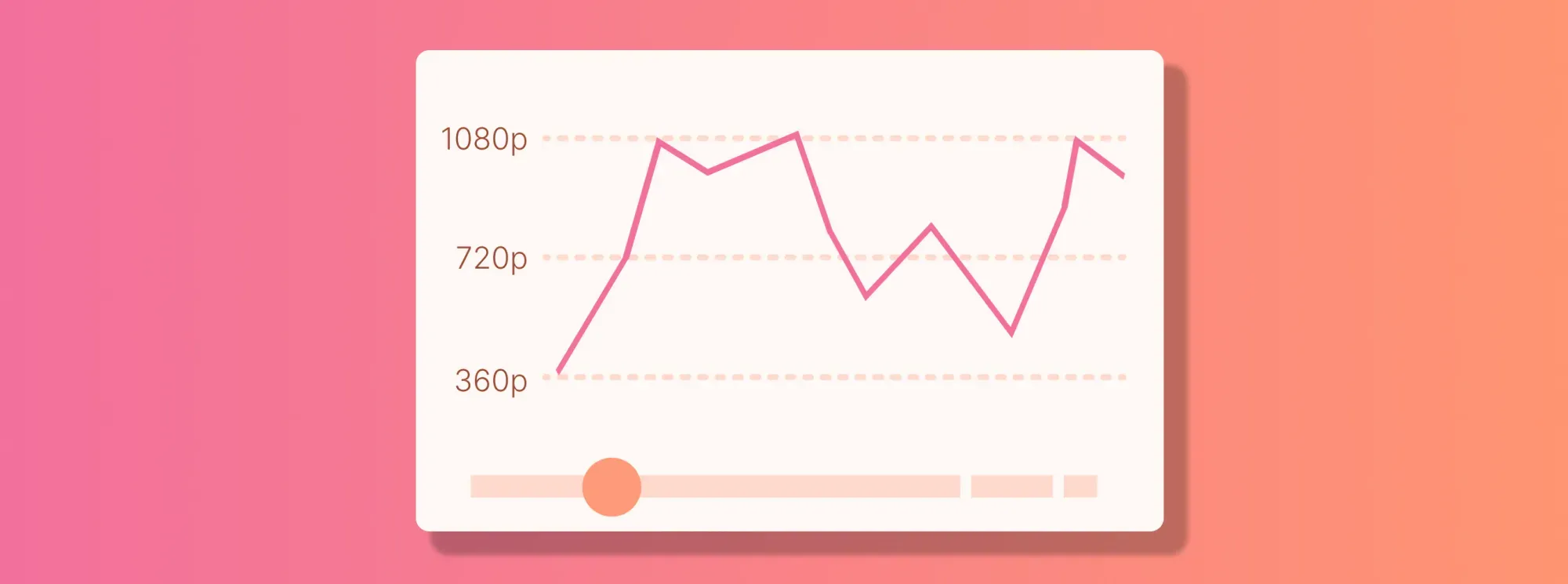
Adaptive Bitrate (ABR) streaming detects a viewer's internet speed and device capabilities in real-time, automatically adjusting video quality (e.g., dropping from 1080p to 720p) to prevent buffering. Both HLS and DASH are ABR protocols.
What Is HLS?
Created by Apple in 2009, HLS (HTTP Live Streaming) was originally designed to solve a specific problem: getting video to play smoothly on iPhones over standard HTTP networks.
Today, HLS is the most widely supported streaming protocol on the planet. It works natively on all Apple devices (iOS, macOS, tvOS) and the Safari browser. Thanks to modern web players, it also runs smoothly on Android, Chrome, Firefox, and Windows.
How it works: HLS chops your video into small "segments" (typically 2-6 seconds long). The player downloads these segments in order, referenced by a manifest file (ending in .m3u8). If your connection drops, HLS switches to a lower-quality segment instantly.
Historically, HLS suffered from high latency (20-30 seconds), but the introduction of LL-HLS (Low-Latency HLS) has brought this down to 2-3 seconds, making it viable for live sports and interactive streams.
What Is DASH?
MPEG-DASH (Dynamic Adaptive Streaming over HTTP) is the open-source alternative to Apple's proprietary HLS. Developed internationally and published in 2012, DASH was designed to be codec-agnostic and flexible.
Unlike HLS, which dictates specific video formats, DASH can wrap almost anything. It supports newer, high-efficiency codecs like VP9 and AV1, which can deliver higher quality at lower bitrates compared to HLS's traditional H.264/HEVC focus.
DASH uses an XML-based manifest file (ending in .mpd) to tell the player where to find video segments. It's the native choice for Android devices and is widely used by major streaming platforms like Netflix and YouTube (on non-Apple devices).
The Game Changer: CMAF
For years, publishers had a nightmare scenario: to reach everyone, they had to encode and store two copies of every video—one for HLS (for Apple users) and one for DASH (for everyone else). This doubled storage costs and encoding time.
Enter CMAF (Common Media Application Format).
CMAF unifies the container format. Instead of creating separate video files, you create one set of fragmented MP4 (fMP4) files. You then create two lightweight manifest files—one .m3u8 for HLS and one .mpd for DASH—that point to the same video data.

This approach, often called "Single File, Dual Manifest," cuts storage costs by 50% and simplifies the entire workflow. In 2026, if you aren't using CMAF, you're wasting money.
SmartVideo gives you YouTube-quality playback without the ads, branding, or "related videos" stealing your traffic. See how SmartVideo compares to YouTube
HLS vs. DASH: Key Differences Compared
While CMAF brings them closer, they still behave differently. Here's the 2026 breakdown:
| Feature | HLS (HTTP Live Streaming) | MPEG-DASH |
|---|---|---|
| Ownership | Apple (Proprietary) | MPEG (Open Standard) |
| Native Support | iOS, macOS, Safari, tvOS, Android | Android, Chrome, Firefox, Windows |
| iOS Safari Support | ✅ Native | ❌ Not supported |
| Standard Latency | 6-30 seconds | 6-30 seconds |
| Low Latency Mode | LL-HLS (2-3 seconds) | LL-DASH (2-3 seconds) |
| Primary Codecs | H.264, H.265 (HEVC) | Codec Agnostic (VP9, AV1, H.264) |
| DRM System | FairPlay | Widevine, PlayReady |
1. Device Compatibility: The "Safari Factor"
This is the biggest differentiator. Apple requires HLS for video playback on iPhones and iPads in web browsers. While you can use Media Source Extensions (MSE) to force DASH to play on an iPad's Chrome browser, you cannot get DASH to play natively in Safari on iOS.
Since iPhones account for over 50% of the US mobile market (StatCounter, 2025), HLS is non-negotiable if you want to reach mobile users.
2. Latency Battles: LL-HLS vs. LL-DASH
Video latency—the delay between real life and what the viewer sees—is crucial for live events. In the past, DASH was faster. But with Apple's rollout of LL-HLS, the playing field has leveled.
Both LL-HLS and LL-DASH now support Chunked Transfer Encoding, allowing small parts of video segments to be sent before the full segment is even finished. Both can achieve 2-3 second latency, rivaling cable TV speeds.
3. DRM (Digital Rights Management)
If you're Netflix or Disney+, you need DRM to prevent piracy. The protocols are split by ecosystem:
- HLS uses Apple's FairPlay.
- DASH typically uses Google's Widevine or Microsoft's PlayReady.
Using CMAF with Common Encryption (CENC) allows you to encrypt the video file once, then simply exchange the correct "key" (FairPlay, Widevine, or PlayReady) depending on the user's device. This is the gold standard for premium content in 2026.
Which Protocol Should You Pick?
If you have to choose just one, choose HLS. Its universal support on Apple devices makes it essential, and open-source players like HLS.js allow it to play flawlessly on non-Apple browsers too.
However, the best answer is "Both, via CMAF."
By using a modern video platform, you don't actually have to choose. You upload your video, and the platform (like Swarmify SmartVideo) automatically handles the complex encoding, creating a CMAF-compliant stream that serves the perfect format to every device—HLS for the iPhone user, DASH for the Android user—instantly.

Frequently Asked Questions
What is the main difference between HLS and DASH?
Which is better for low latency: HLS or DASH?
Does HLS support 4K video?
Can I play DASH on an iPhone?
What is CMAF and why does it matter?
Is RTMP still used for streaming?
What is adaptive bitrate streaming?
Which protocol does YouTube use?
By the way - if you're embedding videos on your website and don't want to mess with manifests, encoding settings, or protocol wars, Swarmify SmartVideo handles all of this automatically. It delivers the fastest possible stream to every user, regardless of device, without you lifting a finger.
At Swarmify, our mission is to bring an accelerated, distraction-free video experience to websites of all sizes. Whether you're a website owner, an agency, or you just want to get in on our affiliate program, we have a plan for you!
