
Best Video Hosting Platforms for Business in 2026 (Honest Comparison)
Compare 10 video hosting platforms for business: YouTube, Vimeo, Wistia, Swarmify, and more. Honest breakdown of pricing, limits, speed, and best use cases for 2026.


• Speed + unlimited bandwidth: Swarmify (12x faster, no caps)
• Marketing + analytics: Wistia (email gating, CTAs, CRM)
• Free with reach: YouTube (but traffic leaks to competitors)
• Developer API: Mux or Cloudflare Stream (pay-per-use)
• Online courses: Uscreen (DRM, payments built-in)
• Enterprise: Brightcove (full platform, premium price)
| Your Priority | Best Choice | Why |
|---|---|---|
| Speed + unlimited bandwidth | Swarmify | 12x faster than YouTube, no caps |
| Marketing features + analytics | Wistia | Email gating, CTAs, CRM integrations |
| Free with massive reach | YouTube | Unlimited storage, but traffic leakage |
| Developer API control | Mux or Cloudflare | Pay-per-use, full customization |
| Selling video courses | Uscreen | DRM, payments, membership built-in |
| Enterprise scale | Brightcove | Full platform, premium pricing |
What is video hosting? Video hosting is a service that stores, encodes, and delivers video files to viewers via a web player. Unlike file storage services like Dropbox or Google Drive, video hosts optimize for streaming playback with adaptive bitrates, global CDN delivery, and embeddable players that work across devices.
Jump to a Platform:
YouTube · Vimeo · Wistia · Swarmify · SproutVideo · Vidyard · Cloudflare Stream · Mux · Brightcove · Uscreen · Comparison Table · FAQs
Choosing a video hosting platform for your business isn't straightforward. YouTube is free but comes with trade-offs. Vimeo looks cleaner but has bandwidth caps. Wistia has marketing features but gets expensive fast. And there's a whole tier of developer-focused options that require coding knowledge.
I've tested all of these platforms and talked to hundreds of businesses about their video hosting decisions. Here's an honest breakdown of what each platform does well, where it falls short, and which businesses should consider it.
If you're looking for a quick overview of video upload sites and cloud storage options, we have a separate guide for that. This article focuses specifically on platforms designed for business video hosting and website embedding.
How We Evaluated These Platforms
Every comparison article has different criteria. Here's what we focused on:
- Speed/Performance - Time to first frame, buffering rates, CDN coverage
- Pricing Model - Flat-rate vs. usage-based vs. tiered (and hidden costs)
- Limits - Storage caps, bandwidth caps, video count restrictions
- Ease of Use - How quickly can a non-technical user get videos embedded?
- Features - Analytics, marketing tools, security options, player customization
- Best Fit - Which type of business benefits most from this platform?
Pricing was verified in January 2026 against each platform's official pricing page. Things change, so always check the source.
The 10 Best Video Hosting Platforms for Business
1. YouTube
Price: Free
Best for: Reach, discoverability, and backup storage (not website embedding)
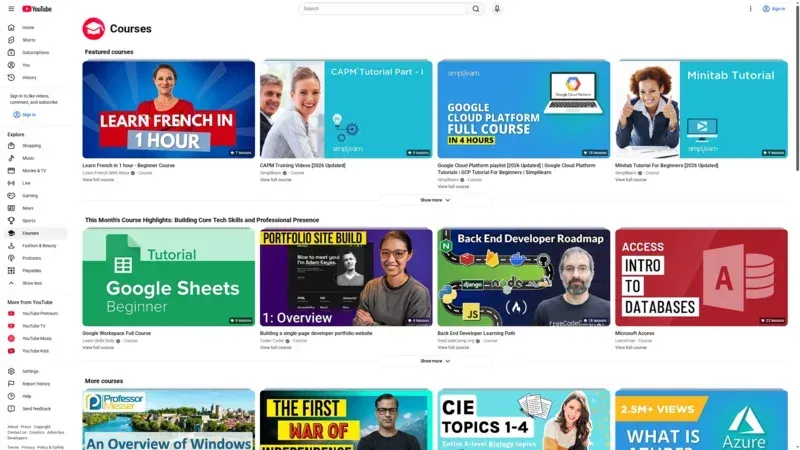
YouTube is the obvious starting point. It's free, has unlimited storage, and reaches billions of people. For building an audience on the platform itself, nothing competes.
But here's what most articles don't tell you: YouTube is optimized for YouTube, not for your website.
The good:
- Unlimited storage and bandwidth at no cost
- Built-in audience and discoverability
- Solid analytics and YouTube Studio tools
- Ad revenue potential for qualifying channels
The trade-offs:
- "Related videos" at the end send visitors to competitor content
- YouTube embeds are slow - in our testing, YouTube embeds load 12x slower than optimized alternatives
- YouTube branding and controls you can't remove
- No privacy options - everything is essentially public or unlisted
- You can't update a video without changing the URL (losing views, comments, links)
The verdict: YouTube is great for building a YouTube channel. It's problematic when you embed it on your website because you're essentially sending traffic back to YouTube (and your competitors). If you're embedding YouTube on your site, consider the real cost of "free" video hosting.
Using YouTube on your website?
SmartVideo gives you YouTube-quality playback without the ads, branding, or "related videos" stealing your traffic. See how SmartVideo compares to YouTube
2. Vimeo

Price: Free (1GB lifetime) / $9-65/month paid tiers
Best for: Creators who want a cleaner player than YouTube
Vimeo positions itself as the more professional alternative to YouTube. The player is cleaner, there are no competing videos at the end, and you can remove Vimeo branding on paid plans.
The good:
- Clean, professional-looking player
- No "related videos" hijacking your traffic
- Privacy controls (password protection, domain restriction)
- Good video quality with 4K support
- Annual billing saves roughly 40% vs. monthly
The trade-offs:
- Upload limits even on paid plans (varies by tier)
- Storage caps: 250GB to 7TB depending on plan
- The 2022 "top 1%" bandwidth scare showed they can change terms quickly
- Recent rounds of layoffs (2023-2025) raise questions about long-term stability
- Streaming data capped at 2TB/month on most plans
The verdict: Vimeo is better than YouTube for embedding, but you need to watch the limits. If you're a small creator with modest needs, it works well. If you're scaling a business with lots of video traffic, those caps can sneak up on you.
Considering a Vimeo alternative?
SmartVideo offers unlimited bandwidth with predictable pricing - no surprise overages. Compare Vimeo vs SmartVideo
3. Wistia

Price: Free (10 videos, 200GB bandwidth) / $79-319+/month paid
Best for: Marketing teams that need lead capture and detailed analytics
Wistia isn't trying to be a general-purpose video host. It's built for marketing teams who want to turn video viewers into leads.
The good:
- Turnstile (email capture gate) to collect leads mid-video
- Calls-to-action, annotation links, and chapters
- Heatmaps showing exactly where viewers engage and drop off
- CRM integrations (HubSpot, Marketo, Salesforce)
- A/B testing for thumbnails and CTAs
- Professional player with full customization
The trade-offs:
- The free tier is limited to 10 videos
- Pro plan ($79/mo) only includes 50 videos
- Bandwidth overages can add up ($0.33/GB over limit)
- Overkill if you don't need marketing automation
- Learning curve for non-marketers
The verdict: If your goal is capturing leads and tracking engagement, Wistia is the stronger option. If you just need to host videos without the marketing overhead, you're paying for features you won't use.
4. Swarmify (SmartVideo)

Price: $19-99/month (view-based tiers)
Best for: Businesses prioritizing speed and unlimited hosting without enterprise pricing
Swarmify takes a different approach: instead of competing on marketing features, it focuses on performance and simplicity.
The good:
- Truly unlimited bandwidth and storage (no surprise overages)
- 12x faster loading than YouTube embeds in independent testing
- Works with videos you already have on YouTube, Vimeo, or S3 - no re-uploading required
- Clean player with full branding control, no Swarmify logos
- Simple WordPress plugin and universal embed code
- Improves Core Web Vitals scores
The trade-offs:
- Fewer marketing features than Wistia (no email gating, A/B testing)
- View-based pricing means costs scale with traffic at higher tiers
- Less name recognition than Vimeo or Wistia
The verdict: If speed and unlimited hosting are your priorities - and you don't need Wistia-level marketing automation - Swarmify offers the best value. The ability to use your existing YouTube/Vimeo videos without re-uploading is a significant time-saver.
5. SproutVideo
Price: $10-295/month
Best for: Security-conscious businesses needing privacy controls
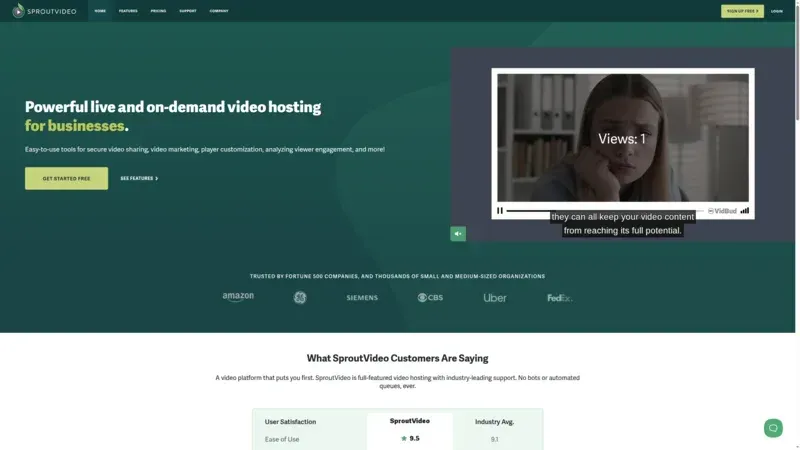
SproutVideo is a solid mid-market option that doesn't get as much attention as Vimeo or Wistia. Its strength is privacy and security features at more accessible price points.
The good:
- Affordable entry at $10/month (Seed plan with 100GB storage)
- Domain restriction to prevent video theft
- Password protection and single sign-on
- Good player customization options
- Live streaming on higher tiers
The trade-offs:
- Storage-tiered pricing (100GB to 2TB across plans)
- Smaller company than competitors - less ecosystem integration
- Bandwidth overages possible ($0.06-0.25/GB depending on plan)
The verdict: SproutVideo is a good middle-ground option if private video hosting is important but you don't need Wistia's marketing stack. The security features punch above its price point.
6. Vidyard

Price: Free tier available / Paid tiers require contact
Best for: Sales teams doing personalized video outreach
Vidyard is less about hosting videos on your website and more about using video in sales communication.
The good:
- 1:1 personalized video messaging with tracking
- Know exactly when prospects watch your videos (and for how long)
- Deep CRM integration (Salesforce, HubSpot, Outreach)
- Screen recording and webcam capture built in
- Free tier for basic recording/sharing
The trade-offs:
- Not designed for general website video hosting
- Paid pricing isn't transparent (requires sales contact)
- Sales-focused features are irrelevant for content hosting
The verdict: If you're a sales team sending personalized video prospecting, Vidyard is built for that workflow. For general video hosting? Look elsewhere.
7. Cloudflare Stream
Price: $5-50/month (bundled with Cloudflare Images)
Best for: Developers building custom video applications
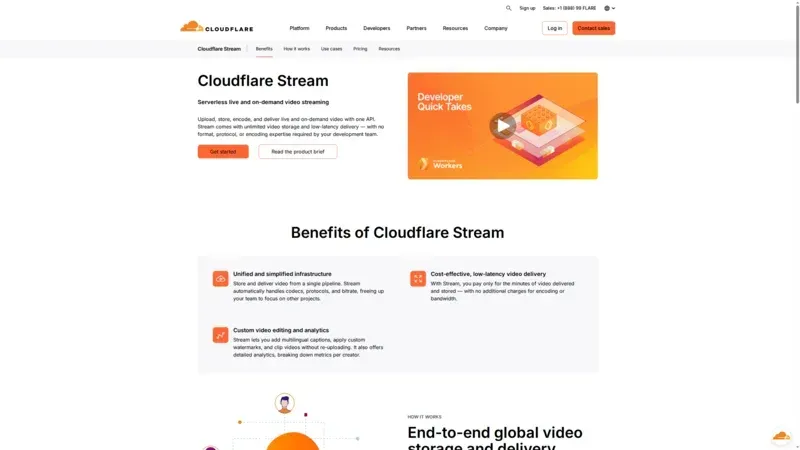
Cloudflare Stream brings Cloudflare's global CDN to video. The catch? You need technical skills to use it.
The good:
- Cloudflare's global CDN (275+ data centers)
- API-first design for developers
- Predictable bundle pricing ($5/mo for Starter, $50/mo for Creator)
- Includes storage and delivery in bundles
- Live streaming support
The trade-offs:
- No user interface - everything is API/code
- No out-of-the-box player (you build your own or use basic)
- No marketing features whatsoever
- Bundled with Images product whether you need it or not
The verdict: If you have developers and want infrastructure-level control, Cloudflare Stream delivers. If you want to upload a video and get an embed code, this isn't for you.
8. Mux

Price: Free tier (100K delivery minutes/month) / Usage-based paid
Best for: Developer teams building video products
Mux is the developer's choice for video infrastructure. Think of it as the Stripe of video - great APIs, clear documentation, and modern tooling.
The good:
- Excellent developer experience and documentation
- Generous free tier (100K delivery minutes/month)
- Live streaming and on-demand in one platform
- Detailed analytics (Mux Data)
- Transparent, predictable usage-based pricing
The trade-offs:
- Requires coding to implement
- No pre-built dashboard for non-developers
- Usage-based pricing can be unpredictable at scale
The verdict: For dev teams building video into products, Mux is the modern standard. Non-technical users should look at options with pre-built interfaces.
9. Brightcove

Price: Custom enterprise pricing (~$5,000+/month typical)
Best for: Large media companies and enterprises
Brightcove is the enterprise incumbent. If you're a media company with dedicated video teams and budget, this is the full-featured platform.
The good:
- Complete video platform (live, VOD, monetization, analytics)
- Enterprise security and compliance (SOC 2, GDPR)
- White-glove support and professional services
- OTT app deployment
- Ad insertion and monetization tools
The trade-offs:
- Enterprise pricing ($5K+/month is typical starting point)
- Complex platform with steep learning curve
- Overkill for SMBs by a wide margin
- Sales process required to even see pricing
The verdict: Brightcove makes sense for media companies and large enterprises with dedicated video teams. For everyone else, it's more platform than you need at a price you don't want to pay.
10. Uscreen

Price: $49-449/month + per-subscriber fees
Best for: Creators selling video content (courses, memberships)
Uscreen isn't a general video host - it's a platform for selling access to video content. If you're building a subscription video business, this is your category.
The good:
- Built-in payment processing and subscription management
- DRM protection for your content
- Native mobile and TV apps (on higher tiers)
- Membership site builder included
- Marketing tools specific to video sales
The trade-offs:
- Per-subscriber fees add up ($0.99-1.99/subscriber/month)
- Starter tier limited to 100 subscribers and 20 hours of video
- Not designed for general hosting or marketing video
- Higher barrier to entry than simple hosts
The verdict: If you're charging for video access - courses, memberships, VOD libraries - Uscreen is built for that. If you just need to host marketing videos, it's the wrong tool.
Quick Comparison Table
| Platform | Starting Price | Speed | Unlimited? | Best For |
|---|---|---|---|---|
| YouTube | Free | Slow | Yes | Reach/discovery |
| Vimeo | $9/mo | Medium | No (caps) | Clean player |
| Wistia | $79/mo | Medium | No (caps) | Marketing/leads |
| Swarmify | $19/mo | Fast | Yes | Speed + value |
| SproutVideo | $10/mo | Medium | No (caps) | Security/privacy |
| Vidyard | Free | Medium | Limited | Sales outreach |
| Cloudflare Stream | $5/mo | Fast | Usage-based | Developers |
| Mux | Free tier | Fast | Usage-based | Developers |
| Brightcove | ~$5K/mo | Fast | Yes | Enterprise |
| Uscreen | $49/mo | Medium | Yes | Selling courses |
What About Self-Hosting?
Some businesses ask: "Why not just use S3 or Cloudflare R2 and host videos ourselves?"
You can. But here's what you're signing up for:
- Encoding complexity - Raw video files need to be transcoded into multiple resolutions and formats. That's compute-intensive and requires expertise.
- Adaptive bitrate streaming - Users on fast connections should get 4K; users on slow connections need 480p without buffering. This requires HLS or DASH packaging.
- Player development - Building a video player that works across browsers and devices isn't trivial.
- CDN configuration - Getting video to load fast globally requires CDN setup and ongoing optimization.
If you have a dedicated video engineering team, self-hosting can make economic sense at scale. For most businesses, paying a platform to handle this infrastructure is the better use of resources.
For more technical guidance, see our guide to selecting a video hosting service.
Frequently Asked Questions
What's the best free video hosting for business?
How much does video hosting cost per month?
What's the difference between video hosting and file storage?
Can I use YouTube for business video hosting?
What are Vimeo's bandwidth limits?
Is Wistia worth the price?
What's the fastest video hosting platform?
Do I need a developer for Cloudflare Stream?
Which video host is best for online courses?
Can I switch video hosts without breaking my embeds?
SmartVideo delivers videos 12x faster than YouTube embeds, with unlimited bandwidth and no branding. Built specifically for businesses that need performance without the trade-offs.
See how SmartVideo compares →
Wrapping Up
There's no single "best" video hosting platform - there's only the best fit for your specific needs.
- Need reach and don't mind trade-offs? YouTube
- Want a cleaner player with some limits? Vimeo
- Need marketing automation and lead capture? Wistia
- Want speed and unlimited hosting at a fair price? Swarmify
- Need video security and privacy? SproutVideo
- Sales team doing personalized outreach? Vidyard
- Developer building custom video features? Mux or Cloudflare Stream
- Enterprise with enterprise budget? Brightcove
- Selling courses or memberships? Uscreen