
Best Free Stream Recorder for Chrome (2026 Guide)
Discover the top free Chrome extensions for screen recording in 2026. Compare unlimited free options vs premium tools like Loom and Screencastify.

• Loom: Best all-around tool for quick messages and team collaboration.
• Screencastify: Excellent for teachers and students with Google Drive integration.
• Vidyard: Robust free plan for sales professionals (up to 1 hour).
• Watch for limits: Most free plans cap at 5 minutes and may add watermarks.
Need to record a quick tutorial, report a bug, or share a presentation? You don't need heavy desktop software anymore. A stream recorder for Chrome lives right in your browser, letting you capture video in seconds without installing bulky programs.
Whether you're a marketer, developer, or educator, the right extension can save you hours of typing. In 2026, the options are faster and more feature-rich than ever. Here are the best free tools to capture your screen directly from Google Chrome.
Why Use a Chrome Extension Recorder?
Unlike desktop software (like OBS or Camtasia), Chrome extensions are lightweight. They focus on speed and shareability. You click a button, record your tab or desktop, and instantly get a link to share. The heavy lifting happens in the cloud, keeping your computer running smoothly.
Top 5 Free Stream Recorders for Chrome
1. Loom
Loom has become widely used for asynchronous video messaging. Its Chrome extension is straightforward. You can record your screen, camera, or both simultaneously. The best part is the instant sharing—the video is uploaded as you record, so the link is ready the moment you hit stop.
Free Plan Limits: 5 minutes per video, 25 videos total archive (older videos are archived but not deleted) (see Loom pricing).
2. Screencastify
Screencastify is a favorite in the education sector. It integrates seamlessly with Google Drive, saving your recordings directly to your cloud storage. It also offers capable editing tools right in the browser, allowing you to trim clips and add annotations.
Free Plan Limits: 30 minutes of recording (previously 5 mins, upgraded in some regions), 10 videos per video library limit (see Screencastify pricing).
3. Nimbus Capture
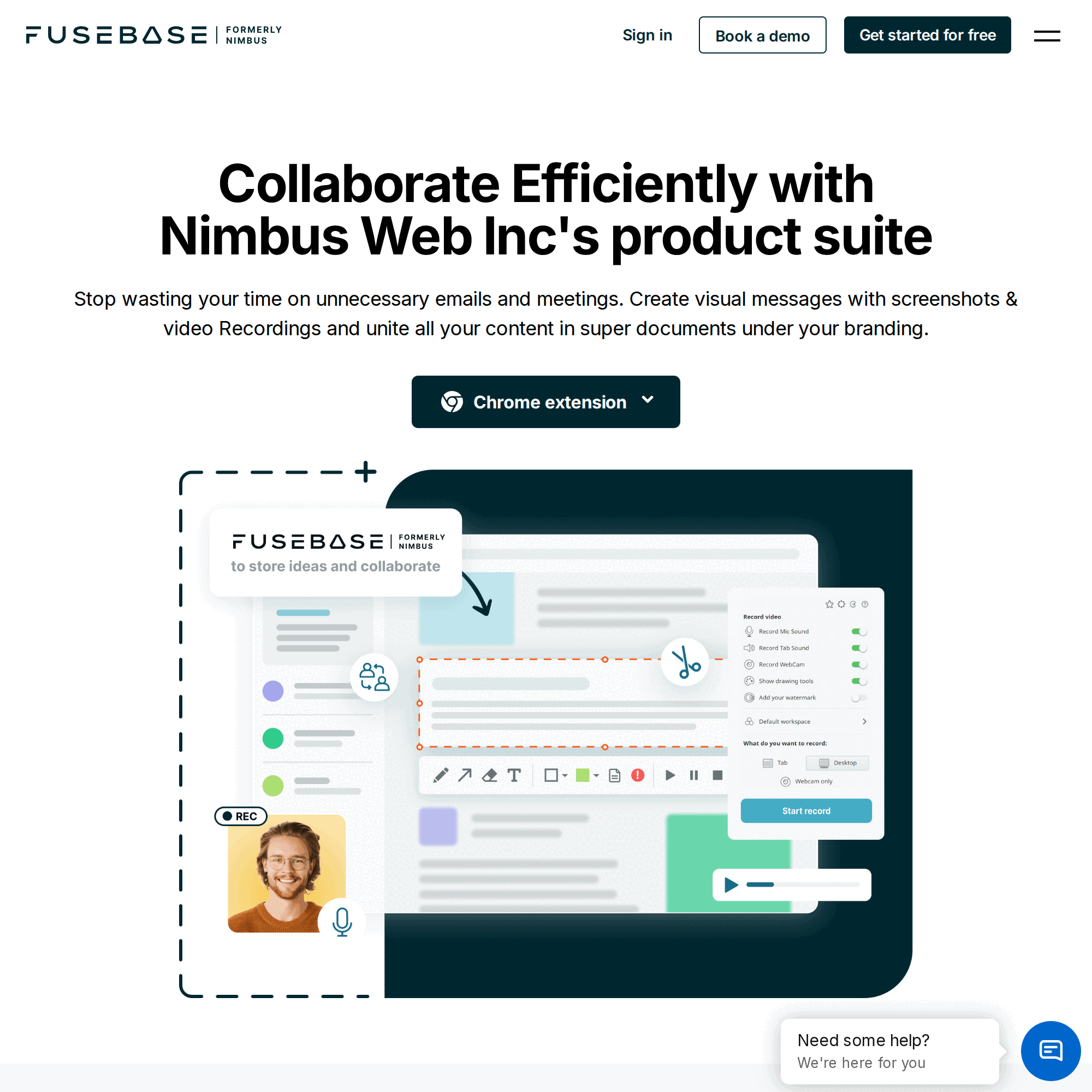
Nimbus Capture is a versatile tool that handles both screenshots and video. If you need to grab a full-page scrolling screenshot one minute and record a video tutorial the next, this is your tool. It allows you to draw on your screen while recording, which is perfect for highlighting key details.
Free Plan Limits: Generally fewer restrictions on time, but advanced editing is paid.
4. Awesome Screenshot & Recorder
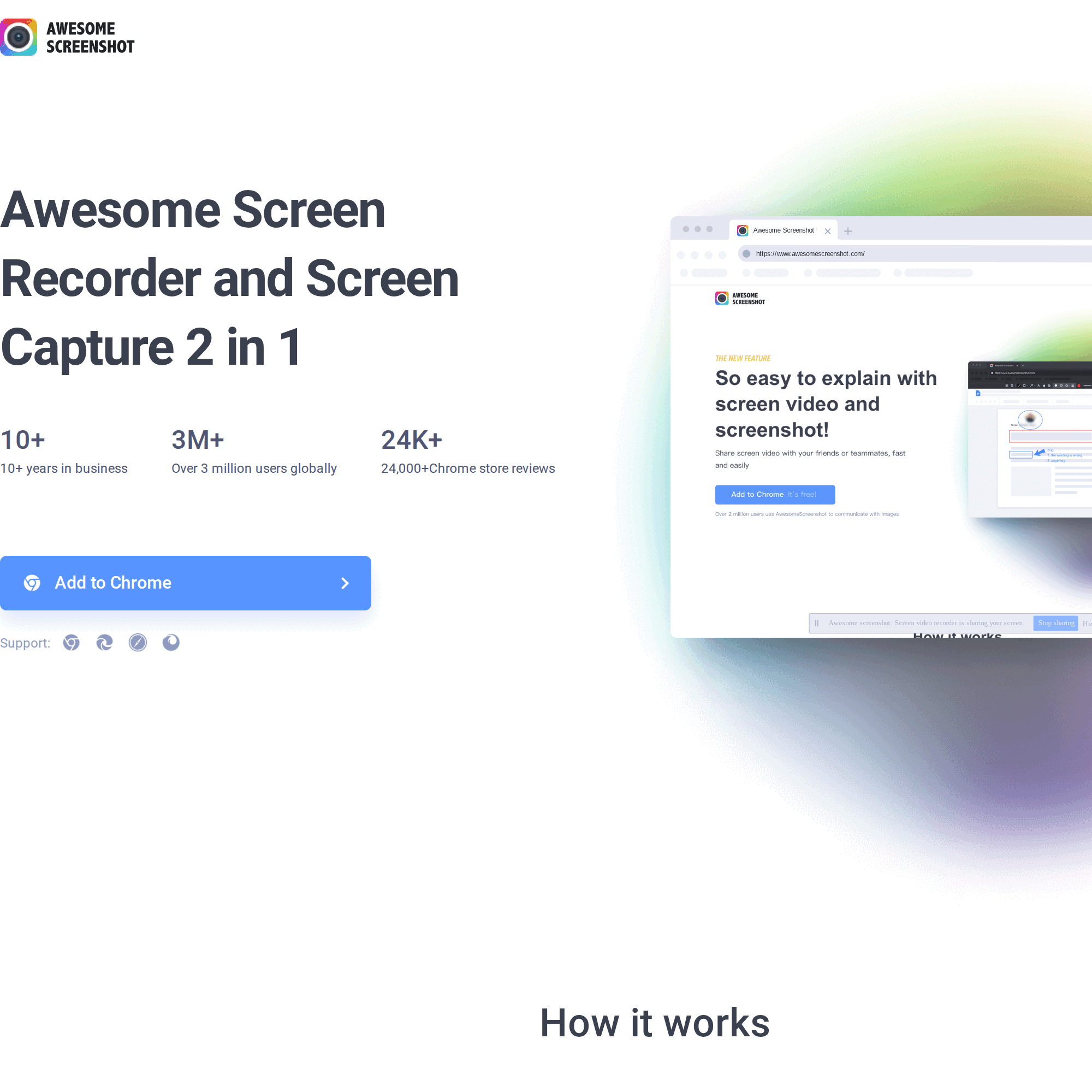
Awesome Screenshot is a 2-in-1 tool that balances static image capture with video recording. It's popular for its simplicity and reliability. You can connect it to project management tools like Trello and Asana to attach recordings directly to tasks.
Free Plan Limits: 5 minutes for local recording, 20 videos cloud storage.
5. Vidyard
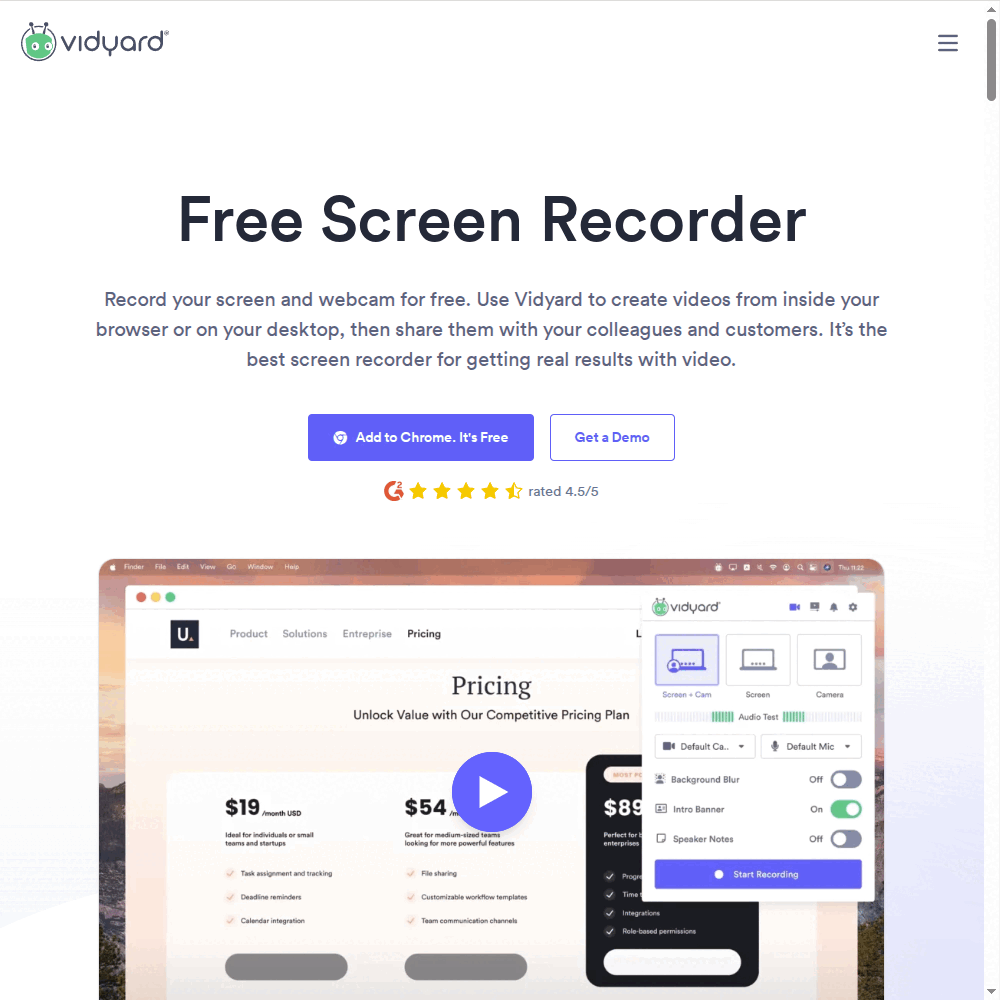
Vidyard is built for sales professionals. The free Chrome extension allows you to create unlimited videos (up to 1 hour each!) and track who watches them. If your goal is lead generation or sales outreach, Vidyard's analytics are a significant advantage.
Free Plan Limits: 1 hour per video, unlimited uploads (see Vidyard pricing).
Once your content is ready, you need fast, reliable hosting. See Swarmify's video hosting solutions
Comparison: Free Chrome Recorders
| Tool | Time Limit (Free) | Watermark | Best For |
|---|---|---|---|
| Loom | 5 mins | No | Team comms |
| Screencastify | 30 mins* | Yes (on free) | Education |
| Vidyard | 60 mins | No | Sales/Prospecting |
| Nimbus | Varies | No | Screenshots + Video |
| Awesome Screenshot | 5 mins | No | Quick captures |
Key Features to Look For
When choosing a screen recorder app, consider your end goal. If you are recording a quick bug report, speed matters most. If you are creating a course module, quality and editing tools take priority.
Sometimes you don't need to record anything at all. If you just need generic footage to fill gaps in your video, check out our guide to the best free b-roll websites.
- System Audio Recording: Does it capture the sound coming from your computer (like a Zoom call or video playback) or just your microphone?
- Annotation Tools: Can you draw arrows or highlight text while recording? This is crucial for instructional videos.
- Export Options: Can you download the MP4 file, or are you forced to share a link hosted on their platform?
- Cloud Storage: Where does the video go? Direct Google Drive integration helps keep your computer clutter-free.
If you plan to host these videos on your own website, you'll likely want to compress the video size before uploading to ensure fast playback. High-resolution screen recordings can result in massive file sizes that slow down your pages.
Frequently Asked Questions
Can I record streaming video with these extensions?
Is there a time limit on free screen recorders?
Do these recorders capture system audio?
Can I edit videos with a Chrome extension?
Are Chrome extension recorders safe to use?
How do I share the recording after I'm done?
Does recording slow down my browser?
Can I record my webcam and screen at the same time?
Conclusion
Choosing the best stream recorder for Chrome depends on your workflow. If you need quick, shareable updates for your team, Loom is a strong choice. If you're in education, Screencastify's Google Drive integration is a natural fit. And if you're in sales and need longer recording times with viewer analytics, Vidyard is a full-featured option.
Once you've recorded your content, you need a professional place to host it. YouTube embeds can leak your traffic to competitors with "related videos." Swarmify SmartVideo provides clean, buffer-free playback that keeps visitors on your site.