
Best Video CDN Providers in 2026: 9 Options Compared
Compare the best video CDN providers in 2026 by price, performance, WordPress fit, and streaming features so you can choose the right stack.


The best video CDN in 2026 depends on what you are trying to ship: SmartVideo is the strongest fit for business websites and WordPress users who want fast, ad-free embeds without setup overhead, Bunny Stream is the lowest-cost infrastructure pick for developers, and Cloudflare Stream, Mux, and CloudFront make more sense when you want API-first control or you are already deep in a cloud stack.
• Best overall for business websites: SmartVideo combines CDN delivery, an ad-free player, and WordPress-native setup in one product.
• Best low-cost developer option: Bunny Stream keeps delivery pricing low and bundles transcoding and a player.
• Best API-first platform: Cloudflare Stream and Mux both simplify video pipelines, but their minute-based billing changes the cost math fast at scale.
• Best enterprise choices: Akamai, Fastly, and CloudFront make sense when you need global scale, security controls, or deep infrastructure customization.
That is the short answer. The longer answer is that video CDN providers look similar until you compare how they bill, whether they include a player, how much work they push onto your team, and what the viewer actually experiences. A low per-GB price does not help much if you still need to build HLS delivery, token auth, thumbnails, and WordPress integration yourself.
That trade-off matters because slow video is expensive. The CDN market reached $32.70 billion in 2025 and is projected to hit $164.06 billion by 2035 (Precedence Research, 2026). More important for site owners, Portent's analysis of over 100 million page views found that B2C sites loading in 1 second convert at 2.5x the rate of sites loading in 5 seconds (Portent) -- a pattern that still holds in 2026. Video is often the heaviest thing on the page, so your CDN choice affects both playback and conversion rate.
Best Video CDN Providers at a Glance
If you want the shortlist first, start here. This table focuses on the buying questions that matter most: who each provider fits, how pricing works, and what you still have to build yourself.
| Provider | Best for | Pricing model | Edge locations | Main trade-off |
|---|---|---|---|---|
| SmartVideo | Business websites, WordPress, course creators | Flat monthly plans from $19/mo annual | Multi-CDN (global) | Not built for teams that want raw infrastructure knobs |
| Bunny Stream | Budget-conscious developers and agencies | Per GB, from $0.01/GB storage and $0.005-$0.01/GB delivery | 119+ PoPs | Less turnkey for non-technical teams |
| Cloudflare Stream | Developers who want a simple API | Per minute stored and delivered | 330+ cities | Minute billing can be hard to forecast for long libraries |
| Amazon CloudFront | AWS-native media stacks | 1 TB/mo free, then $0.040/GB | 750+ PoPs | CDN delivery only -- you build encoding, player, storage, auth |
| Mux | Video products that need analytics and APIs | Per minute for input, storage, and delivery | Multi-CDN (Fastly, Akamai) | Costs climb with premium quality and add-ons |
| KeyCDN | Simple CDN delivery for HLS libraries | Per GB, from $0.04/GB | 60+ PoPs | No built-in video workflow |
| Fastly | Teams that need edge control and purge speed | Usage-based or package pricing | 150+ PoPs | High floor cost for smaller teams |
| Akamai | Broadcasters and global enterprises | Custom contracts | 4,400+ locations | Too much platform for most SMBs |
| Wowza | Live streaming and low-latency workflows | Plan-based and custom | Via Fastly/Akamai | More moving parts than VOD-first teams need |
How to Choose a Video CDN Without Overbuying
The right way to compare providers is to start with your use case, not the vendor list. If you run a marketing site or course business, the question is not "which CDN has the most knobs?" It is "which option gets my videos loading fast without forcing me to become a streaming engineer?"
| Use case | Recommended fit | Why |
|---|---|---|
| WordPress business site | SmartVideo | Plugin, block, shortcode, CDN delivery, no ads, no YouTube leakage |
| Low-cost dev project | Bunny Stream or KeyCDN | Simple pricing and lower delivery cost |
| API-driven product | Cloudflare Stream or Mux | Developer docs, upload APIs, playback workflows, analytics |
| AWS media stack | CloudFront | Works cleanly with S3, MediaPackage, MediaConvert, and IAM |
| Global broadcaster or OTT | Akamai or Wowza | Security, scale, live-event delivery, and enterprise workflows |
The baseline checklist is the same across all of them: HLS or DASH support, adaptive bitrate streaming, tokenized access, analytics, and pricing you can explain to your finance team. If you need a refresher on the streaming side, our guides on HLS streaming and DASH vs HLS cover the protocol choices in more depth.
The 9 Best Video CDN Providers in 2026
1. SmartVideo by Swarmify
SmartVideo is the strongest fit for small businesses, marketers, publishers, and course creators who care about the viewer experience as much as raw delivery. The key difference is that it is not "just CDN." It bundles the CDN layer with a clean player, WordPress-native tooling, and a setup path that does not require engineering time.
Plans start at $19/month annually for Startup, then $59/month annually for Growth and $99/month annually for Pro. Each plan includes CDN delivery, and unlike YouTube or Vimeo embeds, there are no ads, no suggested videos, and no platform branding. That matters if the goal is to keep the visitor on your site instead of handing them back to another platform.
This is also the one option here that directly solves the WordPress problem. The plugin handles install automatically, and site owners can place videos with a dedicated block or shortcode instead of wiring together hosting, a player, and a CDN. If you are evaluating this from a speed angle, start with our guide on why you should never upload video directly to WordPress.
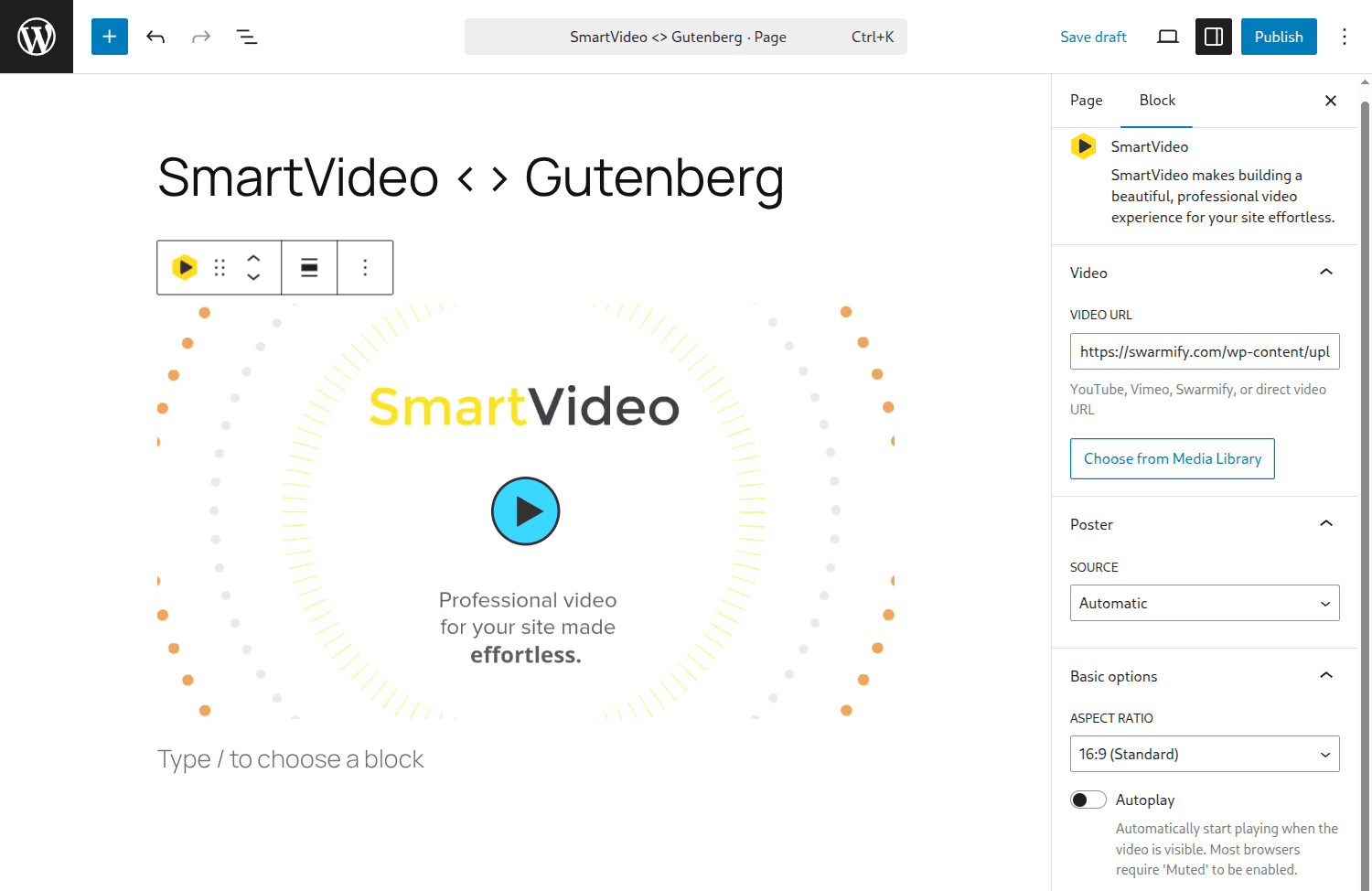
Pros: Strong WordPress fit, predictable plan pricing, ad-free embeds, and a low-friction setup path. Cons: If you want a raw developer platform for building a custom video product, Mux or Cloudflare Stream expose more infrastructure-level control.
2. Bunny Stream
Bunny Stream is the price leader when your team is comfortable working closer to infrastructure. Bunny's official pricing starts around $0.01/GB storage and $0.005 to $0.01/GB CDN delivery, with encoding and the player included in the Stream product (Bunny.net, 2026).
The practical appeal is simple: you get a lot of video delivery for not much money. Agencies and developers like Bunny because the billing model is easy to understand, and because it keeps the cost of VOD libraries low when traffic is steady. Where it gets weaker is non-technical usability. There is no built-in WordPress experience on the level of a dedicated plugin workflow, and that gap shows up fast on marketing teams.
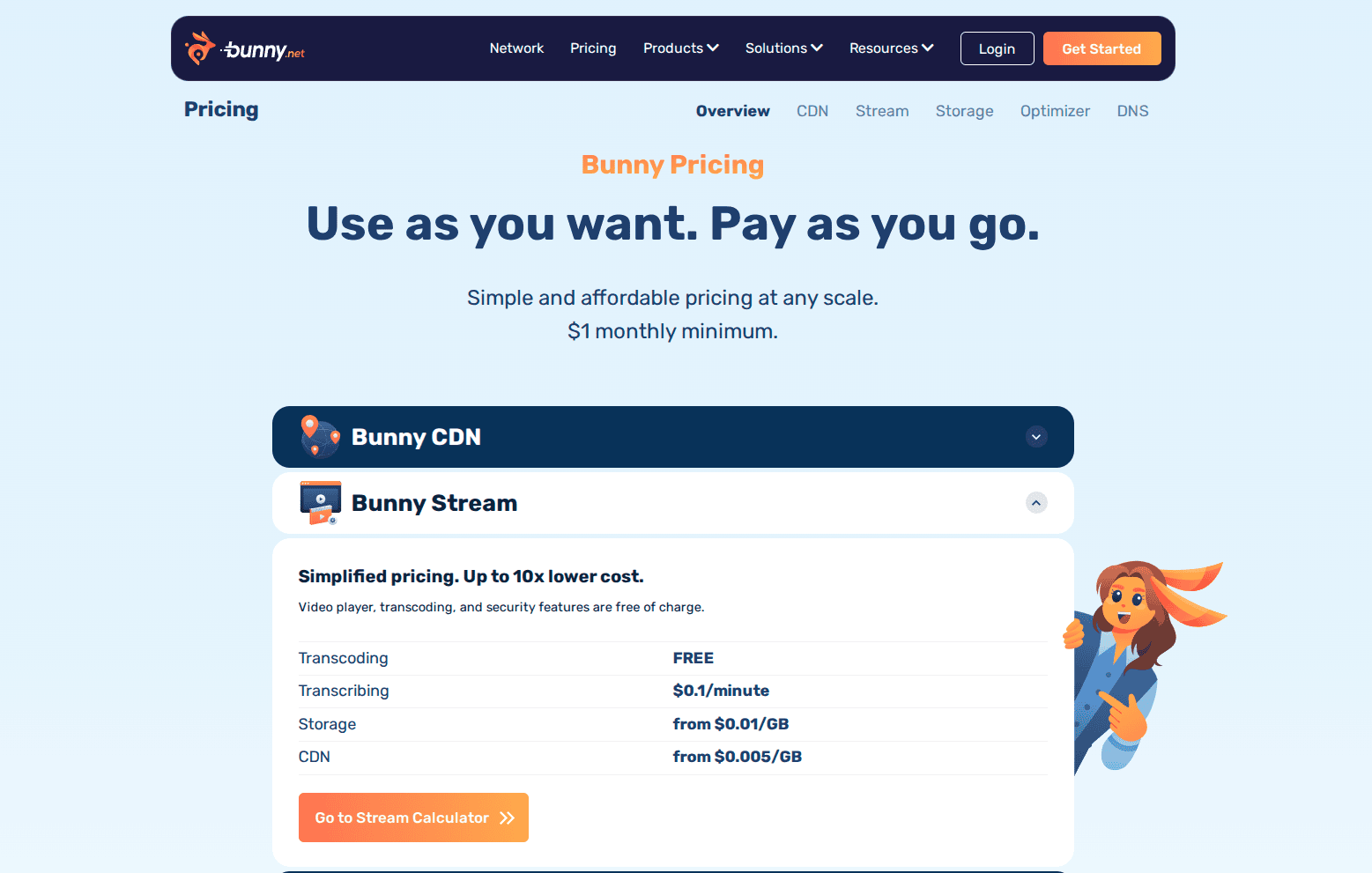
Pros: Low cost, solid global delivery, bundled player and transcoding. Cons: More developer-oriented, fewer out-of-the-box business-site workflows, and less guidance if your real problem is "I need fast embeds on my site this week."
3. Cloudflare Stream
Cloudflare Stream is one of the cleanest API-first video products on the market. Stream bills by minutes stored and minutes delivered, with encoding included and no extra egress fee on top of delivery charges (Cloudflare, 2026). Cloudflare's main plans page still positions Stream at about $5 per 1,000 minutes stored (Cloudflare, 2026).
That model is great when you want upload APIs, signed playback, and simple operational math for an app. It is less friendly when you have long video libraries, uncertain watch-time patterns, or a content team that thinks in "monthly plan" language instead of "stored minutes" and "delivered minutes." Cloudflare also started billing for Media Transformations on November 1, 2025, which matters if your workflow depends on that feature.
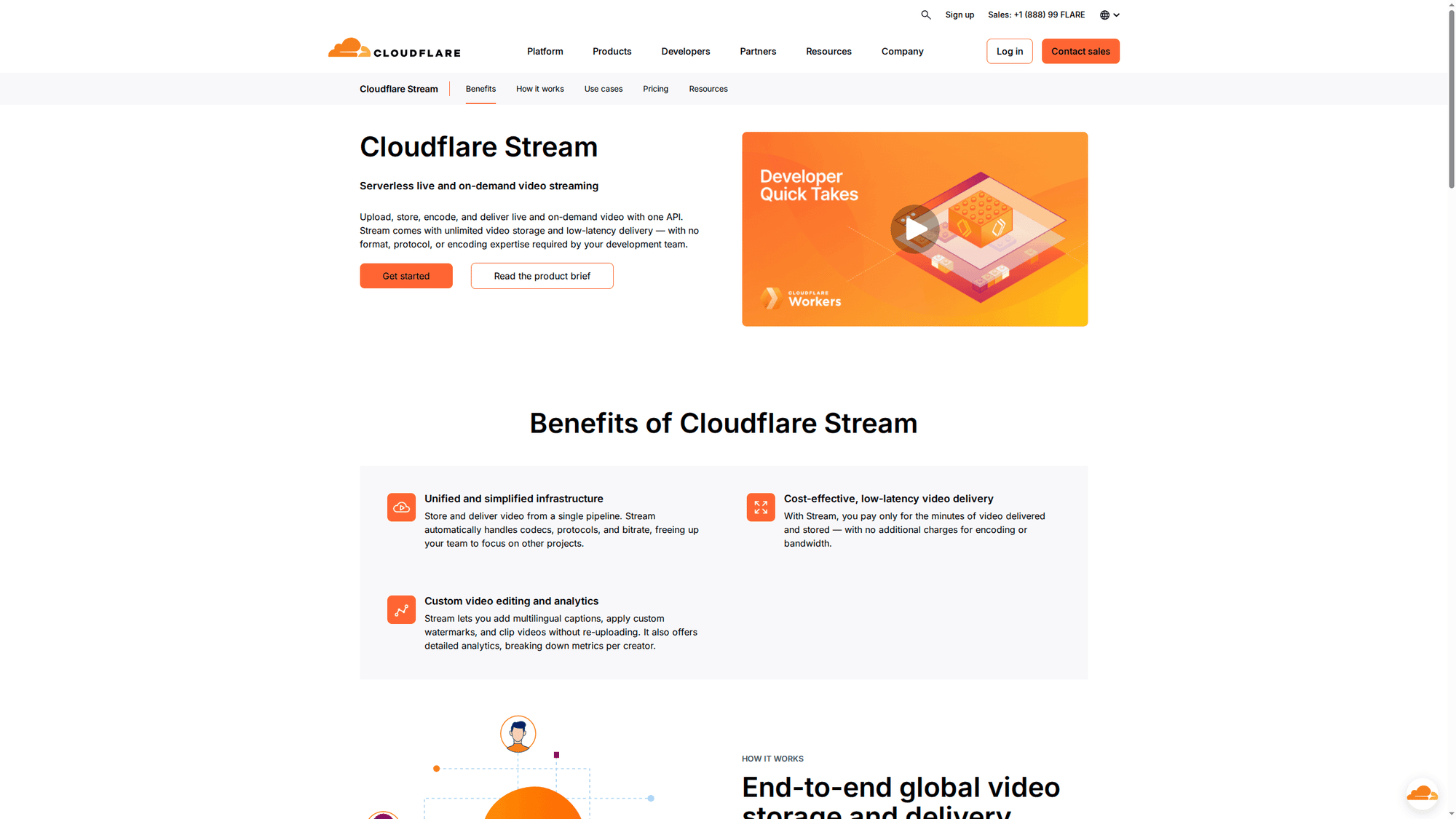
Pros: Clean API, global network, encoding included, and straightforward docs. Cons: Less turnkey for site owners, and minute-based billing can surprise you on longer assets.
That is the gap between raw CDN infrastructure and a finished business-site solution. SmartVideo combines edge delivery, a clean player, and WordPress setup in one workflow so you can improve startup speed without handing viewers back to YouTube. See how Swarmify's video CDN works
4. Amazon CloudFront
Amazon CloudFront is the right answer when your video stack already lives in AWS. AWS offers a free tier of 1 TB/month of data transfer, with paid delivery starting at $0.040/GB for the next 350 TB in North America and Europe (AWS, 2026). You can pair it with S3, MediaConvert, MediaPackage, signed URLs, and IAM-based access control.
The trade-off is complexity. CloudFront is not a complete video platform by itself. You are still assembling storage, transcoding, manifests, permissions, and a player. For engineering-heavy teams that is normal. For everyone else, it is a lot of surface area to manage just to get a reliable product demo onto a landing page.
Pros: Deep AWS integration, enterprise scale, flexible security controls. Cons: Complex pricing and setup, especially for teams that do not already run media workflows on AWS.
5. Mux
Mux sits between developer CDN infrastructure and a full business-site product. Mux charges by video input, storage, and delivery, with the first 100,000 delivered minutes free each month on current pricing and delivery starting around $0.0008/minute at 720p after that (Mux, 2026). It also offers a self-service pricing page and credit-based plans.
The reason teams choose Mux is not just delivery. It is the analytics, APIs, player tooling, and product focus on building video into software. Mux tends to surface in product-team evaluations when watch-time data and delivery telemetry matter as much as raw CDN cost.
Pros: Strong analytics, developer experience, and flexible product APIs. Cons: Costs climb with resolution, quality tier, and add-ons such as DRM.
6. KeyCDN
KeyCDN is a straightforward CDN option when you already have encoded HLS or DASH assets and you mainly need delivery. Public pricing starts at $0.04/GB in North America and Europe, drops at higher volume, and keeps a low monthly minimum (KeyCDN, 2026).
That simplicity is the main appeal. You are not paying for a video platform you do not need. The flip side is that you are also not getting transcoding, a polished player workflow, or the "just works" experience non-technical teams want. KeyCDN is a delivery layer, not a complete answer.
Pros: Clean pay-as-you-go pricing and easy math. Cons: No full video workflow, so someone on your team still has to own manifests, players, security, and publishing.
7. Fastly
Fastly is a strong option for organizations that need edge logic, very fast purge times, and tight operational control. Its published bandwidth rates for Full Site Delivery start at $0.12/GB in North America and Europe in common tiers, and package pricing starts far higher for teams that want bundled support and capacity (Fastly, 2026).
Fastly is not really targeting the average business website buyer here. It is better framed as a programmable edge platform that can serve streaming well if you have the right team. If your requirement list includes custom caching logic, aggressive purge behavior, and platform engineering ownership, Fastly deserves a look. If your requirement is "replace YouTube embeds without hurting Core Web Vitals," it is more platform than you need.
Pros: Edge programmability and operational speed. Cons: High floor cost and a steeper implementation path than managed website-focused options.
8. Akamai
Akamai still belongs on any serious enterprise video CDN comparison because of its media-delivery depth, global footprint, and security options. Akamai's Adaptive Media Delivery product supports HLS, DASH, token authentication, geo controls, and content-protection features designed for large media operations (Akamai, 2026).
It is also the clearest example of a provider that most SMBs should not default to. Akamai is built for broadcasters, OTT operators, and organizations that expect very large audiences or strict distribution policies. We have seen smaller teams get seduced by enterprise brand recognition and then spend months paying for complexity they never use.
Pros: Enterprise-grade scale, security, and media controls. Cons: Contract pricing, heavier onboarding, and more platform than most business sites require.
9. Wowza
Wowza earns its place here because live streaming is a different problem from VOD, and Wowza has stayed relevant by serving the low-latency, live-event side of the market. Published plans for Streaming Engine still start around $195/month for ongoing use, with custom enterprise options above that (Wowza, 2026).
If you are running webinars, live classes, auctions, or interactive event streams, that can be worth the complexity. If you mainly need on-demand marketing videos or course playback on a website, Wowza is rarely the cleanest choice. It solves a real problem, just not the most common one for SMB content teams.
Pros: Strong live and low-latency focus. Cons: Less compelling for simple VOD website delivery.
Honorable Mentions
Several other platforms appear in video CDN comparisons and are worth knowing about, even though they serve narrower audiences than the nine above.
Brightcove is an enterprise video platform with built-in CDN delivery, DRM, server-side ad insertion, and detailed analytics. It targets media companies and large organizations with custom pricing -- typically starting well above $500/month. If you need broadcast-grade features and have the budget, Brightcove is a serious option. If you are an SMB, it is more platform than you need (Brightcove, 2026).
JW Player combines a well-known HTML5 player with hosting, delivery, and ad monetization tools. It is popular with publishers who rely on video ad revenue and need VAST/VPAID support built in. Plans start with a free tier for small sites and scale to enterprise contracts (JW Player, 2026).
Dacast bundles live streaming and VOD hosting with CDN delivery through partnerships with Akamai and Limelight. Starter plans begin around $39/month for low-volume use. It fits teams that need both live and on-demand in one dashboard without building custom infrastructure (Dacast, 2026).
Vimeo OTT (now part of Vimeo's enterprise offering) targets creators and media businesses that want to sell subscriptions or rentals through a branded video storefront. It is less of a CDN play and more of a distribution and monetization platform, but it includes delivery. Pricing requires a sales conversation for most serious use cases.
Video CDN Pricing: What the Cheap Option Really Costs
Video CDN pricing gets confusing because providers bill in three different languages: per GB, per minute, and flat monthly plans. None of those is wrong. They just reward different usage patterns.
| Model | Used by | Works best when | Risk |
|---|---|---|---|
| Per GB | Bunny, KeyCDN, CloudFront, Fastly | You know file sizes and traffic patterns | Unexpected bills during traffic spikes |
| Per minute | Cloudflare Stream, Mux | You are building an app and want simple API metering | Long libraries and long watch sessions cost more than expected |
| Flat plan | SmartVideo | You want predictable monthly spend and minimal setup | Less granular if you want infrastructure-style billing |
What 50,000 Views per Month Actually Costs
Pricing comparisons based on a tiny bandwidth slice can be misleading. A more realistic scenario for a growing business site is 50,000 video views per month at 1080p with a 3-minute average watch time -- that works out to roughly 5.5 TB of delivery. Here is what each provider charges for that workload using their published 2026 rates.
| Provider | Est. monthly cost | Included in that price | What you still build |
|---|---|---|---|
| SmartVideo | $59 | CDN, player, encoding, WordPress plugin, no ads | Nothing -- managed end to end |
| Bunny Stream | ~$28-56 | CDN, transcoding, player | CMS integration, embed workflow |
| Mux | ~$40-80* | CDN, encoding, player SDK, analytics | Frontend integration, CMS workflow |
| Cloudflare Stream | ~$150 | CDN, encoding, player | CMS integration, embed workflow |
| CloudFront | ~$180** | CDN delivery only (1 TB/mo free, then $0.04/GB) | Encoding, player, storage, manifests, auth |
| KeyCDN | ~$220 | CDN delivery only | Encoding, player, storage, auth |
| Fastly | ~$660 | CDN delivery, edge compute | Encoding, player, storage, full build |
| Wowza | $195+ | Streaming engine, CDN partners | VOD-focused sites rarely need this |
| Akamai | Custom ($1,000+/mo typical) | Full enterprise media stack | Implementation and integration team |
*Mux's 100,000-minute free delivery tier covers the first 100K of the 150K minutes in this scenario. The remaining 50K minutes cost $40+ at 720p rates; 1080p delivery and encoding add-ons push the total higher.
**CloudFront's 1 TB/month free tier offsets the first TB, but the remaining 4.5 TB costs ~$180 in delivery alone. Add S3 storage, MediaConvert encoding, and a player -- the real total is $200-250+.
At realistic 1080p workloads, the price story flips. SmartVideo's Growth plan at $59/month includes everything -- CDN, player, encoding, WordPress integration, no ads, and no bandwidth surprises. That is less than Cloudflare Stream's delivery-only cost, less than CloudFront's delivery-only cost, and competitive with Bunny before you factor in the engineering time Bunny leaves on your plate.
The per-GB providers look cheapest at very low bandwidth. But once you model a real business site with 1080p video and thousands of monthly views, flat-rate pricing with everything included becomes the better deal.
Free options also deserve a reality check. YouTube is free to upload, but it adds branding, related videos, and viewer leakage. Cloudflare's broader free plan does not mean Stream is free for serious storage and playback. And if your fallback idea is to self-host videos in WordPress, read our WordPress video hosting guide first, because that path creates storage, bandwidth, and page-speed problems fast.
Why Video CDN Performance Matters More Than Most Buyers Think
A video CDN is not just about getting bytes from point A to point B. It is about reducing startup delay, limiting rebuffers, and delivering the right bitrate for the viewer's actual connection. The most-cited research on this comes from Krishnan and Sitaraman, who analyzed 6.7 million unique viewers in partnership with Akamai: each additional second of startup delay beyond 2 seconds caused a 5.8% increase in viewer abandonment (Krishnan & Sitaraman, 2012; summarized by Mux). That study is over a decade old, but no one has replicated it at that scale -- and more recent data confirms the pattern: up to 40% of viewers abandon a video after a single rebuffering event (Mux, 2025).
That is why adaptive bitrate streaming and edge delivery matter. A well-configured CDN serves smaller segments from a closer location, and a better video stack can switch quality levels before buffering becomes visible. If speed is a priority, pair this comparison with Core Web Vitals and video loading, slow video kills conversions, and video speed and conversions.
We have also seen the WordPress side of this firsthand: teams often blame "hosting" for slow playback when the real problem is a bad video delivery path, heavy embeds, or no CDN edge caching at all. Fixing the video layer often moves the needle faster than another round of generic page-speed tweaks.
Which Video CDN Should You Choose?
If you are a developer building a product, shortlist Bunny Stream, Cloudflare Stream, Mux, and CloudFront. If you run a media operation with strict security, high concurrency, or live-event needs, shortlist Akamai, Fastly, and Wowza.
If you run a business website and want a video CDN that improves speed without adding branding, ads, or another engineering project, SmartVideo is the strongest fit. It solves the whole website-video problem in one layer instead of asking you to assemble a CDN, player, plugin, and embed strategy from scratch. If that matches what you are trying to do, compare SmartVideo plans here.
FAQ
What is a video CDN and how does it work?
Do I need a separate CDN just for video?
What is the difference between a video CDN and a video hosting platform?
Which CDN is best for video streaming?
How much does a video CDN cost?
Can I use Cloudflare as a video CDN?
Is Bunny CDN good for video streaming?
What is the best free CDN for video?
How does a video CDN reduce buffering?
Do I need a CDN if I am already using YouTube embeds?
The right choice comes down to whether you want to buy video infrastructure or a finished website-video workflow. If you just need the network, Bunny, Cloudflare, CloudFront, Mux, and KeyCDN all have a place. If you want fast video on your site without ads, branding, or another dev project, SmartVideo is the more direct path.